
Fortra’s Automate vs. GlobiFlow for Podio
Fortra’s Automate vs. GlobiFlow for Podio
| Product | Rating | Most Used By | Product Summary | Starting Price |
|---|---|---|---|---|
 Fortra’s Automate | N/A | Fortra's Automate (formerly HelpSystems Automate) is a robotic process automation platform for desktop applications. According to the vendor, it offers the ability to automate almost any business process, and no technical expertise is required—IT and business users alike can understand the drag-and-drop interface. | N/A | |
 GlobiFlow for Podio | N/A | GlobiFlow for Podio is a workflow automation and data visualization solution for Citrix Podio. | N/A |
| Fortra’s Automate | GlobiFlow for Podio | |||||||||||||||
|---|---|---|---|---|---|---|---|---|---|---|---|---|---|---|---|---|
| Editions & Modules | No answers on this topic | No answers on this topic | ||||||||||||||
| Offerings |
| |||||||||||||||
| Entry-level Setup Fee | Optional | No setup fee | ||||||||||||||
| Additional Details | — | — | ||||||||||||||
| More Pricing Information | ||||||||||||||||
| Fortra’s Automate | GlobiFlow for Podio |
|---|
| Fortra’s Automate | GlobiFlow for Podio | ||||||||||||
|---|---|---|---|---|---|---|---|---|---|---|---|---|---|
| Reporting & Analytics |
| ||||||||||||
| Process Engine |
| ||||||||||||
| Collaboration |
|
| Fortra’s Automate | GlobiFlow for Podio | |
|---|---|---|
| Small Businesses |  airSlate WorkFlow Score 9.7 out of 10 |  Square 9 Softworks Score 9.6 out of 10 |
| Medium-sized Companies |  airSlate SignNow Score 8.4 out of 10 | Square 9 Softworks Score 9.6 out of 10 |
| Enterprises |  UiPath Automation Platform Score 8.4 out of 10 |  CMW Platform Score 9.2 out of 10 |
| All Alternatives | View all alternatives | View all alternatives |
| Fortra’s Automate | GlobiFlow for Podio | |
|---|---|---|
| Likelihood to Recommend | 10.0 (4 ratings) | 9.0 (1 ratings) |
| Usability | 10.0 (1 ratings) | - (0 ratings) |
| Support Rating | 10.0 (1 ratings) | - (0 ratings) |
| Fortra’s Automate | GlobiFlow for Podio | |
|---|---|---|
| Likelihood to Recommend |  Fortra
 Kwame H. Baptiste IT Dept. Manager | Globi Web Solutions
 Kim Westermann Annual Fund & Communications Manager |
| Pros | Fortra
| Globi Web Solutions
Kim Westermann Annual Fund & Communications Manager |
| Cons | Fortra
 David Croney Operations Analyst Senior | Globi Web Solutions
Kim Westermann Annual Fund & Communications Manager |
| Usability | Fortra
Kwame H. Baptiste IT Dept. Manager | Globi Web Solutions No answers on this topic |
| Support Rating | Fortra
Kwame H. Baptiste IT Dept. Manager | Globi Web Solutions No answers on this topic |
| Alternatives Considered | Fortra  Farjad Habib Senior Software Engineer | Globi Web Solutions
Kim Westermann Annual Fund & Communications Manager |
| Return on Investment | Fortra
| Globi Web Solutions
Kim Westermann Annual Fund & Communications Manager |
| ScreenShots | Fortra’s Automate Screenshots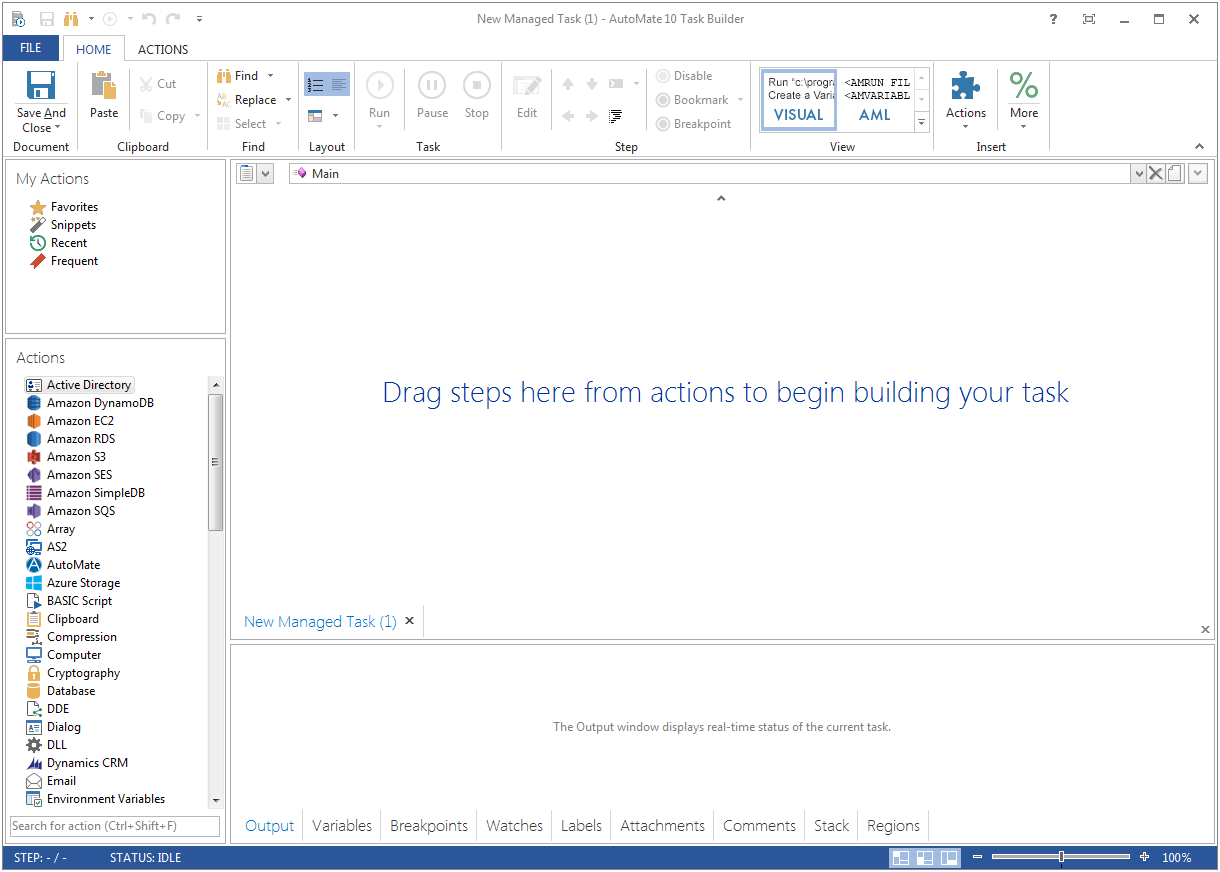  | GlobiFlow for Podio Screenshots  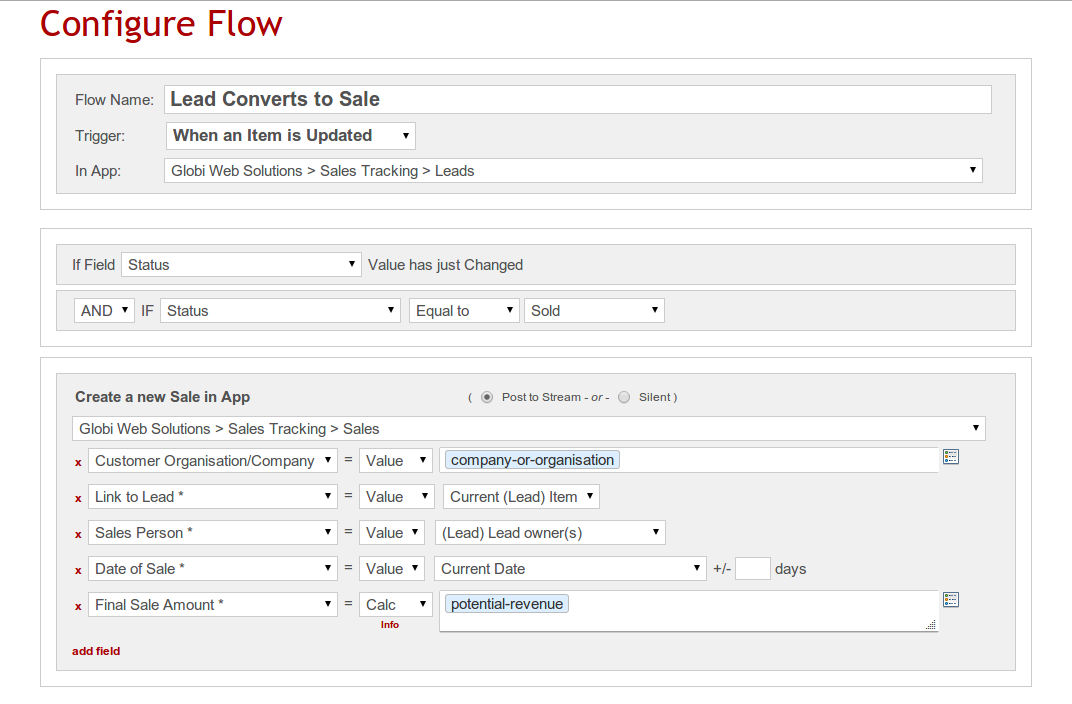 |