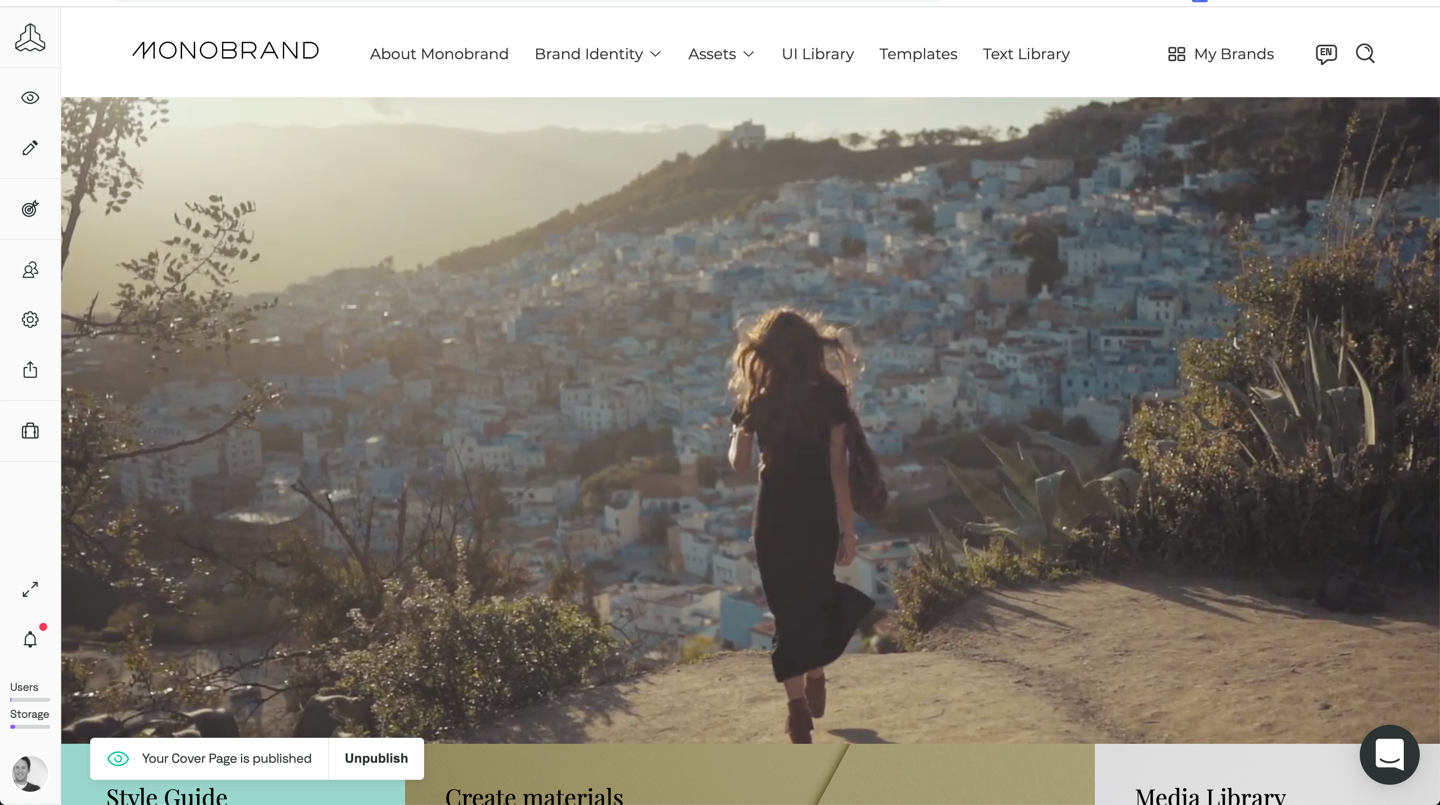
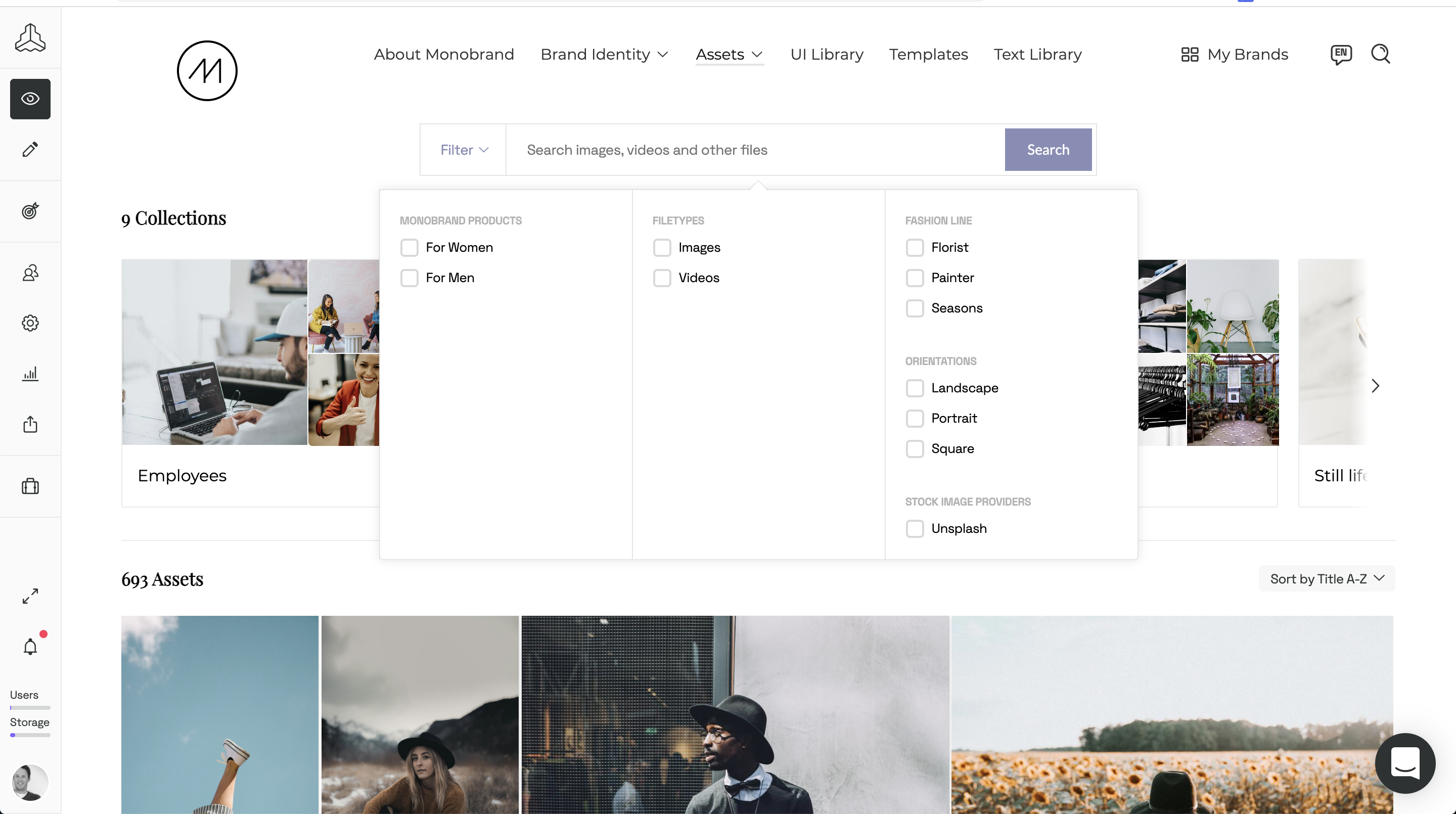
Frontify aims to simplify brand management with a platform that connects everything (and everyone) important to the growth of a brand. Offering plans for all company sizes, the vendor states Frontify is used by 4,000 brands globally. Frontify features: Cloud-based brand guidelines to ensure consistency across every touchpoint Digital asset management for centralizing all brand assets and essentials Creative collaboration to accelerate project…
N/A
zeroheight
Score8 out of 10
N/A
zeroheight helps teams create, manage and maintain their design systems. Using zeroheight, designers, engineers, and product teams can collaborate and build design systems that can be easily shared across teams.
Well suited to organization starting their journey of design system creation. It provides a ready to go foundation that requires minimum effort to set up and get going. It may be limited if scaling into thousands of design elements and multiple users - we have not tried at scale of more that 10's of users.
For creating and maintaining a component library, it is a fantastic tool that creates an interface between Developers, UX Engineers and Designers. It is easy to get both general information about a component, but also incredibly detailed information when looking at the component on a pixel-level, where information on paddings, margins, colors, fonts etc. can be easily accessed.
A de minimis incentive was given to thank the reviewer for their time. The incentive was not used to bias or drive a particular response, nor was the incentive contingent on a positive endorsement. More Info
A de minimis incentive was given to thank the reviewer for their time. The incentive was not used to bias or drive a particular response, nor was the incentive contingent on a positive endorsement. More Info
A de minimis incentive was given to thank the reviewer for their time. The incentive was not used to bias or drive a particular response, nor was the incentive contingent on a positive endorsement. More Info
A de minimis incentive was given to thank the reviewer for their time. The incentive was not used to bias or drive a particular response, nor was the incentive contingent on a positive endorsement. More Info
when opening a component image (which opens a new page where the detailed information like paddings and colors are shown), the zoom can only be done by buttons, I'd prefer to be able to use my mouse scroll and for vertical / horizontal scrolling to do ctrl+scroll or ctrl+shift+scroll or something like that
A de minimis incentive was given to thank the reviewer for their time. The incentive was not used to bias or drive a particular response, nor was the incentive contingent on a positive endorsement. More Info
Frontify is very easy to use and makes updating information a breeze. Frontify acts a central location to house assets and information for easy sharing. You can plug and play information and even white label the guide if desired
A de minimis incentive was given to thank the reviewer for their time. The incentive was not used to bias or drive a particular response, nor was the incentive contingent on a positive endorsement. More Info
We've invested time building our own hosted interface, and recently begun exploring Figma for design system management too. The benefit of Frontify is it's easy public access. The downfall is integration with other systems required in the UX, Design, Product Management, and Development processes - something Figma supports well.
I have used and still use Sketch and Zeplin too, but they serve other purposes for us. Sketch is used to design the components themselves and they are then exported to Zeroheight where they are showcased and enriched with textual information. Zeplin is used to design application pages, and again the components are exported to Zeplin from Sketch. But Zeroheight is mainly used for the development of the components themselves as well as a documentation for our design guideline in general. It is also used by us for design tokens and patterns, as well as other information on the design guideline, so if someone wants to understand the "why" of a design decision, the explanation can be usually found in Zeroheight too.
A de minimis incentive was given to thank the reviewer for their time. The incentive was not used to bias or drive a particular response, nor was the incentive contingent on a positive endorsement. More Info
increased quality, as less misunderstandings or communication problems occur
increased speed of development, as it is a single source of truth for us. The developer can rely on the information in Zeroheight being correct so that he doesn't have to iterate his code again and again.
A de minimis incentive was given to thank the reviewer for their time. The incentive was not used to bias or drive a particular response, nor was the incentive contingent on a positive endorsement. More Info