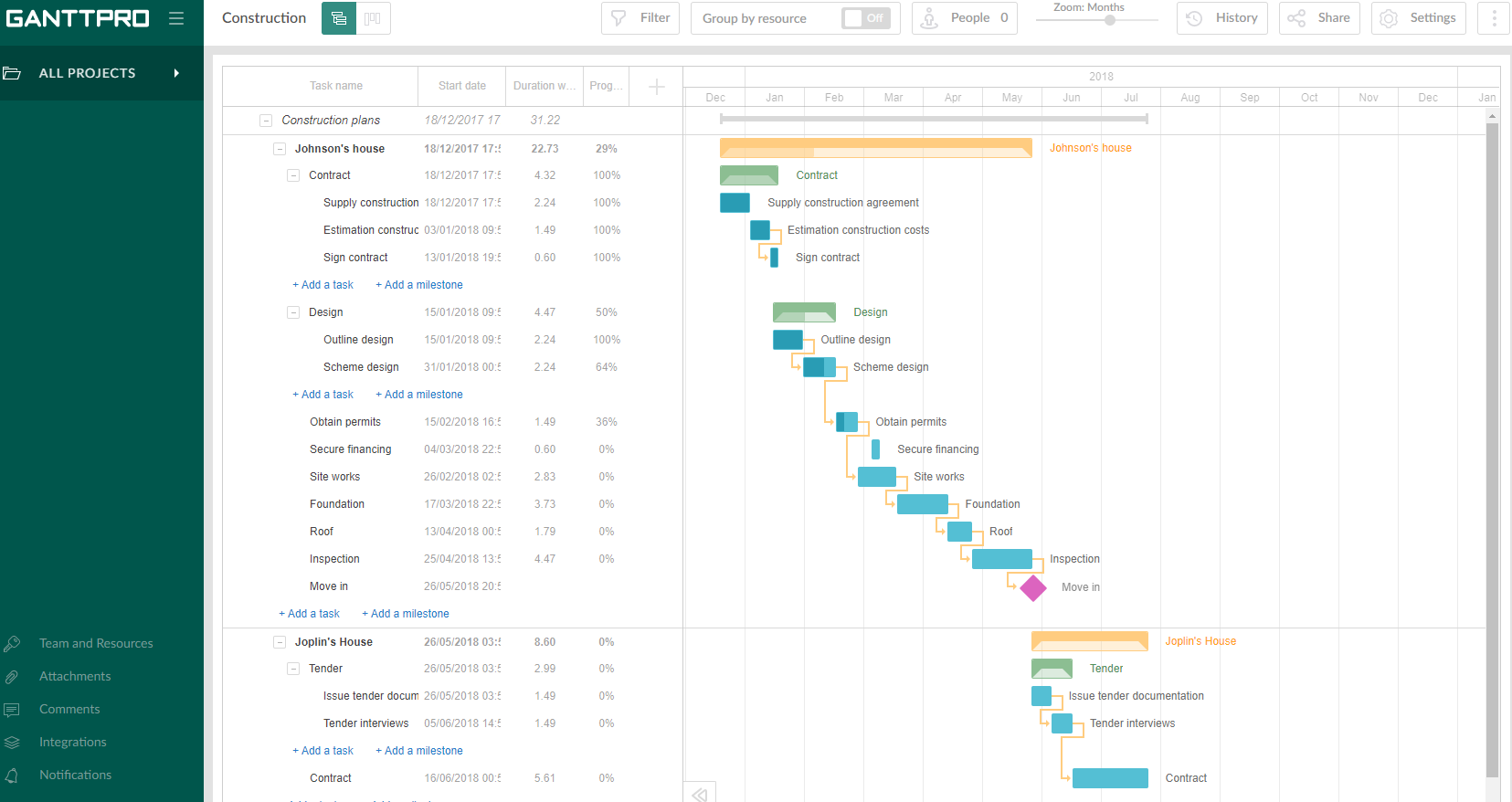
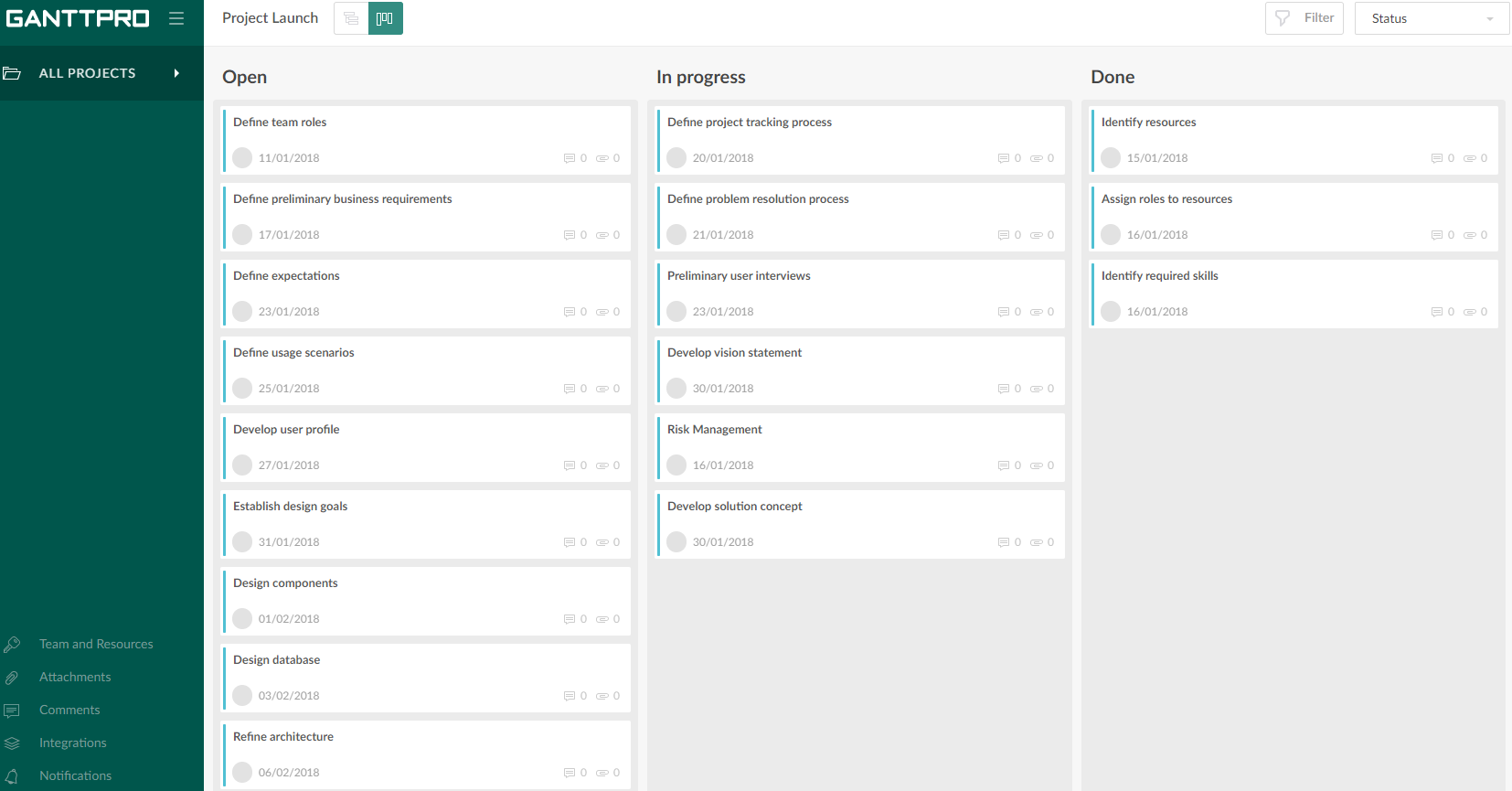
GanttPRO is a project planning tool based on a Gantt chart approach. It visualizes all tasks along a timeline, and it supports resource management, collaboration within teams, and importing and exporting projects onto 3rd party programs.
$8.90
per user per month
Yamdu
Score10 out of 10
N/A
Short description: Yamdu is a production management software for visual content. It offers tools for all departments and stages of a film, television or commercial production.
Projects are a lot easier to set up with GanttPRO than most tools that support a WBS, so although I've used GanttPRO for very simple projects, it's great for projects with complex WBS' and/or dynamic backlogs (using Agile methodologies). I've used it for long-running projects with multiple phases, where I needed to set up high-level plans for downstream phases (for budgeting) that got updated and modified based on outcomes from upstream phases.
Even for a small business like mine, Yamdu really felt like a one-stop shop for everything. It's hard to find a comprehensive software for film/video productions, but Yamdu has everything we need. The only thing that really held us back was the cost, ultimately. If anything, I would love a storyboarding feature that let you set the time per shot and build out a sequence in pre-production. I used Storyboarder for this currently and it's very helpful, especially for music videos, to be able to build out a storyboard, set a music/audio track to it, then play it back in real time and see the pacing of the shoot.
A de minimis incentive was given to thank the reviewer for their time. The incentive was not used to bias or drive a particular response, nor was the incentive contingent on a positive endorsement. More Info
A de minimis incentive was given to thank the reviewer for their time. The incentive was not used to bias or drive a particular response, nor was the incentive contingent on a positive endorsement. More Info
Intuitive interface, clean, and nice design. As an online app, the data can be viewed on Windows PCs, Macs, and tablets. It saves the data very quickly (depending on the Internet speed) as if it is a locally installed application. Training is minimal, plus there is an extensive range of learning videos and topics in the GanttPRO learning center.
A de minimis incentive was given to thank the reviewer for their time. The incentive was not used to bias or drive a particular response, nor was the incentive contingent on a positive endorsement. More Info
What you see is what you get. It's easy to start working when you setup your first project. Also team members do not need many new to learn skills to work with the basic functions. Really incredible is Yamdu's help center. It is always available in the right corner. A lot of topics are covered with video links. If you need personal assistance, you can write a message within the help-box and Yamdu's crew is really fast in responding!
The support for GanttPro is very good. I have no troubles reaching out for their customer support whenever I have questions, they respond almost instantly. I just hope that they will have live chat support for a real-time support experience on the user-end and can answer the questions in real-time.
GanttPRO is easy to use and just works. If you need to do something quickly or do a small project then GanttPro is a great tool to use. If you are managing a large project then I would consider using Microsoft Project even though it is a more substantial investment overtime.
A de minimis incentive was given to thank the reviewer for their time. The incentive was not used to bias or drive a particular response, nor was the incentive contingent on a positive endorsement. More Info
At the time, there really wasn't anything else like Yamdu. Especially as, in Celtx's case, at that time they weren't doing Excel/CSV exports of shot lists in the A/V format, something we required for what we were shooting. I understand that StudioBinder has increased its featureset the past few years, but Yamdu always felt like the most robust option and more familiar with the film/tv world.
A de minimis incentive was given to thank the reviewer for their time. The incentive was not used to bias or drive a particular response, nor was the incentive contingent on a positive endorsement. More Info