Geckoboard vs. Microsoft Power BI Embedded

Overview
ProductRatingMost Used ByProduct SummaryStarting Price
Geckoboard
Score 9.0 out of 10
Mid-Size Companies (51-1,000 employees)
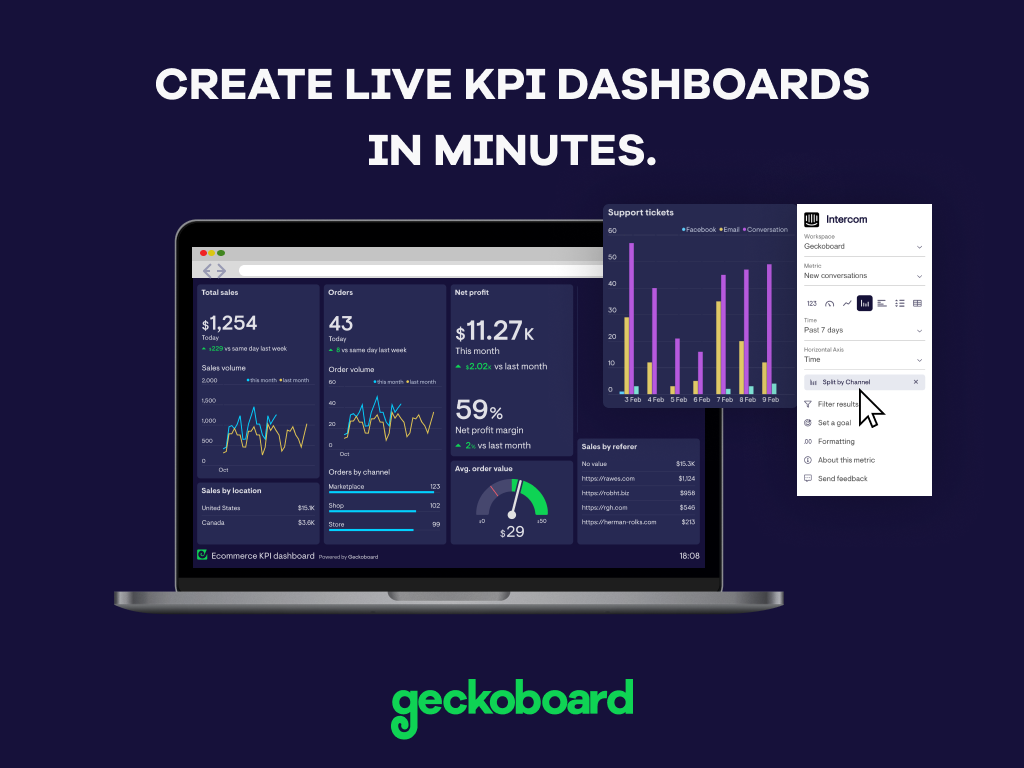
Geckoboard enables users to create real time dashboards using data from over 80 cloud services. It integrates with other products such as: AWeber, Basecamp, Campaign Monitor and HubSpot.
$35
per month
Microsoft Power BI Embedded
Score 7.7 out of 10
N/A
A solution from Microsoft to provide customer-facing reports, dashboards, and analytics in applications by using and branding Power BI as one's own. Designed to reduce developer resources by automating the monitoring, management, and deployment of analytics, while getting full control of Power BI features and intelligent analytics.N/A
Pricing
GeckoboardMicrosoft Power BI Embedded
Editions & Modules
Starter
$35
per month
Team
$159
per month
Team Plus
$275
per month
Company
$599
per month
No answers on this topic
Offerings
Pricing Offerings
GeckoboardMicrosoft Power BI Embedded
Free Trial
YesNo
Free/Freemium Version
YesNo
Premium Consulting/Integration Services
NoNo
Entry-level Setup FeeNo setup feeNo setup fee
Additional Details
More Pricing Information
Community Pulse
GeckoboardMicrosoft Power BI Embedded
Features
GeckoboardMicrosoft Power BI Embedded
BI Standard Reporting
Comparison of BI Standard Reporting features of Product A and Product B
Geckoboard
9.3
5 Ratings
13% above category average
Microsoft Power BI Embedded
7.5
2 Ratings
4% above category average
Pixel Perfect reports8.03 Ratings6.52 Ratings
Customizable dashboards10.05 Ratings8.02 Ratings
Report Formatting Templates10.04 Ratings8.02 Ratings
Ad-hoc Reporting
Comparison of Ad-hoc Reporting features of Product A and Product B
Geckoboard
7.7
5 Ratings
4% below category average
Microsoft Power BI Embedded
7.3
1 Ratings
7% below category average
Drill-down analysis8.04 Ratings7.01 Ratings
Formatting capabilities8.03 Ratings6.01 Ratings
Integration with R or other statistical packages7.02 Ratings00 Ratings
Report sharing and collaboration8.05 Ratings9.01 Ratings
Report Output and Scheduling
Comparison of Report Output and Scheduling features of Product A and Product B
Geckoboard
9.0
5 Ratings
9% above category average
Microsoft Power BI Embedded
-
Ratings
Publish to Web10.05 Ratings00 Ratings
Publish to PDF9.01 Ratings00 Ratings
Report Versioning9.02 Ratings00 Ratings
Report Delivery Scheduling8.03 Ratings00 Ratings
Delivery to Remote Servers9.03 Ratings00 Ratings
Data Discovery and Visualization
Comparison of Data Discovery and Visualization features of Product A and Product B
Geckoboard
8.7
5 Ratings
9% above category average
Microsoft Power BI Embedded
9.0
1 Ratings
15% above category average
Pre-built visualization formats (heatmaps, scatter plots etc.)10.05 Ratings10.01 Ratings
Location Analytics / Geographic Visualization10.05 Ratings8.01 Ratings
Predictive Analytics6.02 Ratings00 Ratings
Access Control and Security
Comparison of Access Control and Security features of Product A and Product B
Geckoboard
7.8
5 Ratings
8% below category average
Microsoft Power BI Embedded
8.0
1 Ratings
5% above category average
Multi-User Support (named login)9.05 Ratings7.01 Ratings
Role-Based Security Model7.03 Ratings7.01 Ratings
Multiple Access Permission Levels (Create, Read, Delete)9.03 Ratings00 Ratings
Single Sign-On (SSO)6.12 Ratings10.01 Ratings
Mobile Capabilities
Comparison of Mobile Capabilities features of Product A and Product B
Geckoboard
9.5
5 Ratings
20% above category average
Microsoft Power BI Embedded
-
Ratings
Responsive Design for Web Access9.05 Ratings00 Ratings
Mobile Application10.03 Ratings00 Ratings
Dashboard / Report / Visualization Interactivity on Mobile10.04 Ratings00 Ratings
Application Program Interfaces (APIs) / Embedding
Comparison of Application Program Interfaces (APIs) / Embedding features of Product A and Product B
Geckoboard
10.0
2 Ratings
26% above category average
Microsoft Power BI Embedded
7.0
1 Ratings
3% below category average
REST API10.02 Ratings8.01 Ratings
Javascript API10.02 Ratings8.01 Ratings
iFrames10.02 Ratings8.01 Ratings
Java API10.02 Ratings8.01 Ratings
Themeable User Interface (UI)10.02 Ratings00 Ratings
Customizable Platform (Open Source)10.02 Ratings3.01 Ratings
User Ratings
GeckoboardMicrosoft Power BI Embedded
Likelihood to Recommend
9.0
(6 ratings)
8.0
(13 ratings)
Likelihood to Renew
8.0
(1 ratings)
-
(0 ratings)
Usability
9.0
(1 ratings)
6.0
(2 ratings)
Support Rating
8.0
(1 ratings)
-
(0 ratings)
User Testimonials
GeckoboardMicrosoft Power BI Embedded
Likelihood to Recommend
Geckoboard
Great value for the money. Excellent for smaller agencies with multiple projects and teams in a smaller space. We can quickly roll out mobile displays to help with a particular deployment push or monitoring a clients website engagement. It's also useful for showing live data without requiring analytics to run reports from a CRM, etc.
Read full review
Microsoft
This product is very convenient to use and implement and is considered a "de facto" standard in the Business Intelligence sphere. First of all, it contains numerous features in terms of visualization, data provisioning, data source integration which makes it a perfect tool for the development of BI analytics. Secondly, it provides great capabilities for the development of data markets for the whole development team. Thirdly, the sharing capabilities of dashboards that are updated in a real-time manner provides great incentives for end-users
Read full review
Pros
Geckoboard
  • User self-help - the video tutorials and a robust publicly accessible knowledgebase.
  • Geckoboard can aggregate data from a number of other apps into a singular dashboard.
  • Sleek, dark UI.
Read full review
Microsoft
  • It is very easy to connect multiple data sources for a single report. You can use CSV, Excel, database integration, etc.
  • Power Bi supports Python as well, which makes it a lot easier for us as it is known by most of our team.
Read full review
Cons
Geckoboard
  • A bit more flexibility in the number of columns would be nice.
  • Ability to scale to mobile device (web).
  • App capabilities are missing on Android.
Read full review
Microsoft
  • Similar to how Excel has VBA, Microsoft Power BI uses PowerQuery (M/DAX). Though DAX is similar to Excel in terms of how it is written, I just think it's something that would be difficult for new users to figure out.
  • Something I would like to see done differently in Microsoft Power BI is the ability to have presets for sorting/arranging of visualizations. Though it is nice to arrange the dashboard freely, it would also be nice to have preset arrangements based on visualizations (for those of us bad at making dashboards look appealing).
  • With Microsoft Power BI, it is hard to show others your dashboard using the free platform (unless you show them from your computer/account). This can cause issues if your firm is trialing Microsoft Power BI before purchase.
Read full review
Likelihood to Renew
Geckoboard
My company did not renew due to changes in the organization.
Read full review
Microsoft
No answers on this topic
Usability
Geckoboard
With a simple interface and available templates, creating basic dashboards is easy. Obviously depending on the data you want to visualize, there may be higher learning curves. That being said, they have a huge amount of integrations and extensible frameworks. If you are using anything made in the past ten years there is an API function or integration that can get it talking to the platform. As such, it's pretty easy to hit the main data points you want and get it on a cheap display in front of your team.
Read full review
Microsoft
It's easy to use for what is presented in the reports that have been developed and presented. It's not so easy to customize those reports, "make them your own" and save them for later reuse.
Read full review
Support Rating
Geckoboard
The support levels vary based on the level of plan that you have but that's to be expected. Virtually everything except the Enterprise plan has basic chat/email support. While they are responsive they are not going to be much assistance in helping you figure out API calls or implementing 3rd party integrations. That is to be expected and the support community can pretty much get you in the right direction if you look.
Read full review
Microsoft
No answers on this topic
Alternatives Considered
Geckoboard
Domo is more robust. We do use both because Geckoboard is really easy to show the rest of our team without the need for additional licenses.
Read full review
Microsoft
I haven’t used any other software that can be compared to this and that is a good thing as this means that this software is the best one on the market. Tough other apps may exist we only use Microsoft Power BI because it is simply the best app out there.
Read full review
Return on Investment
Geckoboard
  • While we originally used this as an internal IS tool, we eventually have expanded it to be used by nearly every department.
  • Because pricing is monthly, we can grow or decrease our usage based on our current client needs.
  • Because it is low cost and easy to deploy, we can utilize it in place of considerable resources in analytics and reporting by delivering snapshots of data without pulling reports.
Read full review
Microsoft
  • Saved a significant amount of time for reporting current rollout status to project stakeholders
  • Project stakeholders were able to view the live dashboards at any time so felt they had a better understanding of the rollout status
  • Project stakeholders found it beneficial that they were able to set their own filters. For example, to view rollout status for their own departments.
Read full review
ScreenShots

Geckoboard Screenshots

Screenshot of Create live KPI dashboards in minutes. No coding or training required.Screenshot of Easily pull in real-time data from over 80 different tools, including spreadsheets and databases, as well as popular business tools like Salesforce, Zendesk, Google Analytics and many more.Screenshot of Anyone can build custom dashboards that make data and KPIs look professional and are easy for everyone on the team to understand at a glance.Screenshot of Get important numbers in front of the team or stakeholders, whether they're in the office or WFH.Screenshot of Every part of your organisation can surface metrics that matter to them and show progress towards their goals.