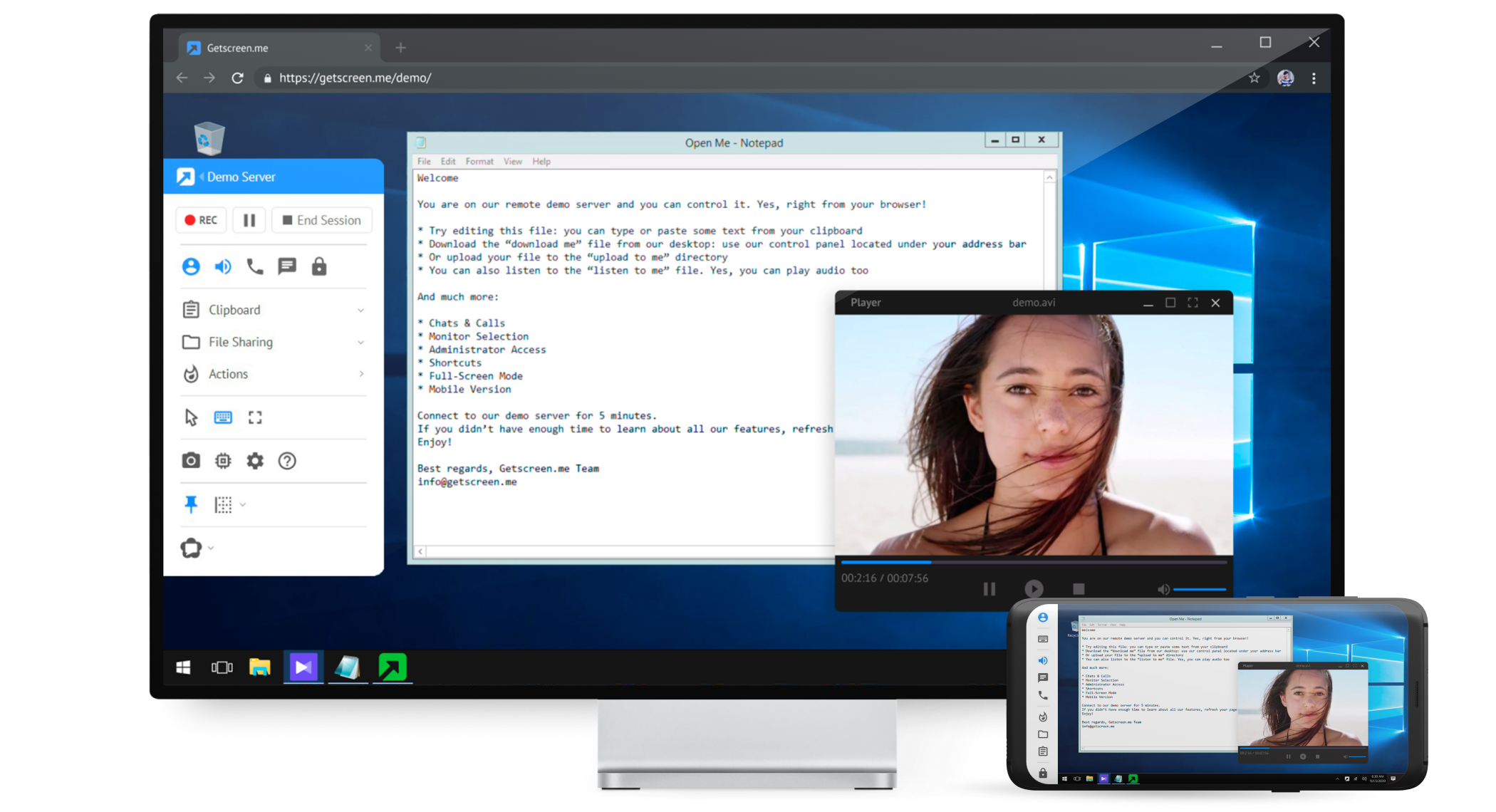
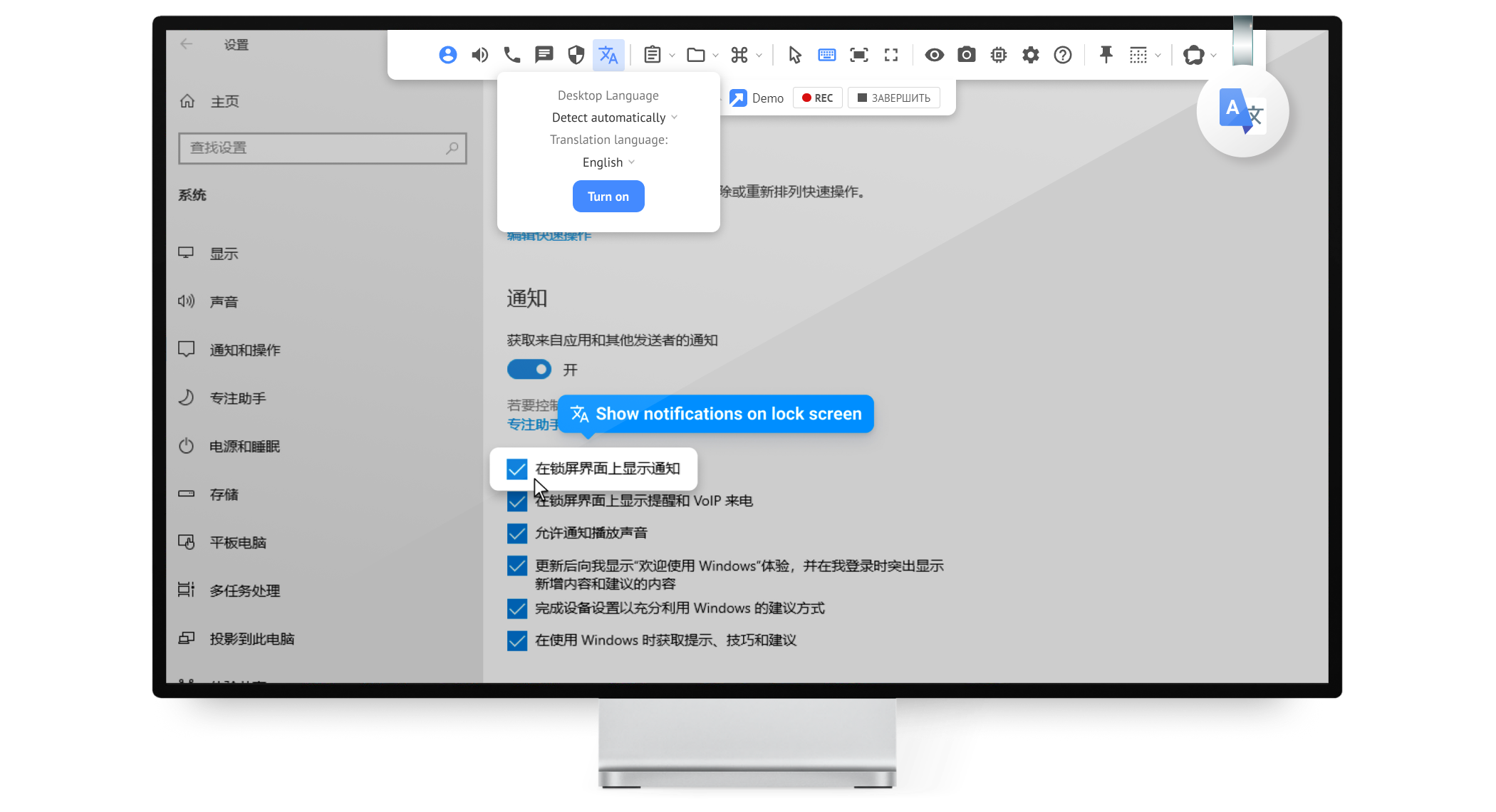
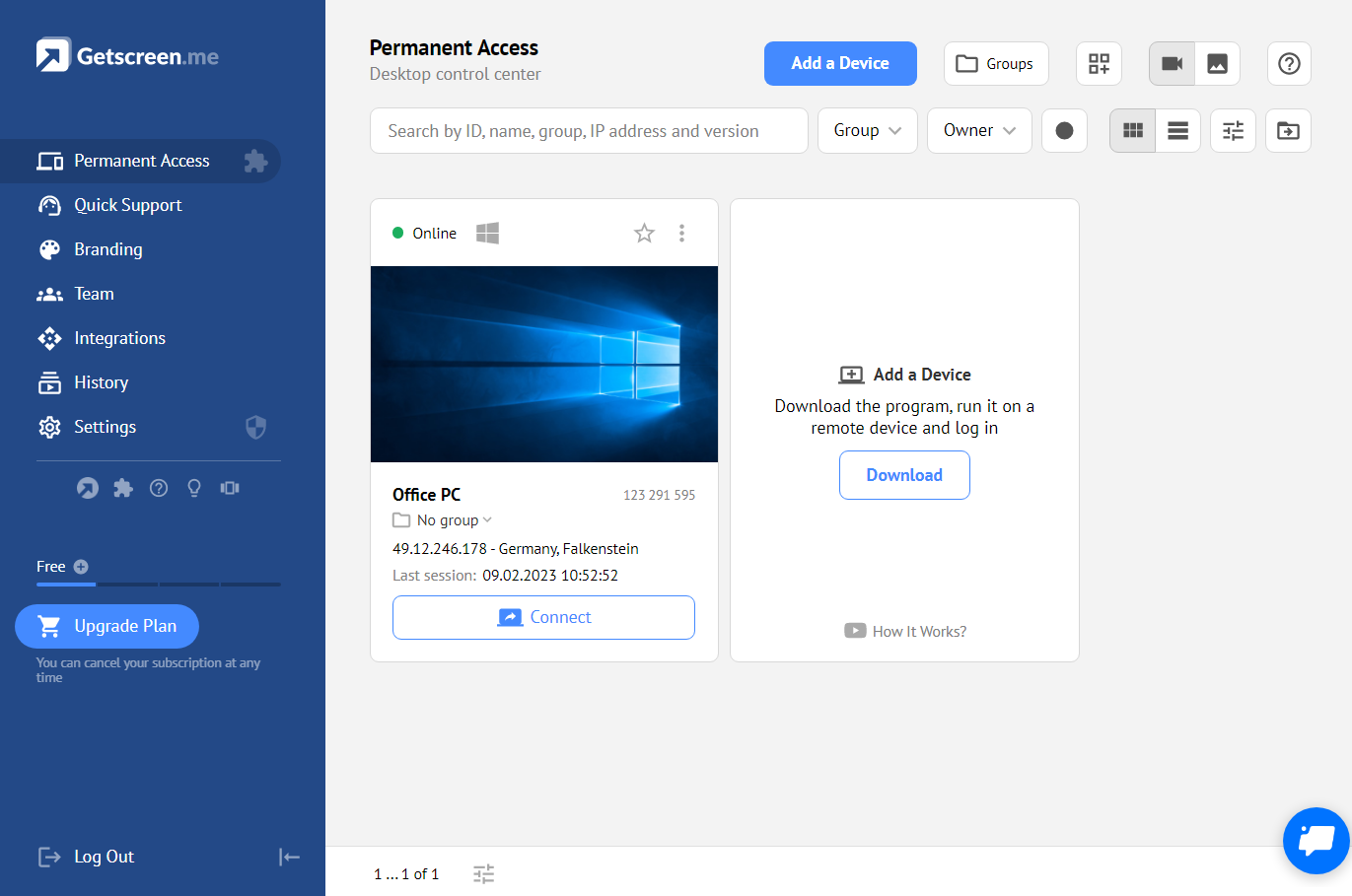
Getscreen.me is a cloud-based software for administration, technical support and remote work. Service provides remote desktop access from a browser, without any installation. It has permanent access and boasts quick support and instantaneous connection, with computers in the user's personal cabinet. The service works over the HTTPS protocol, which includes AES encryption.
$0
per user
MSP360 Connect
N/A
N/A
MSP360 Connect (formerly Remote Desktop) MSP360 Connect is a remote desktop solution designed for MSPs and IT teams. It allows users to access and control Windows computers from any system, as well as oversee and manage all remote connections in a single web console.
$89.99
per year
Pricing
Getscreen.me
MSP360 Connect
Editions & Modules
Free
$0
Standard
$5
per month per user, per device
Advanced
$8
per month per user, per device
Enterprise
$10
per month per user, per device
No answers on this topic
Offerings
Pricing Offerings
Getscreen.me
MSP360 Connect
Free Trial
Yes
Yes
Free/Freemium Version
Yes
Yes
Premium Consulting/Integration Services
Yes
No
Entry-level Setup Fee
No setup fee
No setup fee
Additional Details
16% discount with an annual subscription
The price depends on the selected edition – Free Connect, Standalone Connect or Managed Connect.
More Pricing Information
Community Pulse
Getscreen.me
MSP360 Connect
Considered Both Products
Getscreen.me
Verified User
Chose Getscreen.me
Getscreen.me just works, and it works easily. There's no complex set up, no odd pricing, and the central management is wonderful.
A de minimis incentive was given to thank the reviewer for their time. The incentive was not used to bias or drive a particular response, nor was the incentive contingent on a positive endorsement. More Info
A de minimis incentive was given to thank the reviewer for their time. The incentive was not used to bias or drive a particular response, nor was the incentive contingent on a positive endorsement. More Info
Founder & CEO in Corporate at Sevenoways Innovations Limited (Information Technology & Services, 1-10 employees)
Chose Getscreen.me
Occasionally I have to supply aid to friends or family members, or I desire to discuss how I want to share the television screen over the call in GetScreen.me. One click can create a key and share it; the sessions begin when it arrives. I'm keeping an eye on specific computers …
A de minimis incentive was given to thank the reviewer for their time. The incentive was not used to bias or drive a particular response, nor was the incentive contingent on a positive endorsement. More Info
As long as there is internet connectivity, Getscreen.me is useful for connecting to your desktop or a server in order to work remotely. An example would be a dedicated machine for rendering video. We use Getscreen.me to log in and start the render. Connecting to a client desktop to provide on system support. There is the ability to log and record activity when the application is used, this would be helpful for monitoring activity of a remote desktop tech support team. Reporting is basic but provides enough information to track interactions.
A de minimis incentive was given to thank the reviewer for their time. The incentive was not used to bias or drive a particular response, nor was the incentive contingent on a positive endorsement. More Info
A de minimis incentive was given to thank the reviewer for their time. The incentive was not used to bias or drive a particular response, nor was the incentive contingent on a positive endorsement. More Info
Speed - the Getscreen.me solution is an all round winner - however I find that there is a slight lag when controlling a remote PC mouse - compared to the competitors products. If this can be improved on - the GETSCREEN.ME get a 10 out of 10 from us!
A de minimis incentive was given to thank the reviewer for their time. The incentive was not used to bias or drive a particular response, nor was the incentive contingent on a positive endorsement. More Info
A de minimis incentive was given to thank the reviewer for their time. The incentive was not used to bias or drive a particular response, nor was the incentive contingent on a positive endorsement. More Info
For what we need it to do, it just works. And I'm sure that we're not even using it to the full extent of what it's capable and designed to do. If we had the need, Getscreen.me has many more features that we could implement. If the need arises in the future, it's great knowing that we already have a tool to utilize.
A de minimis incentive was given to thank the reviewer for their time. The incentive was not used to bias or drive a particular response, nor was the incentive contingent on a positive endorsement. More Info
When I did reach out at the early days of using Getscreen.me I got a pretty prompt response, and all of my questions were answered. Since then, I have never needed to contact support. This is a GOOD thing!
A de minimis incentive was given to thank the reviewer for their time. The incentive was not used to bias or drive a particular response, nor was the incentive contingent on a positive endorsement. More Info
A de minimis incentive was given to thank the reviewer for their time. The incentive was not used to bias or drive a particular response, nor was the incentive contingent on a positive endorsement. More Info
In my experience, Getscreen.me stacks up very well against other remote desktop software like TeamViewer and AnyDesk. One of the things I appreciate most about Getscreen.me is its competitive pricing. Compared to other remote control services like TeamViewer or AnyDesk, I find that Getscreen.me offers fantastic value for money.In terms of functionality, Getscreen.me has all the features I need, including cross-platform access, file transfer, and remote control. I also find the quick access function to be incredibly useful, as it allows me to connect to a remote computer in just two clicks.