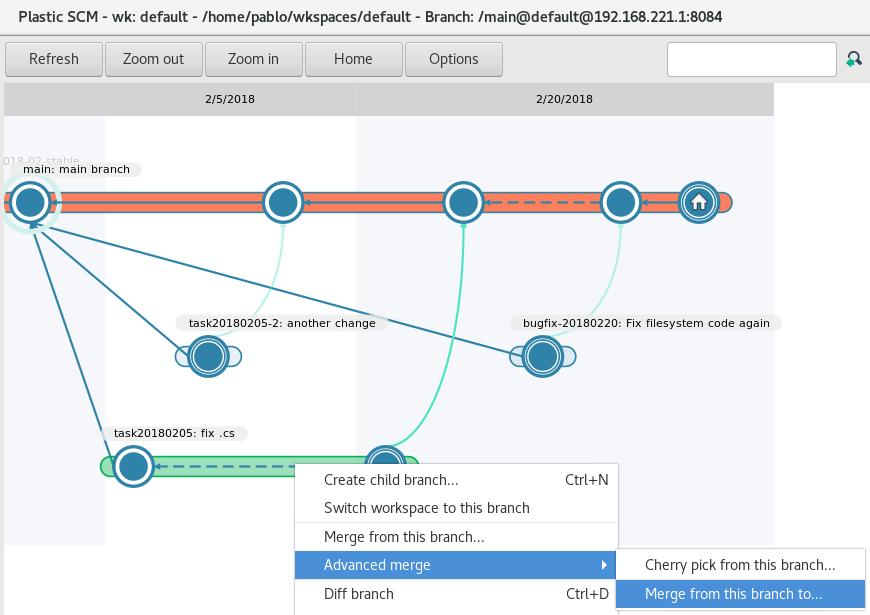
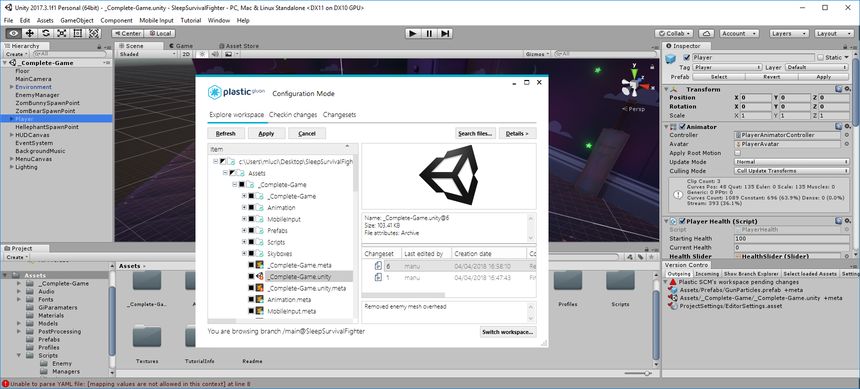
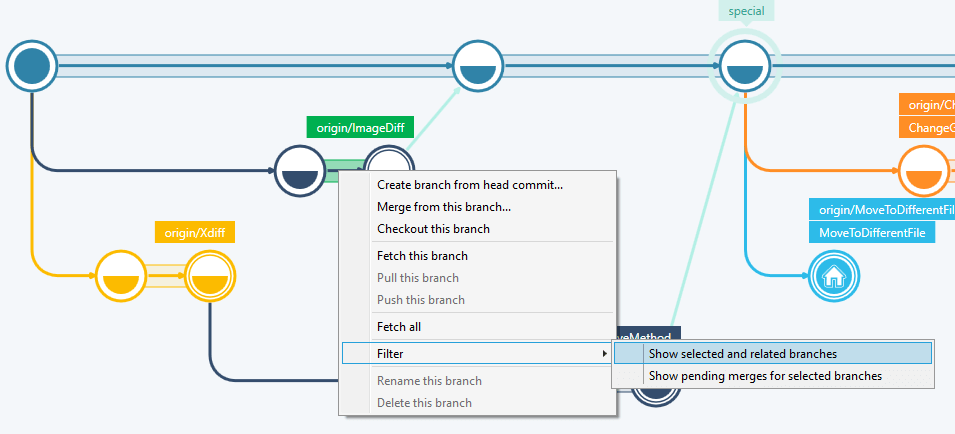
Plastic SCM is a full stack version control system that aims to make software configuration easy. It focuses on enabling dev teams get work done by facilitating branching, diffing and merging. The vendor says that for those purposes it provides cross-platform apps and GUIs with: Branch explorer Diffing and merging tools (both syntactic and semantic) On-premises and cloud repo management Code review mergebots (last mile…
$6.95
per user
Redgate Flyway
Score 9.0 out of 10
N/A
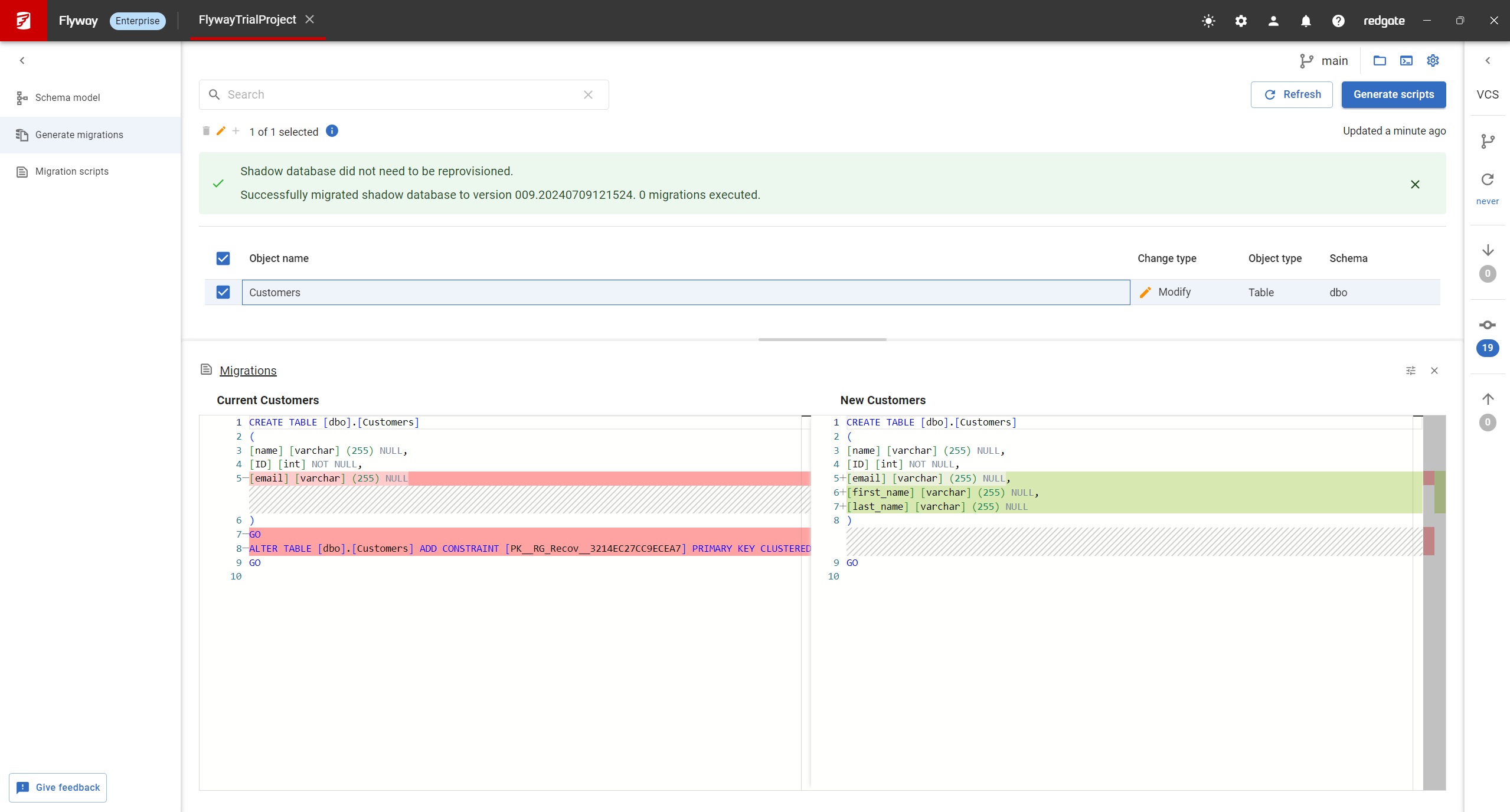
Redgate Flyway extends DevOps practices to databases to speed up software delivery while keeping business-critical data safe. From version control to continuous delivery, Redgate Flyway helps enterprises build on application delivery processes to automate database development and deployments.
$0
Pricing
Git
Plastic SCM
Redgate Flyway
Editions & Modules
No answers on this topic
Cloud Edition
$6.95
per user
Team Edition (on prem)
$9.95
per user
Enterprise Edition
$23.25
per user
Enterprise Edition (perpetual)
$595.00
per user
Community
Free
Enterprise
Contact Sales
Offerings
Pricing Offerings
Git
Plastic SCM
Redgate Flyway
Free Trial
No
Yes
Yes
Free/Freemium Version
No
Yes
Yes
Premium Consulting/Integration Services
No
No
Yes
Entry-level Setup Fee
No setup fee
Optional
Optional
Additional Details
—
* Educational institutions receive a substantial discount on Plastic SCM licensing fees
* Corporate/volume pricing is available
* For more information, please contact sales at sales@codicesoftware.com
—
More Pricing Information
Community Pulse
Git
Plastic SCM
Redgate Flyway
Considered Multiple Products
Git
Verified User
Project Manager
Chose Git
Git is by far the best version control system out there. It's open source, free, and fast. No other version control system I've ever used has had all three features.
GIT is good to be used for faster and high availability operations during code release cycle. Git provides a complete replica of the repository on the developer's local system which is why every developer will have complete repository available for quick access on his system and they can merge the specific branches that they have worked on back to the centralized repository. The limitations with GIT are seen when checking in large files.
Plastic SCM is well suited for the distributed development environment, where branching and merging can easily be handled. Its a good tool for version controlling, especially for a big team which is contributing to a big project simultaneously. Situation where Plastic SCM is not at all well suited are : If the project is smaller one and need to be handled by couple of people. So in that case setting up Plastic SCM and educating people to work on it is not at all efficient
Database Migrations on Java-based solutions. It has one of the best integrations with it as a database migration tool, you can do it with the community edition (no pricing involved) and it works flawlessly with Maven and Gradle. It's not an expensive tool in order to use the next level of features and is worth the money. I would recommend reaching that edition level as the object mapping feature gets really handy. I would not recommend it for any Microsoft-based solution (.Net) as is not compatible at all based on my experience, this is a tool only worth it with Java applications.
Git has met all standards for a source control tool and even exceeded those standards. Git is so integrated with our work that I can't imagine a day without it.
It's very easy to install and use. Even someone very new to the software will have no trouble, plus the team reach out to help you and continue to offer you support throughout. Really simple interface, clean design, all you could really ask for in a tool that needs to do a job dependably
I am not sure what the official Git support channels are like as I have never needed to use any official support. Because Git is so popular among all developers now, it is pretty easy to find the answer to almost any Git question with a quick Google search. I've never had trouble finding what I'm looking for.
I've used both Apache Subversion & Git over the years and have maintained my allegiance to Git. Git is not objectively better than Subversion. It's different. The key difference is that it is decentralized. With Subversion, you have a problem here: The SVN Repository may be in a location you can't reach (behind a VPN, intranet - etc), you cannot commit. If you want to make a copy of your code, you have to literally copy/paste it. With Git, you do not have this problem. Your local copy is a repository, and you can commit to it and get all benefits of source control. When you regain connectivity to the main repository, you can commit against it. Another thing for consideration is that Git tracks content rather than files. Branches are lightweight and merging is easy, and I mean really easy. It's distributed, basically every repository is a branch. It's much easier to develop concurrently and collaboratively than with Subversion, in my opinion. It also makes offline development possible. It doesn't impose any workflow, as seen on the above linked website, there are many workflows possible with Git. A Subversion-style workflow is easily mimicked.
Plastic has best integration with unity - zero issues, native, straightforward. GitHub feels more stable but for smaller and or indie teams plastic s version control feels much more under control - you click, you feel safe. moreover, there is no need for extra tools such as gitkraken, gitlab, Sourcetree, fork, etc. it is really easy to develop games this way.
The problem with a cloud-based tool for migration services is the cloud dependency. You are restricted to use the tool along the Cloud provider. Flyway gives you the freedom to use it in any scenario as long as you are working with a compatible database engine. Even if you are working on-premise and you don't have plans to move to a cloud architecture. Or even for sandbox development scenarios where you are a developer playing around with some project ideas. And you don't have to pay anything as long as you need advanced features, and not less importantly, you are using an open-source tool.
Git has saved our organization countless hours having to manually trace code to a breaking change or manage conflicting changes. It has no equal when it comes to scalability or manageability.
Git has allowed our engineering team to build code reviews into its workflow by preventing a developer from approving or merging in their own code; instead, all proposed changes are reviewed by another engineer to assess the impact of the code and whether or not it should be merged in first. This greatly reduces the likelihood of breaking changes getting into production.
Git has at times created some confusion among developers about what to do if they accidentally commit a change they decide later they want to roll back. There are multiple ways to address this problem and the best available option may not be obvious in all cases.