Google Calendar vs. Resource Guru

Overview
ProductRatingMost Used ByProduct SummaryStarting Price
Google Calendar
Score 9.4 out of 10
N/A
Google Calendar is a time-management and scheduling calendar service, from Google, available as part of its productivity tool suite.N/A
Resource Guru
Score 8.0 out of 10
N/A
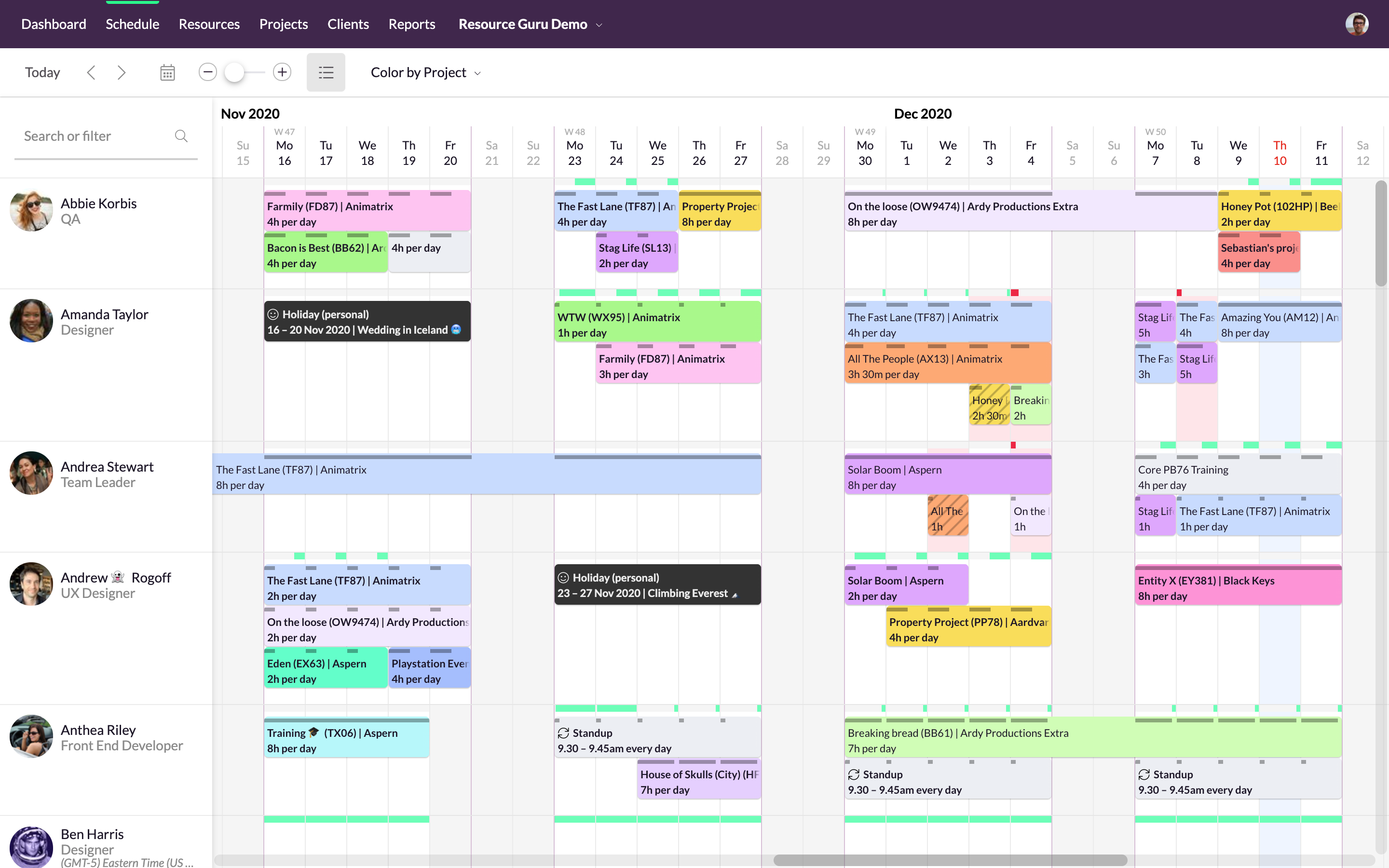
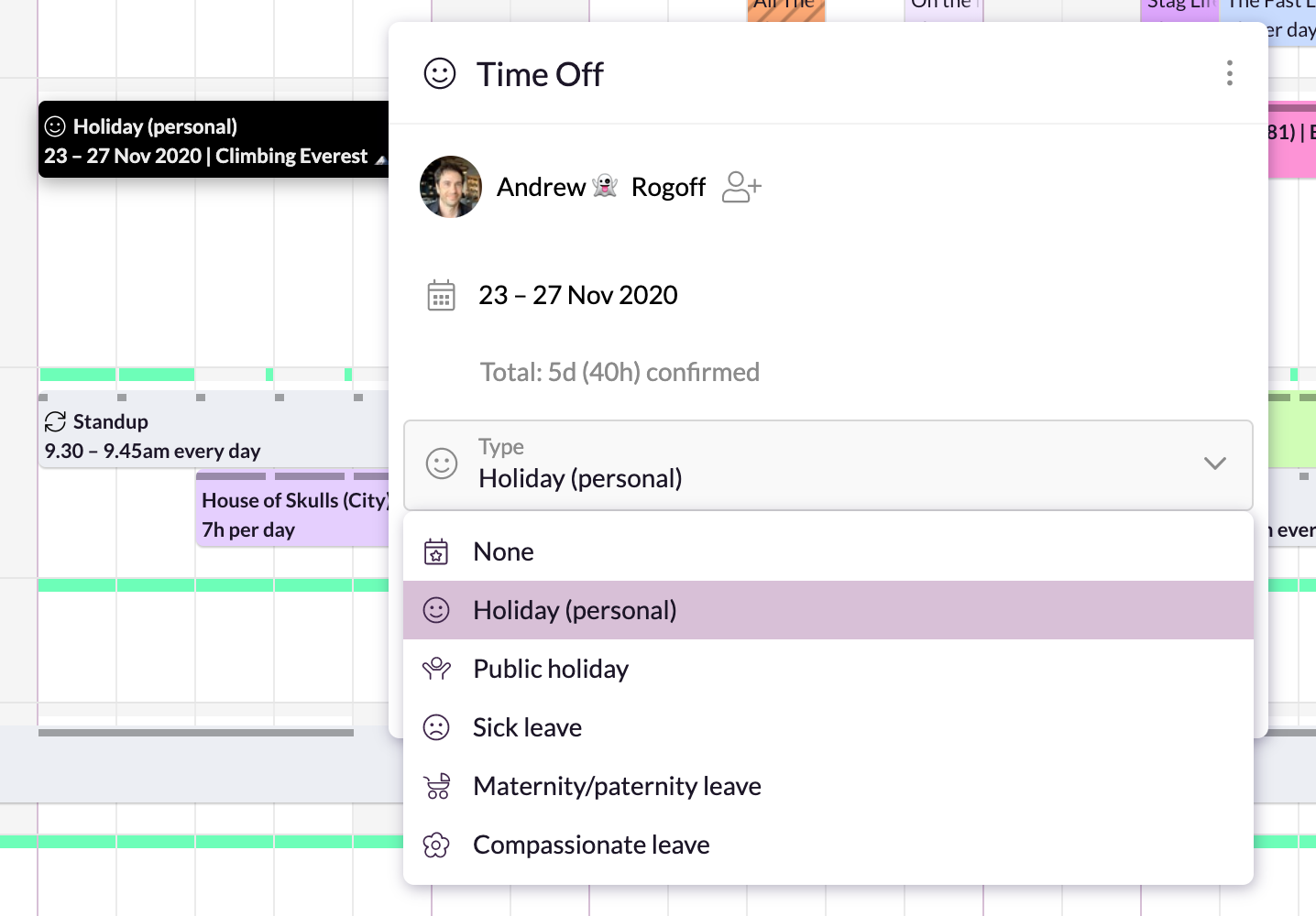
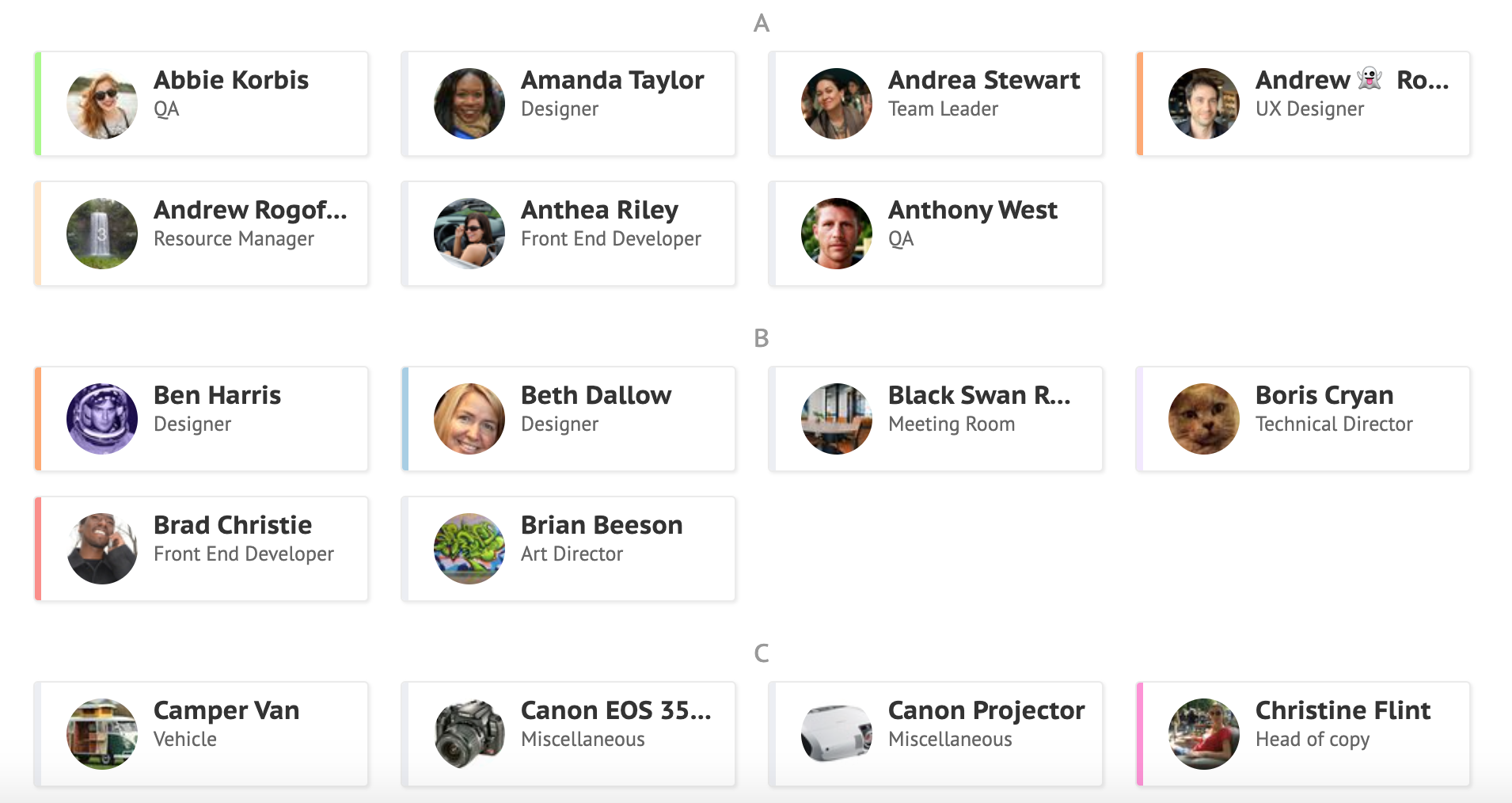
Resource Guru is presented as a fast, flexible way to schedule teams and projects. It enables users to: Manage people, equipment, and meeting rooms in one place Assign work, book time off, and edit schedules in seconds Track availability in real-time and avoid unrealistic workloads Keep a team up-to-date with personal dashboards and daily schedule emails Analyze utilization rates, clients, and projects for more accurate project forecasts and…
$4.16
per month per user
Pricing
Google CalendarResource Guru
Editions & Modules
No answers on this topic
Grasshopper Plan
$4.16
per user, per month
Blackbelt Plan
$6.65
per user, per month
Master Plan
$10
per user, per month
Offerings
Pricing Offerings
Google CalendarResource Guru
Free Trial
NoYes
Free/Freemium Version
NoNo
Premium Consulting/Integration Services
NoNo
Entry-level Setup FeeNo setup feeNo setup fee
Additional Details
More Pricing Information
Community Pulse
Google CalendarResource Guru
Features
Google CalendarResource Guru
Project Management
Comparison of Project Management features of Product A and Product B
Google Calendar
-
Ratings
Resource Guru
8.8
3 Ratings
13% above category average
Resource Management00 Ratings8.93 Ratings
Scheduling00 Ratings8.63 Ratings
Team Collaboration00 Ratings9.02 Ratings
Professional Services Automation
Comparison of Professional Services Automation features of Product A and Product B
Google Calendar
-
Ratings
Resource Guru
8.0
2 Ratings
3% above category average
Project & financial reporting00 Ratings8.02 Ratings
Best Alternatives
Google CalendarResource Guru
Small Businesses
CoSchedule Marketing Suite
Score 10.0 out of 10
Stackby
Stackby
Score 9.0 out of 10
Medium-sized Companies
CoSchedule Marketing Suite
Score 10.0 out of 10
InEight
InEight
Score 8.5 out of 10
Enterprises
Microsoft 365
Microsoft 365
Score 8.6 out of 10
InEight
InEight
Score 8.5 out of 10
All AlternativesView all alternativesView all alternatives
User Ratings
Google CalendarResource Guru
Likelihood to Recommend
9.3
(25 ratings)
8.0
(3 ratings)
Usability
9.0
(3 ratings)
-
(0 ratings)
User Testimonials
Google CalendarResource Guru
Likelihood to Recommend
Google
I think it's appropriate for everyone that meets with customers, meets with people within their businesses. I even put my personal calendar on my work calendar. I'm just looking at it every day, so I think everyone could use it.
Read full review
Resource Guru
It is very well suited when different branches of the company reside in different countries or time zones. It allows the project manager to efficiently keep track of the progress of their team members. It reduces the need for intensive calls where the manager asks for an extensive check in and update from each individual person. It also allows the project manager to update tasks and timelines as needed.
Read full review
Pros
Google
  • Enables the creation of designated Focus Hours
  • Enables users to set their "working hours" and others can see if they are setting up a meetings a moon symbol next to their name to show it is outside of that invitees working hours
  • Allows you to easily create scheduled tasks directly on your Google Calendar
Read full review
Resource Guru
  • We can color by client, project, booker for clear picture.
  • There are filters to select particular resources for need of our event.
  • We can easily see booked and free time.
Read full review
Cons
Google
  • The booking page is really helpful for external people who want to chat with me, but so few people use it, that it makes it more frustrating. The solution exists but nobody is using it. It needs to be highlighted more
  • You have to switch between email accounts or set up additional calendars to schedule work events vs personal events
  • integrations with other calendars don't update quickly, so sometimes a coworkers vacation doesn't show up in the calendar until much later
Read full review
Resource Guru
  • lacks real-time logging button
Read full review
Usability
Google
The platform itself is pretty user friendly even if you don't have a technical background. You can easily schedule meetings, block out focus time, update your time off, and add meeting notes. The settings are easily mapped out in terms of functionality and if you need help you can easily search for an answer on Google search
Read full review
Resource Guru
No answers on this topic
Alternatives Considered
Google
Most of the other services we would use don't have the same integration with other Google services that Google Calendar has. The ability to view and set things from your email is very convenient. So is the ability to have your notifications automatically show up on an Android phone as a reminder.
Read full review
Resource Guru
Resource Guru is the only product of it's kind that I have used regularly. Slack is comparable in allowing communication between teams, but doesn't have nearly the functionality of Resource Guru. Resource Guru is the only product that I am aware of that manages tasks and deadlines between various team members, and can be accessed by all members.
Read full review
Return on Investment
Google
  • Very significant improvement in employee productivity (more than 10%), because people spend much less time arranging meetings.
  • Essential tool to develop remote work within the company during Covid.
  • No need to build an email infrastructure (significant cost reduction in IT infrastructure).
Read full review
Resource Guru
  • It's easy to assign work to the resources.
  • Resources can be filtered with various criteria as per the project needs.
  • We get clear picture of assigned tasks and hence project progress.
Read full review
ScreenShots

Resource Guru Screenshots

Screenshot of Simple, drag-and-drop schedulingScreenshot of Focus in on specific groups of resourcesScreenshot of Helps with utilization and capacity managementScreenshot of Manages sick days, holidays, and any other types of time off.Screenshot of A single resource poolScreenshot of Repeats weekly, fortnightly, monthly and yearly