
Google Workspace Essentials vs. Slickplan
| Product | Rating | Most Used By | Product Summary | Starting Price |
|---|---|---|---|---|
 Google Workspace Essentials | Score9.4 out of 10 | N/A | Google now offers Google Workspace Essentials (formerly G Suite Essentials), providing a solution for users of Outlook or Office whose teams want to use Google Meet and Google Apps without needing to involve a personal gmail account. Google Workspace Essentails includes Google Slides, Sheets, and Docs, as well as Google Meet, Google Drive, Forms, Sites, and Keep, in a bundle minus a gmail account. Basic Essentials supports (via Meet) meetings with up to 150 participants, and Google Drive with… | $8 per month per user |
 Slickplan | N/A | N/A | Slickplan helps teams and agencies bring order to complex website planning projects – from initial ideas and concepts to production-ready deliverables. Rather than bouncing between docs, spreadsheets and disconnected tools, Slickplan provides a centralized space to structure site architecture, map user flows, plan and create content as well as review designs together. The application's goal is to help users achieve faster launches, fewer revisions, smoother handoffs to… | $11.99 per month |
| Google Workspace Essentials | Slickplan | |||||||||||||||
|---|---|---|---|---|---|---|---|---|---|---|---|---|---|---|---|---|
| Editions & Modules | No answers on this topic |
| ||||||||||||||
| Offerings |
| |||||||||||||||
| Entry-level Setup Fee | No setup fee | No setup fee | ||||||||||||||
| Additional Details | — | Discount available for annual billing. | ||||||||||||||
| More Pricing Information | ||||||||||||||||
| Google Workspace Essentials | Slickplan | |
|---|---|---|
| Considered Both Products | No answer on this topic | No answer on this topic |
| Key User Insights | ||
| Would buy again | ||
95% Would buy again 19 Answers | No answers on this topic | |
| Delivers good value for the price | ||
94% Delivers good value for the price 17 Answers | No answers on this topic | |
| Happy with the feature set | ||
95% Happy with the feature set 19 Answers | No answers on this topic | |
| Lived up to sales and marketing promises | ||
79% Lived up to sales and marketing promises 11 Answers | No answers on this topic | |
| Implementation went as expected | ||
100% Implementation went as expected 16 Answers | No answers on this topic | |
| Google Workspace Essentials | Slickplan | |
|---|---|---|
| Small Businesses |  Google Workspace Score9.1 out of 10 |  WebWave Score9.5 out of 10 |
| Medium-sized Companies | Google Workspace Score9.1 out of 10 |  10Web Score7.6 out of 10 |
| Enterprises |  Microsoft 365 Business Premium Score9 out of 10 | No answers on this topic |
| All Alternatives | View all alternatives | View all alternatives |
| Google Workspace Essentials | Slickplan | |
|---|---|---|
| Likelihood to Recommend | 9.7 | - |
| Likelihood to Renew | 10.0 | - |
| Usability | 9.5 | - |
| Google Workspace Essentials | Slickplan | |
|---|---|---|
| Likelihood to Recommend |
| No answers on this topic |
| Pros |
| No answers on this topic |
| Cons |
| No answers on this topic |
| Likelihood to Renew |
| No answers on this topic |
| Usability |
| No answers on this topic |
| Alternatives Considered |
| No answers on this topic |
| Return on Investment |
| No answers on this topic |
| ScreenShots | Slickplan Screenshots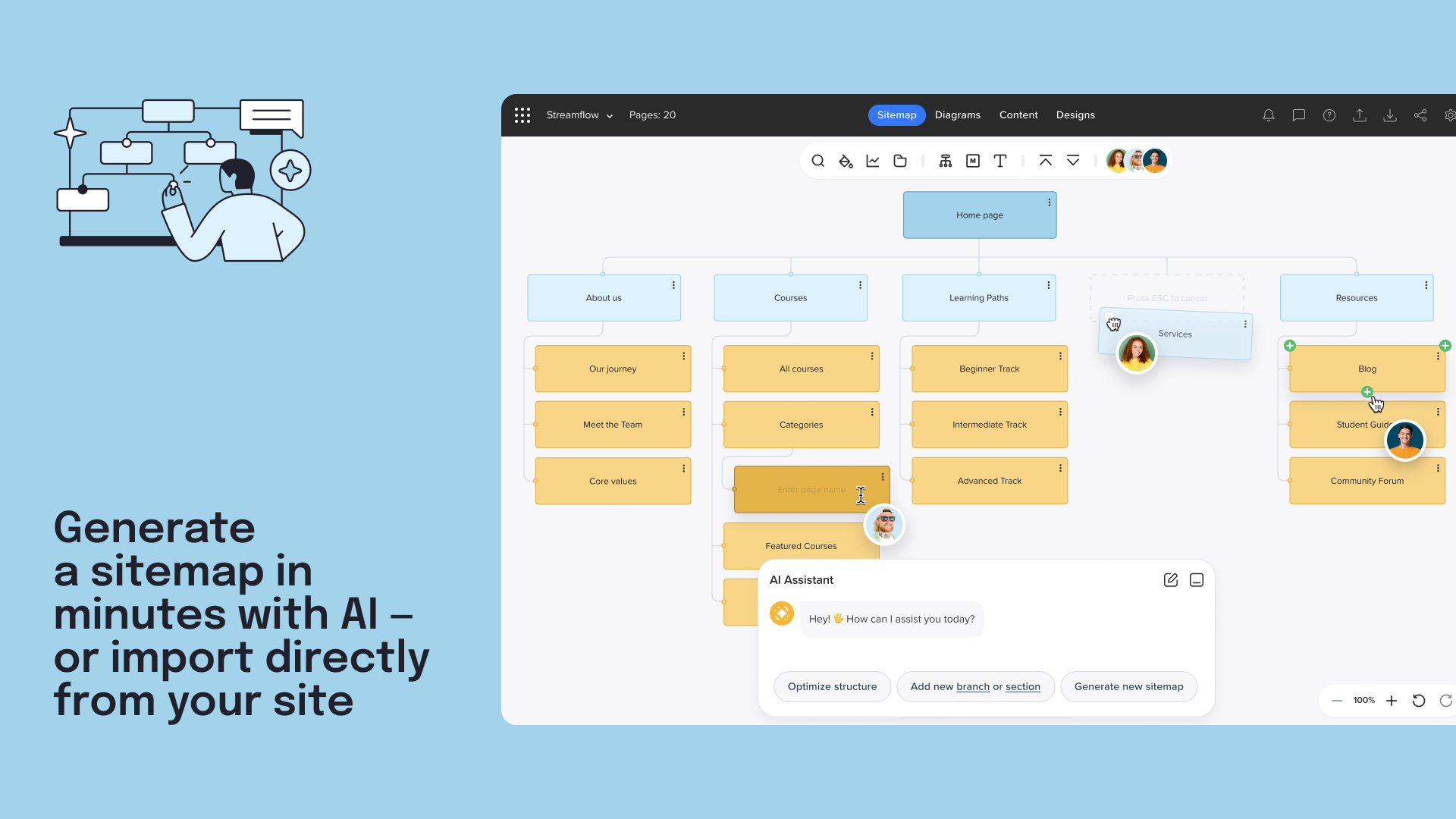 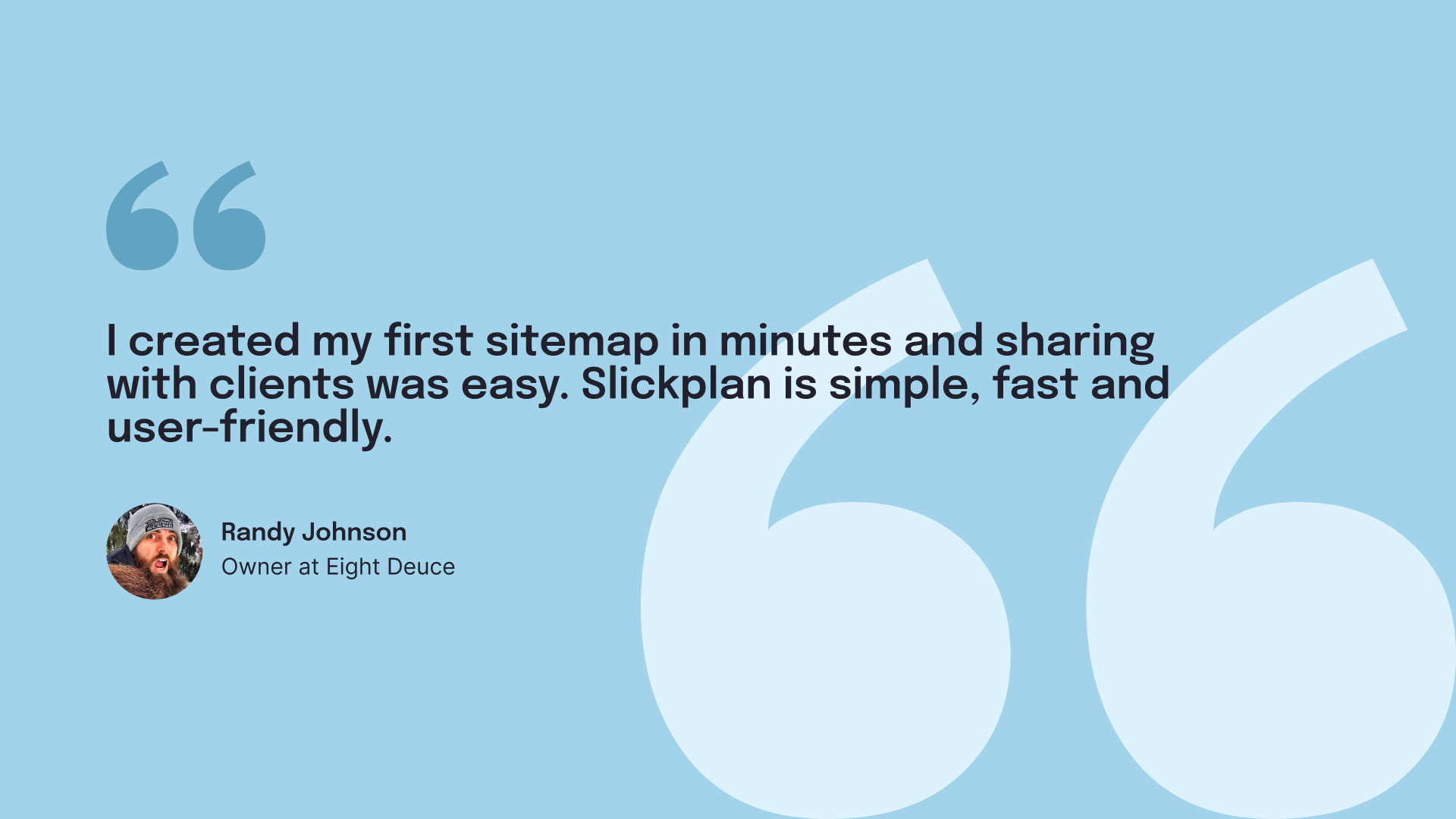     |

