TrustRadius: an HG Insights company

GridBuddy Connect (legacy) vs. LinkPoint Connect

Save this comparison

Save this comparison

Add Product

Recommended Comparisons

    Overview
    ProductRatingMost Used ByProduct SummaryStarting Price

    GridBuddy Connect (legacy)

    Score10 out of 10
    N/AGridBuddy Connect was a contact data tool that combined data from separate systems into an editable, spreadsheet-simple view. Acquired by Validity in 2019, it is now a legacy tool.N/A

    LinkPoint Connect

    Score9 out of 10
    N/ALinkPoint Connect promises to streamline data entry and access by enabling users to instantly view CRM data within their email client. This sales intelligence solution integrates Salesforce and Microsoft Dynamics CRM data in Outlook or IBM Notes. According to the vendor, key capabilities include: View real-time Salesforce data without ever leaving your email. Click on an email, and the LinkPoint Connect Side Panel instantly displays that contact’s information directly from…

    $192

    per user, per year

    Pricing
    GridBuddy Connect (legacy)LinkPoint Connect
    Editions & Modules
    No answers on this topic
    LinkPoint Connect for Outlook + Salesforce
    $192
    per user, per year
    LinkPoint Connect for Outlook + Microsoft Dynamics CRM
    $192
    per user, per year
    LinkPoint Connect for IBM Notes + Salesforce
    $228
    per user, per year
    LinkPoint Connect for IBM Notes + Microsoft Dynamics CRM
    $228
    per user, per year
    Offerings
    Pricing Offerings
    GridBuddy Connect (legacy)LinkPoint Connect
    Free Trial
    NoYes
    Free/Freemium Version
    NoNo
    Premium Consulting/Integration Services
    NoYes
    Entry-level Setup FeeNo setup fee$16 per user per year
    Additional Details—Subscriptions are billed annually. Discounts available for non-profits. Volume discounts available. LinkPoint Connect Solutions are available for Outlook and IBM Notes users. These include preconfigured implementations for Advologix, Apto, Apttus, FinancialForce.com, Jobscience, Navatar, Pardot, Salesforce Shield, and TaskRay.
    More Pricing Information
    Best Alternatives
    GridBuddy Connect (legacy)LinkPoint Connect
    Small Businesses
    Cloze
    Score9.9 out of 10
    Mailtrack
    Score9.7 out of 10
    Medium-sized Companies
    Outlook4Gmail
    Score8.8 out of 10
    Mailtrack
    Score9.7 out of 10
    Enterprises
    Outlook4Gmail
    Score8.8 out of 10
    No answers on this topic
    All AlternativesView all alternativesView all alternatives
    User Ratings
    GridBuddy Connect (legacy)LinkPoint Connect
    Likelihood to Recommend
    7.9
    (13 ratings)
    9.0
    (3 ratings)
    Likelihood to Renew
    9.1
    (1 ratings)
    -
    (0 ratings)
    Usability
    9.1
    (1 ratings)
    -
    (0 ratings)
    Support Rating
    -
    (0 ratings)
    10.0
    (1 ratings)
    Implementation Rating
    9.1
    (1 ratings)
    -
    (0 ratings)
    User Testimonials
    GridBuddy Connect (legacy)LinkPoint Connect
    Likelihood to Recommend
    Discontinued Products
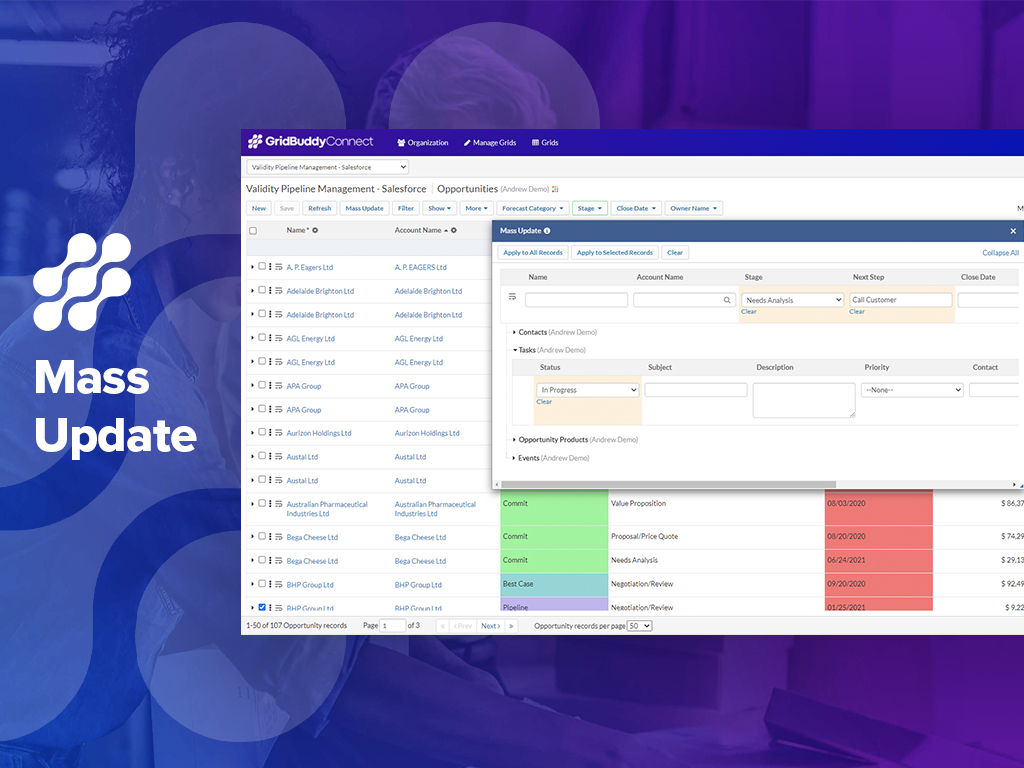
    1. Making broad changes to data, like moving ownership of records from one user to another for a new Sales Rep or a moved Sales Rep. 2. Making broad changes to data for product changes, product introductions and such (product naming changes, product description changes, etc.). I recently had to make a change to the name of a Product Option. Product Options are a sub-object related to Product. This name change was in 22 places. Okay, 18 [is] not a lot, but to make this change individually 22 times is still very tedious and takes too much of my time. Instead, I set up my Grid with the Object and sub-Object and made all 22 changes at once with a mass change. Piece of cake. And I don't have to go back to several of the records to see if the change was made successfully (something you have to do with Dataloader). I could see the effective change all at once on my Grid screen.
    Incentivized
    Read full review
    LinkPoint360
    LinkPoint is well suited to any situation where Outlook is used for email correspondence and calendar items and there is need to have a record of those items and/or perform connected actions (schedule tasks, follow up reminders, etc.) in Salesforce. Automating this process and removing as much duplication of work as possible is the primary goal and the primary benefit that LinkPoint provides. In addition to efficiency, automating the process also provides a pretty substantial increase in accuracy, removing ca. 50% of the chance for human error. It's pretty simple functionality in concept, but extremely valuable in execution.
    Incentivized
    Read full review
    Pros
    Discontinued Products
    • Reshapes the user Interface into an intuitive, clean, easy and thoughtful way, meaning Salesforce can be practically used for applications that (in my Opinion) salesforce was never designed for.
    • Mass updates are a God send, Leaving quick and meaningful notes, setting up meetings with clients or upcoming calls to maintain contact, all from the same screen without information overload... a real achievement.
    Read full review
    LinkPoint360
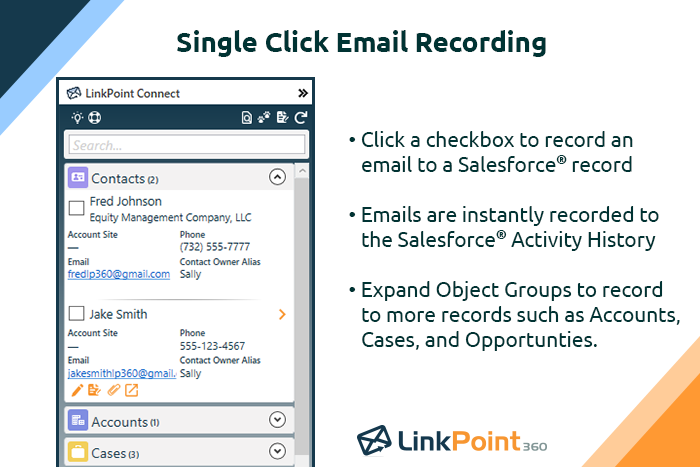
    • Adding emails is a breeze.
    • Creating contacts/leads from outlook is as simple as highlight, drag and drop.
    • Additional customization to allow you to bring in associates custom objects.
    Incentivized
    Read full review
    Cons
    Discontinued Products
    • Does not allow users to create new Campaign Member records; we would like to be able to add multiple Campaign Member records to a Campaign in a Grid.
    • Does not allow users to create new Task records; we would like to be able to add multiple Tasks records related to the same user but multiple Opportunities and Contacts.
    Incentivized
    Read full review
    LinkPoint360
    • The plug-in for Outlook needs to be reset every couple of months.
    • It does not tag e-mails sent from mobile devices (or we haven't figured out how to do that yet).
    Incentivized
    Read full review
    Likelihood to Renew
    Discontinued Products
    - Easy of use - Visual nature of using the product (as compared to Dataloader) - Quickness of making changes/updates/edits to long lists of records, live and real-time
    Incentivized
    Read full review
    LinkPoint360
    No answers on this topic
    Usability
    Discontinued Products
    - Ease of use - Real-time and visible nature of making mass changes - Ease of setting up a Grid - Ease of filtering the Grid to see the records that I need to change
    Incentivized
    Read full review
    LinkPoint360
    No answers on this topic
    Support Rating
    Discontinued Products
    No answers on this topic
    LinkPoint360
    Never had to use the support team, which probably means the product works well!
    Incentivized
    Read full review
    Implementation Rating
    Discontinued Products
    GridBuddy was very easy to implement
    Incentivized
    Read full review
    LinkPoint360
    No answers on this topic
    Alternatives Considered
    Discontinued Products
    This is the 1st inline editing product we have tested. The only reason we would ever go with another product is the price.
    Incentivized
    Read full review
    LinkPoint360
    Prior to our move to LinkPoint, we used the Salesforce add-in for Outlook. This required manual syncing of email and calendar items and no easy to use interface between the two programs. It was very cumbersome for me to use, to the point where I quit using it altogether some time ago. I found it far less frustrating to just switch back and forth between Outlook and Salesforce and manually perform the requisite actions, create tasks or other items, enter the required data, etc.
    Incentivized
    Read full review
    Return on Investment
    Discontinued Products
    • Our sales executives save a lot of time reviewing all opportunities in a single editable view.
    • Gridbuddy improves the functionality of our CRM by allowing us to edit multiple opportunities in one place.
    • It is generally faster and easier to build a report in GridBuddy than it is in SAP C4C.
    Incentivized
    Read full review
    LinkPoint360
    • Activity history tracking. Our users send most of their emails from outlook.
    • Contact and lead creation.
    • Visibility of all associated records.
    Incentivized
    Read full review
    ScreenShots

    GridBuddy Connect (legacy) Screenshots
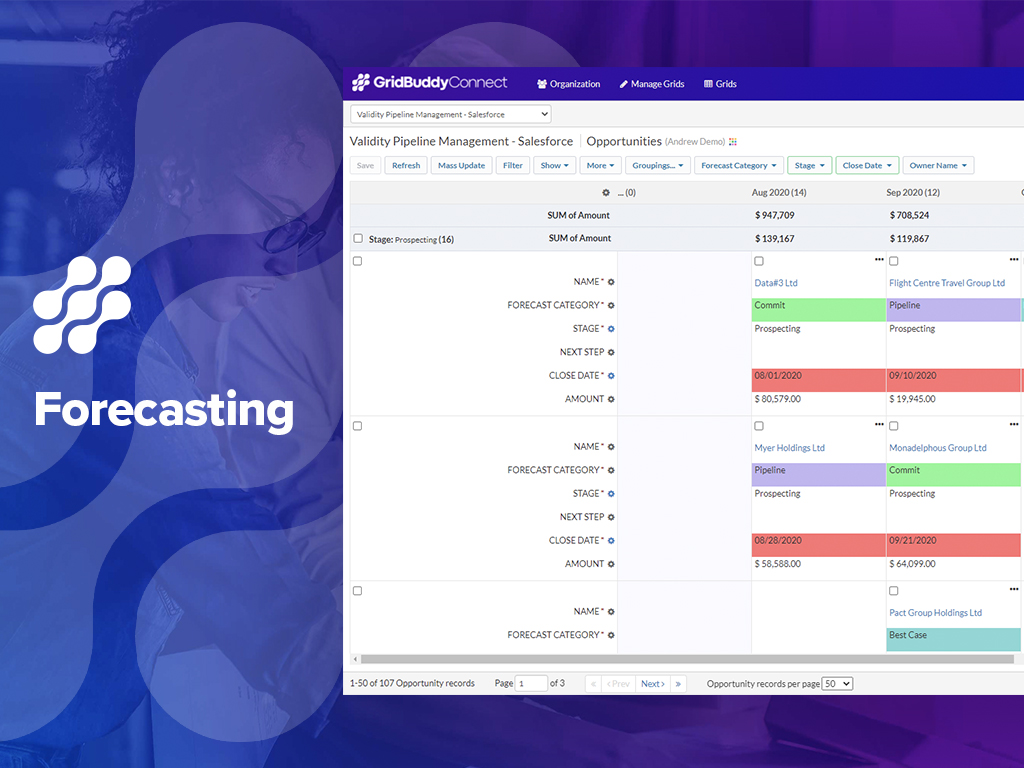
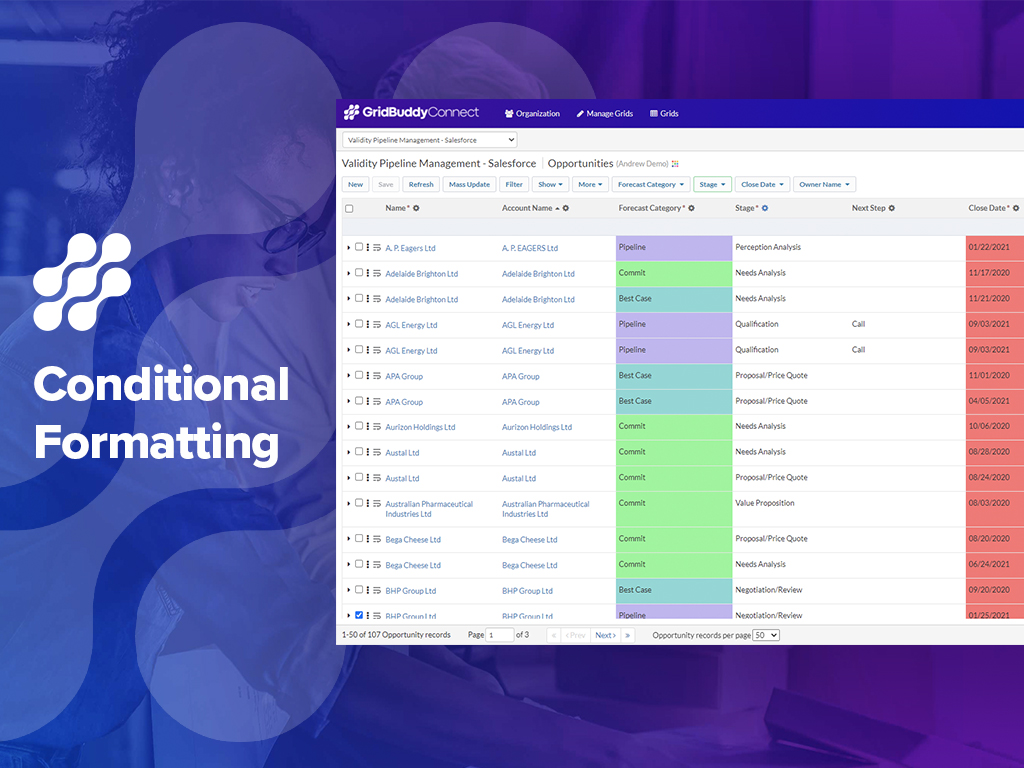
    Screenshot of Conditional formattingScreenshot of ForecastingScreenshot of ConnectorsScreenshot of Mass UpdateScreenshot of Multi-object inline editing

    LinkPoint Connect Screenshots

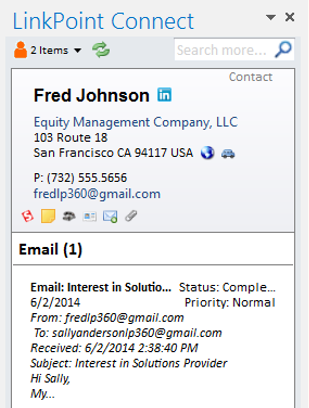
    Screenshot of Record emails to your CRM when sending messages via your email application. LinkPoint Connect makes it easy to associate emails with the right contacts and opportunities with just a few clicks in your email.Screenshot of View real-time CRM data without ever leaving your email. Click on an email, and the LinkPoint Connect Side Panel instantly displays that contact’s information directly from the CRM.Product screenshotProduct screenshotProduct screenshotProduct screenshot