GroupMap vs. InVision

Overview
ProductRatingMost Used ByProduct SummaryStarting Price
GroupMap
Score 0.0 out of 10
Mid-Size Companies (51-1,000 employees)
GroupMap is a real-time brainstorming, collaboration, and decision-making platform designed for facilitators, educators, and teams running workshops, retrospectives, and planning sessions. Structured facilitation, not a blank canvas Unlike open-ended whiteboard tools, GroupMap moves groups through a defined workflow: brainstorm, group, vote, prioritize, and assign actions, all within a single session. Participants contribute simultaneously, which reduces meeting time and removes…
$20
per month
InVision
Score 7.9 out of 10
N/A
InVision is a collaborative design and prototyping platform with features such as freehand drafting mode and interactive mockups, collaboration, idea management, user testing, and integration with Slack and other collaboration tools. According to the vendor, 1 million designers are using the free version.
$0
Pricing
GroupMapInVision
Editions & Modules
1. Basic
$20
per month per facilitator
2. Professional plan
$60
per month per facilitator
3. Event / Enterprise
Custom quote
Free
$0
Pro
$7.75
per user/per month
Enterprise
Contact Sales
Offerings
Pricing Offerings
GroupMapInVision
Free Trial
YesNo
Free/Freemium Version
NoNo
Premium Consulting/Integration Services
YesNo
Entry-level Setup FeeOptionalNo setup fee
Additional DetailsGroupMap has four tiers: Free (14-day trial, up to 10 participants per map, 1 map creator, unlimited maps) Basic ($200/year, up to 10 participants per map, 1 map creator, standard reporting) Professional ($600/year, up to 50 participants per map, 100 and 200 participant plans also available, unlimited maps and workspaces, priority support) Enterprise (custom pricing, custom participant limits, multiple facilitators, white labeling, SSO, custom domain). Billing is monthly or annual. Only map creators and facilitators need a license; participants joining a map do not need an account.
More Pricing Information
Community Pulse
GroupMapInVision
Best Alternatives
GroupMapInVision
Small Businesses
Kintone
Kintone
Score 9.7 out of 10
OmniGraffle
OmniGraffle
Score 9.8 out of 10
Medium-sized Companies
Troop Messenger
Troop Messenger
Score 9.8 out of 10
OmniGraffle
OmniGraffle
Score 9.8 out of 10
Enterprises
HCL Connections
HCL Connections
Score 9.0 out of 10
OmniGraffle
OmniGraffle
Score 9.8 out of 10
All AlternativesView all alternativesView all alternatives
User Ratings
GroupMapInVision
Likelihood to Recommend
-
(0 ratings)
7.0
(49 ratings)
Likelihood to Renew
-
(0 ratings)
8.0
(1 ratings)
Usability
-
(0 ratings)
6.0
(2 ratings)
Support Rating
-
(0 ratings)
8.8
(4 ratings)
User Testimonials
GroupMapInVision
Likelihood to Recommend
GroupMap
No answers on this topic
InVisionApp Inc.
InVision is well suited for design reviews and immersing yourself in the experience of an app-to-be. As a Product Manager, it's difficult to take abstract concepts, user pain points, and business needs, and produce a vision for an app without a visual aid to communicate a vision. InVIsion offers PMs, designers, and developers the opportunity to sketch a vision, communicate about it with inline commenting, and shareable with other stakeholders.
Read full review
Pros
GroupMap
No answers on this topic
InVisionApp Inc.
  • Very easy to export Sketch files (where prototypes are actually created) into Invision and preserve the interactivity.
  • Additional interactivity can be added in InVision. Like scrolling with locked footer.
  • Clients, designer and developers can collaborate - leave notes and respond to notes made by others.
Read full review
Cons
GroupMap
No answers on this topic
InVisionApp Inc.
  • would be nice to have commands for quick access to shapes from the keyboard
  • Quicker integrations with Notion and lucid chart to have a slick experience
  • The auto organize option should have multiple frame selection, sometimes is not the arranged expected for the wireframe
Read full review
Likelihood to Renew
GroupMap
No answers on this topic
InVisionApp Inc.
it does what we bought it for, so would buy again :)
Read full review
Usability
GroupMap
No answers on this topic
InVisionApp Inc.
Easy for prototyping, sharing for comments and review changes with version. lags a bit when the design is heavy and large design models learning curve is shorter so saves time with new stakeholders responsiveness could be better and auto modeling can be introduced Not much advance features that can be used
Read full review
Support Rating
GroupMap
No answers on this topic
InVisionApp Inc.
I didn't need to contact InVision support, as I've never needed it. They have an intuitive UI, and most of the questions are answered in their help portal or in tutorials online. Since many people use it, there a great resources available on for example YouTube. No problems so far with InVision.
Read full review
Alternatives Considered
GroupMap
No answers on this topic
InVisionApp Inc.
We only tested out using Adobe XD for similar uses and found it to be more challenging to fit within our processes. It didn't have as robust a set of capabilities as InVision and wasn't as easy to use enterprise wide. I recall also having issues with working with Sketch.
Read full review
Return on Investment
GroupMap
No answers on this topic
InVisionApp Inc.
  • InVision helps our team better and more professionally portray the value and the work we do as designers, leading to more company buy-in in supporting and funding our work. In the past, we would create PowerPoints with screenshots to portray a user workflow that we would share out to stakeholders. Once we began to use this app, where stakeholders could click through and comment as though they were “real” users, stakeholders began to better understand our work, designs, and workflows. This has led to more productive conversations that, in turn, lead to more effective end products that have more consistently served our business goals in tangible ways.
  • InVision helps us save production time, effort, and cost, as we are able to solve design issues early in the process by having clickable prototypes to show to internal stakeholders and external users. It’s, understandably, difficult for people to provide effective feedback on screenshots. Using the clickable prototypes we created in InVision, we are able to get more effective feedback to solve user workflow issues before we spend time and money developing problematic designs (and later having to redesign them).
  • It’s easier to market designs to potential buyers with clickable prototypes than with screenshots. With these prototypes, we’ve been able to sell more digital products before product release dates, which has helped to secure many contracts and new business relationships that continue to this day.
Read full review
ScreenShots

GroupMap Screenshots

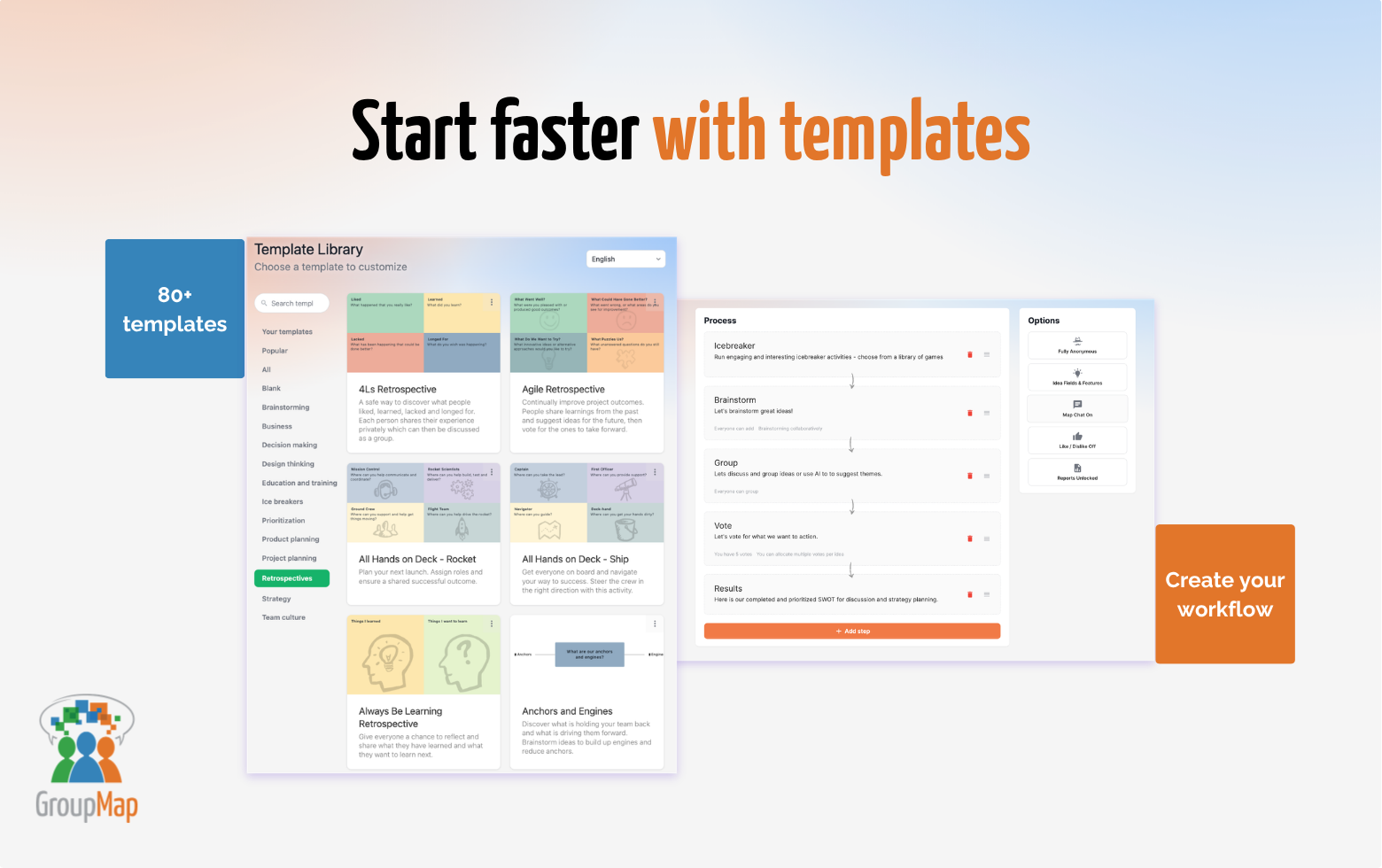
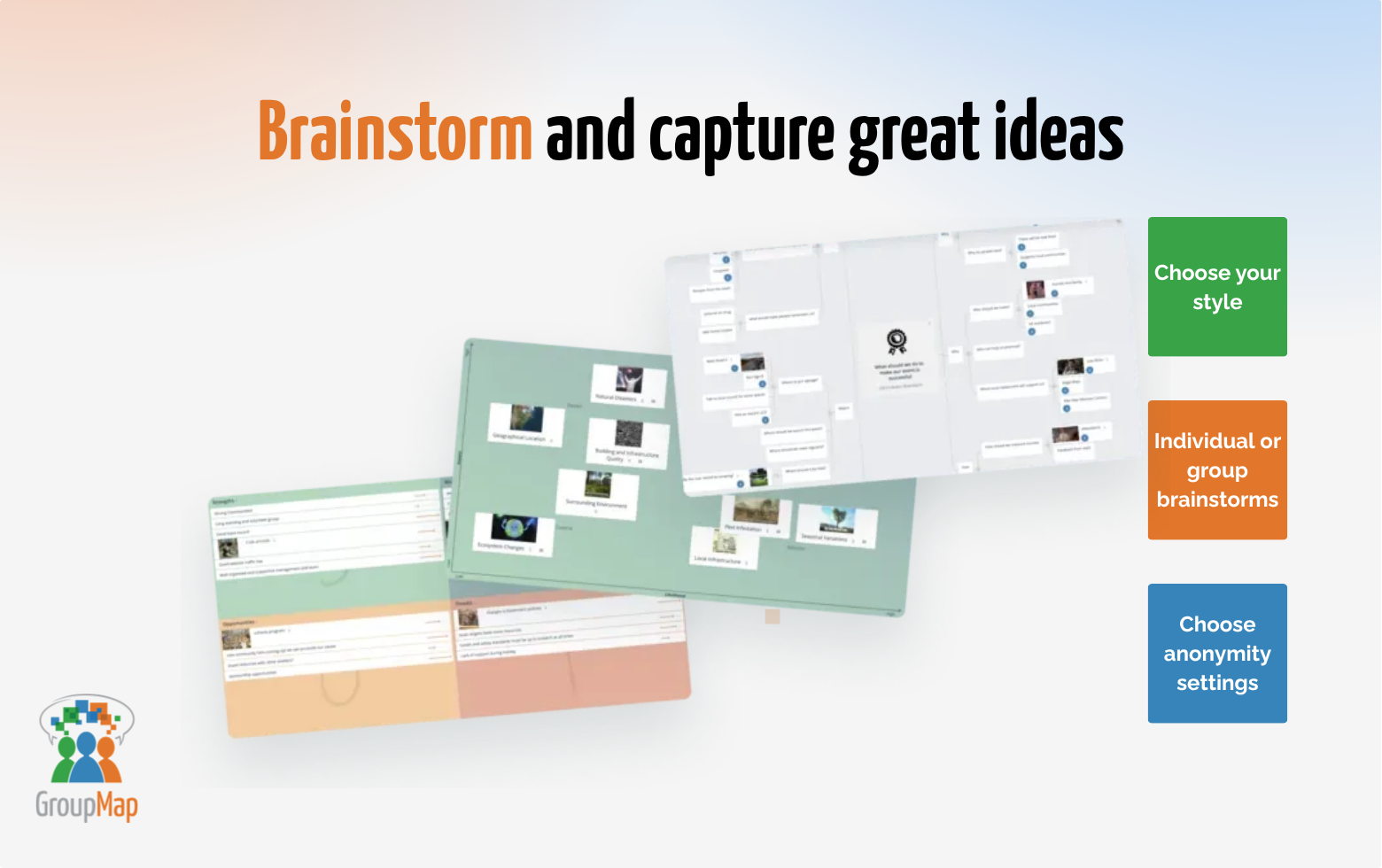
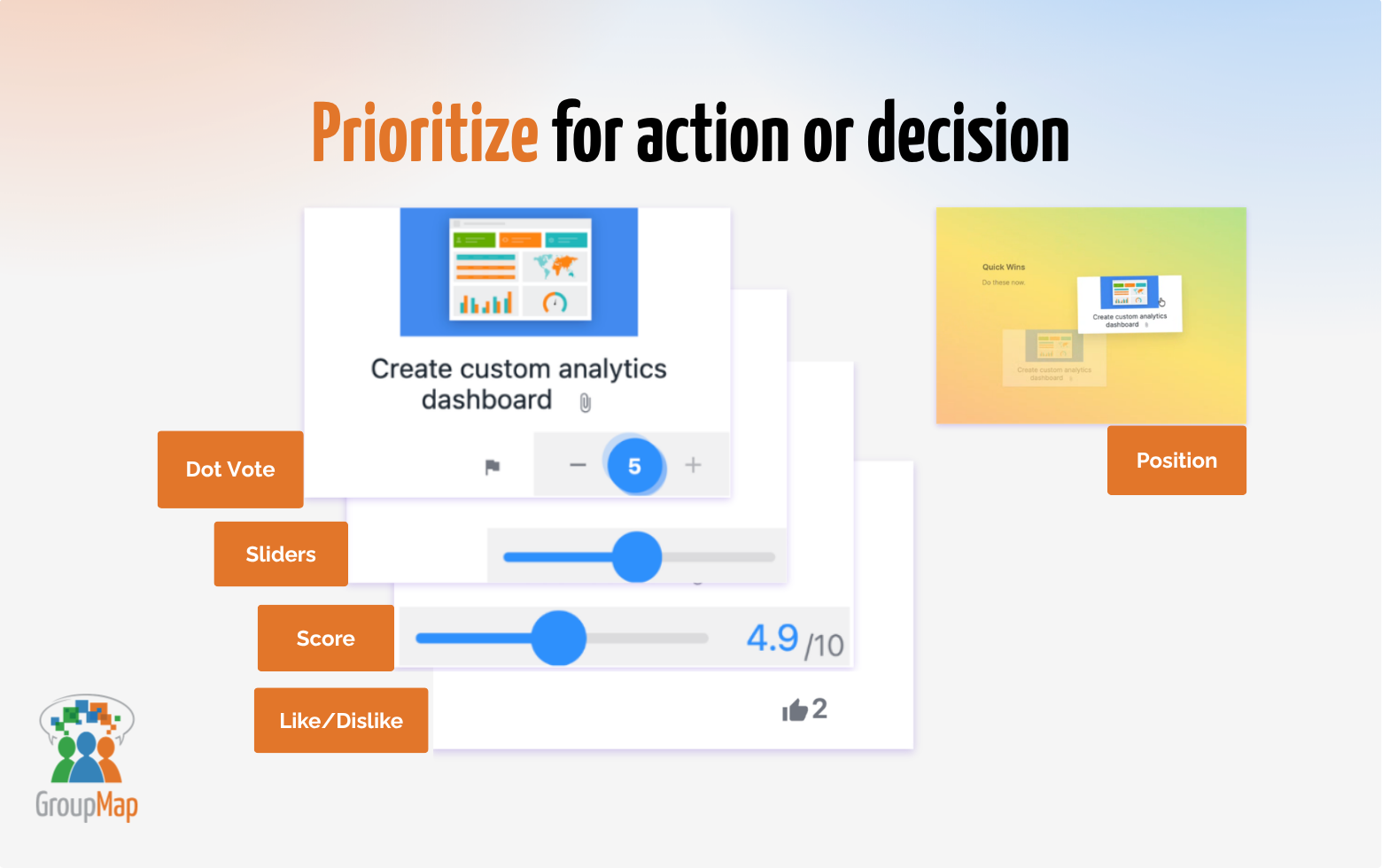
Screenshot of Facilitate better  meetings: Brainstorm, vote, prioritise and decide together in minutes.Screenshot of Start faster with templates: Choose from 80+ ready-to-use templates for brainstorming, retrospectives, planning, strategy, and group decision-making.Screenshot of Brainstorm and capture great ideasScreenshot of Prioritize for action or decisionScreenshot of Turn noise into  meaning: AI-assisted grouping, summaries and prompts help facilitators make sense of group input.Screenshot of From ideas to  outcomes: Make meeting and workshops meaningful and outcome focused with instant results and shareable reports.

InVision Screenshots

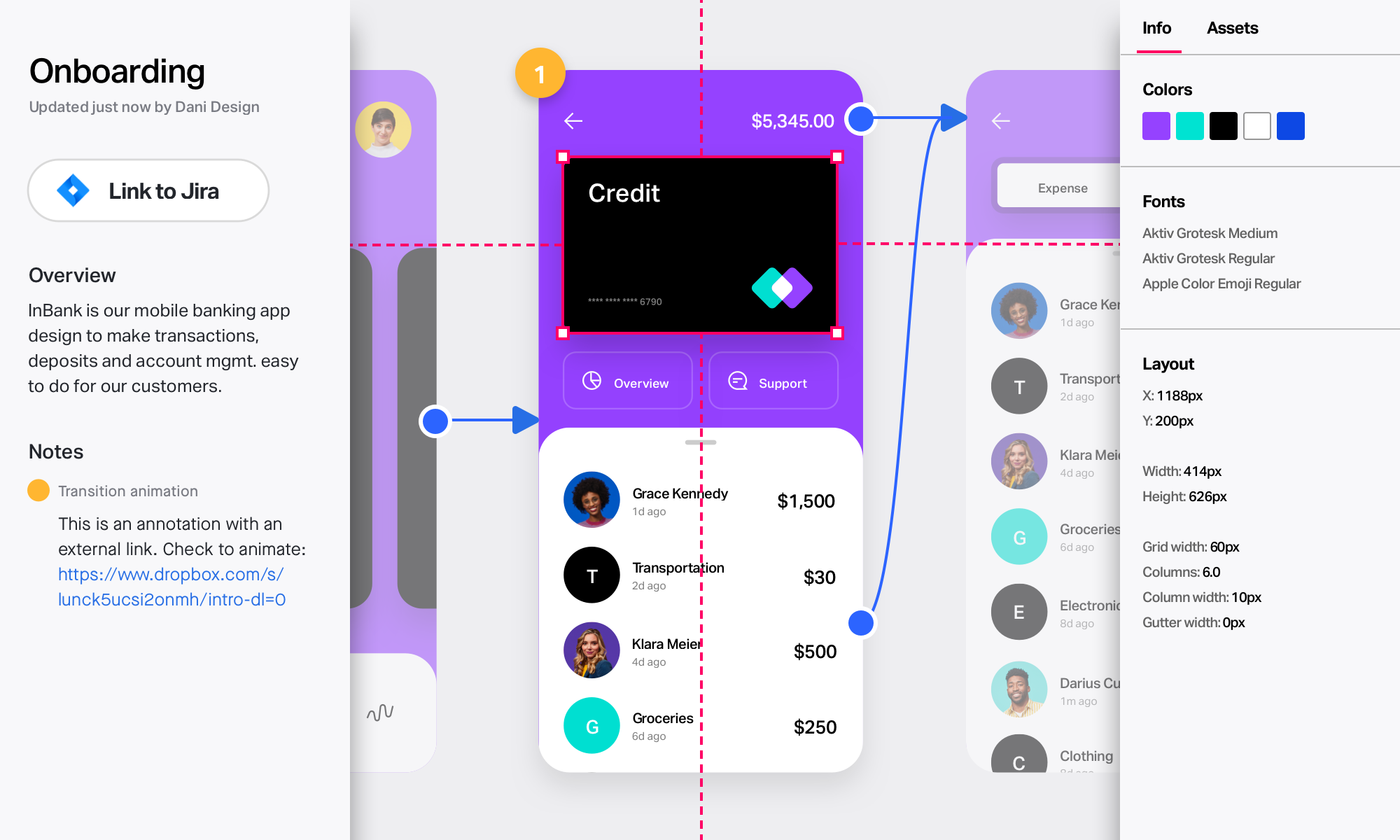
Screenshot of Take designs from ideas to development in one unified platformScreenshot of Collaborate in real time on an endless digital whiteboard. Start fast with a blank canvas or pre-built templates.Screenshot of Create rich, interactive prototypes. Import from Sketch, then gather feedback from any device.Screenshot of Involve your developers early and often. Collect input and provide detailed specs to keep builds on track.