IBM Terraform (formerly Hashicorp Terraform) is a cloud infrastructure automation tool used to create, change, and improve production infrastructure, and it allows infrastructure to be expressed as code. It is available Open Source, and via Cloud and Self-Hosted editions.
$0
Pantheon
Score 9.9 out of 10
N/A
Pantheon is a WebOps platform where marketers and developers collaborate to drive results. The vendor states that with Pantheon, site owners maximize their capacity to update website design and functionality, responding to market trends, catering to consumer behavior, and adding real value to the business's bottom line. Today, companies compete on the basis of digital experiences, and the best results emerge from an agile build-test-learn process. Whether it's publishing content,…
AWS CDK is like a cloud-specific alternative to Terraform. As its name suggests, it's from AWS & only works with AWS, a job it does excellently. If your cloud provider is not AWS, then you really only have Terraform to choose. If you are on AWS, it boils down to which one you …
IBM Terraform is better as the providers just work. Ansible is still finicky with their community modules for cloud, especially for Azure. We do not need to build execution environment containers like Ansible. Using statefil for drift analysis is also helpful to review changes …
Dbt was fine, but you end up with an extremely bloated repo/project. Often where all of the models are the same, named similarly, and generally just doesn't adhere to the concept of DRY coding. In Terraform we're able to template a lot of this work and dynamically generate …
HashiCorp Terraform is much better than Cloud Formation. For one, the language is just easier to use, but more importantly, the provider ecosystem is much better in HashiCorp Terraform than in Cloud Formation.
I'm beginning to look at Pulumi. In my opinion, it looks like it would be a good replacement for HashiCorp Terraform, and it has the advantage of configuration via scripting, rather than via HCL, which is HashiCorp Terraform configuration markup language. In my opinion, the …
We have used Vagrant to develop our application in a virtual box environment and prepare it to be packed with Packer. The image created from these two tools will be deployed by Terraform.
We are using Consul for service discovery and as a job locking so we don't have two jobs or …
CloudFormation is only for AWS so if you're trying to deploy to another cloud provider then Terraform is your product. Terraform has lots of public support so you can find answers to questions by Googling. CloudFormation is easy to view the resources/services that are …
Terraform is a large step ahead of the previous generation of infrastructure-as-code providers. I'd never go back to, e.g. Puppet or Chef, Ansible, etc. That said I think that Pulumi has a good chance of displaying it, in no small part because the Terraform language itself …
AWS CloudFormation is better if you just want to stick with AWS because it's integration with AWS is better, provides auto-rollback in case of failures, and has GUI to manage and view the stacks built. Terraform is better when we want to stay cloud-agnostic. Terraform is better …
I can't find these applications listed, but other IaC tools I have used include: AWS CloudFormation, Azure Resource Manager Templates, and GCP Cloud Deployment Templates. For a comparable tool, I have the most experience with CloudFormation.
Chef and Terraform are not apples to apples because Chef is more focused on config management, whereas Terraform is more focused on provisioning. However, I can say that where they do overlap in configuration management is that Terraform is the preferred tool because it has an …
Terraform is the solid leader in the space. It allows you to do more then just provisioning within a pre-existing servers. It is more extensible and has more providers available than it competitors. It is also open source and more adopted by the community then some of the other …
Terraform is open source and has strong community support. It is cloud-agnostic versus competing products like AWS cloud formation, hence has a distinct advantage. The scripts once set up are easy for developers to administer during development, hence during production …
- Terraform syntax is much easier to read and learn than Cloud Formation.
- Terraform already supports AWS as well as several other cloud providers.
- Terraform is backed by a great and supportive open-source community.
Terraform shares the methodology of creating configuration files for your infrastructure with tools like CloudFormation. However, Terraform is cloud-agnostic unlike CloudFormation which is AWS specific. Terraform can be used to maintain AWS and OpenStack clusters …
CloudFormation is the lingua franca of AWS. You certainly can't go wrong using it, but I like the syntax and open-source nature of Terraform. That's mostly a personal preference. I have not tried any other non-Amazon tools for provisioning AWS. And, of course, the AWS tools …
Acquia was terrible. We use DigitalOcean for some all-purpose computing needs and Platform.sh for an application that does more computing and high-throughput processing where we do not want page views (API calls) to count against our usage.
Although it may seem a good fit for a company that needs extra control over the deployment process and development process, for a firm that is mainly concentrating on SEO, it would be an overkill. Pantheon provides that sweet automation that allows us to shed some weight on …
We use several hosting solutions depending on the client needs or what they were already setup on. Pantheon is very similar to them and offers similar services however one of the main features we use is the Multidev service which allows us to test pieces of work separately and …
I found Cloudways to be a better solution for our needs in comparison to Pantheon. With their integration of multiple hosting providers we had a wider selection of locations to choose from and finally a server nearer to our core audience.
Linode is good if you want to keep control of the infrastructure, webservers, etc. However, if you want to forget about it and focus in your website content; Pantheon will make your life much easier. acquia support system is terrible, it is slow and they send outdated …
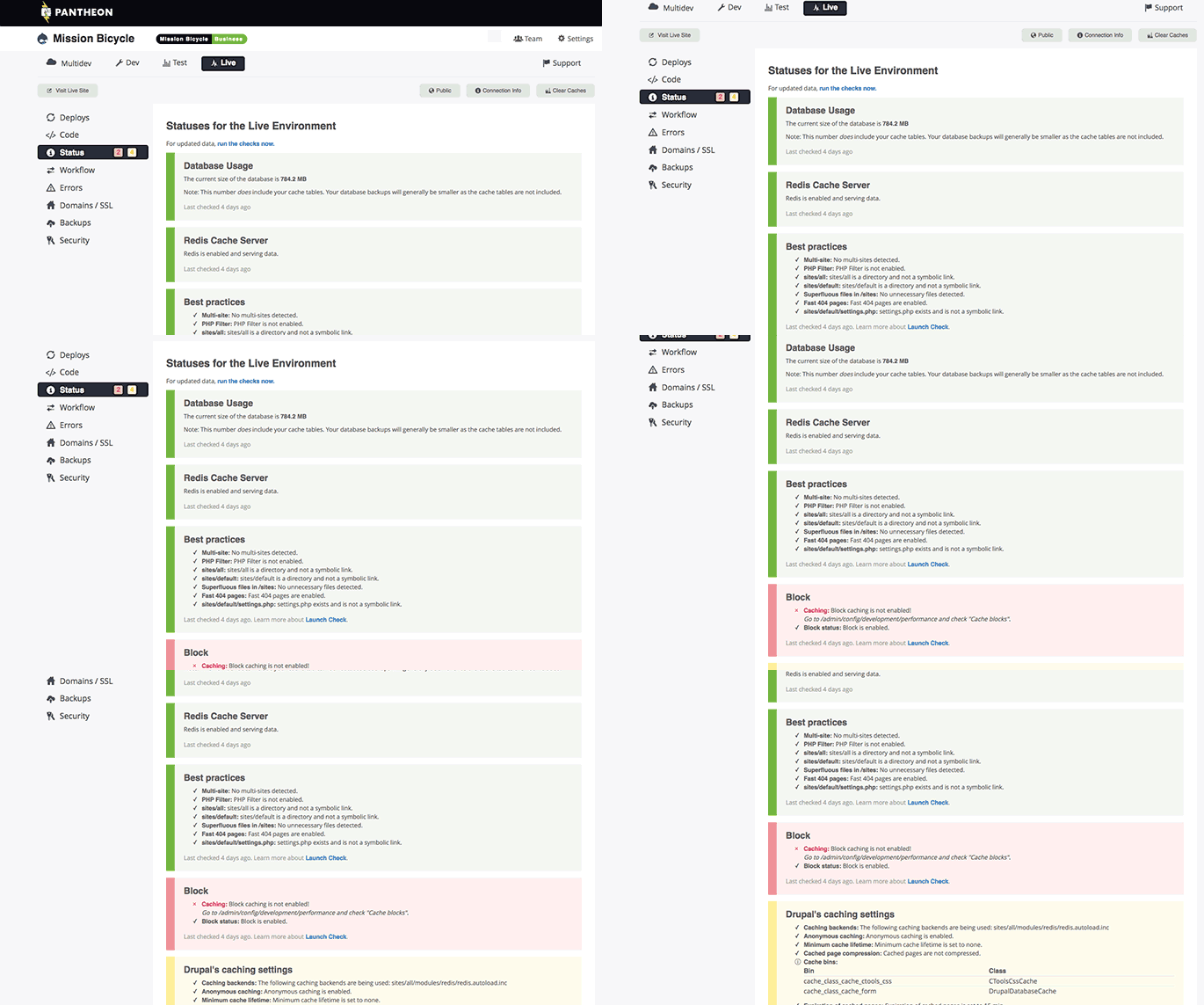
The differentiating advantage that Pantheon has is the incredibly intuitive workflow UI, with seamless GIT integrations between each environment: Dev, Test, and Live.
Pantheon stacks up fairly equally, and we chose Pantheon originally because, at the time of making our decision, they were the best partner for our business size, and who could help us through challenges that VIP could not. Today, we are with VIP as that was a faster and more …
Pantheon unlike the above platforms is very easy to use the features and even on initial features configuration and also the deployment on Cloud is excellent. Pantheon has great data and other marketing content management capabilities through Cloud services and the …
A lot of the other providers on this list are different from each other with very different target audiences. The only thing Pantheon can compare with is managed WordPress hosting, WordPress-related support, and hosting on Google Compute Engine. Pantheon wins hands down in …
GoDaddy can't compete with Pantheon's speed, support, and backed tools. We built a WordPress site for a client in Pantheon, they insisted on us moving it to their existing GoDaddy account, and within three months, they paid us to move it back to Pantheon because of the site's …
Pantheon is great because I can do everything and anything needed as a developer to get my clients satisfied. Drupal is the main CMS we use on Pantheon, and my experience has been pretty positive so far. I manage WordPress sites on my own, and that's easier to maintain for most …
Pantheon is leaps and bounds ahead of its competition in platform reliability, support, and platform features. The most important factor for us is uptime and support response times.
Pantheon provides stellar premium hosting for Drupal and WordPress. The platform is highly performant. Support is responsive and knowledgeable. System-enforced best practices improve site stability alongside rock-solid platform reliability. However, Pantheon absolutely charges …
Pantheon offers an advantage over WP Engine and Flywheel by offering hosting support for both Drupal and WordPress websites. Pantheon's pricing model could be much more competitive, however. Pantheon ended up winning out over Media Temple in World Literature Today's hosting …
Our former hosting company was Dreamhost. While we loved Dreamhost, especially since it was free for nonprofits, we were always flying by the seat of our pants developing and updating plugins on the live website. Pantheon's multi-dev platform allows us to work on several …
Pantheon's use of Git is much better than WP Engine, and Pantheon's interface is better. However, Pantheon costs more and would likely suit medium to larger organizations. GoDaddy's dedicated WordPress offering is much more restrictive compared with Pantheons and suits …
Pantheon has been only the product I have had experience within my entire working career. It performs effectively with great ROI on the overall production of our company. The deployment process was easy, and all our team members had less time learning how it operates. I have …
I have no experience with similar products though Pantheon has proven to be the best WebOps. It has all tools that we require in website infrastructure from development to launching. Our teamwork has enabled us to create websites that have boosted the growth of our organization …
8 because it's currently best-in-class and is completely essential to use in contrast to not expressing your infrastructure as code. That said, new contenders are nipping at its heels, and I expect stronger tools to emerge in the coming years. Hopefully the Terraform team is able to keep pace.
Great Cloud-based coordination platform which offers the team excellent capabilities on easy workflow management, multiple project activity tracking and easy to monitor all the project assets from one desk. Pantheon offers the best content management tools, strategic on development project life cycle management is excellent and the reporting features with Pantheon are effective and useful real-time data analytical capability.
The errors generated by the plan and preview commands are pretty cryptic, it can be hard for newcomers to the scripting language to understand how to address problems.
Access controls around workspaces is limited which makes it harder to secure reduce the scope of teams ability.
Analytics around user usage, applies and plans would be helpful for managemenet.
The syntax itself is pretty straightforward. The documentation is well-maintained & easy to follow. Most cloud providers, even smaller ones, maintain official provider libraries, making discovery & learning a breeze. Some, like GCP, even provide high-level libraries on top of their own more primitive provider, making building complex infra much more manageable. The language itself is cloud-agnostic, so you can literally manage resources from multiple providers in a single Terraform repo.
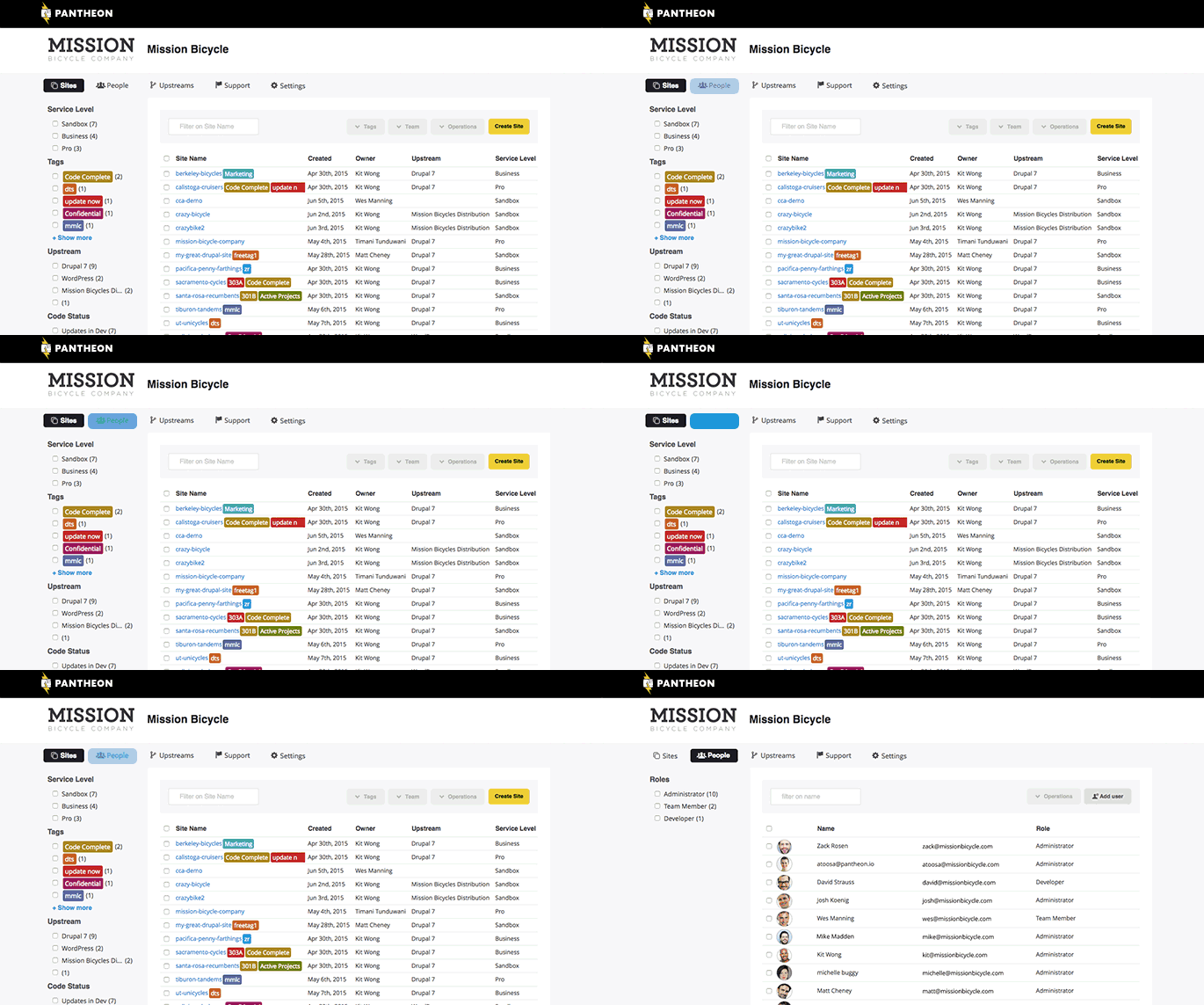
Monitoring of project development is very easy using a dashboard with its integration capability, showing all processes in a single screen which is easy to use and also easy to navigate through. A powerful tool that allows testing to be carried on without the user noticing any changes to the system and a highly interactive tool for groups and project members.
Terraform's performance is quite amazing when it comes to deployment of resources in AWS. Of course, the deployment times depend on various parameters like the number of resources to deploy and different regions to deploy. Terraform cannot control that. The only minor drawback probably shows up when a terraform job is terminated mid way. Then in many cases, time-consuming manual cleanup is required.
Terraform is community driven but does offer support for it's Enterprise product. When contacting the team at HashiCorp we have always gotten resolution to our issues. They have been very responsive in returning our calls and answering our questions as they come up. We are currently using the open source model.
Even tier 1 Pantheon chat and ticket support are knowledgeable, competent, and useful. They routinely understand and promptly resolve urgent, complex, and/or unusual issues that other hosts need to escalate to tier 2 or tier 3 support personnel. I honestly can't think of a truly negative or disappointing support experience in the years I've used Pantheon hosting for client websites.
dbt was fine, but you end up with an extremely bloated repo/project. Often where all of the models are the same, named similarly, and generally just doesn't adhere to the concept of DRY coding. In Terraform we're able to template a lot of this work and dynamically generate assets based on variables instead.
Acquia was terrible. We use DigitalOcean for some all-purpose computing needs and Platform.sh for an application that does more computing and high-throughput processing where we do not want page views (API calls) to count against our usage.
Using code, we are able to build and deploy cloud resources faster and more consistently than producing the same resources in the console manually.
For applications that share architectures, we can reuse code to expedite development. We can also do the same with modules that are shared across the organization.
By defining all of our resources as code, we can deploy complete environments with "batteries included." For example, we can use code that spins up servers in a cloud provider and at the same time, creates monitors with in our monitoring provider. Likewise, when the servers are decommissioned, the monitors are decommed along with them. In the past, the creation and decom of the monitors would have been a disjointed, manual step. With Terraform we get it all with one "terraform apply."