TrustRadius: an HG Insights company

Save this comparison

Save this comparison

Add Product

Recommended Comparisons

    Overview
    ProductRatingMost Used ByProduct SummaryStarting Price

    Hubstaff

    Score9.4 out of 10
    Small Businesses (1-50 employees)
    Hubstaff is a workforce analytics software tailored to boost productivity in remote, hybrid, and in-house teams while fostering a positive employee experience. Integrating with over 30 apps, Hubstaff's key features include time tracking, screenshots, activity tracking, URL and app monitoring, workforce analytics, automatic payroll and invoicing, scheduling, GPS and location monitoring, and timesheets. Hubstaff is compatible with Mac, Windows, Linux, Chrome, iOS, and…

    $14

    per month 2 seats (minimum)

    SeaTable

    Score8.1 out of 10
    N/AWith SeaTable, teams can organize tasks, assets, projects and ideas. It looks like a spreadsheet but structures any type of information, in the cloud or on the user's own server. SeaTable is a web solution to design business processeses and workflows. SeaTable is designed to give teams the information that is currently needed. Individual views provide the freedom to organize work as it is needed. SeaTable can be linked with other business applications and…

    $0

    up to 3 users

    Pricing
    HubstaffSeaTable
    Editions & Modules
    Starter
    $7
    per month per user (2 seat minimum)
    Grow
    $9
    per month per user (2 seat minimum)
    Team
    $12
    per month per user (2 seat minimum)
    Enterprise
    $300
    per year per seat
    Free Version
    $0
    up to 3 users
    Free Version
    $0
    per user, per year
    Plus - monthly
    $11
    per user, per month
    Enterprise - monthly
    $22
    per user, per month
    General license
    $84
    per user, per year
    Plus - yearly
    $101
    per user, per year
    Enterprise - yearly
    $203
    per user, per year
    Small Business Package #1
    $483
    for 10 users. per year
    Small Business Package #2
    $1,811
    for 25 users, per year
    Offerings
    Pricing Offerings
    HubstaffSeaTable
    Free Trial
    YesNo
    Free/Freemium Version
    YesYes
    Premium Consulting/Integration Services
    YesYes
    Entry-level Setup FeeNo setup feeNo setup fee
    Additional DetailsDiscount available for annual pricing.—
    More Pricing Information
    Community Pulse
    HubstaffSeaTable
    Considered Both Products
    Hubstaff
    No answer on this topic
    SeaTable
    No answer on this topic
    Key User Insights
    Would buy again
    100%
    Would buy again
    20 Answers
    No answers on this topic
    Delivers good value for the price
    95%
    Delivers good value for the price
    19 Answers
    No answers on this topic
    Happy with the feature set
    95%
    Happy with the feature set
    19 Answers
    No answers on this topic
    Lived up to sales and marketing promises
    100%
    Lived up to sales and marketing promises
    18 Answers
    No answers on this topic
    Implementation went as expected
    89%
    Implementation went as expected
    17 Answers
    No answers on this topic
    Features
    HubstaffSeaTable
    Project Management
    Comparison of Project Management features of Hubstaff and SeaTable
    Feature
    Hubstaff
    -
    Ratings
    SeaTable
    7.5
    3 Ratings
    2% below category average
    Task Management00 Ratings9.13 Ratings
    Resource Management00 Ratings9.13 Ratings
    Gantt Charts00 Ratings1.01 Ratings
    Scheduling00 Ratings4.73 Ratings
    Workflow Automation00 Ratings8.22 Ratings
    Team Collaboration00 Ratings9.13 Ratings
    Support for Agile Methodology00 Ratings6.01 Ratings
    Support for Waterfall Methodology00 Ratings6.01 Ratings
    Document Management00 Ratings9.12 Ratings
    Email integration00 Ratings7.32 Ratings
    Mobile Access00 Ratings8.01 Ratings
    Timesheet Tracking00 Ratings9.01 Ratings
    Change request and Case Management00 Ratings10.01 Ratings
    Budget and Expense Management00 Ratings8.22 Ratings
    Professional Services Automation
    Comparison of Professional Services Automation features of Hubstaff and SeaTable
    Feature
    Hubstaff
    -
    Ratings
    SeaTable
    7.3
    2 Ratings
    5% below category average
    Quotes/estimates00 Ratings8.01 Ratings
    Invoicing00 Ratings8.01 Ratings
    Project & financial reporting00 Ratings8.02 Ratings
    Integration with accounting software00 Ratings5.01 Ratings
    Best Alternatives
    HubstaffSeaTable
    Small Businesses
    Time Doctor
    Score8 out of 10
    Any.do
    Score8 out of 10
    Medium-sized Companies
    Toggl Track
    Score9 out of 10
    KanbanFlow
    Score7.3 out of 10
    Enterprises
    TimeCamp
    Score7.3 out of 10
    Microsoft To Do
    Score7.9 out of 10
    All AlternativesView all alternativesView all alternatives
    User Ratings
    HubstaffSeaTable
    Likelihood to Recommend
    9.6
    (24 ratings)
    8.1
    (3 ratings)
    Likelihood to Renew
    10.0
    (1 ratings)
    -
    (0 ratings)
    Usability
    8.7
    (3 ratings)
    9.0
    (1 ratings)
    Availability
    10.0
    (1 ratings)
    -
    (0 ratings)
    Performance
    10.0
    (1 ratings)
    -
    (0 ratings)
    Support Rating
    10.0
    (5 ratings)
    -
    (0 ratings)
    Configurability
    10.0
    (1 ratings)
    -
    (0 ratings)
    Vendor post-sale
    10.0
    (1 ratings)
    -
    (0 ratings)
    Vendor pre-sale
    10.0
    (1 ratings)
    -
    (0 ratings)
    User Testimonials
    HubstaffSeaTable
    Likelihood to Recommend
    Hubstaff
    It enables you to monitor workers' time on every project. It monitors productivity even if an internet connection is not available. It provides a customizable interface. Every task is customizable to suit project requirements. It allows you to track time from anywhere in the world. In this way, it provides powerful insights to determine how many hours are required to do a project.
    Incentivized
    Read full review
    SeaTable
    It does well as a CRM for a company to see all of their candidates or clients or whatever they are tracking. The sorting and grouping ability as well as the inclusion of many formula integrations is also helpful to organize content more meaningfully. If you don't have a lot of information that you need to track, this might have more than you require but it is still a great software to use.
    Incentivized
    Read full review
    Pros
    Hubstaff
    • Its interface is also quite easy to handle and is designed in a user friendly way.
    • Overall, I feel that Hubstaff is a very useful invention that has the ability to attract and fascinate users.
    • Hubstaff offers a customizable and easily tailored according to your requirements user interface where with the help of just one click you can start or even stop tracking your daily project activities.
    Incentivized
    Read full review
    SeaTable
    • Combination of spreadsheet and database
    • Feature rich but still easy to use
    • Uncomplicated installation and Maintenance
    Read full review
    Cons
    Hubstaff
    • I am having a problem with its customer support. [I feel it is] one of the worst customer service I have gone through for the longest time. They did not even know about their own platform, response time is late and there is no such name of help from their side what so ever which makes it a very difficult platform to use.
    • [I believe it] needs a lot of upgrades in customer support system.
    Incentivized
    Read full review
    SeaTable
    • SeaTable is a young company, and I have nothing to criticise, for now. - No solution will fit all use cases, in any event. --- I have found this one to be the most adaptable and complex on the European market. Due to the data location, I am reassured on the subject of GDPR compliance.
    Incentivized
    Read full review
    Likelihood to Renew
    Hubstaff
    Because it's easy to implement and use. It does not disrupt your work.
    Incentivized
    Read full review
    SeaTable
    No answers on this topic
    Usability
    Hubstaff
    I give it 9 because it is really good for time tracking and managing remote teams. It helps me to manage my team very efficiently. Still, prices are high, so don't give 10. I need more discounts to add more team. Also need more accuracy as users are now fooling the tools with various cheats. Overall it is good and helfull
    Incentivized
    Read full review
    SeaTable
    It is easy to use even with keyboard only. It has a good documentation and a perfect support.
    Read full review
    Reliability and Availability
    Hubstaff
    I've never had any issues and always received proper support. They let you know in advance when they'll be in maintenance and it's always in odd hours, so it's good. You still can use it when they are maintaining it.
    Incentivized
    Read full review
    SeaTable
    No answers on this topic
    Performance
    Hubstaff
    I've never had any issues. It loads correctly and works like a charm.
    Incentivized
    Read full review
    SeaTable
    No answers on this topic
    Support Rating
    Hubstaff
    Hubstaff has always responded to support requests in a timely manner and has kept me in the loop of changes. When contacting them about future changes/features they've always been upfront on whether that is a change they are looking to make and when that change may occur. Finally, if the person I have communicated with was unable to resolve, they always escalated to the next best person who can answer/resolve.
    Incentivized
    Read full review
    SeaTable
    No answers on this topic
    Implementation Rating
    Hubstaff
    None, everything went smoothly.
    Incentivized
    Read full review
    SeaTable
    No answers on this topic
    Alternatives Considered
    Hubstaff
    Hubstaff keeps interesting and smart features and functions. The most interesting feature is the reporting feature that has brought much convenience
    to me. It is no doubt a great tool for planning budgets, managing workflows,
    tracking time, and best supervision capabilities.
    Incentivized
    Read full review
    SeaTable
    For the value, you get much more with SeaTable including the statistics and the number of records that can be utilized on the free version. I also thoroughly enjoy the ease of adding formulas and having the reference right inside of the platform to ensure the selection of the correct formula to meet your needs.
    Incentivized
    Read full review
    Contract Terms and Pricing Model
    Hubstaff
    I didn't help purchase this product. We just implement it.
    Incentivized
    Read full review
    SeaTable
    No answers on this topic
    Professional Services
    Hubstaff
    Not sure we used the professional service.
    Incentivized
    Read full review
    SeaTable
    No answers on this topic
    Return on Investment
    Hubstaff
    • Hubstaff has enabled us to identify the most productive workers which enables us to maximize profitability.
    • Hubstaff has enabled us to quickly identify drops in engagement or output, or just poor performance due to not caring so we can move on instead of trying to fit a square peg into a round hole.
    • HubStaff lets us actively measure retainers vs delivered hours and adjust contracts to what we really need based on our time expenditures.
    Incentivized
    Read full review
    SeaTable
    • Positive: Savings in administrative staffing needs.
    • Positive: Customisation allows for real-life workflow management
    • Positive: Automation is a goal that SeaTable supports very well.
    • Negative: Not many people are familiar with solutions like SeaTable. They are used to working with inflexible (and often not-fit for purpose) administrative systems. They are adept at finding ways to circumvent the issues by using secondary tools, or they wait passively for web developers to deliver the functionality they need. - It is quite difficult to convey the opportunities that SeaTable offers to people who have not used it before. SeaTable cannot be blamed for this, but it creates work in needing to convey this to the organisation's stakeholders. --- I would recommend one person to be assigned the role of SeaTable specialist in an organisation, so that any issues can be quickly resolved.
    Incentivized
    Read full review
    ScreenShots

    Hubstaff Screenshots

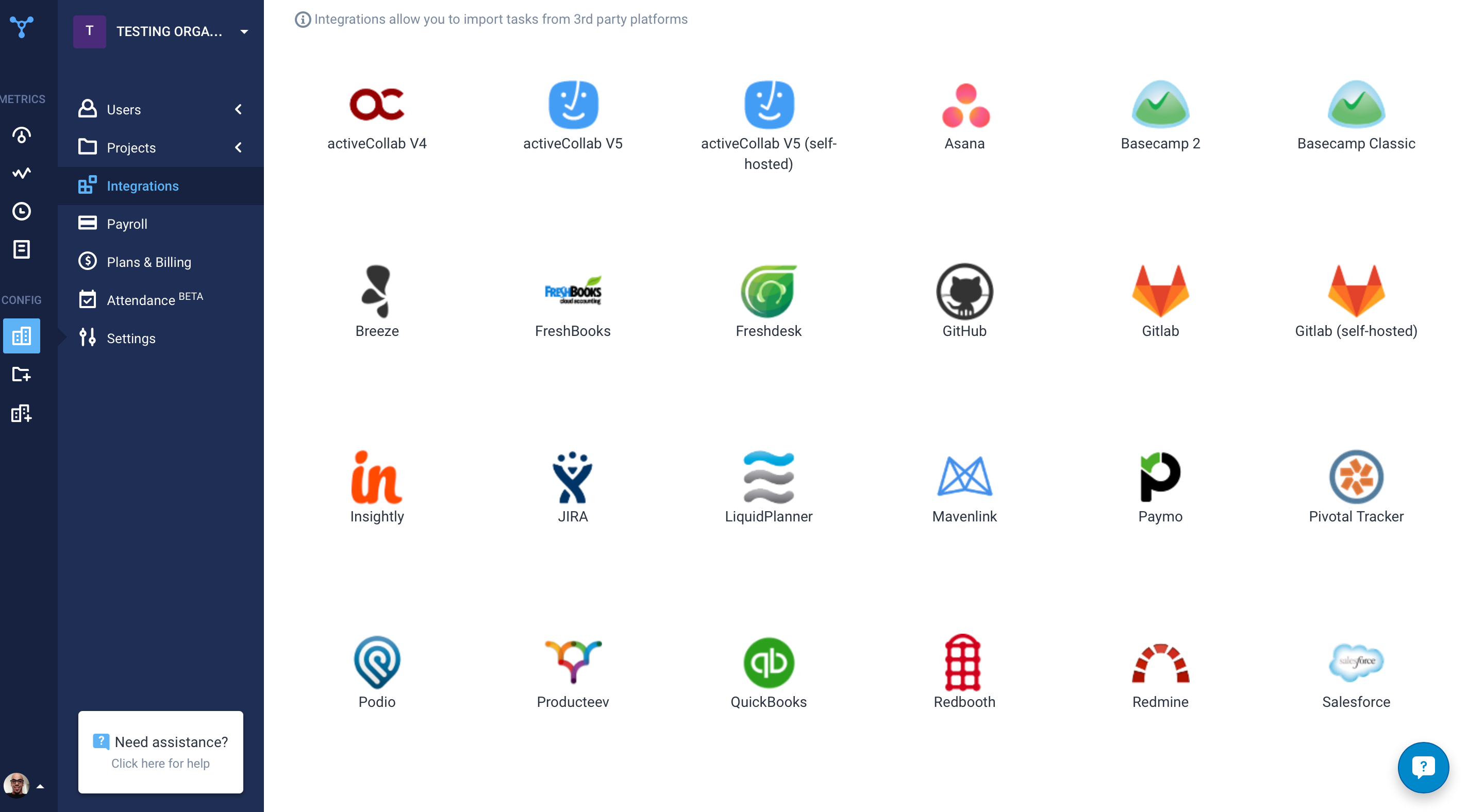
    Screenshot of the time tracking interface, with screenshotsScreenshot of the remote work dashboardScreenshot of Hubstaff's 30 project management integrations

    SeaTable Screenshots

    Screenshot of This is your starting overview page with all your bases. We provide you with predefined templates to help you get started with SeaTable as easily as possible.Screenshot of Always keep track of all your ideas, tasks or projects. So that everyone in the team knows exactly what needs to be done.Screenshot of In just a few clicks, you can add your team members to SeaTable, assign tasks, mark individual team members, set permissions and comment on the various tasks. This way, everyone in the team always stays informed and knows what needs to be done.Screenshot of SeaTable can be extended with individual plug-ins. In addition to the gallery, calendar, map view and timeline plug-in, you also have the option of developing your own desired functions.Screenshot of Bring your data to life with SeaTable! In addition to pie charts, bar charts and line charts, SeaTable has a variety of other options for efficiently preparing your data.Screenshot of Do you have to regularly record data from your employees or business partners? With SeaTable you can create online forms in no time at all, which you can send to the respective recipients via a link. The entered data ends up directly in SeaTable.