TrustRadius: an HG Insights company

Save this comparison

Save this comparison

Add Product

Recommended Comparisons

    Overview
    ProductRatingMost Used ByProduct SummaryStarting Price

    Alfresco

    Score9 out of 10
    N/AThe Alfresco platform, from Hyland, delivers comprehensive cloud-native content services. It is used to intelligently activate processes and content to accelerate the flow of business.N/A

    PDF Studio

    Score9.1 out of 10
    N/APDF Studio is a PDF editor that aims to provides all PDF features needed at a low cost. PDF Studio maintains full compatibility with the PDF Standard. Users can: Create PDFs from Scan, MS Word, Text and Images Annotate PDFs with Comments & Text Markups Create, Fill In & Save PDF Forms Secure Documents with Passwords and Permissions Merge, Split & Assemble Documents Apply Watermarks, Headers and Footers Create Bookmarks / Table…

    $99

    one-time fee

    Pricing
    AlfrescoPDF Studio
    Editions & Modules
    No answers on this topic
    No answers on this topic
    Offerings
    Pricing Offerings
    AlfrescoPDF Studio
    Free Trial
    YesYes
    Free/Freemium Version
    YesNo
    Premium Consulting/Integration Services
    NoNo
    Entry-level Setup FeeNo setup feeNo setup fee
    Additional Details—Each user license key can be used on 2 computers (for the same user) on any of the supported operating system (Windows, Mac, Linux). Each user license is perpetual and allows to continue using this major version of our software (version 2018) as long as it works on your operating system. Payment is a one-time fee, with no monthly or yearly subscription or commitment. Any upgrade to future major versions is optional.
    More Pricing Information
    Features
    AlfrescoPDF Studio
    Enterprise Content Management
    Comparison of Enterprise Content Management features of Alfresco and PDF Studio
    Feature
    Alfresco
    8.2
    7 Ratings
    1% above category average
    PDF Studio
    -
    Ratings
    Content capture & imaging9.05 Ratings00 Ratings
    File sync, storage & archiving9.06 Ratings00 Ratings
    Document management9.07 Ratings00 Ratings
    Records management8.06 Ratings00 Ratings
    Content search & retrieval10.07 Ratings00 Ratings
    Enterprise content collaboration7.07 Ratings00 Ratings
    Content publishing & creation7.05 Ratings00 Ratings
    Security, risk management & information governance9.06 Ratings00 Ratings
    Contract lifecycle management8.95 Ratings00 Ratings
    Automated workflows8.04 Ratings00 Ratings
    Artificial intelligence6.03 Ratings00 Ratings
    Mobile support7.04 Ratings00 Ratings
    Integration8.04 Ratings00 Ratings
    Best Alternatives
    AlfrescoPDF Studio
    Small Businesses
    Egnyte
    Score9.3 out of 10
    Tungsten Power PDF
    Score9.8 out of 10
    Medium-sized Companies
    Epicor ECM
    Score7.7 out of 10
    PDF Xchange Viewer and Editor
    Score9.3 out of 10
    Enterprises
    Dashpivot - By Sitemate
    Score10 out of 10
    Adobe Acrobat Reader
    Score8.6 out of 10
    All AlternativesView all alternativesView all alternatives
    User Ratings
    AlfrescoPDF Studio
    Likelihood to Recommend
    9.0
    (18 ratings)
    9.1
    (3 ratings)
    Likelihood to Renew
    9.0
    (9 ratings)
    -
    (0 ratings)
    Usability
    9.0
    (3 ratings)
    8.2
    (1 ratings)
    Support Rating
    7.0
    (2 ratings)
    8.5
    (2 ratings)
    Implementation Rating
    9.0
    (1 ratings)
    -
    (0 ratings)
    User Testimonials
    AlfrescoPDF Studio
    Likelihood to Recommend
    Hyland
    Easy integration with the external APIs Workflows can be invoked via REST call Wonderful swagger documentation for process REST APIs REST, MULE, CAMEL, Google Drive, and Box features are available with Alfresco Process Services The micro-service version deployment should be well documented and needs improvement
    Incentivized
    Read full review
    Qoppa Software
    For Linux users it is without a doubt the best option and the most developed so far.
    Read full review
    Pros
    Hyland
    • Basic workflows are easy enough for casual users to set up and utilize.
    • Cloud sync capability provides a great way to share documents with third parties and to use as a backup system for critical documents.
    • Alfresco mobile app makes it easy for those on the road to access, approve and share documents.
    • Folder rules are easy to set up and make assignment of metadata easier to automate.
    Incentivized
    Read full review
    Qoppa Software
    • Editing PDF pages easily.
    • Organizing PDF pages quickly.
    • Adding comments to particular items within a PDF.
    Read full review
    Cons
    Hyland
    • Alfresco Process Services and Alfresco Application Development Framework integration makes for best functionality/application of ECM.
    • Use case alignment - Marketing content and documentation of specific business requirements and user stories being available as reference material/documentation.
    • Integration with multiple silos for content.
    Incentivized
    Read full review
    Qoppa Software
    • I would like to be able to generate indexes of the documents that I am adding to a file.
    • To be able to scan a file and convert it from a PDF simply having the scan parameters.
    Read full review
    Likelihood to Renew
    Hyland
    As per the current market and the line of products that are available for content and document management system, Alfresco is a very good option compared to other systems in terms of features and cost. Plus the community support is great. Also since the product is open source, it can be extended or understood in a better way.
    Incentivized
    Read full review
    Qoppa Software
    No answers on this topic
    Usability
    Hyland
    The UI is very intuitive, most of our users figure out how to use the platform by themselves, so there's not much training needed.
    You can upload files by using the web drag and drop, WebDAV, FTP, and more.
    Most of the platform already works as-is so you can just deploy it using Docker and it's mostly ready to go.
    Incentivized
    Read full review
    Qoppa Software
    As I answered before, the graphical interface is the best developed of the options that exist for Linux.
    Read full review
    Support Rating
    Hyland
    I am not big fan of Alfresco Content Services' support; it works on its own speed and sometimes it becomes challenging to achieve business needs. However, I appreciate regular delivery of security patches and updates
    Incentivized
    Read full review
    Qoppa Software
    Anytime I have had questions they have been able to be found in the forums of PDF Studio.
    Read full review
    Implementation Rating
    Hyland
    Process was relatively smooth and overall, downtime minimal. MSI was very responsive to our needs and made the transition easier than it otherwise might have been.
    Incentivized
    Read full review
    Qoppa Software
    No answers on this topic
    Alternatives Considered
    Hyland
    All software has some pros and some cons. Alfresco has some good pluses, and suits our environment very well. It fit perfectly in the place that we are working on. That is why we decided to go with this software. Overall, the kind of content management that needs to be done in an organization is what would determine which software to use.
    Incentivized
    Read full review
    Qoppa Software
    PDF Studio doesn't involve an expensive subscription, plus has all the features without the cluttered UI. It is intuitive to use and I prefer it to Adobe Acrobat, Foxit, PDF XChange, AcePDF, and others. Minimal design with refined tools. Frankly, I am just relieved to have a perpetual license for a product that just works.
    Incentivized
    Read full review
    Return on Investment
    Hyland
    • Instant document lookup - No paper files to mail which saves in all areas of postage, truck delivery, physical storage warehouse space, printing, etc
    • No longer losing important documents - Previously with paper files things would go missing and those could be costly reports/assessments.
    • Ability to secure documents and provide access to only those who should be allowed to see that content
    Incentivized
    Read full review
    Qoppa Software
    • Allowed me to get a customer a quote faster.
    • Won business proposition due to the ability to organize and sort through customer documentation quickly.
    Read full review
    ScreenShots

    Alfresco Screenshots

    Screenshot of Alfresco Control CenterScreenshot of Alfresco

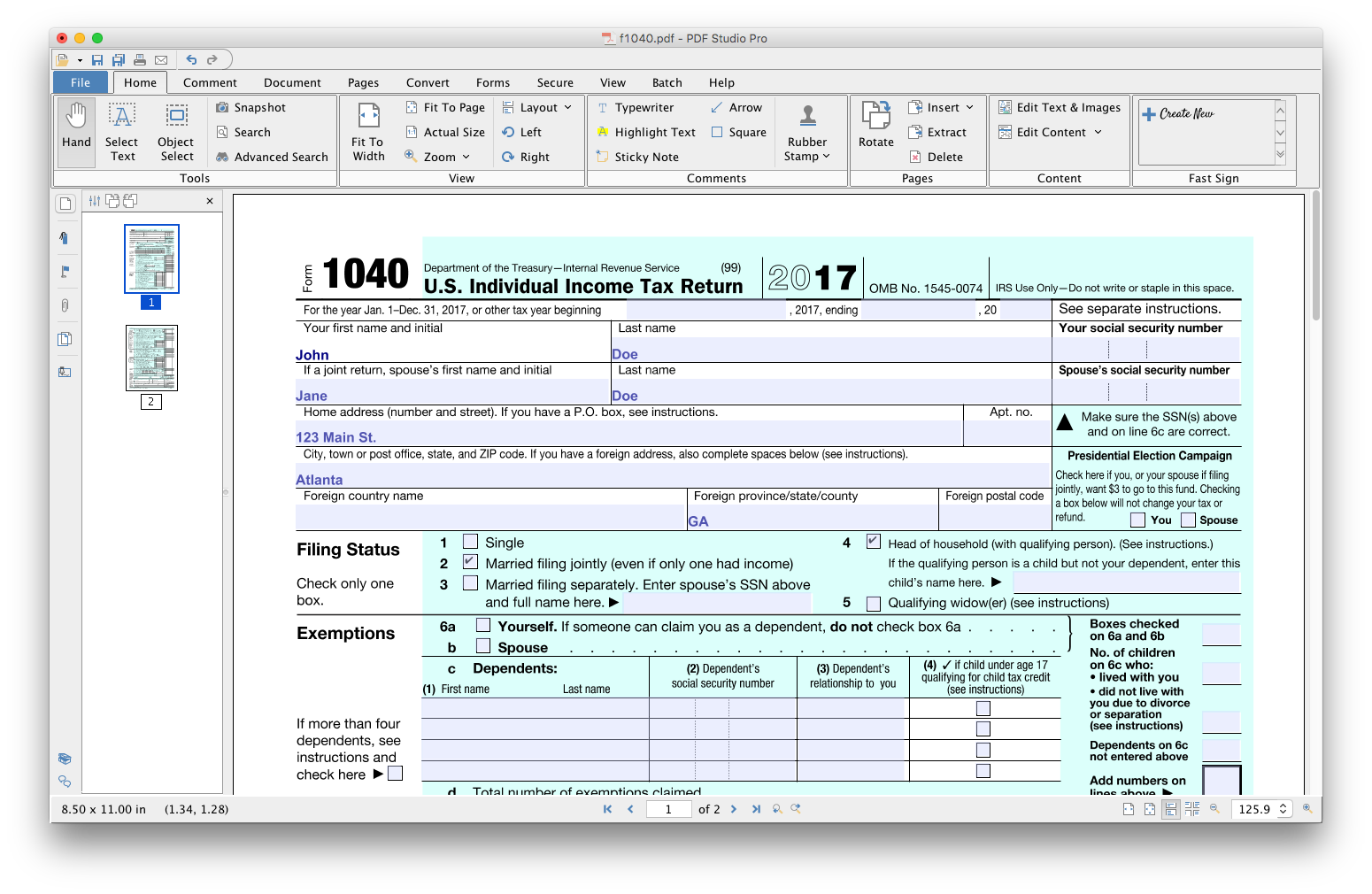
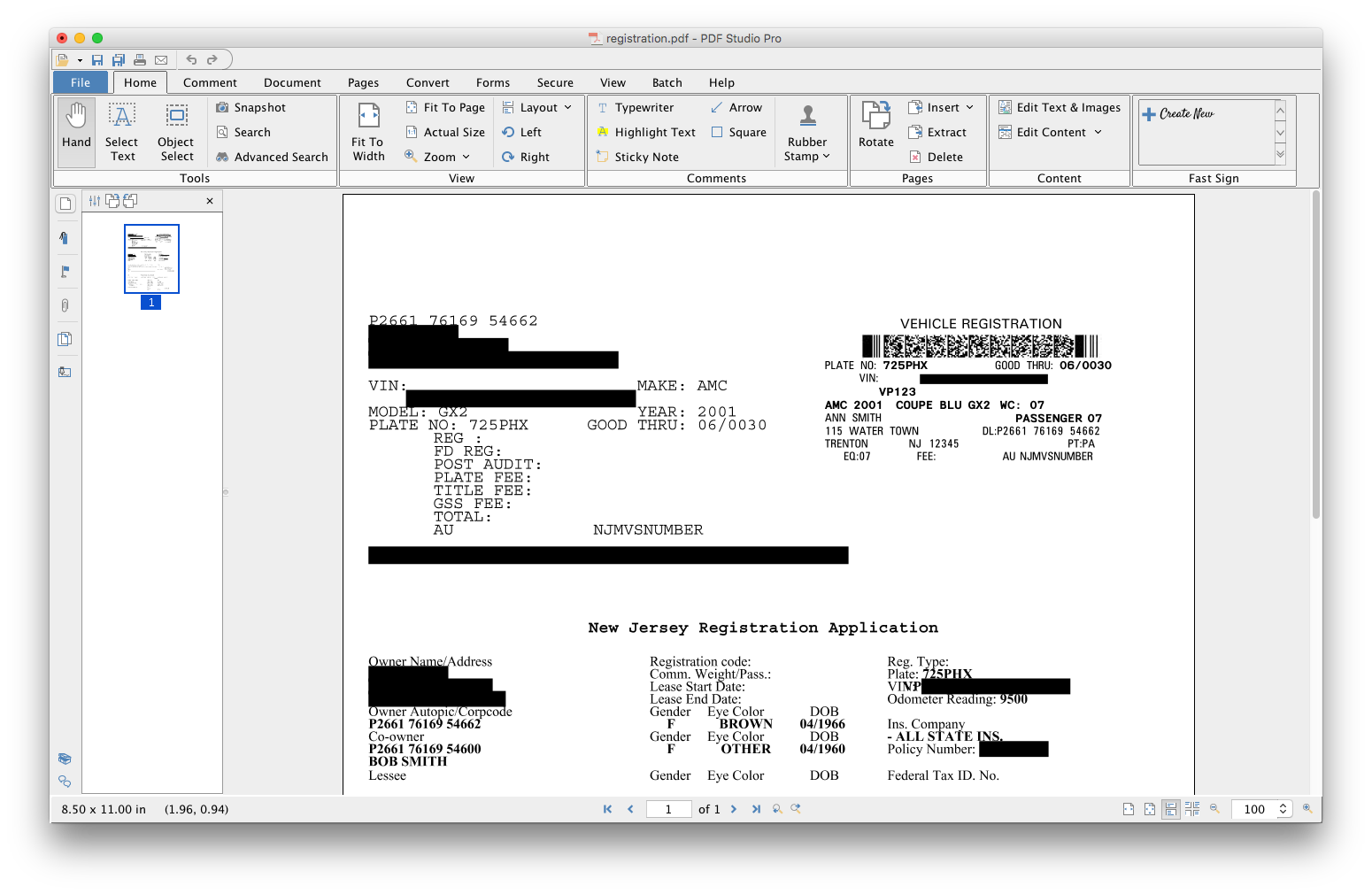
    PDF Studio Screenshots

    Product screenshotProduct screenshotProduct screenshotProduct screenshotProduct screenshotProduct screenshot