Instana, an IBM company since the December 2020 acquisition, provides APM services for SOA, microservices, containerized applications and Kubernetes, and cloud native applications, as well as discovery and monitoring for IT assets.
$75
per month per Managed Virtual Server (MVS)
Retrace (legacy)
Score8 out of 10
N/A
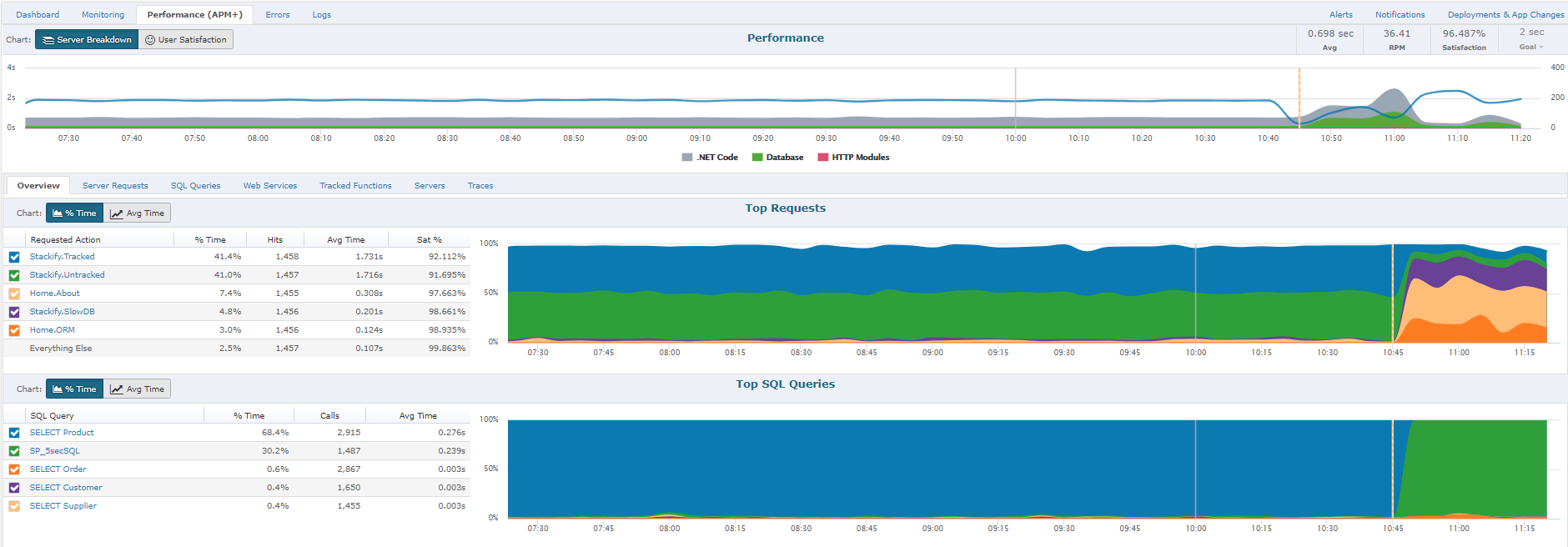
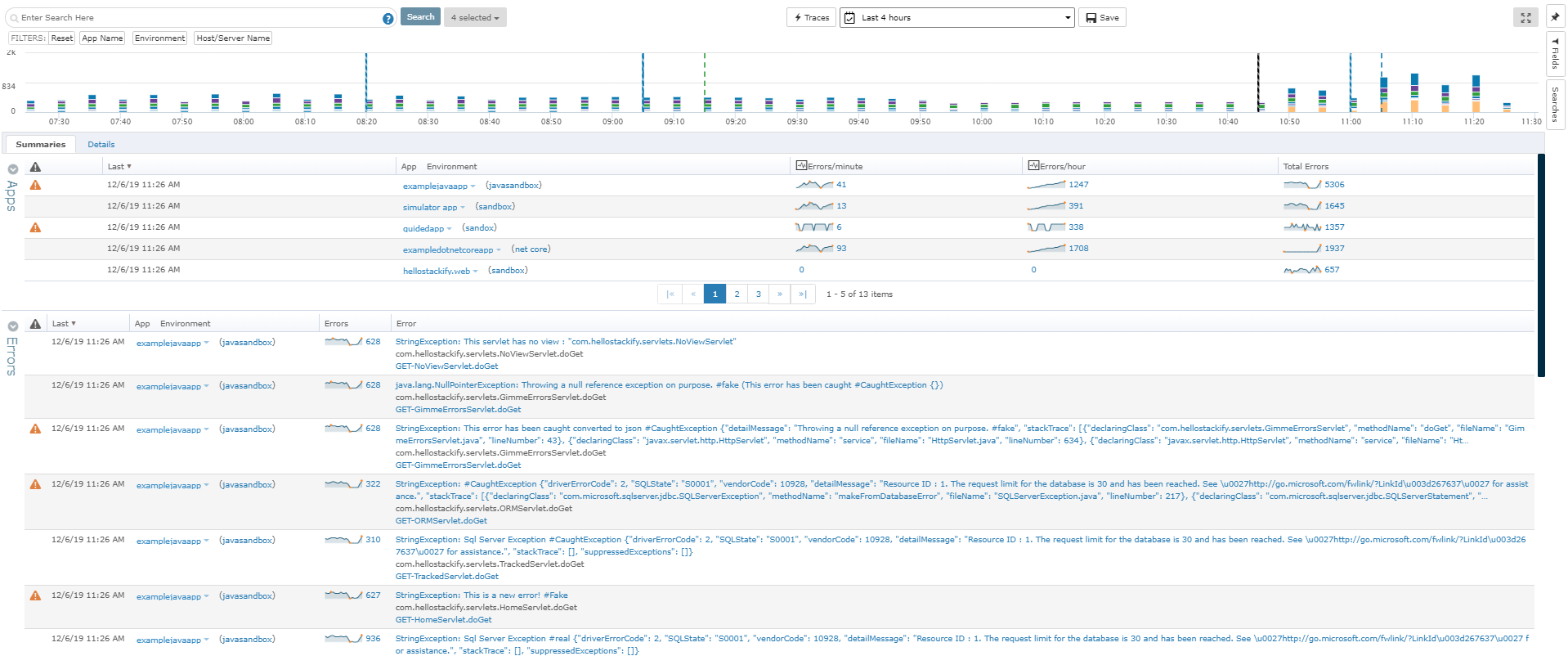
Stackify Retrace provides application performance management across the entire stack. Coupled with aggregated logs from common logging frameworks, find every exception in code. Retrace code with lightweight code profiling and track and monitor all key application and server metrics. The vendor states that with coverage for full lifecycle development, the Stackify Retrace software offering is tailored to be inclusive for multiple role types, and presents everything your team needs to know about…
$99
up to 3 servers, 500,000 traces, and 1,000,000 logs
Pricing
IBM Instana
Retrace (legacy)
Editions & Modules
Essentials
$20
per month per Managed Virtual Server (MVS)
Standard
$75
per month per Managed Virtual Server (MVS)
Self-Hosted
$93.80
per month per Managed Virtual Server (MVS)
Essentials
$99
up to 3 servers, 500,000 traces, and 1,000,000 logs
Well-suited for an org with a large application base, where many microservices are created and destroyed daily. IBM Instana doesn't require any manual configuration, so deploying the Instana agents takes very little time. Data capture from IBM Instana is highly granular and can detect even short spikes lasting a few seconds. Not suitable for legacy applications where there will be rarely any changes. They can use a simpler monitoring mechanism. Also, highly dense data capturing can sometimes overload the information.
A de minimis incentive was given to thank the reviewer for their time. The incentive was not used to bias or drive a particular response, nor was the incentive contingent on a positive endorsement. More Info
If I need to change a logo design on the invoice, the new logo is slightly larger or smaller so the type below the logo is in a different area than before. In this case, you would need to load the new version of the document into APM Plus and redo the mapping of the field areas to properly grab the information needed to process the document. Without doing this, the document could fail or go to the wrong archive based on the fields.
A de minimis incentive was given to thank the reviewer for their time. The incentive was not used to bias or drive a particular response, nor was the incentive contingent on a positive endorsement. More Info
Can monitor application(s) and system(s) with very large throughput of transactions by the second ( it gets everything !!!)
Provide strong drill down for your applications and will tell you where the points of failure of an application's is ( servers , network , Databases , etc you name it )
Very easy to set up and have it up and running when using the SaaS solution. There's an on premise solution which works just as well but requires more effort and preparation from an infrastructure point of view for your teams to implement.
Continuously improve their features and their agents auto-update and keep up. All while not interfering with your applications.
Let's you create your own dashboards and visualizations that can be tailored for different kind of users with the data collected.
Create your own events and smart alerts so you can know on the spot if something is happening or is likely to happen that needs addressing on your applications / systems
A de minimis incentive was given to thank the reviewer for their time. The incentive was not used to bias or drive a particular response, nor was the incentive contingent on a positive endorsement. More Info
It's very difficult to create custom dashboards, only a handful of scenarios can be visualized to dashboards.
Extracting information from Instana to further analysis into excel for example is something that can be improved. Using an API to get data is very limiting.
Open telemetry features which allow to send application data to Instana is not working as documented.
A de minimis incentive was given to thank the reviewer for their time. The incentive was not used to bias or drive a particular response, nor was the incentive contingent on a positive endorsement. More Info
To set up the fields that APM Plus monitors, you need to map each field area on each document.
APM Plus could use a way to link the documents back into the finance or business software so you can find the document under the PO, Sales Order, Invoice, etc.
APM Plus setup is only for the professionals. There are many areas that need tweaking on setup, having a better default setup would lessen the learning curve to set it up for use.
A de minimis incentive was given to thank the reviewer for their time. The incentive was not used to bias or drive a particular response, nor was the incentive contingent on a positive endorsement. More Info
Instana has been able to fulfill our all requirement and provide out of box solution for multiple component like AWS RDS Monitoring and real time alerting setup on basis of that. it is also easy to integrate with other open-source alerting and monitoring tools which makes it easier to incorporate into our solutions
A de minimis incentive was given to thank the reviewer for their time. The incentive was not used to bias or drive a particular response, nor was the incentive contingent on a positive endorsement. More Info
IBM Instana totally alters our monitoring approach since it increases the stability of the system and simplifies the process of problem solving. And since it helps to lower the degree of alert exhaustion that we experience, it is a total game changer for us.
A de minimis incentive was given to thank the reviewer for their time. The incentive was not used to bias or drive a particular response, nor was the incentive contingent on a positive endorsement. More Info
A de minimis incentive was given to thank the reviewer for their time. The incentive was not used to bias or drive a particular response, nor was the incentive contingent on a positive endorsement. More Info
Instana is much more robust and modern compared to our previous product which was AppDynamics. We compared Dynatrace and Datadog and they were very similar in many aspects. The licensing simplicity with Instana and our existing relationship with IBM made it a much more enticing option and accelerated the adoption timeline
It is a very impressive tool which doesn't overwhelm you with unnecessary data. They have combination of tools that haven't seen by any other company which makes it a very powerful tool
A de minimis incentive was given to thank the reviewer for their time. The incentive was not used to bias or drive a particular response, nor was the incentive contingent on a positive endorsement. More Info
APM Plus has freed up users from having to manually attach documents to each place they are sending it. APM Plus will do it automatically.
APM Plus provides a searchable archive to re-visit sent documents with customers and vendors. Having to reprint a document you risk the potential that something has changed since it was last printed.
APM Plus does need IT staff for adjustments and to review sending problems. Not for an average user.
A de minimis incentive was given to thank the reviewer for their time. The incentive was not used to bias or drive a particular response, nor was the incentive contingent on a positive endorsement. More Info