IBM Engineering Lifecycle Management vs. WorkOtter PPM

Overview
ProductRatingMost Used ByProduct SummaryStarting Price
IBM Engineering Lifecycle Management
Score 5.1 out of 10
N/A
IBM Engineering Lifecycle Management (ELM) is an end-to-end engineering solution used to manage system requirements to design, workflow, and test management, extending the functionality of ALM tools for better complex-systems development.N/A
WorkOtter PPM
Score 9.1 out of 10
Mid-Size Companies (51-1,000 employees)
WorkOtter is presented by the vendor as a simple, flexible, and scalable project portfolio management (PPM) solution for IT, Engineering, and Professional Service PMOs. The software manages the lifecycle of work from ideas through project planning, control, lessons learned, and close. Projects can then be rolled up to Programs (multi project efforts) or Portfolios (Roadmaps with What If Scenarios). All features were designed to support Project Teams with simplicity and usability in mind.…
$10
per user per month
Pricing
IBM Engineering Lifecycle ManagementWorkOtter PPM
Editions & Modules
No answers on this topic
Time/Status
$10
per user per month
Team
$20
per user, per month
Manager
$35
per user, per month
Offerings
Pricing Offerings
IBM Engineering Lifecycle ManagementWorkOtter PPM
Free Trial
NoYes
Free/Freemium Version
NoNo
Premium Consulting/Integration Services
NoYes
Entry-level Setup FeeNo setup feeNo setup fee
Additional DetailsTime/Status Tier is BEST FOR: Contractors, Consultants, Limited Team Members FUNCTIONALITY AVAILABLE:Timesheets, Adjust Estimate To Complete, Create Notes for PM and Team Members Team Tier is BEST FOR: Customers, Suppliers, Contractors, Consultants, Team Members FUNCTIONALITY INCLUDES TIME/STATUS PLUS: My Home Dashboards, Support Log Updates, Issue Updates, Changes, Timesheet & Expenses, Risks, Action Items Limited, Reporting, E-Mail Updates, Chat & Collaboration Manager Tier is BEST FOR: Project Managers, Program Managers, Executives, PMO Department Managers, Administrators FUNCTIONALITY INCLUDES TEAM PLUS: Project Management, Microsoft Project -Way Sync, Dashboard Reporting, Program Management, Resource Management, Portfolio Management, Workflow Management, Estimating and Templates
More Pricing Information
Community Pulse
IBM Engineering Lifecycle ManagementWorkOtter PPM
Features
IBM Engineering Lifecycle ManagementWorkOtter PPM
Project Management
Comparison of Project Management features of Product A and Product B
IBM Engineering Lifecycle Management
-
Ratings
WorkOtter PPM
9.9
2 Ratings
25% above category average
Task Management00 Ratings10.01 Ratings
Resource Management00 Ratings10.02 Ratings
Gantt Charts00 Ratings10.02 Ratings
Scheduling00 Ratings10.02 Ratings
Workflow Automation00 Ratings10.01 Ratings
Team Collaboration00 Ratings9.01 Ratings
Support for Agile Methodology00 Ratings10.01 Ratings
Timesheet Tracking00 Ratings10.01 Ratings
Change request and Case Management00 Ratings10.01 Ratings
Best Alternatives
IBM Engineering Lifecycle ManagementWorkOtter PPM
Small Businesses
Polarion ALM
Polarion ALM
Score 9.9 out of 10
Stackby
Stackby
Score 8.9 out of 10
Medium-sized Companies
Polarion ALM
Polarion ALM
Score 9.9 out of 10
InEight
InEight
Score 8.3 out of 10
Enterprises
Polarion ALM
Polarion ALM
Score 9.9 out of 10
InEight
InEight
Score 8.3 out of 10
All AlternativesView all alternativesView all alternatives
User Ratings
IBM Engineering Lifecycle ManagementWorkOtter PPM
Likelihood to Recommend
3.0
(22 ratings)
10.0
(2 ratings)
Likelihood to Renew
8.0
(6 ratings)
-
(0 ratings)
Usability
4.0
(5 ratings)
-
(0 ratings)
Support Rating
5.0
(3 ratings)
-
(0 ratings)
Implementation Rating
10.0
(1 ratings)
-
(0 ratings)
User Testimonials
IBM Engineering Lifecycle ManagementWorkOtter PPM
Likelihood to Recommend
IBM
The software is robust enough to handle highly complex software development or other product development and can be used well beyond the range to do what a client needs. However, because of the inability to hold its users to proper best practices, things can get wildly out of hand and cascade over the years, creating unnecessary technical debt. The system has a lot of usable features, but they don't funnel users toward the correct processes and practices.
Read full review
WorkOtter
I know it works well for IT but not sure how it would work for construction. I think construction has a different set of needs.
Read full review
Pros
IBM
  • Open Services supporting Lifecycle Collaboration (OSLC).
  • Required definition management and managed capabilities enabling.
  • Rational DOORS Web Access for local on the test field presence.
  • On-sites established reporting system.
  • Approved linking requirements to test plans
  • Engineering Requirements Management DOORS traces requirements thereby eliminates manually processes and spreadsheets, for improved productivity.
  • Returns the investment efficiently.
Read full review
WorkOtter
  • Users find it easy to use which is important if you have a large number of users who don't have time for a lot of training or when new hires come on-board.
  • WorkOtter has a lot of advanced features that we don't use but when we do need one, it is nice to know the feature is waiting for us. We have used several of these features for special projects.
  • It does a good job with resource management.
Read full review
Cons
IBM
  • I feel like it is too heavy sometimes and updating is not very straight forward. For example, if I want to change an incident ticket (IN) to a service request (SR) and add some comment for the change, I have to first change the IN to SR, then click refresh which takes a few seconds, then add a comment. If I forget the refresh step, my comment will be discarded without warning like my ticket is not in the latest status. This also happens when somebody else changes the ticket during my edit as I can not lock the ticket exclusively.
Read full review
WorkOtter
  • Nothing significant. Maybe could be faster at times but I'm not sure if that is our own internet connection.
Read full review
Likelihood to Renew
IBM
At the moment we are required by contract to continue to use the IBM DOORS software for our current client. Given that it can be expensive, if we were to use it after our current client's needs were met, we would have to secure other projects in order to justify the continued use of the software.
Read full review
WorkOtter
No answers on this topic
Usability
IBM
The UI is terrible and not intuitive. Users need training in order to complete tasks. Much like SAP, it's not the clearest tool. The tracing feature is especially complicated because you must write the scripts yourself. There is a learning curve. Also, even the setup, installation, and logging in each time takes a considerable amount of time.
Read full review
WorkOtter
No answers on this topic
Support Rating
IBM
It does a basic job and has the potential to complete some robust reporting tasks, however, it really is a clunky piece of software with a terrible user interface that makes using it routinely quite unpleasant. Many of our legacy and maintenance projects still use DOORS but our department and company use many alternatives and are looking for better tools.
Read full review
WorkOtter
No answers on this topic
Implementation Rating
IBM
No problems
Read full review
WorkOtter
No answers on this topic
Alternatives Considered
IBM
It was easier to do all the change management-related activities, even configurations were handled very effectively. New process definitions and initiatives made it easier for better project deliverables. Effective resource allocations and better reporting and defect management. The overall cost of the tool is great too and well within budget.
Read full review
WorkOtter
No answers on this topic
Return on Investment
IBM
  • It's part of CLM suite so it can be used to manage the whole lifecycle with tight integration with development module (Rational Team Concert) and quality module (Rational Quality Manager).
  • Comprehensive reports and dashboards provide better visibility.
  • License cost is on higher side.
Read full review
WorkOtter
  • I think it has really helped us make sure we are using resources effectively but I think it is hard to prove. Although we don't have hard ROI numbers, I believe the general feeling is that you really need a good PPM tool or will waste a lot of time and money.
  • It helps with communication since we have a standard process.
Read full review
ScreenShots

WorkOtter PPM Screenshots

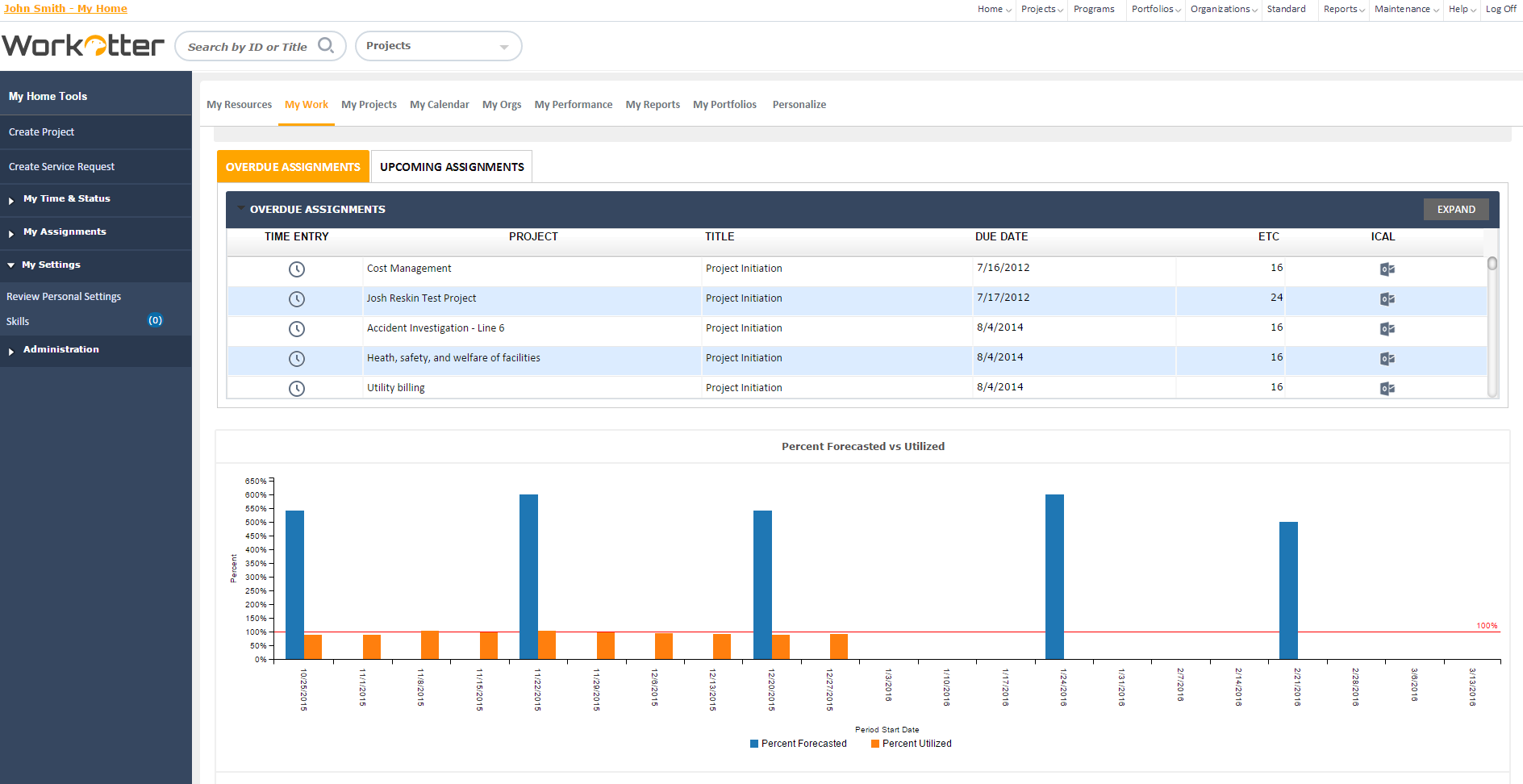
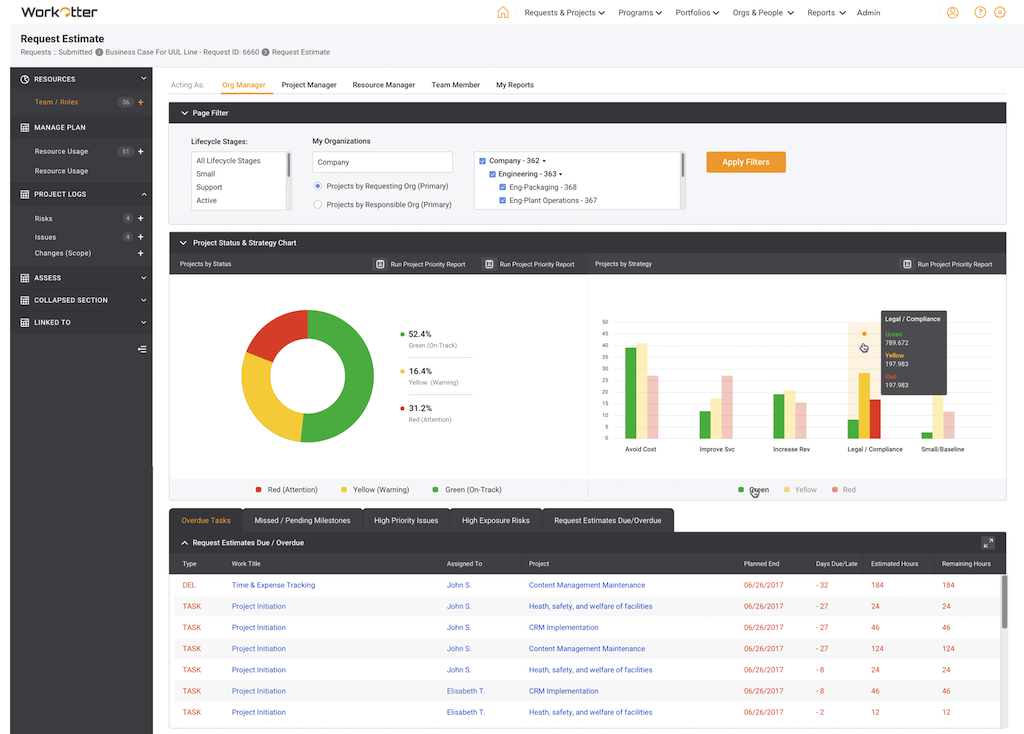
Screenshot of Dashboard viewScreenshot of WorkOtter MyWork viewScreenshot of Dashboard OverviewScreenshot of Resource Usage for People, Tasks, Time, BudgetScreenshot of Over/Under resource allocation viewScreenshot of Project Management Workflow - Customizable