
IBM Engineering Lifecycle Management vs. ZenTao
| Product | Rating | Most Used By | Product Summary | Starting Price |
|---|---|---|---|---|
 IBM Engineering Lifecycle Management | Score5 out of 10 | N/A | IBM Engineering Lifecycle Management (ELM) is an integrated suite for managing requirements, engineering work, system and software models, and verification activities across complex product-development programs. It is used by systems engineers, software teams, test organizations, project managers, and compliance teams in industries such as automotive, aerospace and defense, medical devices, and public infrastructure. | N/A |
 ZenTao | Score8 out of 10 | N/A | Product management: product, story, backlog, plan, release and roadmap Project management: project, Sprint, task, build and burndown chart Test management: bug, test case, test request and test result CI: Jenkins integration, automation testing, ZTF Document management: product document library, project document library and customized document library Work management: todo management and my task/ bug/ story/ project Company management:… | N/A |
| IBM Engineering Lifecycle Management | ZenTao | |||||||||||||||
|---|---|---|---|---|---|---|---|---|---|---|---|---|---|---|---|---|
| Editions & Modules | No answers on this topic | No answers on this topic | ||||||||||||||
| Offerings |
| |||||||||||||||
| Entry-level Setup Fee | No setup fee | No setup fee | ||||||||||||||
| Additional Details | — | — | ||||||||||||||
| More Pricing Information | ||||||||||||||||
| IBM Engineering Lifecycle Management | ZenTao | |
|---|---|---|
| Considered Both Products | No answer on this topic | No answer on this topic |
| Key User Insights | ||
| Would buy again | ||
78% Would buy again 7 Answers | No answers on this topic | |
| Delivers good value for the price | ||
88% Delivers good value for the price 7 Answers | No answers on this topic | |
| Happy with the feature set | ||
89% Happy with the feature set 8 Answers | No answers on this topic | |
| Lived up to sales and marketing promises | ||
100% Lived up to sales and marketing promises 5 Answers | No answers on this topic | |
| Implementation went as expected | ||
86% Implementation went as expected 6 Answers | No answers on this topic | |
| IBM Engineering Lifecycle Management | ZenTao | ||||||||||||||||||||||||||||||||||||||||
|---|---|---|---|---|---|---|---|---|---|---|---|---|---|---|---|---|---|---|---|---|---|---|---|---|---|---|---|---|---|---|---|---|---|---|---|---|---|---|---|---|---|
| Project Management |
| ||||||||||||||||||||||||||||||||||||||||
| IBM Engineering Lifecycle Management | ZenTao | |
|---|---|---|
| Small Businesses |  Polarion ALM Score10 out of 10 |  Any.do Score8 out of 10 |
| Medium-sized Companies |  PTC Windchill RV&S Score2 out of 10 |  KanbanFlow Score7.3 out of 10 |
| Enterprises | Polarion ALM Score10 out of 10 |  Microsoft To Do Score7.9 out of 10 |
| All Alternatives | View all alternatives | View all alternatives |
| IBM Engineering Lifecycle Management | ZenTao | |
|---|---|---|
| Likelihood to Recommend | 3.0 | 8.0 |
| Likelihood to Renew | 8.0 | - |
| Usability | 4.0 | - |
| Support Rating | 5.0 | - |
| Implementation Rating | 10.0 | - |
| IBM Engineering Lifecycle Management | ZenTao | |
|---|---|---|
| Likelihood to Recommend |
|
|
| Pros |
|
|
| Cons |
|
|
| Likelihood to Renew |
| No answers on this topic |
| Usability |
| No answers on this topic |
| Support Rating |
| No answers on this topic |
| Implementation Rating |
| No answers on this topic |
| Alternatives Considered |
|
|
| Return on Investment |
|
|
| ScreenShots | ZenTao Screenshots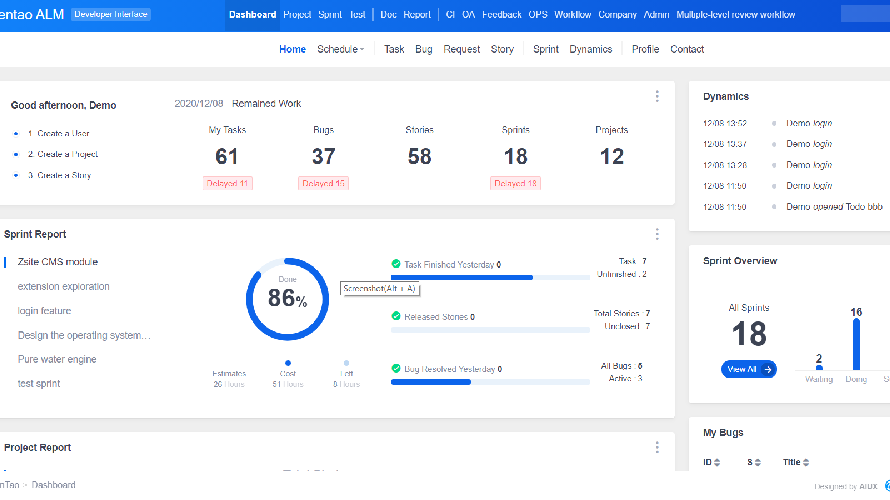  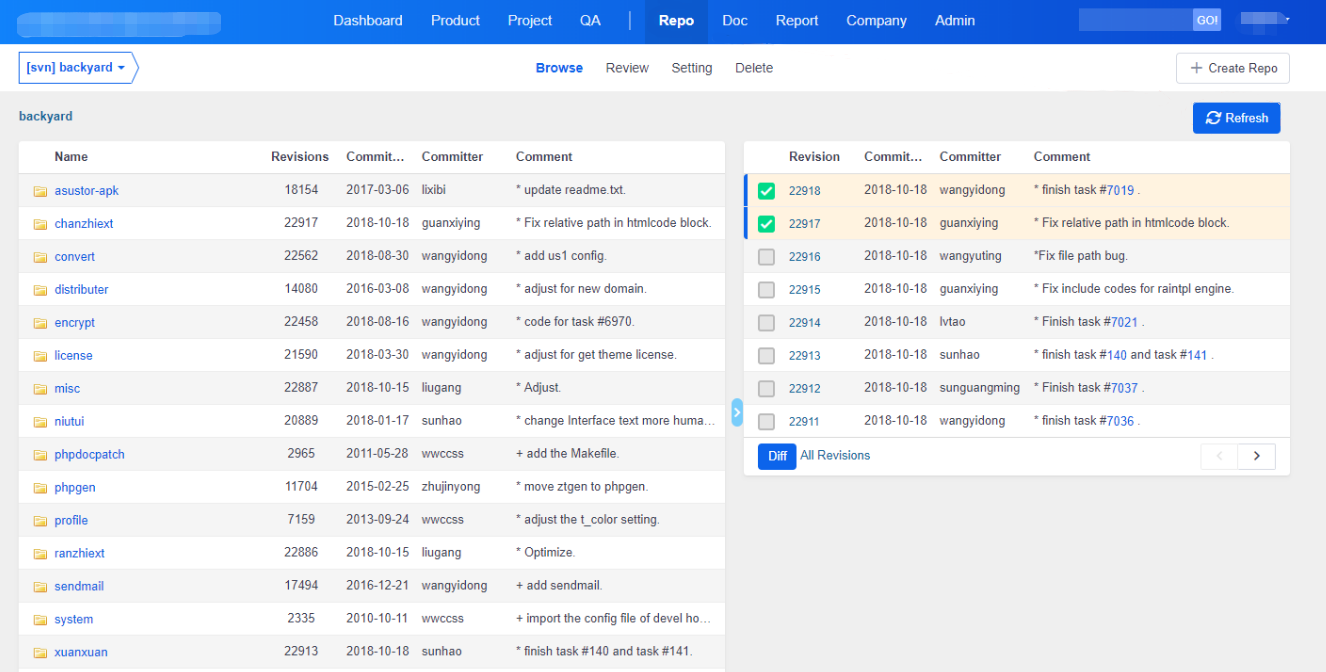 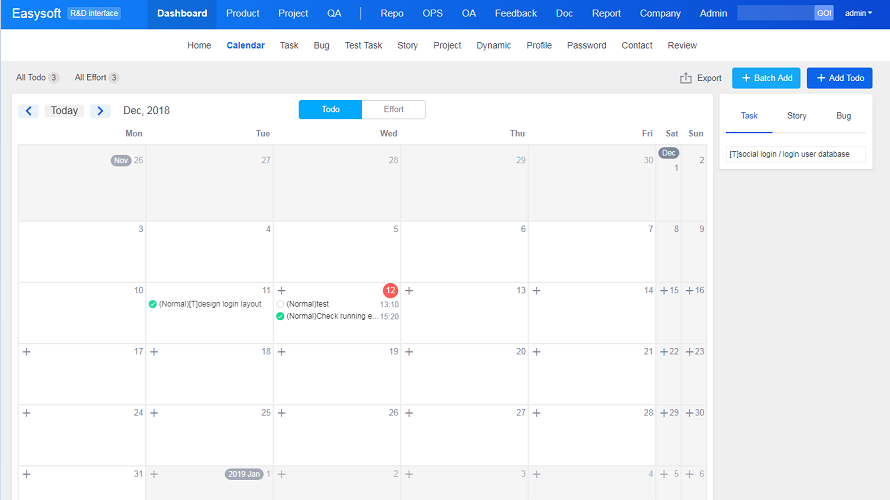 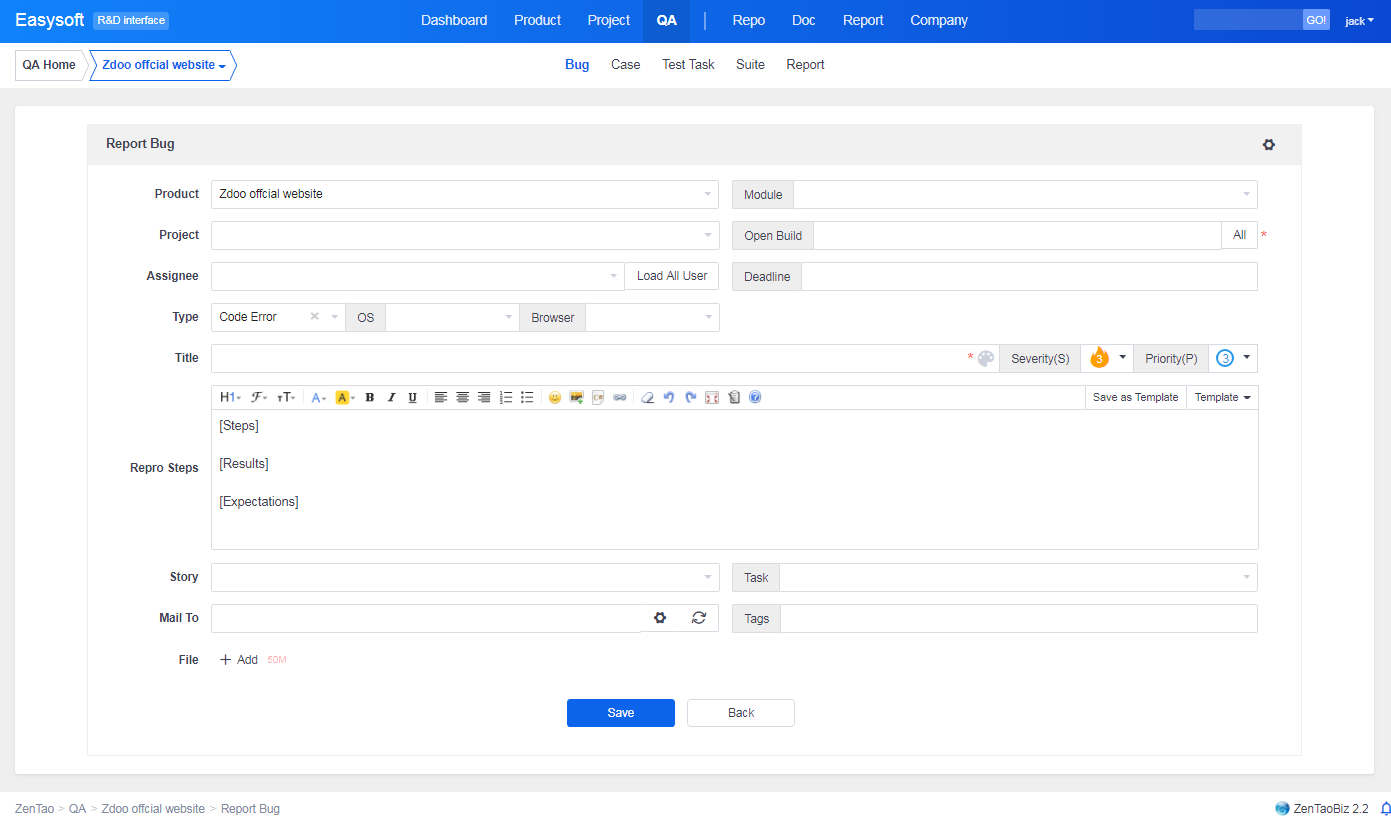  |





