ISO+™ vs. Teamcenter

Overview
ProductRatingMost Used ByProduct SummaryStarting Price
ISO+™
Score 8.7 out of 10
N/A
ISO+™: A Comprehensive Compliance Management Solution ISO+™, developed by ISO Consulting Services, stands as a cloud-based compliance management software engineered to streamline the path to ISO certification and adherence to diverse regulatory frameworks. Tailored for compliance officers, operations managers, business owners, and team leaders, this platform transforms the complexity of compliance into a structured, efficient process. Supporting standards such as ISO 9001, ISO…
$10
per month per user
Teamcenter
Score 8.9 out of 10
N/A
Teamcenter is a product lifecycle management system designed to help organizations integrate and standardize product development processes across functional silos.N/A
Pricing
ISO+™Teamcenter
Editions & Modules
No answers on this topic
Offerings
Pricing Offerings
ISO+™Teamcenter
Free Trial
NoYes
Free/Freemium Version
NoNo
Premium Consulting/Integration Services
YesNo
Entry-level Setup FeeRequiredNo setup fee
Additional DetailsISO+™'s pricing model includes: A. Customised Platform Pricing The base cost of ISO+™ is determined by a one-time configuration fee, which varies based on: - The compliance standard(s) to be implemented (e.g. ISO 9001, ISO 27001, NDIS, Aged Care) - The scope of certification (number of sites, business units, or departments) - The modules and functionality required (e.g. Product Design, Job Management, CRM, etc.) B. Subscription In Addition to the A. Customised Platform Pricing, it is $10 per active user per month. This can be discounted according to the number of users. Active users are defined as team members who require login access to the system (e.g. administrators, managers, workers). ISO+™ includes unlimited free external users who interact with the system via secure external links—such as clients, contractors, suppliers, or external auditors—do not require login credentials and are always free. This is to make collaboration easy and cost-effective, especially for businesses that work with multiple third-party stakeholders.
More Pricing Information
Community Pulse
ISO+™Teamcenter
Features
ISO+™Teamcenter
Monitoring Tasks
Comparison of Monitoring Tasks features of Product A and Product B
ISO+™
8.2
1 Ratings
7% below category average
Teamcenter
-
Ratings
Automated alerts and notifications8.21 Ratings00 Ratings
Management Tasks
Comparison of Management Tasks features of Product A and Product B
ISO+™
7.3
1 Ratings
13% below category average
Teamcenter
-
Ratings
Policy-based automation7.31 Ratings00 Ratings
Reporting
Comparison of Reporting features of Product A and Product B
ISO+™
8.0
2 Ratings
5% below category average
Teamcenter
-
Ratings
Customizable reporting7.31 Ratings00 Ratings
Data visualization8.21 Ratings00 Ratings
Risk analysis8.62 Ratings00 Ratings
Security
Comparison of Security features of Product A and Product B
ISO+™
8.2
2 Ratings
0% above category average
Teamcenter
-
Ratings
Administrator access control8.22 Ratings00 Ratings
Best Alternatives
ISO+™Teamcenter
Small Businesses

No answers on this topic

monday dev
monday dev
Score 8.5 out of 10
Medium-sized Companies
ManageEngine ADAudit Plus
Score 9.1 out of 10
Arena PLM and QMS
Arena PLM and QMS
Score 8.4 out of 10
Enterprises
ManageEngine ADAudit Plus
Score 9.1 out of 10
Roadmunk
Roadmunk
Score 9.0 out of 10
All AlternativesView all alternativesView all alternatives
User Ratings
ISO+™Teamcenter
Likelihood to Recommend
8.6
(2 ratings)
9.0
(109 ratings)
Likelihood to Renew
-
(0 ratings)
10.0
(12 ratings)
Usability
8.6
(2 ratings)
8.5
(5 ratings)
Support Rating
-
(0 ratings)
8.0
(17 ratings)
Implementation Rating
-
(0 ratings)
8.0
(3 ratings)
Ease of integration
-
(0 ratings)
7.0
(1 ratings)
Product Scalability
-
(0 ratings)
8.2
(24 ratings)
User Testimonials
ISO+™Teamcenter
Likelihood to Recommend
ISO Consulting Services
It is everything we need in one system, with a user friendly app to use on the go.
Read full review
Siemens AG
Teamcenter is perfect for working in large-scale projects related to manufacturing and engineering where collaboration and management of data are crucial. It is evident where the complexity of the products is high such as in automobile and aerospace industries. Some of its features may seem too elaborate for the small business with a less complex process and therefore too expensive. It is less useful in organizations that do not have complex PLM needs or have less IT capacity to implement the system.
Read full review
Pros
ISO Consulting Services
  • User friendly
  • Document storage/log
  • Document creation
Read full review
Siemens AG
  • Teamcenter is a great PLM tool that allows collaboration between our teams, it’s possible to create a variety of teams that can all collaborate in one environment and share relevant information, I like that all the data can be integrated into the application so that it’s more organized and structured.
  • When working with Teamcenter, the roles can be properly distributed so it’s easy to see all the workflows and things that need to be done.
  • The interface is very nice and you can work through it if you don’t know some features. I like how well-integrated everything is and how easy it is to use and implement into your daily work routine.
  • One of my favorite aspects of Teamcenter is its reporting tools, they are definitely some of the best tools I have tried, allowing me to integrate data from different places into the platform and analyze it in different ways. Analyzing a variety of key metrics is possible and helps us have better results in our sales.
Read full review
Cons
ISO Consulting Services
  • Project management
  • Timesheets
Read full review
Siemens AG
  • Projects tab, easier way to manage smart folders.
  • Where use/referenced reports -> build in to show in excel, not im impact analysis only.
  • Build-in change management - it would be good to have one template to be used in the automotive industry.
  • Cheaper manufacturing licenses.
Read full review
Likelihood to Renew
ISO Consulting Services
No answers on this topic
Siemens AG
Because of our current customer needs, we will most likely maintain use of Siemens PLM products for some time. Aside from the initial software cost, we pay for yearly maintenance. Maintaining our yearly maintenance licensing with Siemens, we receive access to all of the latest software releases, as well as premier technical support
Read full review
Usability
ISO Consulting Services
The layout is easy to navigate. The app runs quite similar to the desktop version.
Read full review
Siemens AG
As previously mentioned, due to the intense amount of features and modules present in the software, the usability of the software suffers greatly. Many of the features are not used in our context, and many of the modules are not purchased, but the options are still present on the interface leading to a lot of clutter, much of which is never used. The interfaces suffer from a lack of design and tend to feel like a conglomerate of Windows 98 elements.
Read full review
Support Rating
ISO Consulting Services
No answers on this topic
Siemens AG
In the time that we have used Teamcenter we have received a good response from the support team, they have great customer service, we have solved the problems that have arisen very quickly, and they are attentive and answer us if we have any questions.
Read full review
Implementation Rating
ISO Consulting Services
No answers on this topic
Siemens AG
Demo assembly
Read full review
Alternatives Considered
ISO Consulting Services
No answers on this topic
Siemens AG
Earlier, some of the companies acquired by my organization were using PTC Windchill, but the overall stability, user experience and depth of functionality which are provided by Teamcenter doesn't match with any other PLM software and thus, all the acquired companies which were earlier using PTC Windchill has now slowly started into moving towards Teamcenter.
Read full review
Scalability
ISO Consulting Services
No answers on this topic
Siemens AG
Teamcenter is easily on the best scalable solution. The single source of product information allows us to collaborate more effectively on the product lifecycle. Also, being a cloud solution, it is pretty straightforward to scale as the maintenance required is quite low . In addition, the overall cost is also easily manageable for businesses like ours.
Read full review
Return on Investment
ISO Consulting Services
  • Saves us large amount of hours have all documents ready to go at a click of a button
  • Allowing the guys in the field to have everything there at a touch of a button
Read full review
Siemens AG
  • Definitely, it has a very positive impact so to speak. What we are trying to do through our program, we are utilizing the full capacity of Teamcenter to produce one structure in an effective way. So before we implement this activity, the user has to prepare 10 to 15 structures to reach to our best possible data that can be set across the systems. But now with the complete capability of Teamcenter, we are able to do all these things into one structure itself and then let the system do all the automation or the things that users do not have to concentrate on. All of the automations are done behind the systems and then it is improving not only the efficiency of the end user, but also making a standardized way in order to proceed and transfer the data holistically towards other systems like SAP.
Read full review
ScreenShots

ISO+™ Screenshots

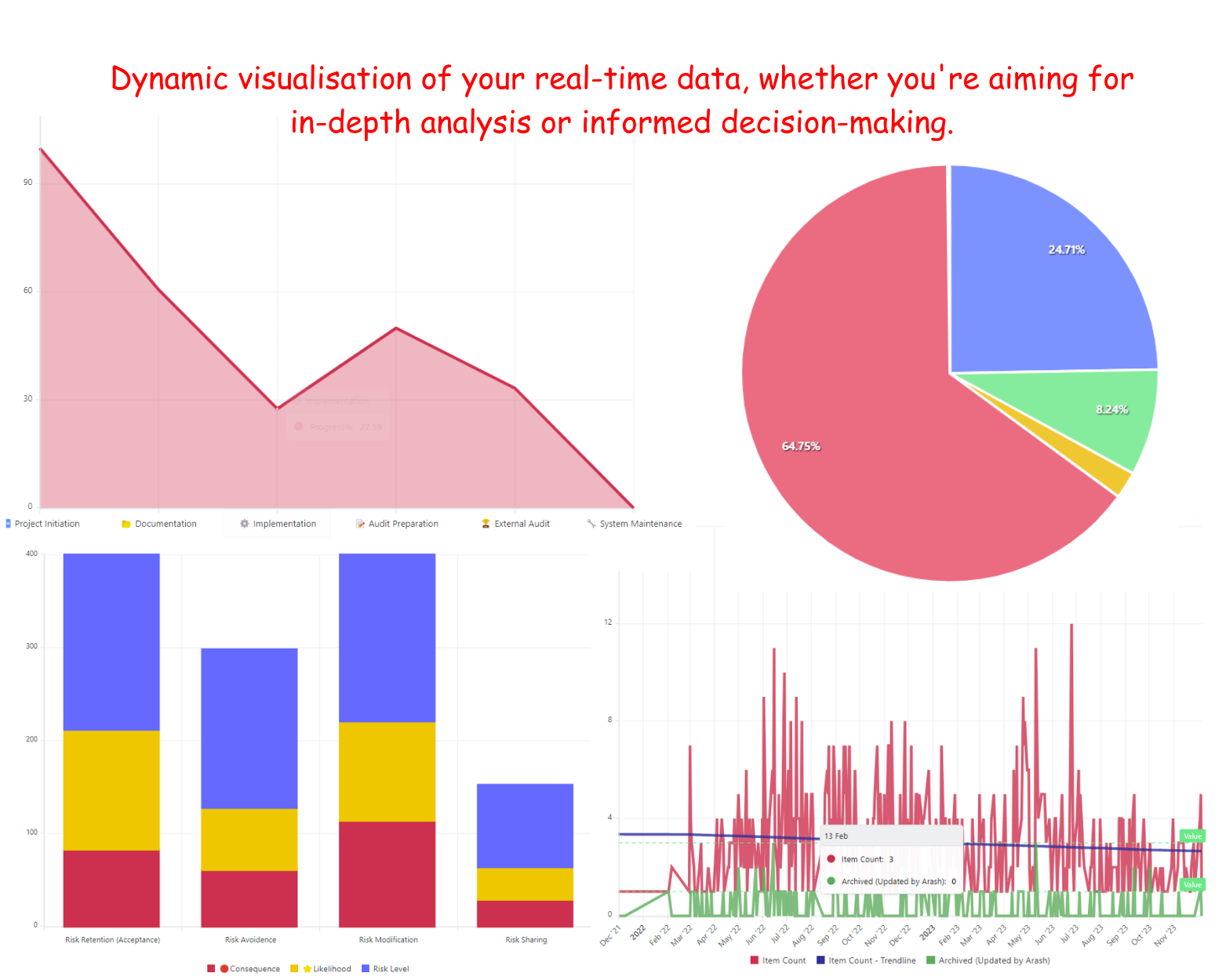
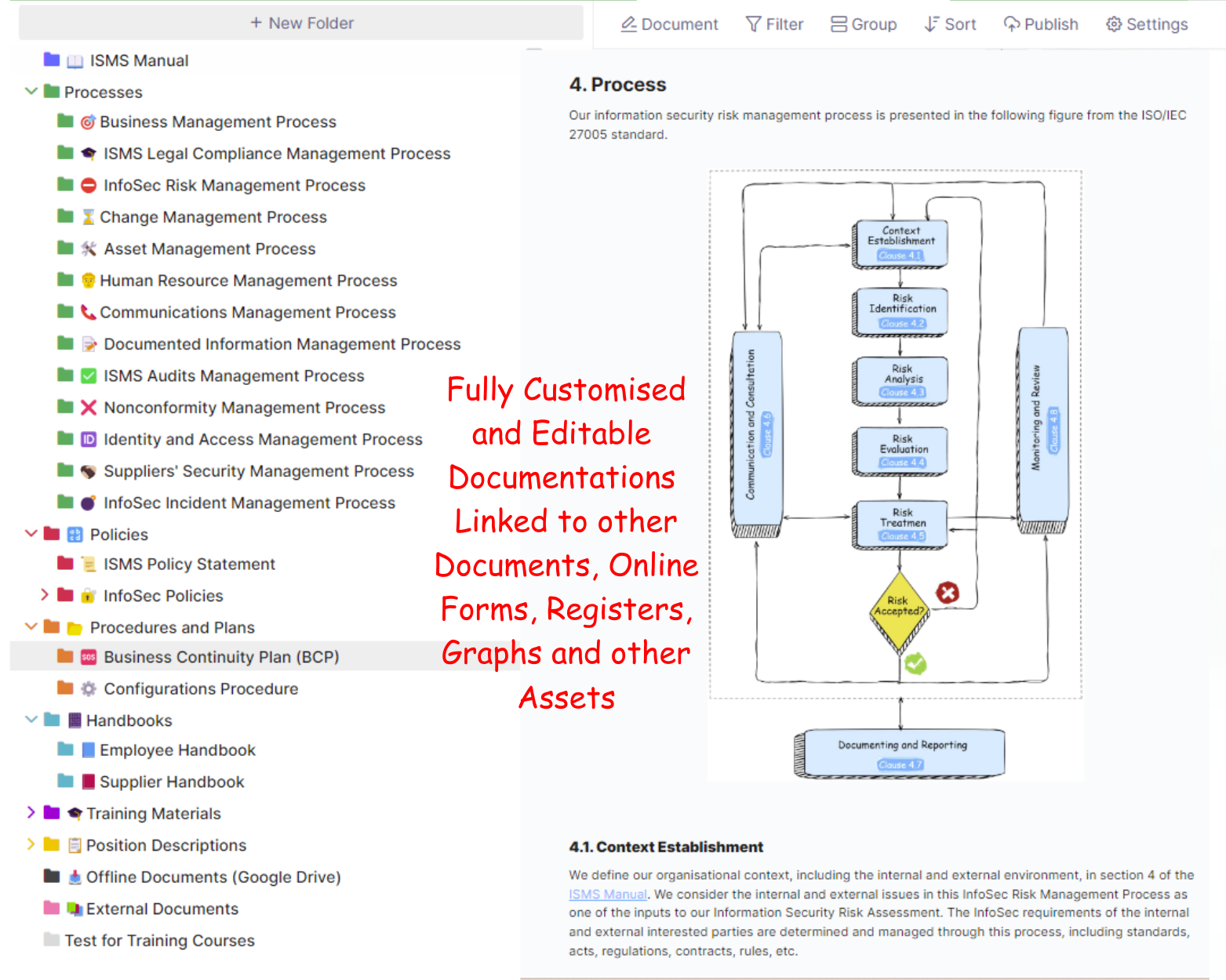
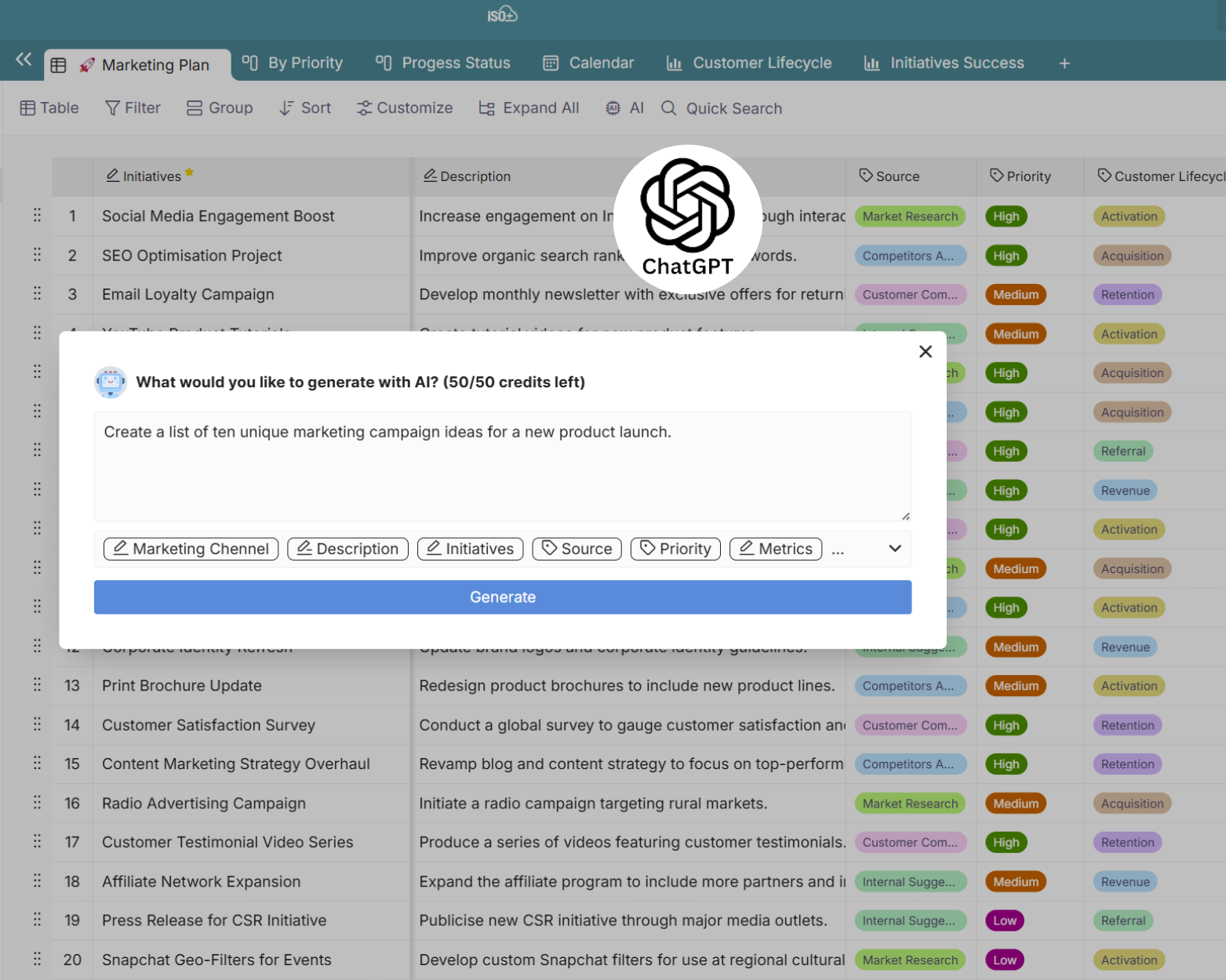
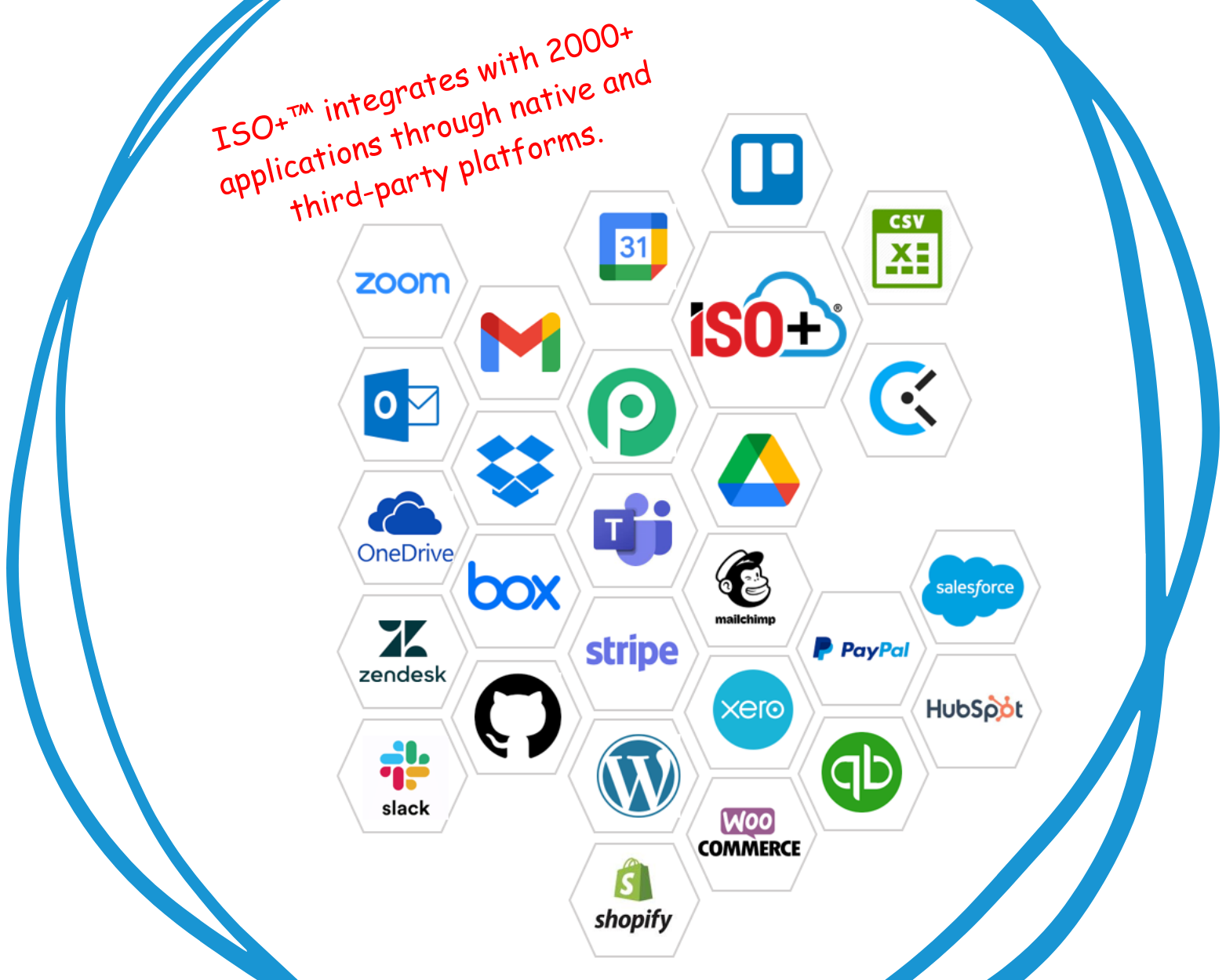
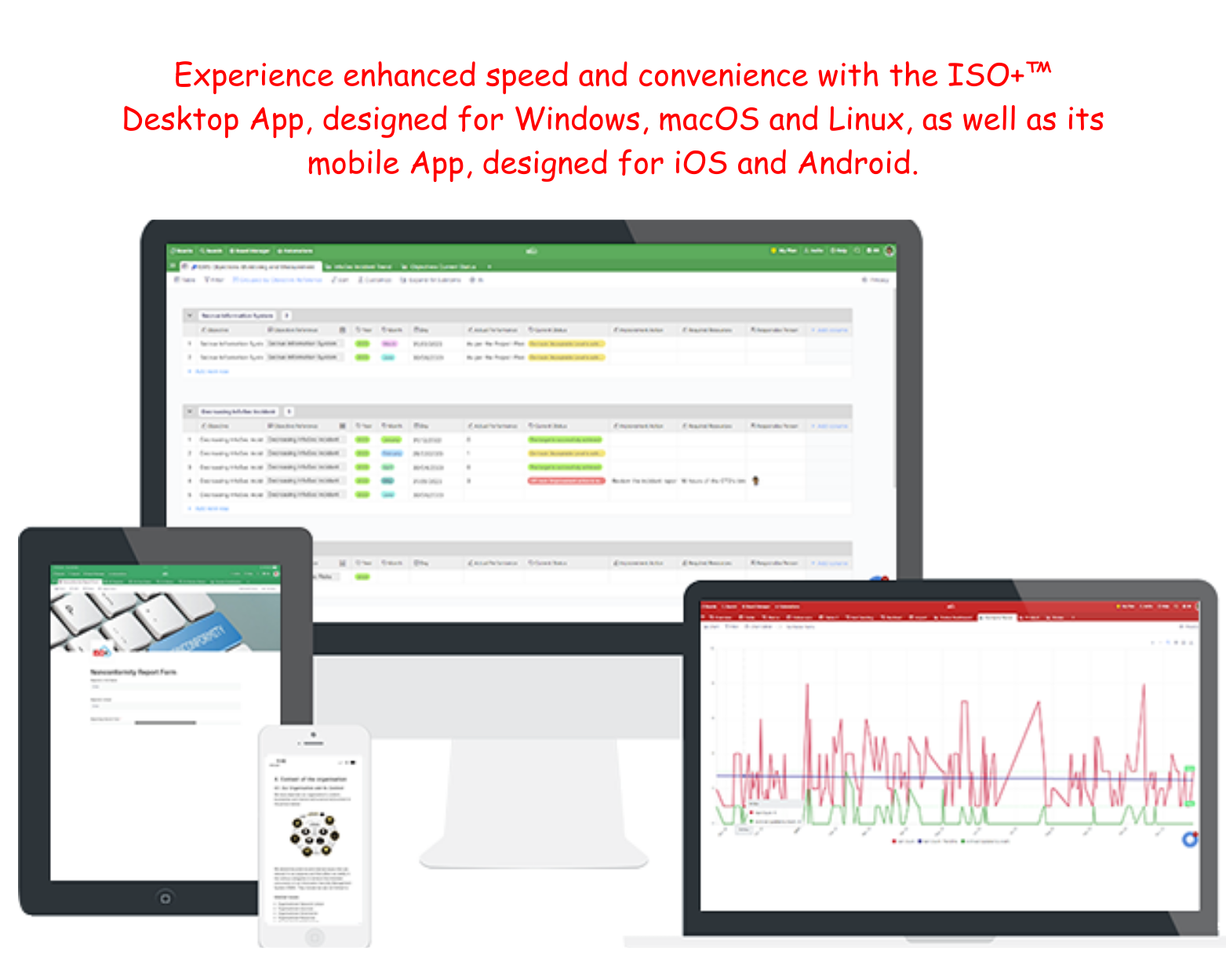
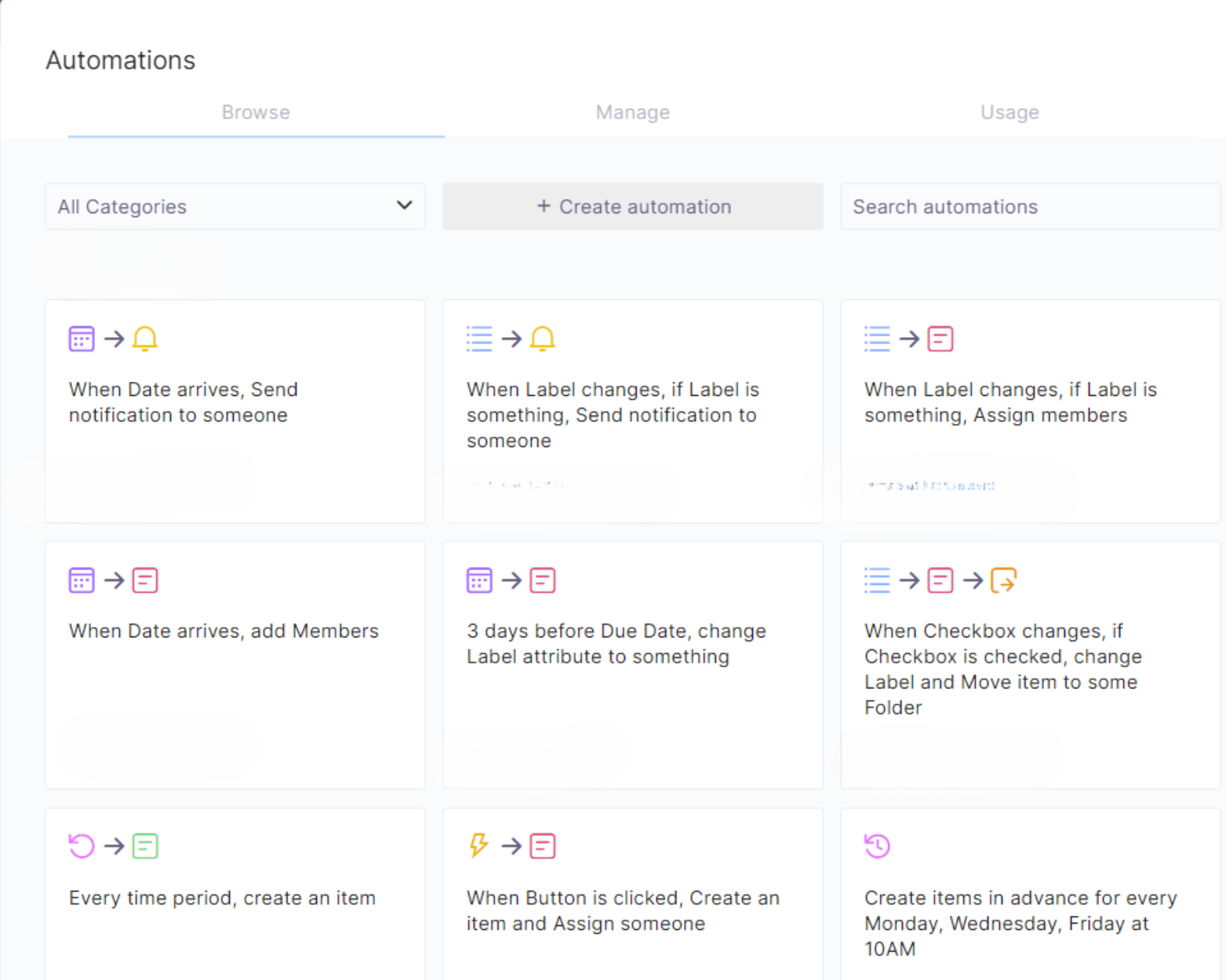
Screenshot of the Chart View for Intuitive Data Representation and Analysis in ISO+™. Whether visualising real-time data or diving into detailed analysis, Chart View empowers smarter decision-making.Screenshot of a search across manuals, and policies. This can be edited with rich features like tables, media, and emojis. Users can link documents, then print, share, publish, or collaborate in the dynamic and connected experience.Screenshot of ISO+™ AI, powered by OpenAI’s GPT. This tool generates ideas, enhances decisions, and saves time. It blends advanced AI with various functionalities.Screenshot of ISO+™'s integrations with ChatGPT, Google Drive, Google Calendar, iCalendar, and 2000+ apps via Pabbly Connect. These sync data and tasks across platforms.Screenshot of the ISO+™ Desktop App for Windows, macOS, and Linux, as well as mobile apps for iOS and Android. The app offers fast startup, taskbar access, push notifications, and sync across all devices.Screenshot of ISO+™ automations, used to set reminders, send emails, and automate tasks. This helps to streamline workflows, boost efficiency, and empower teams to achieve faster, more consistent outcomes.

Teamcenter Screenshots

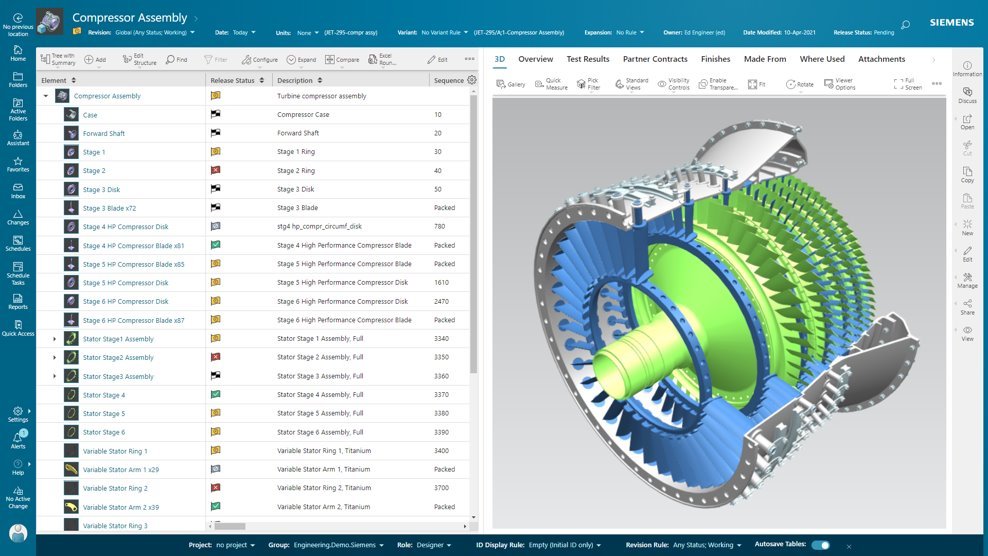
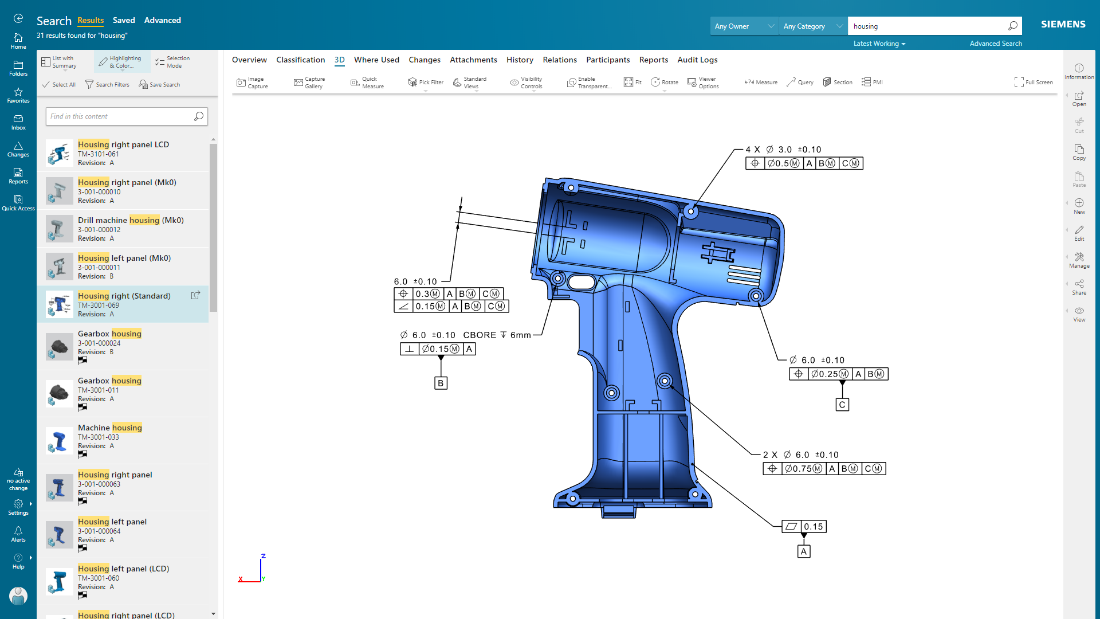
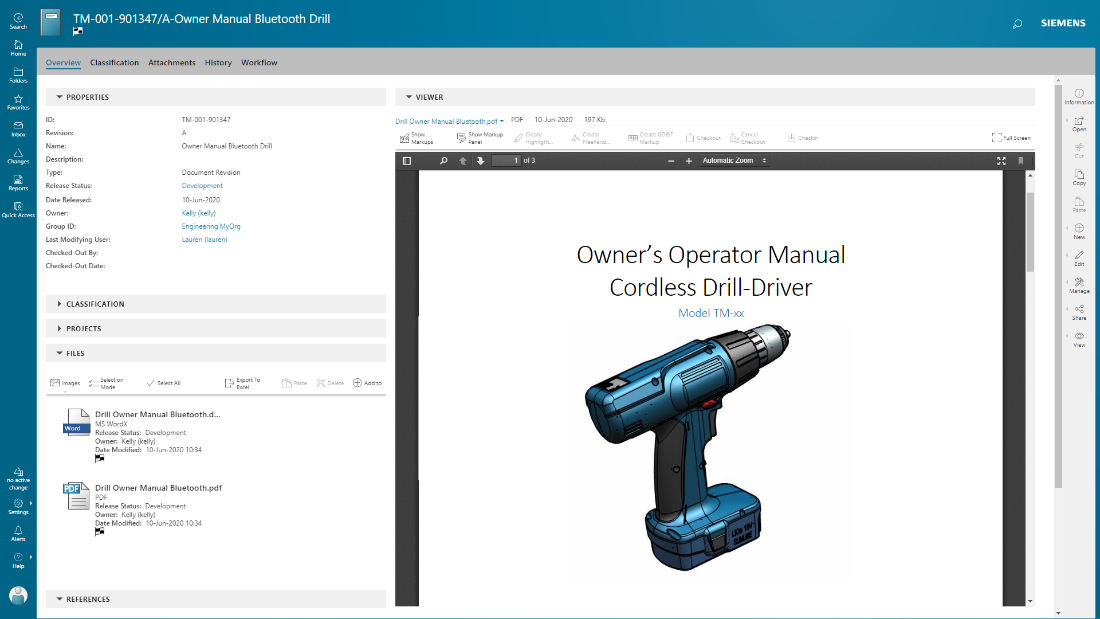
Screenshot of Active Workspace, the User Interface (UI) to drive Teamcenter. With no install required, it is a visual UI to navigate through products and processes, with tooltips to guide users along the way.Screenshot of BOM configuration, in Teamcenter. With flexibility in how a BOM is managed and defined, it can provide an up-to-date source of information that eliminates the need for standalone spreadsheets and systems. Teamcenter X provides a flexible BOM management strategy that enables a single, accurate product definition for all who interact with the BOM.Screenshot of Teamcenter X search and analytics capabilities provides a streamlined product lifecycle management (PLM) search experience to help quickly find data. Teamcenter X visually presents search results in logical groups so users can drill down through product structures and relationships.Screenshot of Product design intent can be communicated, and product data visualized, in their entirety using 2D and 3D visualization and markup capabilities. The user can also visualize and interrogate Product Manufacturing Information (PMI).Screenshot of documents are managed in conjunction with product development, with integrated PDF for viewing and markup.