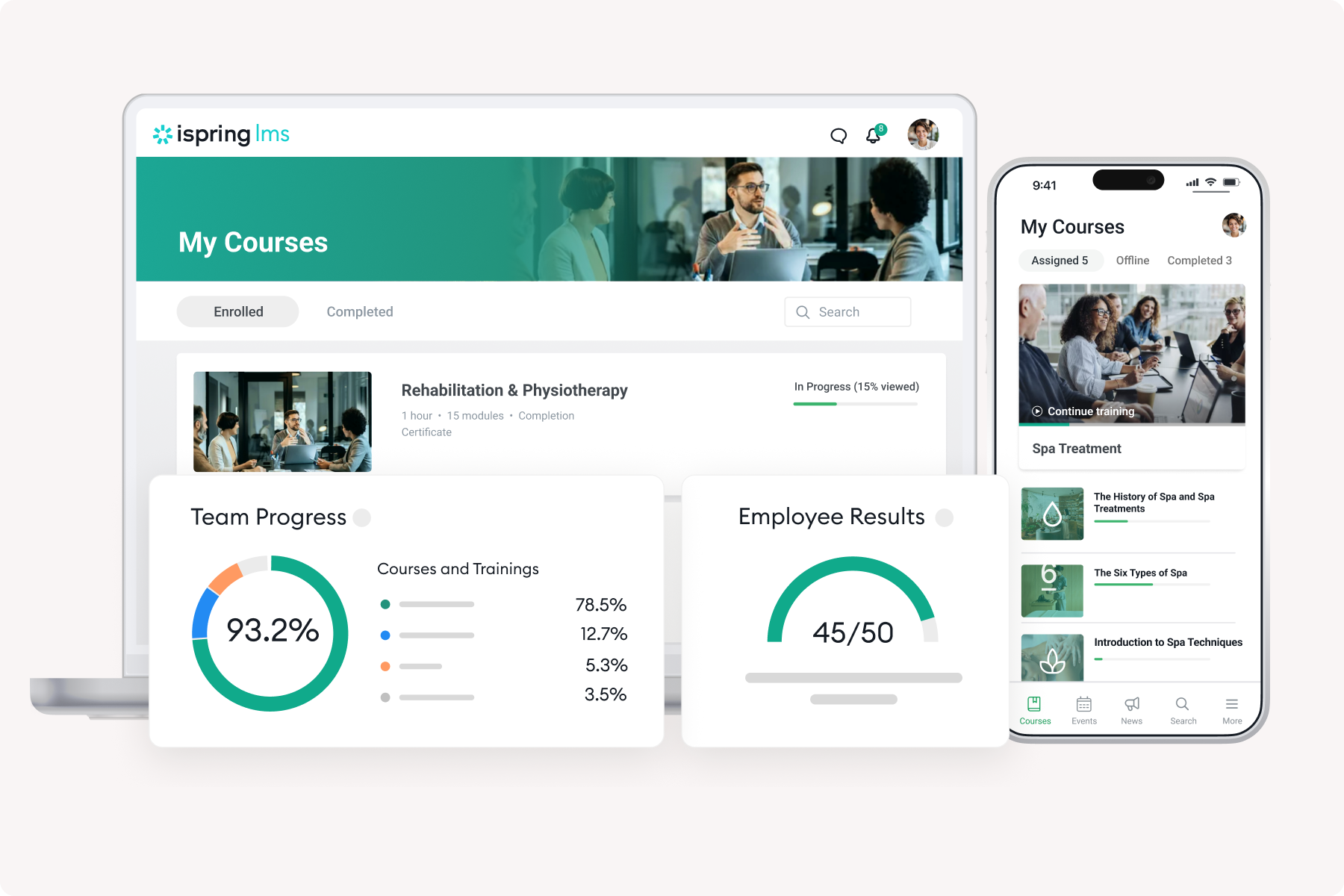
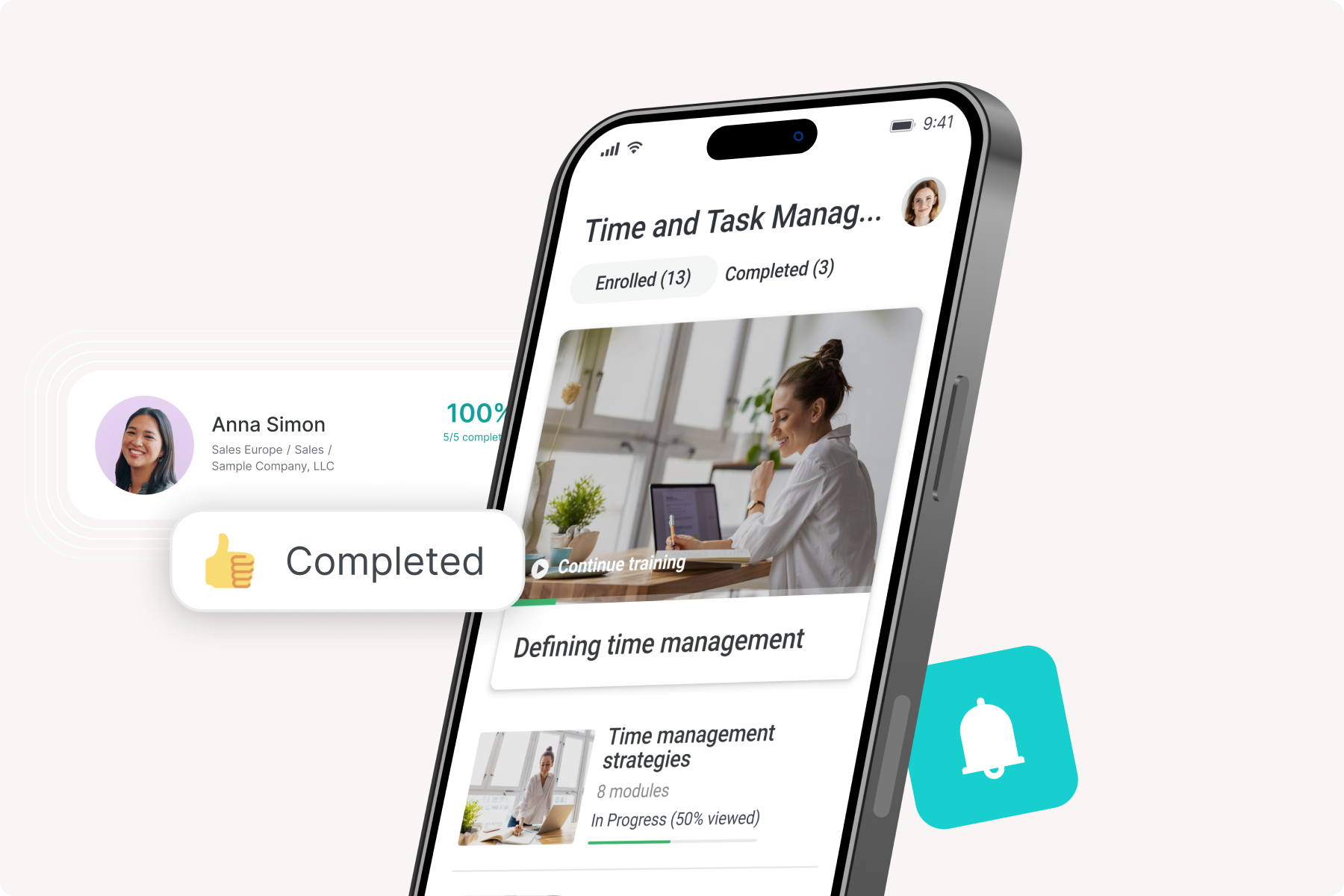
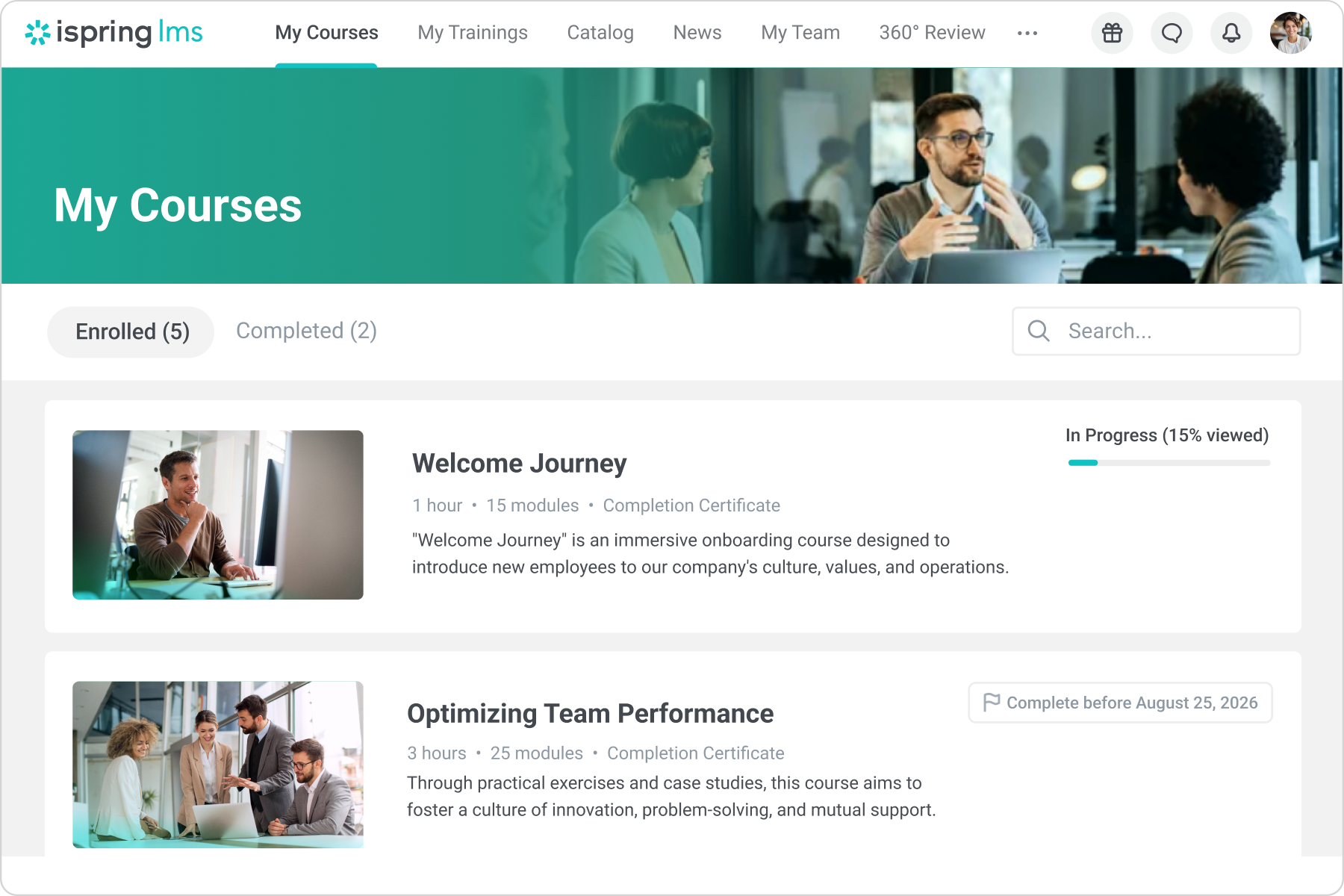
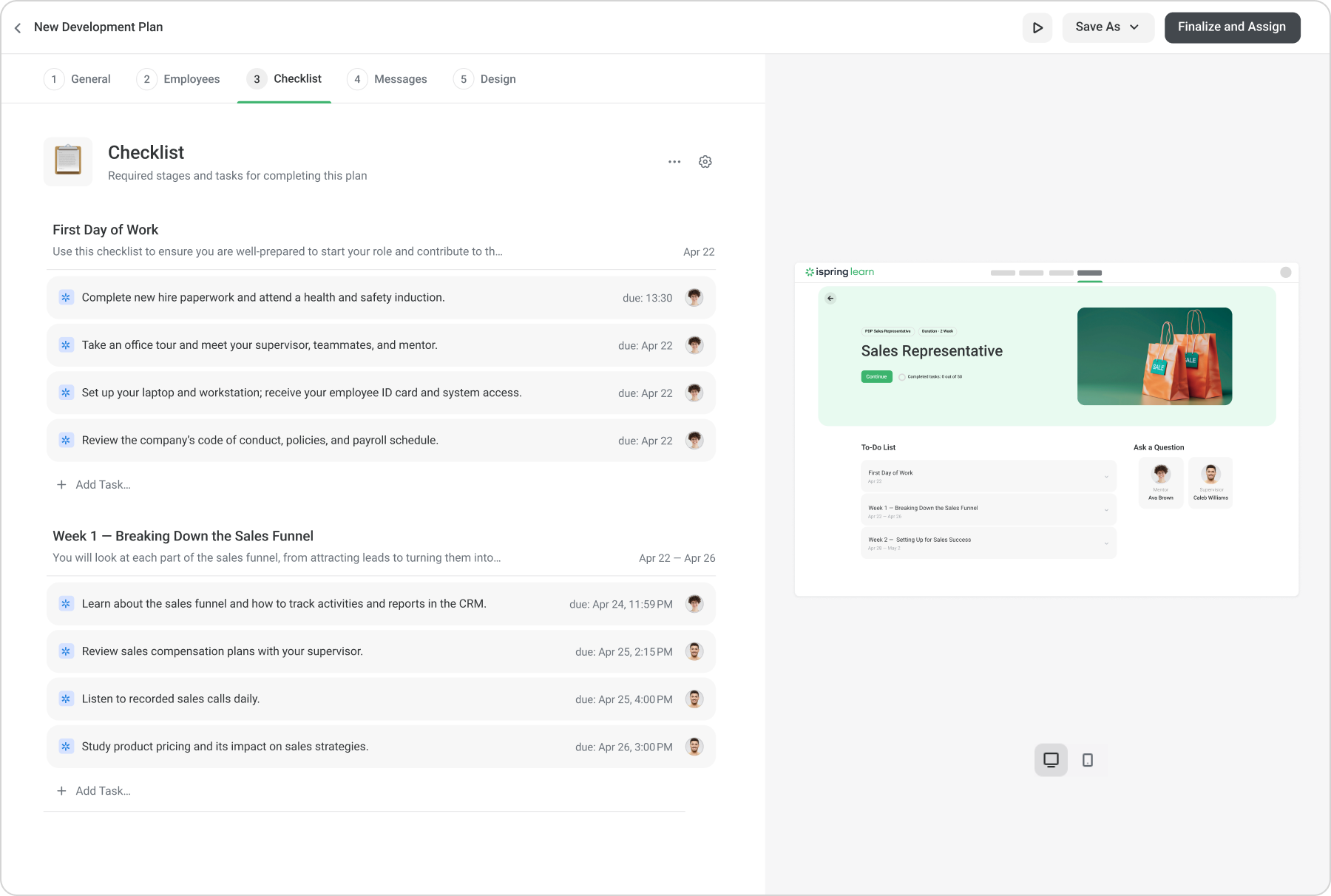
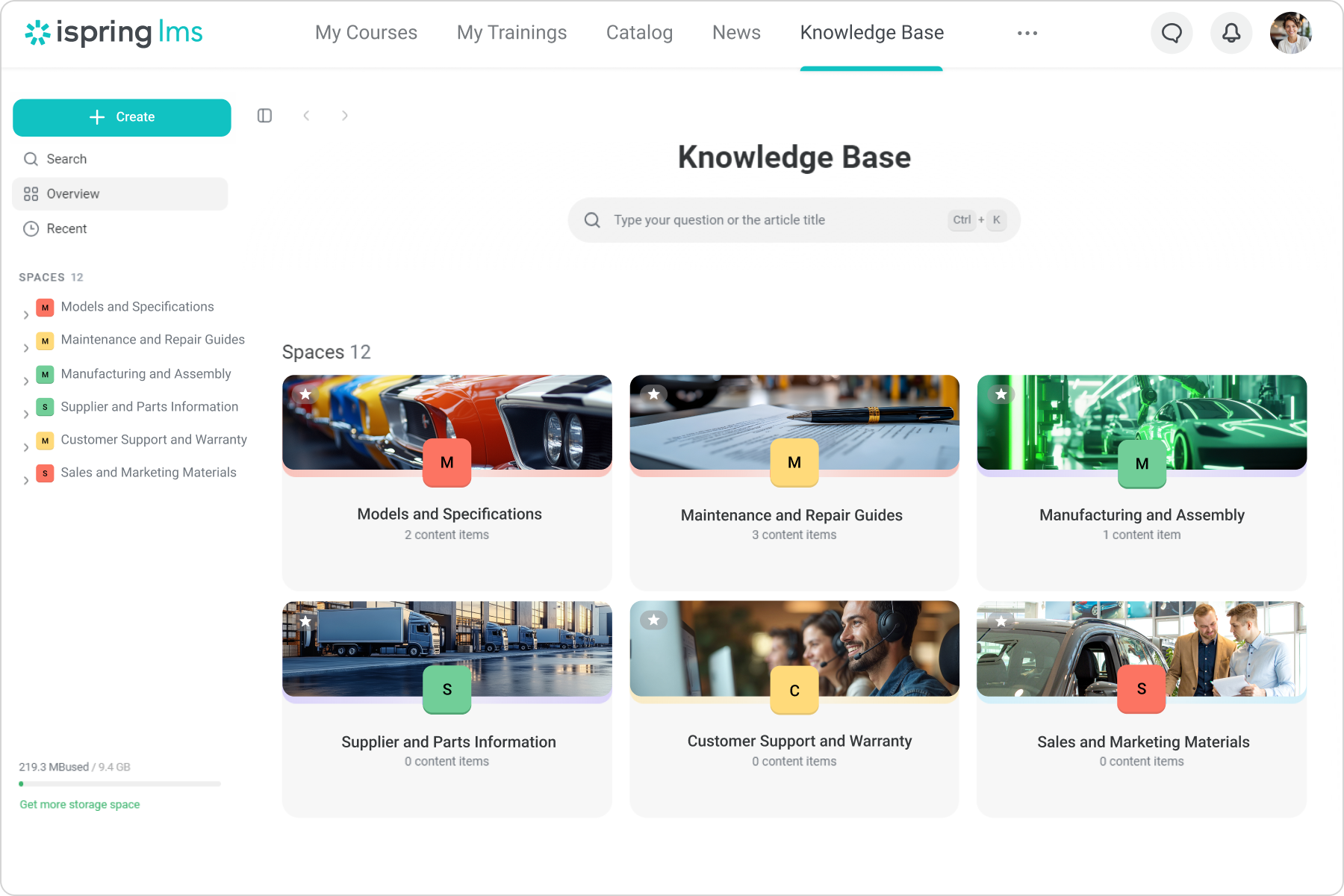
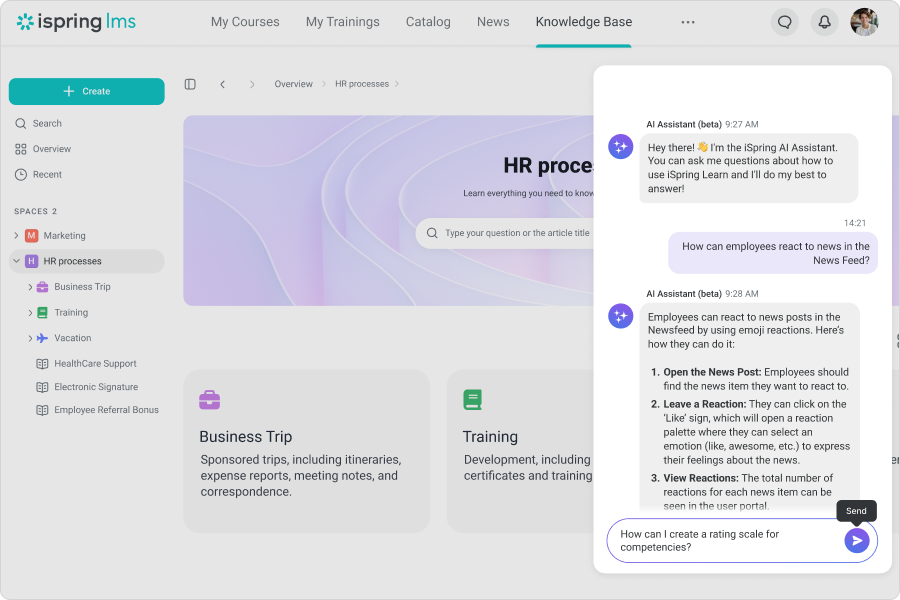
iSpring LMS is an LMS developed by iSpring Solutions. iSpring LMS automates corporate training and helps to improve employee retention through quality onboarding, on-the-job training, gamification and engagement mechanics. With iSpring LMS, training and development professionals can launch eLearning fast, without any technical skills. Also, account owners can customize or white-label the learner portal to reflect their corporate branding. iSpring LMS's features…
$16,050
per year for 300 users (minimum)
Pluralsight Skills
Score9.2 out of 10
N/A
Pluralsight Skills is a skill development solution that enables employees to build in-demand skills in a way that’s personalized to their current knowledge and preferred way to learn. The course library includes content on software development, DevOps, machine learning, security infrastructure, and cloud, as well as certification practice exams, hands on learning experiences and cloud labs, and skills assessments.
iSpring Learn supports short, engaging courses ideal for corporate training programs, especially in finance-related industries. It pairs well with bite-sized content for compliance training, product knowledge, or soft skills development. For companies that need an LMS up and running quickly, iSpring Learn offers a simple setup process and an intuitive interface that doesn't require extensive technical knowledge. If a company needs extensive customization for branding or workflows, iSpring Learn may not be as flexible as some alternatives.
A de minimis incentive was given to thank the reviewer for their time. The incentive was not used to bias or drive a particular response, nor was the incentive contingent on a positive endorsement. More Info
Awesome tool for teams looking to gain new skills or refine and update existing skills. I love the convenience of using this tool for recertification credits (i.e. PMP). Instead of identifying which classes I need to take, I can identify my interests and have recommendations presented for what paths I should take. It is a really helpful tool to create ladders for my team to transition from one role into the next. I think this is going to be a really beneficial tool.
A de minimis incentive was given to thank the reviewer for their time. The incentive was not used to bias or drive a particular response, nor was the incentive contingent on a positive endorsement. More Info
Automatically re-enrolling employees when a certificate expires. Set it and forget it!
If set up properly from the beginning, you don't have to do much, with the roles and groups settings, you can automate a large portion of the course management.
I can provide visibility to anyone about any employee necessary, allowing me to put more responsibility on my managers, instead of doing it all myself.
A de minimis incentive was given to thank the reviewer for their time. The incentive was not used to bias or drive a particular response, nor was the incentive contingent on a positive endorsement. TR verified that a representative sample of customers was invited. More Info
Pluralsight has hundreds of authors that are constantly producing new content, which is valuable for the tech industry that is constantly moving at a brisk pace.
Many content authors are respected leaders in the topic they're presenting. You are able to trust that their content is thorough and authentic.
Niche expert-level topics are presented in a curated video format which is difficult to find anywhere else.
A de minimis incentive was given to thank the reviewer for their time. The incentive was not used to bias or drive a particular response, nor was the incentive contingent on a positive endorsement. More Info
Some limitations where you can't create exactly what you want either in the design of interactions or lack of varied interactions
Images cannot be moved to where you want them on the interaction slides
Layout of interactions can't be adjusted and overides your powerpoint background
If you have to edit a course and delete it off iSpring Learn then the records of all the people associated to that course are swiped and there's not a way of retrieving the information.
A de minimis incentive was given to thank the reviewer for their time. The incentive was not used to bias or drive a particular response, nor was the incentive contingent on a positive endorsement. More Info
Companies don't change technologies in their products often. For example a product that was built on AngularJS is still viable and the company may have no plans to upgrade it. Pluralsight could do a better job of providing new courses on technology that's still useful, though somewhat dated; like AngularJS for example.
Pluralsight has a bad habit of throwing all their courses in a large bucket. For example, when I log-in and look to see what new I often have to wade through courses on tools that a web artist or designer would use. I wish Pluralsight would categorize course and let us (their customers) flag what types of videos we wanted to see, or better yet exclude from our view.
Years ago, Pluralsight would let its customer download the courseware and that was great. I was disappointed when they stopped this feature.
I'd love to see more course where the goal is to build a particular type of software. For example, lets have one where you build a blog using ASP.NET and deploy it to Azure. Let have one where you build a survey application, etc. Learning technologies is great, but I'd love to see courses where the goal is to build a particular type of application.
A de minimis incentive was given to thank the reviewer for their time. The incentive was not used to bias or drive a particular response, nor was the incentive contingent on a positive endorsement. More Info
In the past I could not encourage my students to take online training. The results and the questions were hard to be given. When I used the iSpring Suite along with iSpring Learn, my dreams came through and most of the time my students are online and take good training with my programme.
A de minimis incentive was given to thank the reviewer for their time. The incentive was not used to bias or drive a particular response, nor was the incentive contingent on a positive endorsement. More Info
A de minimis incentive was given to thank the reviewer for their time. The incentive was not used to bias or drive a particular response, nor was the incentive contingent on a positive endorsement. More Info
Sometimes, things just aren't intuitive enough. For example, burying the catalog in the settings area makes no sense at all. The same goes for permissions and year reviews. It was a massive oversight that really caused a lot of confusion for all of our managers. It caused distrust in the LMS simply because someone who designed and developed it did not think that an employee review should be private to them, their direct supervisor, or the supervisor above. Instead, ANY manager could read ANY employee review. I have mentioned this several times throughout these questionnaires, and as you can see, I still find it incomprehensible that a company that wants to promote its software as a multifaceted solution could be so blind to something so critical, especially in terms of privacy.
A de minimis incentive was given to thank the reviewer for their time. The incentive was not used to bias or drive a particular response, nor was the incentive contingent on a positive endorsement. More Info
A de minimis incentive was given to thank the reviewer for their time. The incentive was not used to bias or drive a particular response, nor was the incentive contingent on a positive endorsement. More Info
A de minimis incentive was given to thank the reviewer for their time. The incentive was not used to bias or drive a particular response, nor was the incentive contingent on a positive endorsement. More Info
Our account rep Katie Connor is fantastic. She is very responsive to our requests. She does not try to over sell. She has setup training sessions for us any time we asked. Finally, she is a very nice person we like working with. She also has been patient with us as we figure out our renewal
A de minimis incentive was given to thank the reviewer for their time. The incentive was not used to bias or drive a particular response, nor was the incentive contingent on a positive endorsement. More Info
We can say that most of my students attend my classes twice a week and that's not enough for someone to learn. I put some training for them to do at home and they really enjoy doing them. The kind of progress they make is really satisfying for them and they are always learning.
A de minimis incentive was given to thank the reviewer for their time. The incentive was not used to bias or drive a particular response, nor was the incentive contingent on a positive endorsement. More Info
As a teacher, I used to spend a lot of time correcting my students' papers. Now with iSpring Learn, my time has been saved and everything is done automatically. All the time I can check my students' progress and I know which exams they have taken or they should take. On the whole, online training has really helped a lot of teachers
A de minimis incentive was given to thank the reviewer for their time. The incentive was not used to bias or drive a particular response, nor was the incentive contingent on a positive endorsement. More Info
When I talked to my colleagues or informed them to search for a programme before iSpring Learn, they were not successful in designing and implementing a programme like this. I am sure they have done a lot to implement it in the best and educational way. That was not that easy as we thought.
A de minimis incentive was given to thank the reviewer for their time. The incentive was not used to bias or drive a particular response, nor was the incentive contingent on a positive endorsement. More Info
I reviewed a few different LMSs before deciding on iSpring Learn. I can't remember the names, but I chose iSpring Learn primarily because I liked that it was just a PowerPoint add-on, which made it easy to use, and I liked the price!
A de minimis incentive was given to thank the reviewer for their time. The incentive was not used to bias or drive a particular response, nor was the incentive contingent on a positive endorsement. More Info
Before using Pluralsight, staff was using YouTube to help them with developing certain aspects of their knowledge. However, YouTube is much less structured/organized than Pluralsight. Pluralsight has a very wide offering of courses and it has lot of good content. One quick search and we can get started.
A de minimis incentive was given to thank the reviewer for their time. The incentive was not used to bias or drive a particular response, nor was the incentive contingent on a positive endorsement. More Info
A de minimis incentive was given to thank the reviewer for their time. The incentive was not used to bias or drive a particular response, nor was the incentive contingent on a positive endorsement. More Info
iSpring has enabled me to deliver professional education to very high-level learners.
Due to the reviews of my users, many more learners have purchased my courses.
Several professional colleagues have inquired about my experience setting up online courses on iSpring Learn. I told them it was easy, logical, and no hassle; they will love the level of support.
One positive impact is it has kept our employees engaged in the material they work with every day. Instead of becoming stagnant and complacent, they are actively searching out ways to develop skills and do more with the tools available to them.
It saves money when it comes to offering training and development opportunities company-wide. It would be much more costly to invest in specialized training for that number of employees.
One potential negative is the amount of company time spent on coursework over work responsibilities. A balance must be struck and individuals should be encouraged to explore the training on their own time.
A de minimis incentive was given to thank the reviewer for their time. The incentive was not used to bias or drive a particular response, nor was the incentive contingent on a positive endorsement. More Info