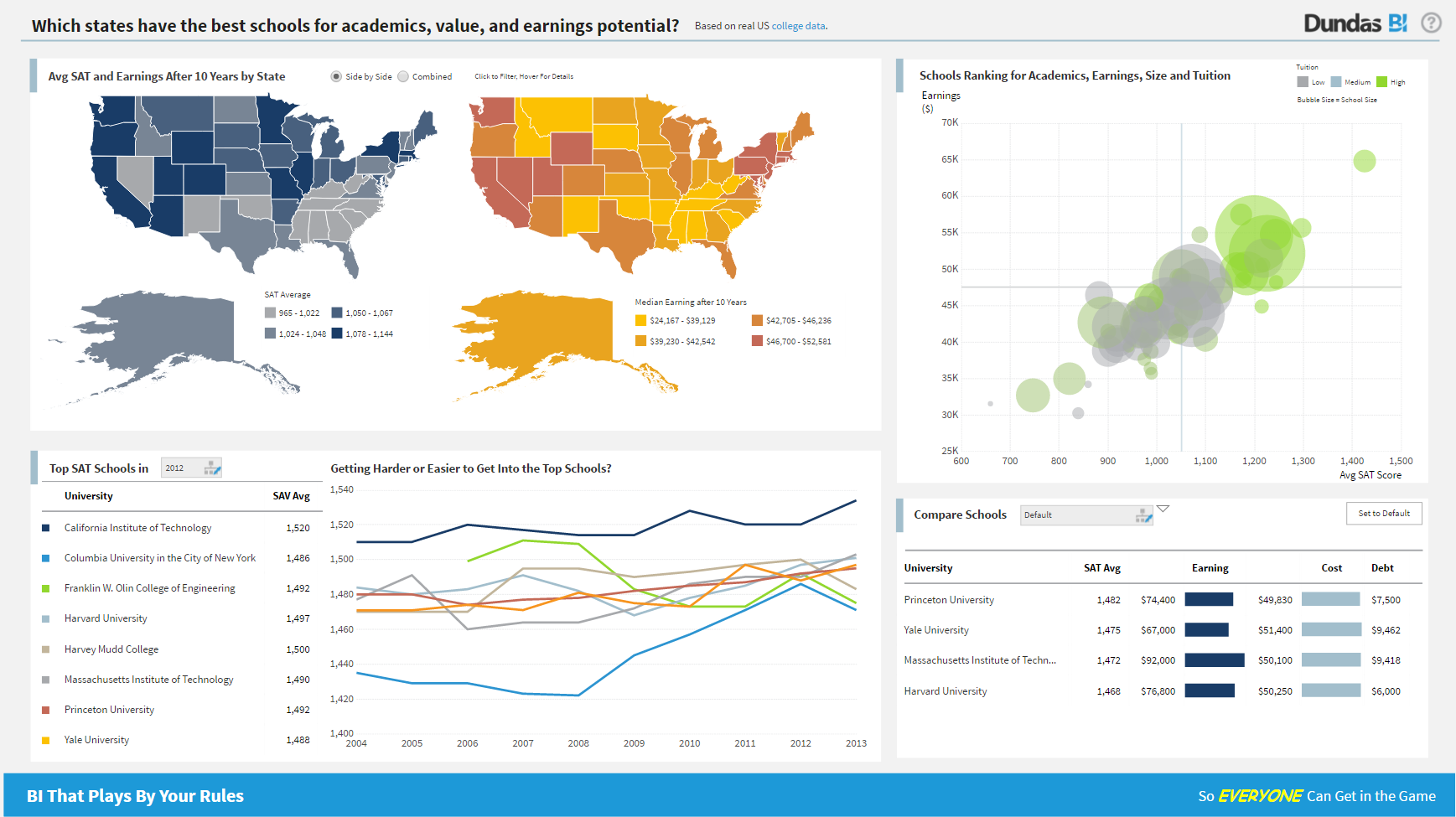
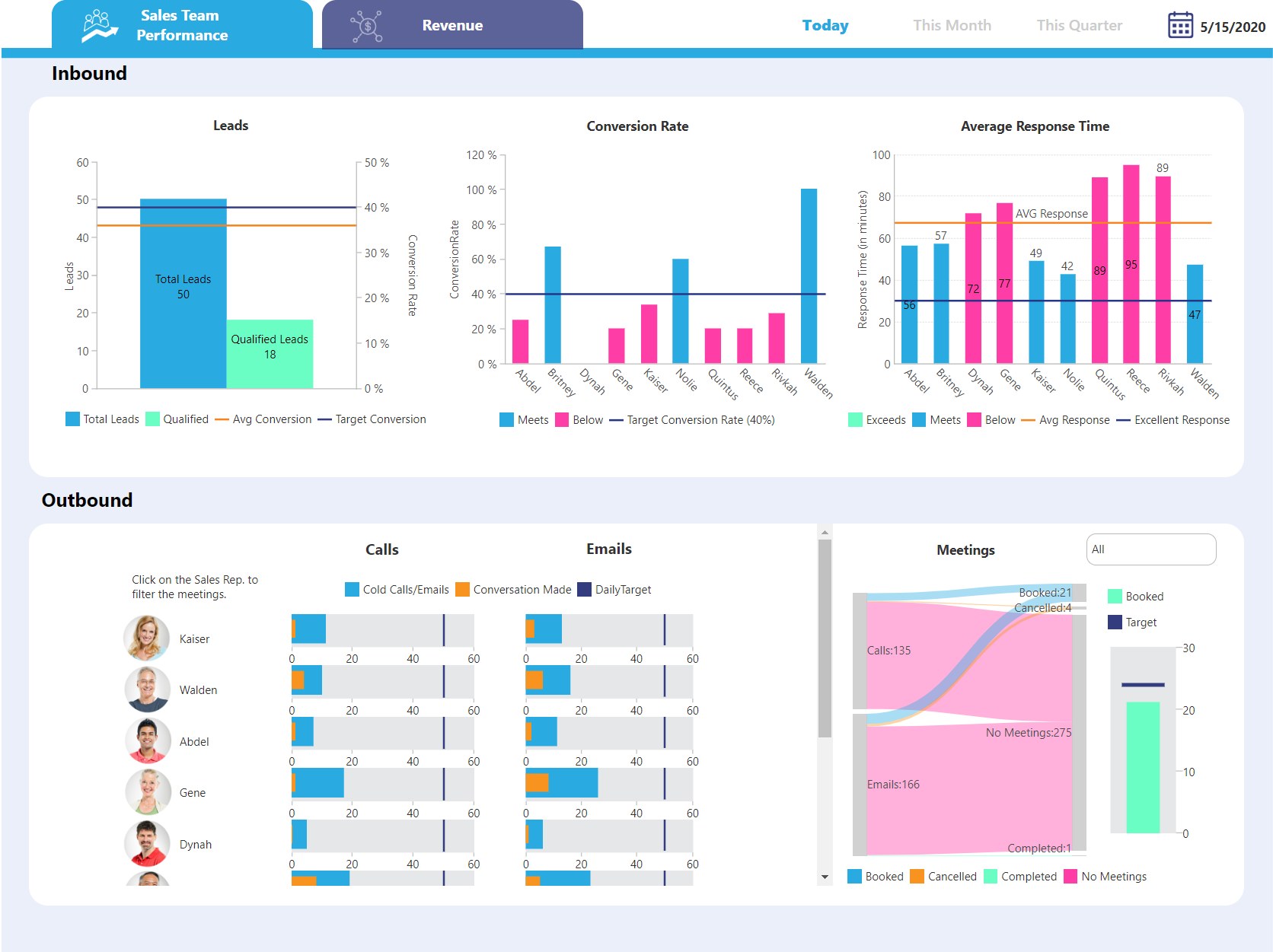
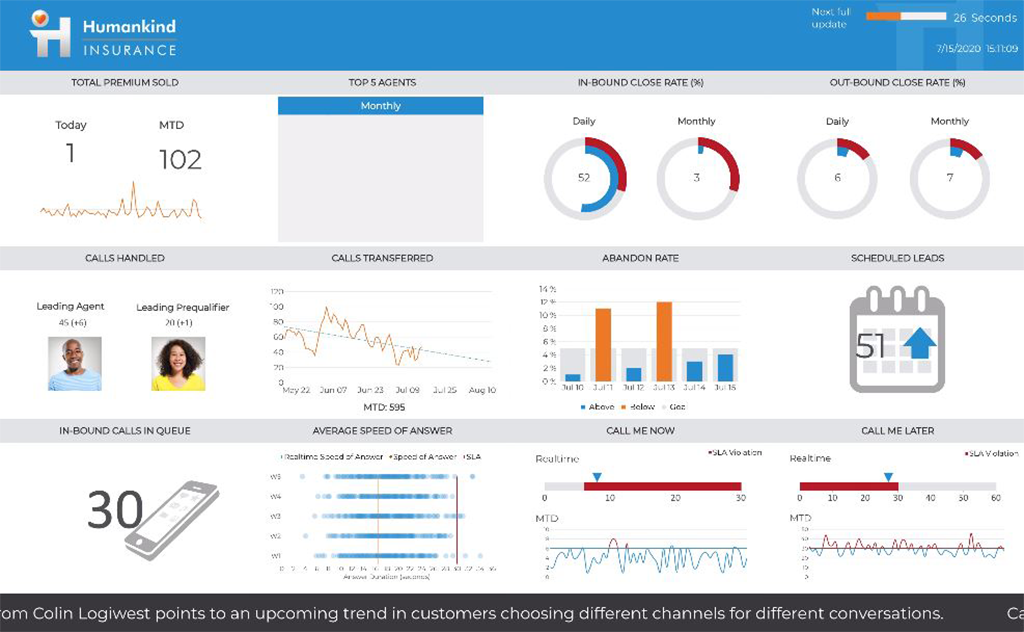
Logi Symphony is a business intelligence and data visualization software that includes customizable dashboards, reporting, and visual data analytics. It can be integrated into users’ existing business applications and its visualization and reporting tools can be customized.
N/A
Pentaho
Score 6.0 out of 10
N/A
Pentaho is a suite of open source business intelligence and analytics products, now offered and supported by Hitachi Data Systems since the June 2015 acquisition.
N/A
Pricing
Logi Symphony
Pentaho
Editions & Modules
No answers on this topic
No answers on this topic
Offerings
Pricing Offerings
Logi Symphony
Pentaho
Free Trial
Yes
No
Free/Freemium Version
No
No
Premium Consulting/Integration Services
Yes
No
Entry-level Setup Fee
No setup fee
No setup fee
Additional Details
—
—
More Pricing Information
Community Pulse
Logi Symphony
Pentaho
Considered Both Products
Logi Symphony
Verified User
Engineer
Chose Logi Symphony
Dundas ticks all the relevant boxes: - set up actually easy and works (was not the case for Pentaho) - you do not need one license per email address you want to send reports to (as for Tableau)
Per dollar spent, it offers the widest range of features of the tools that we evaluated. It offers lots of options for how to configure your environment, though they are not always intuitive to figure out. Having an ETL layer was a must have for us, as well as the ability to …
Business Software Support and Development (BSSD) Manager
Chose Logi Symphony
Dundas BI stacks up well in functionality with all contenders that where evaluated. Where Dundas BI really provided value was with taking the level of functionality with the license structure. This pushes the value structure squarely toward Dundas BI.
In a nutshell: Dundas BI is the only product that met all of our major criteria: visualizations, reporting and a mobile all in one app with nothing else to install and no proprietary technology that would be outdated in a matter of months.
Pentaho
No answer on this topic
Features
Logi Symphony
Pentaho
BI Standard Reporting
Comparison of BI Standard Reporting features of Product A and Product B
Logi Symphony
8.4
51 Ratings
3% above category average
Pentaho
9.0
20 Ratings
10% above category average
Pixel Perfect reports
8.443 Ratings
8.618 Ratings
Customizable dashboards
8.651 Ratings
9.918 Ratings
Report Formatting Templates
8.139 Ratings
8.718 Ratings
Ad-hoc Reporting
Comparison of Ad-hoc Reporting features of Product A and Product B
Logi Symphony
8.1
51 Ratings
1% above category average
Pentaho
8.7
19 Ratings
8% above category average
Drill-down analysis
7.951 Ratings
7.618 Ratings
Formatting capabilities
8.250 Ratings
8.319 Ratings
Integration with R or other statistical packages
7.633 Ratings
9.312 Ratings
Report sharing and collaboration
8.645 Ratings
9.717 Ratings
Report Output and Scheduling
Comparison of Report Output and Scheduling features of Product A and Product B
Logi Symphony
7.9
49 Ratings
4% below category average
Pentaho
9.7
20 Ratings
17% above category average
Publish to Web
8.442 Ratings
9.618 Ratings
Publish to PDF
7.845 Ratings
9.819 Ratings
Report Versioning
7.838 Ratings
9.713 Ratings
Report Delivery Scheduling
8.337 Ratings
9.917 Ratings
Delivery to Remote Servers
7.23 Ratings
9.310 Ratings
Data Discovery and Visualization
Comparison of Data Discovery and Visualization features of Product A and Product B
For all the scenarios I have so far worked on or I am currently working on, Dundas BI has proved to be more than adequate and apt to handle all of those. It is a very easy-to-use tool with quick shortcuts enabling you to prepare ad-hoc reports or dashboards in a matter of minutes.
Pentaho is very well suited to perform data extraction & data mining from various cloud storage & transform that data using various available data models. However, the software struggles when it comes to visualizing the extracted data in an appealing manner & can be difficult for end-users to get an understanding of data tables created using those models.
Project organization from Development to Production, you get a production and development license but I think the best way to do it is with DEV and Prod project in the Production box. Use the development box for testing updates and really crazy things. With the Dev and Prod projects on the same box, you just publish from Dev to Prod and you are done. Users only have access to the Prod projects so no one can mess up what you are working on.
Security - If you have a hierarchy (subsidiaries, divisions, department, teams) and you want each group to see only their data, then Security hierarchies are for you!
Dependent filters! What's this you ask? Here is an example of how it can be used, in your company you have departments and who works for what department is in your database. You make a dashboard that has a department filter (only show these departments), a managers filter, and employee filter. Not every manager or employee is in multiple departments usually only one. With dependent filters you can say that the manager and employee filter are dependent on what is selected in the departments filter so when you go to filter them they only show the managers or employees that are part of that department, and you can even it do so employees are not only dependent on department but on manager as well. Then it gets even better as it can be done in reverse as well so when you select a manager then go to the department it only shows the departments he works for (there are better situations where this is more useful).
It is scriptable! From calculate columns, null replacements, button actions, load actions, hover over events there a way to do what you want.
They are constantly improving and listens to your suggestions.
Not too many cons for how we use the application. It really is easy and powerful. Very powerful.
Licensing is one thing that could be looked into. It is simple, but a little confusing. For example, if I get a license today, but a new release comes out tomorrow, it seems that the license doesn't work with the new release. Maybe that is by design, but it would be nice to clearly understand.
I think the relative obscurity of the tool is a downside, not as many developers, consultants or peers you can tap into.
Lack of a solid user community held us back, looking at Power BI and Qlik, they have huge user communities that help each other out. Would have liked that here.
Smaller company means smaller sales force, and the lack of a local presence made it hard to only interact online with the account rep. Other companies have someone local who often stops by with pre-sales developers to just pitch in free of charge when they have time.
I will use Pentaho until I find a better tool with a better, easier to use report designer client. For now, Pentaho has been the most powerful reporting tool for our clients because of its ability to connect to Odoo, integrate in Odoo (reports are accessible in Odoo) and the flexibility in report design and parameter integration
We are still in the implementation phase, but so far we are finding it to be easy to use and learn. The eLearning courses that they have made available for free, as well as User Forums and other training videos have made even difficult concepts easier to understand.
The Pentaho tools are designed so you can start playing around on your own. Of course, you will need guidance at some point, but the training teams are good at guiding new users, and the online documentation is usually pretty up-to-date.
Some of the tools, such as the Pentaho Data Integration tool and the Pentaho Server, are pretty self-explanatory. The other tools maybe are not so quickly and obvious to use, but again, with some documentation and some customer support, you can find your way around them.
We have bi-weekly calls with our Success Manager, as well as access to support as needed. Any question that I have had, multiple people have been willing and able to jump on a call to talk me through it, or send an email with the solution
They were responsive to our questions when we raised issues. They gave us workarounds when required. They were quite knowledgeable when it came to issue analysis and providing fixes. They were forthright in informing us if a bug was not due for release soon.
Course Taken: DI1000 Pentaho Data Integration Fundamentals Setup A week before your class started, the instructor will start sending out class material and lab setup instructions. This is helpful so that you understand how the environment is laid out and can start reviewing the content. Ultimately it saved about a 1/2 day trying to setup with 10 other people online which was great! The Course The 3-day course was laid out like many other technical classes with 15-30 minutes instruction and 15-60 minutes of lab exercises. The instructor was very knowledgeable with the functionality from version to version and answered questions as we went along. I was amazed at some of the functionality that was available that I was not using at the time and quickly implemented changes to many existing transformations and jobs. The novice users seemed to catch on quickly and more experienced users explained how some of the functionality was used in their home environments. Towards the end there was enough time so that we were able to ask very directed questions about our own environments. Overall, I really found the class to be informative and deliver enough information to be dangerous. My skills improved and I was able to design better and efficient transformations for the HIE. Course Description: https://training.pentaho.com/instructor-led-training/pentaho-data-integration-fundamentals-di1000
Get the right people in before starting implementation. Start small and build as you go approach is time consuming and involves lot of rework. Evangalize within the organization the capabilities and limitations equally so that correct delivery expectations are set. Set expectations with the Customer that the tool cannot replace proprietary software in terms of stability/usability and that timelines could change given the new ness of the product.
Per dollar spent, it offers the widest range of features of the tools that we evaluated. It offers lots of options for how to configure your environment, though they are not always intuitive to figure out. Having an ETL layer was a must have for us, as well as the ability to host to secure HIPAA compliance. It is not a replacement for ad hoc reporting, but does a great job of creating parameterized reports and dashboards that look great.
Since the Pentaho platform offers a range of broad functionality across data preparation and advanced analytics, it also can be easily integrated to support many data sources and machine-learning frameworks. Based on that fact, we selected Pentaho to be used in our internal department. It also supports many of our BI use cases as required by company management or the business user. Last but not least, the Pentaho license is cheaper than their competitor.