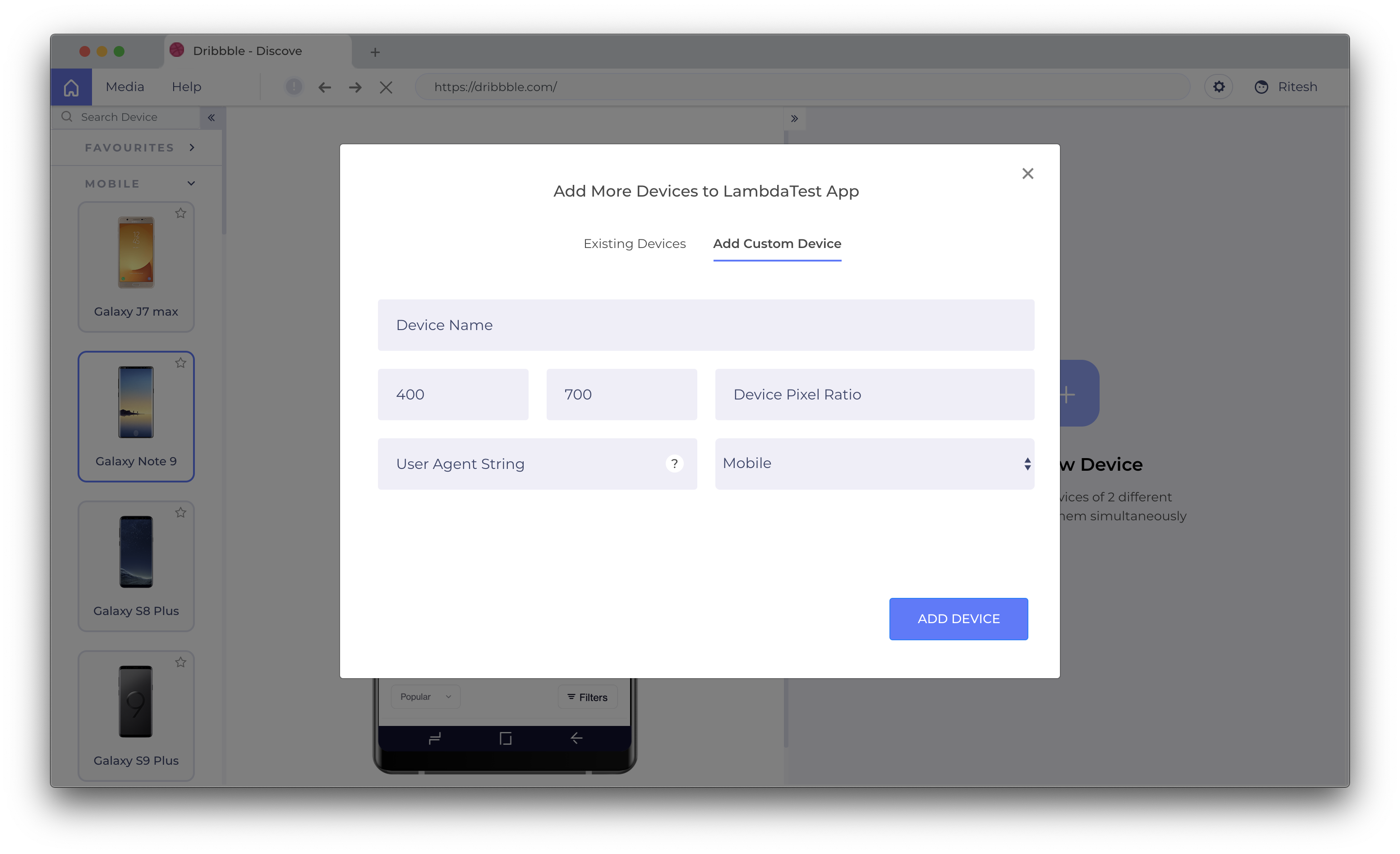
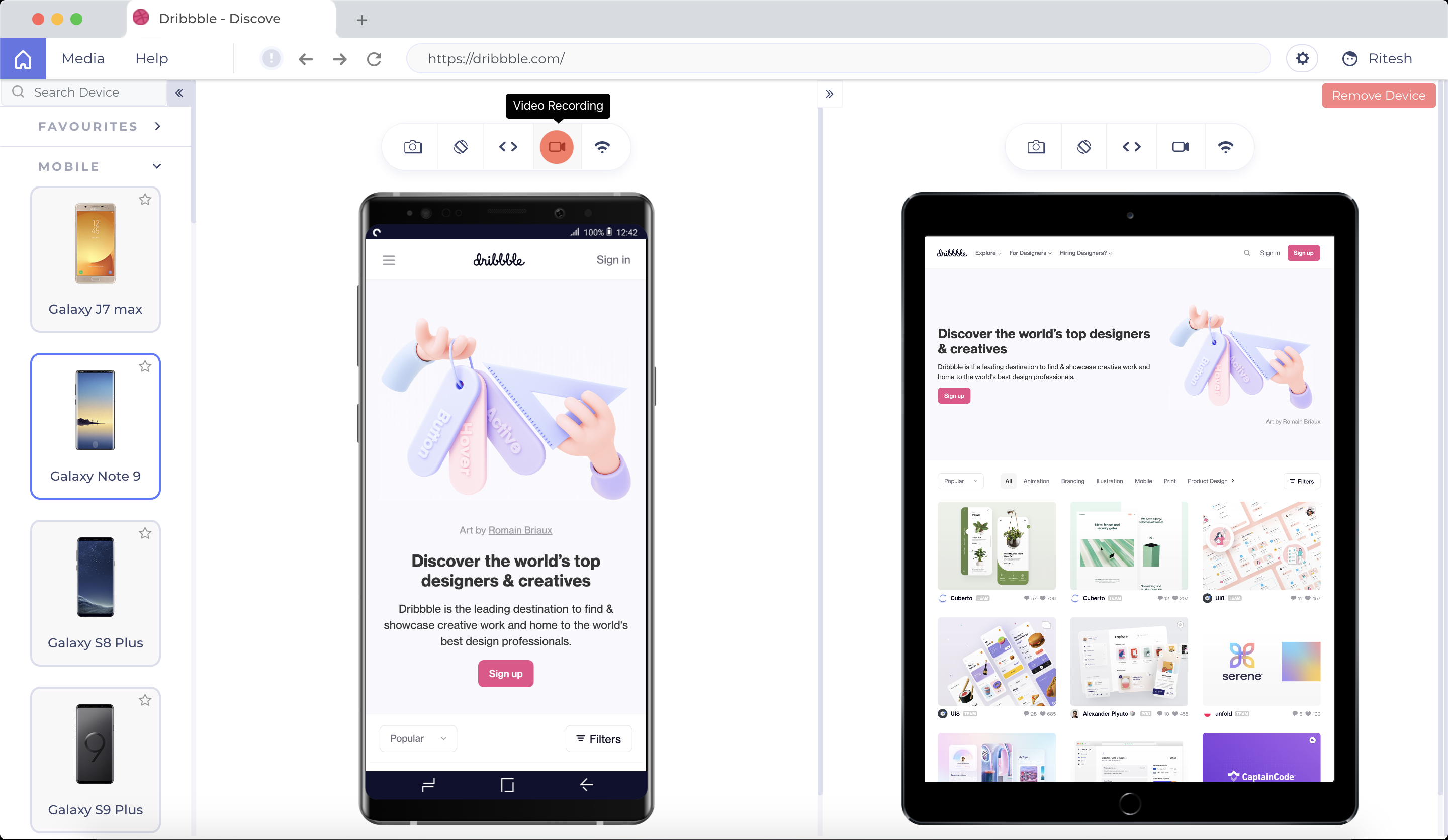
LT Browser allows users to test the mobile view of a website on different screen
sizes and resolutions. With over 50+ devices to choose from, LT Browser aims to make mobile
website testing easier, and ensure that a website is mobile responsive. Users can create their own custom
devices and save it for future uses. Create new mobile, tablet or
desktop devices and test a website on various devices, screen resolution
and perform screen resolution test for website on different screen…
N/A
TestComplete
Score 7.9 out of 10
N/A
TestComplete is a GUI test automation tool that enables users of all skill levels to test the UI of every desktop, web, and mobile application. TestComplete is best suited for testers, automation engineers, and QA teams in any industry.
$2,256
per license
WAVE Web Accessibility Evaluation Tool
Score 5.0 out of 10
N/A
WAVE is a suite of evaluation tools that helps authors make their web content more accessible to individuals with disabilities. WAVE can identify many accessibility and Web Content Accessibility Guideline (WCAG) errors, but also facilitates human evaluation of web content. The vendor, WebAIM who offers WAVE as a free suite of tools, states their philosophy is to focus on issues that they know impact end users, facilitate human evaluation, and to educate about web…
$0
Pricing
LT Browser
TestComplete
WAVE Web Accessibility Evaluation Tool
Editions & Modules
No answers on this topic
Node-Locked Base
2,256
per license
Node-Locked Pro
3,950
per license
Float - Base
5,077
per license
Float - Pro
7,901
per license
WAVE API Credits 10000+
$0.25
per credit
WAVE API Credits 1000-9999
$0.3
per credit
WAVE API Credits 250-999
$0.4
per credit
Offerings
Pricing Offerings
LT Browser
TestComplete
WAVE Web Accessibility Evaluation Tool
Free Trial
Yes
Yes
No
Free/Freemium Version
Yes
No
Yes
Premium Consulting/Integration Services
No
No
No
Entry-level Setup Fee
No setup fee
No setup fee
No setup fee
Additional Details
Unlimited Access To LT Browser For Everyone
Pay for only the modules needed. TestComplete Pro includes all three modules: desktop, web, and mobile, at a bundled price point, as well as access to the parallel testing engine, TestExecute.
TestComplete has additional add-ons, including TestExecute and the Intelligent Quality Add-On.
I have tried almost four(4) different software's before using LT Browser. Main reason is the mix of performance and responsive testing. It has everything in place to Fast Track development of responsive websites. The other reason is its integration with multiple bug tracking …
I think LT Browser is one of the best programs I know to perform performance, usability, and experience tests on websites because it has a wide range of tools for this purpose; in addition, I consider that its price is affordable for professionals or freelancers with little income as well as for large companies that want the best tools, best of all, is that Lamdatest offers a free plan for students and I think LT Browser is also a very good tool for learning. On the other hand, and being quite honest, I can't find scenarios where LT Browser is not suitable in its area of application or what this software is specialized in.
Best suited to smaller unit test or tests broken up, couple of forms at a time Not suited - larger regressions test involving multiple systems. - my main regression involving payments has been unsuccessful for the last 3 years despite all working fine separately and while being watched
This is pretty middle of the road. It does a good job of picking out some of the low-hanging fruit, but it's not going properly evaluate semantic structure and will pop several false positives. Additionally, the tools are incomplete. For instance, the contrast editor will allow you to test your colors with sliders so you can get the closest color that passes; however, that isn't how color palettes work, you generally don't get to change a companies palette without a lot of pain; furthermore, there is no ability to adjust the font-size and both font-size AND color are used to determine contrast requirements. Oh, and they use points VS pixels...nobody is using points on the web even if the ADA uses them in their fairly dated guidelines. Text from the actual contrast editor "Text is present that has a contrast ratio less than 4.5:1, or large text (larger than 18 point or 14 point bold) has a contrast ratio less than 3:1.". 14pt = 18.66 pixels, so I can see their logic even if I don't agree with it
TestComplete could stand to have a simplified view for different types of users. For instance, as a manager/architecture guy, I'm not so interested in getting into the code and am more interested in file-based interactions.
TestComplete could use more integration with reporting for things like TeamCity to improve test status visibility.
We have bigger test automation pack using test complete at the same time we also think this is not good performing tool for large number of test automation scripts.
It is usable when you become accustomed to its quirks. Not using it for two months and then you need to re-learn the quirks for some features (but some quirks are so awful that they will never fade from your memory). So, when using it regularly, it is possible to be quite productive, if no big correction in name mapping is needed.
If you develop a mobile application and your testing process goes in cloud, probably you will face a problem - how to implement a stable connection between your mobile devices and testing servers
One such product that my team eagerly anticipates testing for responsiveness is the LT Browser. The team has discovered that it is a straightforward process to test on the newest mobile devices utilizing the LT Browser. We may start testing our web pages on local systems by simply adding the URL. LT Browser's native developer tools enable us to make modifications to our code right away. It has a pre-installed selection of well-known devices and can operate in simulated mode.
TestComplete stacks up against them in terms of GUI and seamless performance. It records each and every step and action been performed in the application and produces a detailed report in a well-structured manner. It can connect and access seamlessly among various databases directly to speed up the testing process.
For this, I'm speaking specifically to the Siteimprove browser plugin. The Siteimprove plugin: Allows to filter on guideline level Catches a few more errors than WAVE Web Accessibility Evaluation Tool, but comes pretty close But, both do a great job in all other aspects WebAIM shines in its simplicity of overlaying of errors and warnings on the page. I think its real benefit is a lower learning curve on understanding how to use the tool
Saves hundreds of man-hours with either QA testing or data entry
With the small cost of the product, it has saved the company money with both employee costs as well as the cost of mistakes made by human error or software bugs