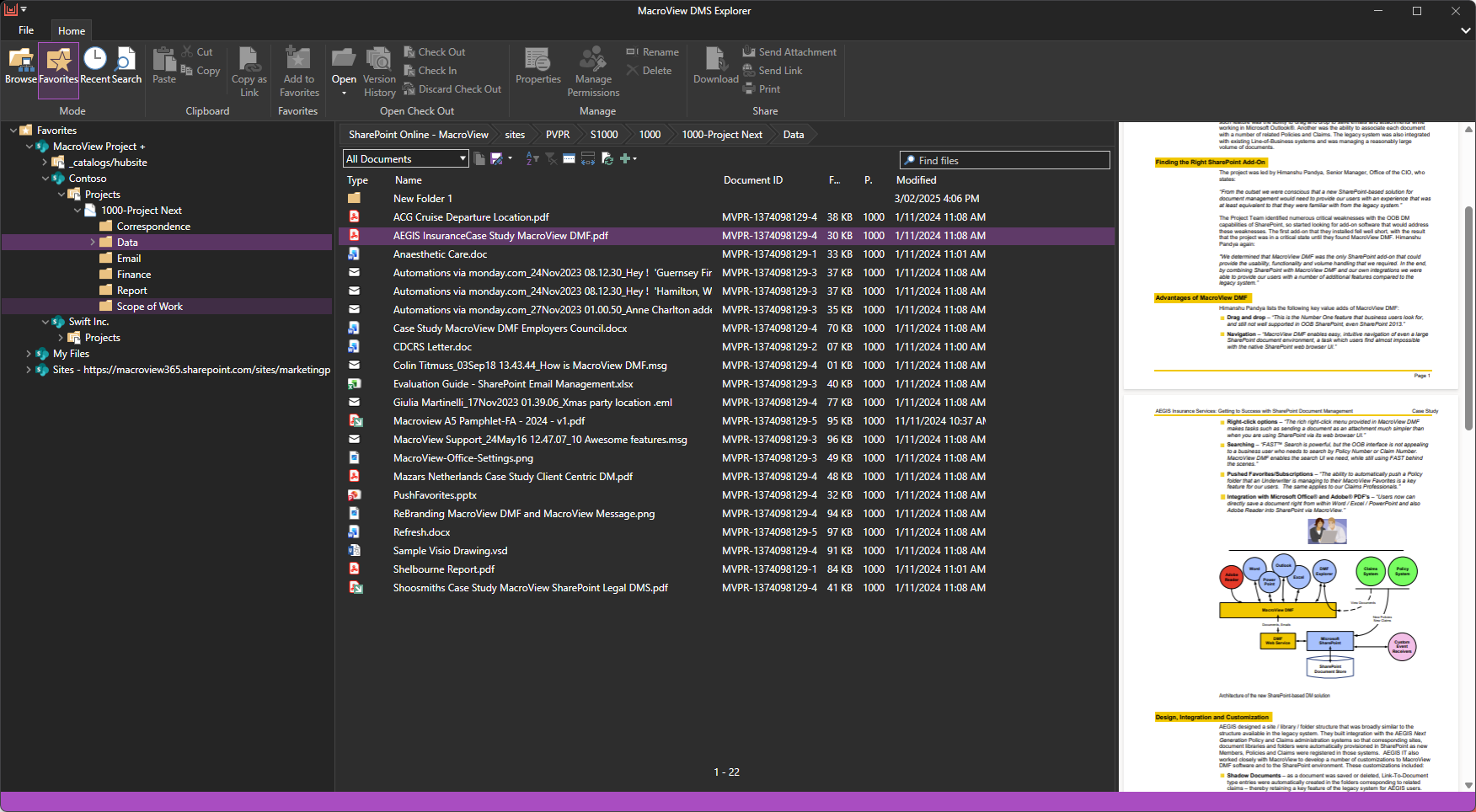
MacroView DMS Pro is a document and email management solution designed to bring structure, consistency, and efficiency to organisations that rely on Microsoft 365. Built natively for SharePoint and Microsoft Office, it provides a familiar file-explorer-style interface where users can create, save, search, and manage documents and emails without changing the way they work.
The platform enhances Microsoft 365 with automated metadata capture, configurable filing rules, and…
$9.50
per month per user
SugarSync
Score 3.8 out of 10
N/A
SugarSync is a cloud storage and backup solution designed for small businesses.
$7.49
per month
Pricing
MacroView DMS Pro
SugarSync
Editions & Modules
DMS Pro
$9.50
per month per user
100 GB
$7.49
per month
250 GB
$9.99
per month
500 GB
$18.95
per month
Offerings
Pricing Offerings
MacroView DMS Pro
SugarSync
Free Trial
Yes
Yes
Free/Freemium Version
No
No
Premium Consulting/Integration Services
No
No
Entry-level Setup Fee
Optional
No setup fee
Additional Details
Price is Per month
12 Month Contract
Minimum 10 Users
Volume Discounts are available for 50 seats and above
Technical Assistance is charged at $230 USD per hour (optional)
—
More Pricing Information
Community Pulse
MacroView DMS Pro
SugarSync
Considered Both Products
MacroView DMS Pro
No answer on this topic
SugarSync
Verified User
Anonymous
Chose SugarSync
SugarSync has solid security. It uses AES 256-cycle to scramble your records extremely still and the TLS show to get them coming. I can open the actual document and I can work on it, save it, and now it’s the same on my notebook as it is in the sync in the Cloud and here on my …
SugarSync, like all solutions, has its place in the data storage stack within a company. The main reason SugarSync is better than the other solutions is that it enables me to leave my hard drive organized and keep my existing file trees. I don't have to constantly move or copy …
SugarSync has the capability of synchronizing various directories, while some of their most popular competitors don't. However, this differentiator is not sufficient to retain the customers in a market of hyper-competition, as they are not adjusting to decreasing pricing market …
As with all file sharing, remote teams - the combination of being able to work alongside colleagues - or remotely (including "on a plane" / without Internet) - but always have your files saved locally makes it very easy to adopt.
It’s a subtle but important difference in how it works because we have to manage the process a little bit more but it also means also SugarSync can possibly fit better into
your productivity work style, especially if you’ve got a really good system of file
management, stuff that you already use whereas in Dropbox, if you have a file system, management system you already use and you want to share those files, you have to move them into Dropbox which might break your system
SugarSync requires just a little bit more forethought.
SugarSync has solid security. It uses AES 256-cycle to scramble your records extremely still and the TLS show to get them coming. I can open the actual document and I can work on it, save it, and now it’s the same on my notebook as it is in the sync in the Cloud and here on my desktop. So it works very simply and effectively from that perspective. Before I finish though, I do want to show you mobile access because mobile access is increasingly important for all of these different services that we’re talking about. For SugarSync, having access to our iPhone, iPad, or our Android device is also crucial. So here we see my iPhone is up and I’m going to go into my Productivity tab here