Markup Hero vs. Venngage

Overview
ProductRatingMost Used ByProduct SummaryStarting Price
Markup Hero
Score 9.0 out of 10
Small Businesses (1-50 employees)
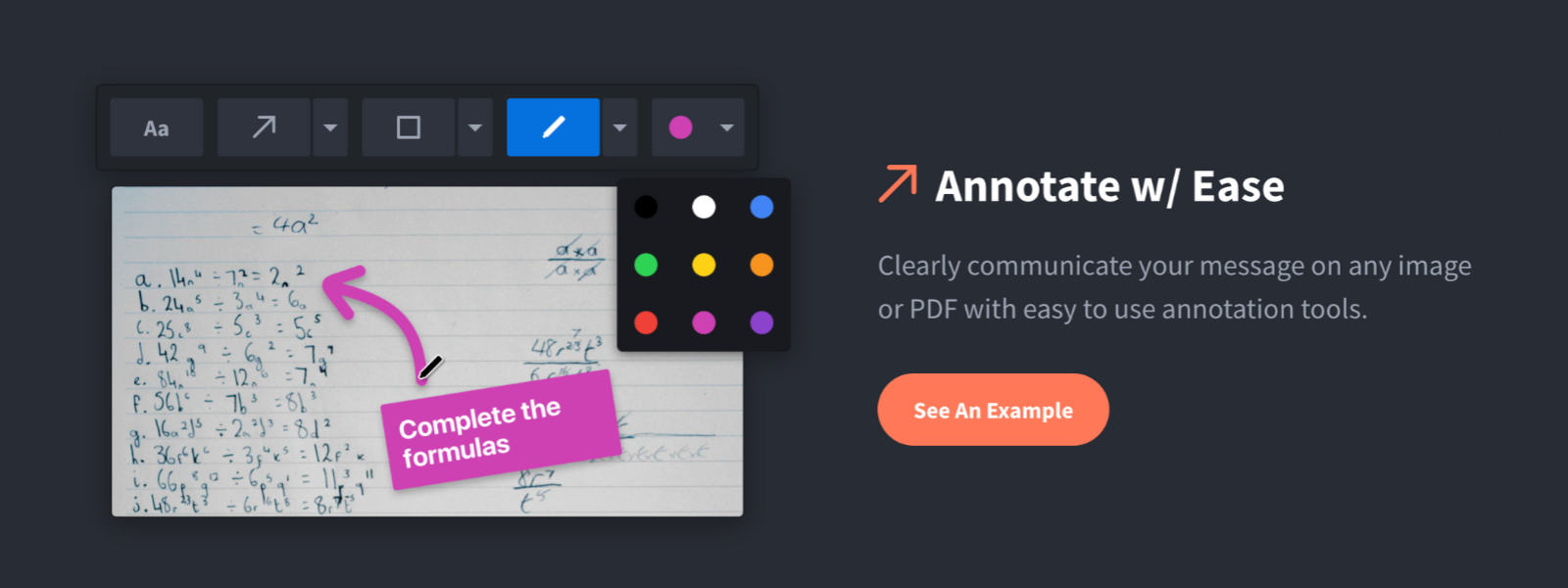
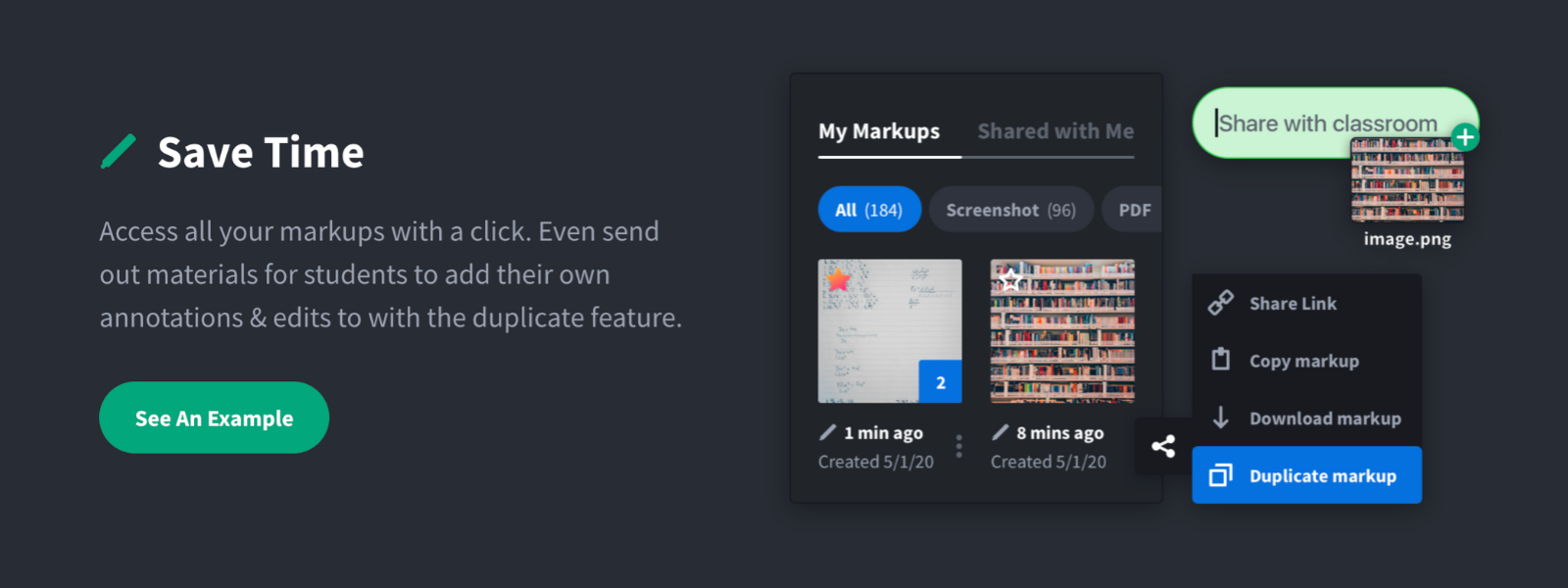
Screenshot, Annotate & Share Markup Hero is an annotation and screenshot tool designed to allow users to capture ideas, communicate clearly, and save time. Features Include: Screenshots Desktop app for Mac, Windows & Linux Works on any device including mobile Chrome extension Annotate screenshots, PDF's, images and URL's Always editable - annotations do not flatten permanently Arrow, text, rectangle, oval,…
$5
all features, unlimited markups, unlimited storage, unlimited bandwidth
Venngage
Score 9.8 out of 10
Small Businesses (1-50 employees)
Venngage is an infographics creation platform. Users can create inforgraphics for their marketing team from scratch or from a template.
$19
per month per user
Pricing
Markup HeroVenngage
Editions & Modules
Superhero
$5/month
all features, unlimited markups, unlimited storage, unlimited bandwidth
Hero
FREE
10 markups per month, 3 days editing history
Premium
$19
per month per user
Business
$49
per month per user
Enterprise
starting at $499
per month 10+ seats (billed yearly)
Offerings
Pricing Offerings
Markup HeroVenngage
Free Trial
YesYes
Free/Freemium Version
YesYes
Premium Consulting/Integration Services
NoNo
Entry-level Setup FeeNo setup feeNo setup fee
Additional Details50% discount for Premium and Business plans for annual pricing.
More Pricing Information
Community Pulse
Markup HeroVenngage
Best Alternatives
Markup HeroVenngage
Small Businesses
Sendspark
Sendspark
Score 10.0 out of 10
CorelDRAW Graphics Suite
Score 7.6 out of 10
Medium-sized Companies
Snagit
Snagit
Score 9.5 out of 10
GIMP
GIMP
Score 8.4 out of 10
Enterprises
Snagit
Snagit
Score 9.5 out of 10
CorelDRAW Graphics Suite
Score 7.6 out of 10
All AlternativesView all alternativesView all alternatives
User Ratings
Markup HeroVenngage
Likelihood to Recommend
9.6
(2 ratings)
9.9
(8 ratings)
Likelihood to Renew
-
(0 ratings)
10.0
(1 ratings)
Usability
-
(0 ratings)
10.0
(1 ratings)
Support Rating
-
(0 ratings)
10.0
(1 ratings)
User Testimonials
Markup HeroVenngage
Likelihood to Recommend
Markup Hero
For us, it's sending real estate setup sheets with multiple properties and lots of comments and feedback. It's great for quick feedback and shares. If I need to make a custom graphic tho its not quite powerful enough as Photoshop or other tools. The former is about 90% of my use cases, the latter only 10% so it's still worth it. But I can see they are adding more and more design oriented features so I suspect I won't need Photoshop much longer.
Read full review
Venngage
I find it great for personal use especially when you are a visual person. As an assistant that needs a lot of organizing, it's wonderful. It helped me a lot and I usually don't require a lot of features. I also find it great for accessibility stuff, I respect that since I have a relative who has special needs. I didn't really need that specifically, but it's nice to know it was considered.
Read full review
Pros
Markup Hero
  • Quickly adding annotations
  • Sharing links to screenshots or marked up PDFs
  • Always editable and accessible from any device
Read full review
Venngage
  • Extremely user-friendly: simple, easy-to-follow interface really made ramping up on the offering incredibly fast and painless.
  • Variety of templates: Venngage has a HUGE assortment of templates ranging from corporate reports and business decks to more visually-engaging, "fun" content such as infographics, awesome charts, and highly customizable social graphics.
  • Brand-alignment: we really appreciated the opportunity to tee up our brand guidelines and have those remain on the back-end and let us apply our style guide to multiple templates instantaneously.
Read full review
Cons
Markup Hero
  • Teams is basic right now; looking forward to more permissions and team folders
  • Love the insert image, but would like to be able to make my own library of images
  • Needs rotate when uploading from my iPhone - they're sideways right now
Read full review
Venngage
  • It's hard to lock graphics into place in Venngage once you create something.
  • Layering is next to impossible. The feature is there but is very difficult to use and most times the user is better off copying the object over instead
  • Unless you have a business account (we have a professional account- middle grade) you cannot sort and organize your infographics. This is messy and cumbersome to go through and the price difference between professional and business grade accounts was quite large.
Read full review
Likelihood to Renew
Markup Hero
No answers on this topic
Venngage
I use Venngage for a new project 1-2 times per week... I could not see using another program at this point.
Read full review
Usability
Markup Hero
No answers on this topic
Venngage
I find it very user friendly, straight to the point, and the minor issues I found wasn't really impacting on my role. So I think it would depend? but personally I find it perfect for me. There were lots of templates I could use, and they were very open to feedback and customer service was very accommodating.
Read full review
Support Rating
Markup Hero
No answers on this topic
Venngage
I think that the attention that I get as a small business owner from Venngage is excellent. They quickly respond to questions and provide information that helps to resolve the issue that I am having.
Read full review
Alternatives Considered
Markup Hero
Markup Hero stands out because it is truly web based and supports PDFs (among a host of other file types). The annotation tools are significantly smoother and always editable. I don't know of any other products that provide a web experience that allows for edits at anytime. Plus the team is clearly working hard to iterate the product and regularly delivering new features.
Read full review
Venngage
We prefer Canva but feel Venngage is easier for us. In comparison to Adobe, we prefer Venngage because of the ability to have everything in one system and not have to jump around.
Read full review
Return on Investment
Markup Hero
  • Productivity - Save at least 30 mins per day per employee
  • Organization - No more hunting through emails finding content I sent to someone
  • Communication - My clients better understand our suggested properties when I add annotations.
Read full review
Venngage
  • It was frustrating to be required to purchase a full month, not be able to download into PowerPoint and edit, and not be given a refund.
Read full review
ScreenShots

Markup Hero Screenshots

Screenshot of Annotate and markup just about anything from almost anywhere.Screenshot of Always editable, saved in your history, set permissions and share with a click.Screenshot of Keep track with tags and never lose a past markup.Screenshot of Upload images, PDF's, website URL's, Google Docs and annotate away!Screenshot of Tons of annotation tools like arrows, text, blur, crop, highlight and more.Screenshot of Super simple user interface that you'll love coming back to again and again.