MediaFire is a simple file sharing and storage platform. It allows users to store, share, and view media files within the MediaFire online, desktop, or mobile app interface. The vendor says MediaFire's file storage system is private and secure. In terms of collaboration, users can invite friends to share files via Facebook, Google, Twitter, or email. MediaFire's collaboration features include folder and file sharing, and controls for who can view and/or edit particular files. MediaFire…
N/A
Tresorit
Score 6.3 out of 10
N/A
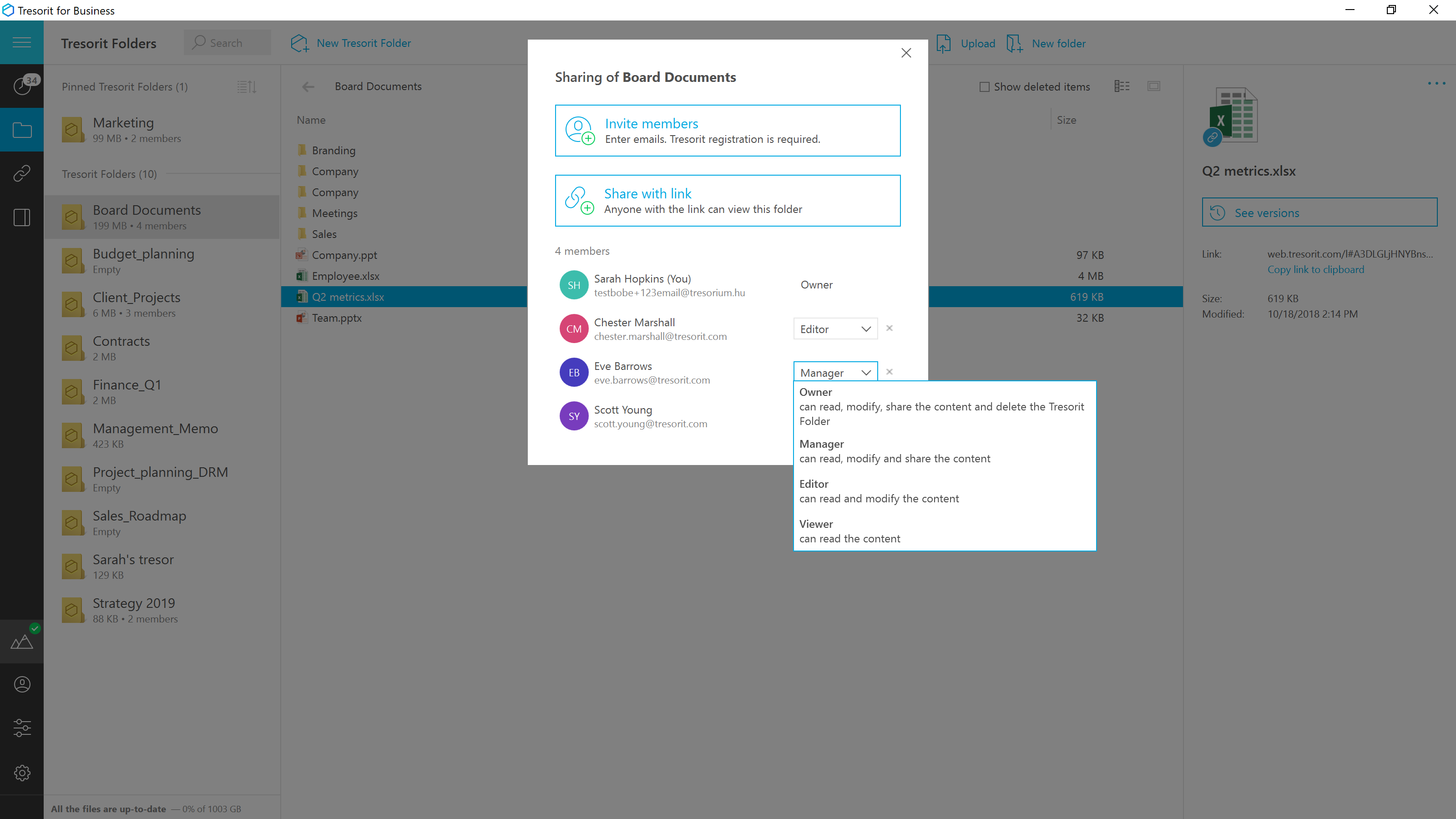
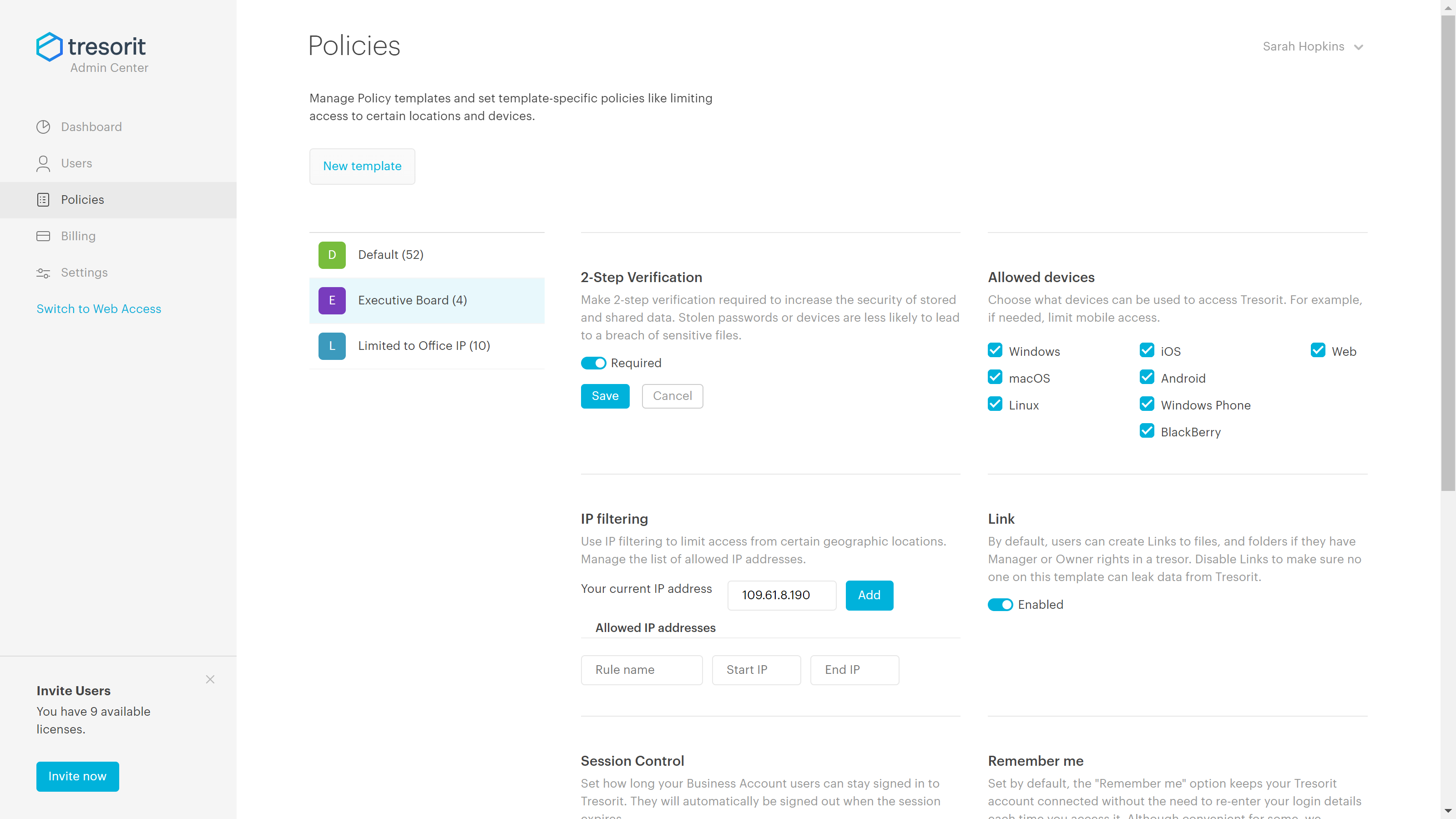
Tresorit offers end-to-end encrypted file
sync & sharing. The vendor promises an ultra-secure place in the cloud to store,
sync and share files easily from anywhere, anytime. The vendor says Tresorit is powered by
end-to-end encryption and enhanced with a flexible permission system, therefore
it seals your files away from internal data breaches and hackers. All the data
is securely stored according to the GDPR in Europe in Microsoft Azure
datacenters.
Tresorit promises to help secure…
$13.99
per month 1TB of encrypted storage
Pricing
MediaFire
Tresorit
Editions & Modules
No answers on this topic
Personal
$13.99
per month 1TB of encrypted storage
Business Standard
$18
per month 1TB of encrypted storage
Business Plus
$24
per month per user (2TB of encrypted storage per user)
Professional
$33.99
per month 4TB of encrypted storage
Enterprise
Custom
Starts from 50 users
Offerings
Pricing Offerings
MediaFire
Tresorit
Free Trial
No
Yes
Free/Freemium Version
No
No
Premium Consulting/Integration Services
No
Yes
Entry-level Setup Fee
No setup fee
No setup fee
Additional Details
—
Discount for annual pricing.
More Pricing Information
Community Pulse
MediaFire
Tresorit
Features
MediaFire
Tresorit
File Sharing & Management
Comparison of File Sharing & Management features of Product A and Product B
MediaFire
7.7
18 Ratings
8% below category average
Tresorit
4.7
1 Ratings
56% below category average
Versioning
8.49 Ratings
00 Ratings
Video files
7.917 Ratings
2.01 Ratings
Audio files
7.917 Ratings
2.01 Ratings
Document collaboration
7.811 Ratings
2.01 Ratings
Access control
7.013 Ratings
2.01 Ratings
File search
7.718 Ratings
10.01 Ratings
Device sync
7.215 Ratings
10.01 Ratings
Cloud Storage Security & Administration
Comparison of Cloud Storage Security & Administration features of Product A and Product B
MediaFire
8.1
18 Ratings
6% below category average
Tresorit
7.7
1 Ratings
11% below category average
User and role management
7.911 Ratings
9.01 Ratings
File organization
8.118 Ratings
5.01 Ratings
Device management
8.312 Ratings
9.01 Ratings
Cloud Storage Platform
Comparison of Cloud Storage Platform features of Product A and Product B
It is well suited for large file sharing and file syncing. Easy to collaborate the files and provide access. File encryption, some features are pretty limited like the ease of use on front end as well. Customer support can be better and improve customer loyalty. Design can be improved for easier navigation and use.
Good scenario: Wanting to have your files stored by an independent group that specializes in secure file storage. The ability to have files stored on servers that are not domestic is a big plus too. We had issues in the past with a solution that went down when the US AWS East Coast servers had an issue; Tresorit is insulated from these problems and appears to handle load balancing as well. Not good scenario: If you want to have outside parties, upload files/share files with you within your Tresorit environment. There is no way of doing this, and this is a real operational problem.
FileDrop feature. This is an amazing functionality that increases collaboration among our team. People can drop files in a specific folder related to a project and we can keep it organized.
Mobile Apps for Android and iOS. The apps works pretty well and you can carry your files everywhere.
Regular and Instant Uploads - MediaFire checks for the exact same file in the cloud. If it finds it, the upload will be instant. Otherwise, it proceeds with regular upload.
Download Page - When you generate a link to download some files it redirects users to a specific page where they can download the file. The page is sometimes confusing and with a lot of ads which can be a little bit annoying.
Customization Option - you can find a customization section in "Settings", but there are just a few things that you can really customize. Maybe improving this would be nice to allow you personalize your environment (for companies, for instance).
Blocked options for the free version - There are a lot of interesting options that are available just for business and pro versions. If you could at least test it before upgrading your version it would help users decide.
Lack of PC sync client - Would be great if you could install a PC client that would synchronize your files.
Problems when refreshing your files list in the browser. Sometimes it gets slow and you have to refresh the entire page to continue.
Exceptionally responsive. This is something we needed from our storage provider. We are continuously accessing the information, and downtime or technical issues would be and are unacceptable. We have had no downtime issues so far, and Support has been responsive to us whenever needed. Exactly what we needed from their service.
MediaFire's Pro Pricing is cheaper than Dropbox, although they're less known in the industry. I trust them with important documents, and they [have] never lost a file, whereas I can't say the same about other services like theirs. Customer service is fast and friendly if you need them, and their site is very clean and clutter free, which (to me) is important.
Secure and independently operated. We selected Tresorit for its secure file storage capabilities that the other services (except SpiderOak) did not provide. Tresorit is a zero-knowledge system, which gives us a lot of comforts when it comes to secure data storage. SpiderOak was a close alternative, but they have been in continuous development to provide competitive features, and still haven't provided what we needed (SpiderOak has promised features for several years at this point).
Thanks to MediaFire I have been able to recover information stored many years ago on their servers, since they usually do not delete files after a certain time.
It has helped me to be able to backup sensitive information from long before the existence of massive clouds, so if you did not make these backups you had to lose all the information, but thanks to half fire that did not happen to me.