
Microsoft 365 Copilot vs. Yatter AI
Microsoft 365 Copilot vs. Yatter AI
| Product | Rating | Most Used By | Product Summary | Starting Price |
|---|---|---|---|---|
 Microsoft 365 Copilot | N/A | For enterprises, Microsoft 365 Copilot (or just Microsoft Copilot) is a generative AI operating as an intelligent virtual assistant for work. Through a chat interface, business users can use it to solve a variety of complex tasks. | $31.50 per month per user | |
 Yatter AI | N/A | Yatter is an AI-powered assistant that integrates with WhatsApp, leveraging the capabilities of ChatGPT-4. It is designed to enhance productivity, streamline communication, and simplify daily tasks. Key features include intelligent conversation capabilities with ChatGPT-4, voice chat messaging, advanced image detection, reminder scheduling, real-time weather updates, quick menu options for frequently used features, multilingual conversations, concise PDF summaries, contextual mindful chats, and… | $9.99 per month per user |
| Microsoft 365 Copilot | Yatter AI | |||||||||||||||
|---|---|---|---|---|---|---|---|---|---|---|---|---|---|---|---|---|
| Editions & Modules |
| No answers on this topic | ||||||||||||||
| Offerings |
| |||||||||||||||
| Entry-level Setup Fee | No setup fee | No setup fee | ||||||||||||||
| Additional Details | Pricing shown is based on an annual commitment. Discount available for annual payment. | — | ||||||||||||||
| More Pricing Information | ||||||||||||||||
| Microsoft 365 Copilot | Yatter AI | |
|---|---|---|
| Likelihood to Recommend | 8.2 (18 ratings) | - (0 ratings) |
| Likelihood to Renew | 9.5 (2 ratings) | - (0 ratings) |
| Usability | 7.9 (15 ratings) | - (0 ratings) |
| Microsoft 365 Copilot | Yatter AI | |
|---|---|---|
| Likelihood to Recommend | Microsoft
| Infokey Technology Private Limited No answers on this topic |
| Pros | Microsoft
| Infokey Technology Private Limited No answers on this topic |
| Cons | Microsoft
| Infokey Technology Private Limited No answers on this topic |
| Likelihood to Renew | Microsoft
 Lisa A Lewis Owner | Infokey Technology Private Limited No answers on this topic |
| Usability | Microsoft
| Infokey Technology Private Limited No answers on this topic |
| Alternatives Considered | Microsoft
| Infokey Technology Private Limited No answers on this topic |
| Return on Investment | Microsoft
 Billy Woody Technology Specialist | Infokey Technology Private Limited No answers on this topic |
| ScreenShots | Yatter AI Screenshots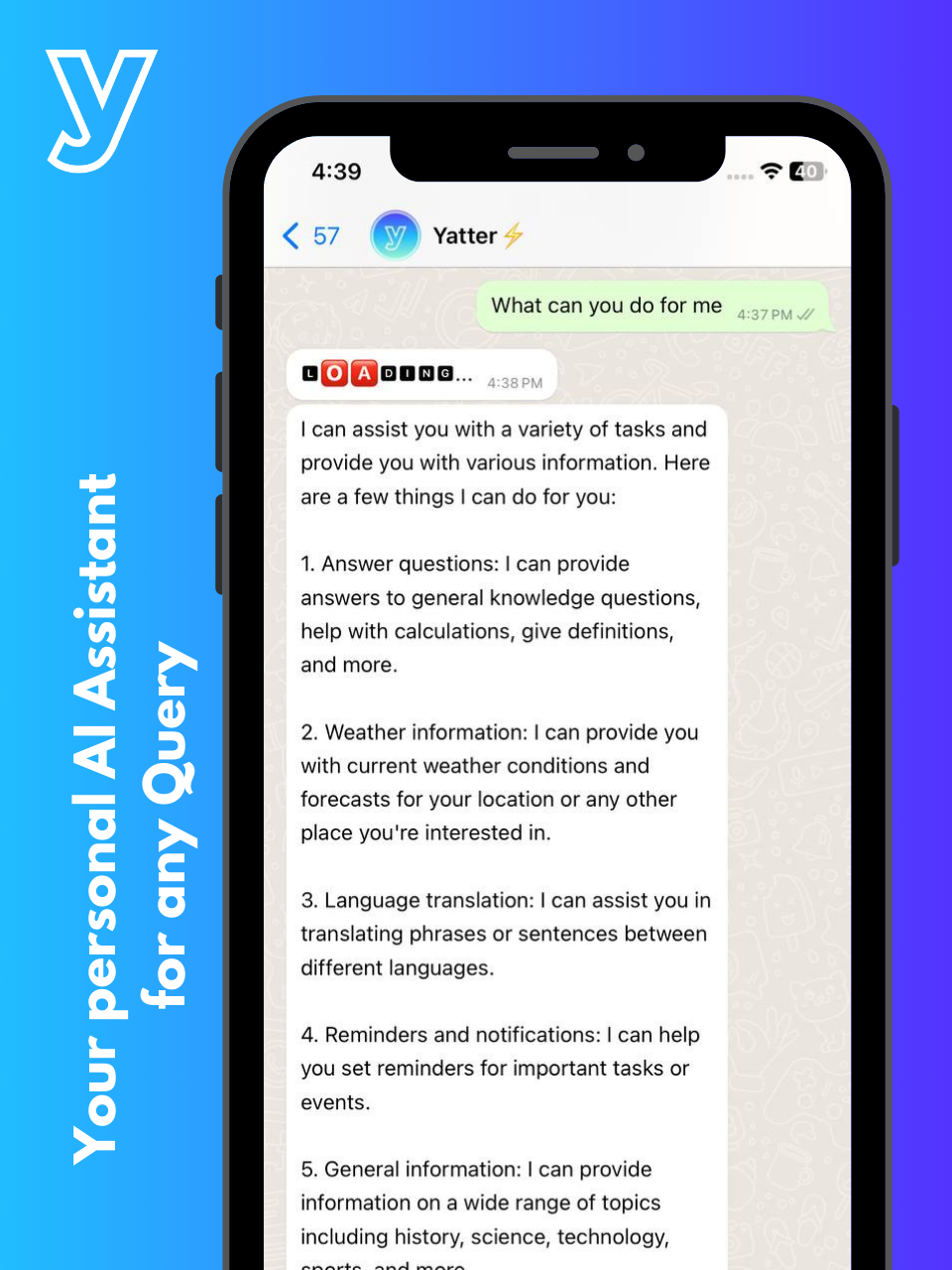 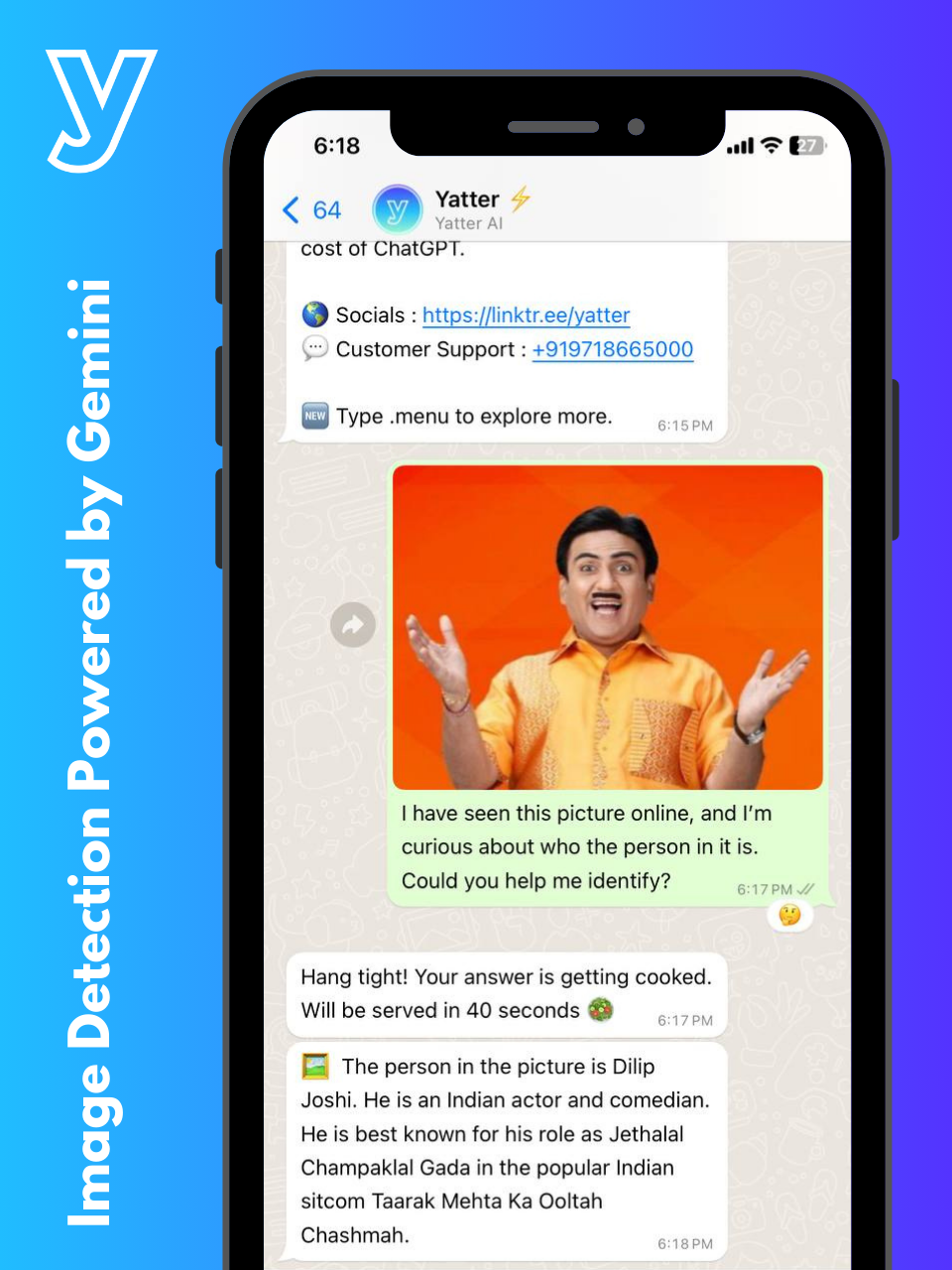 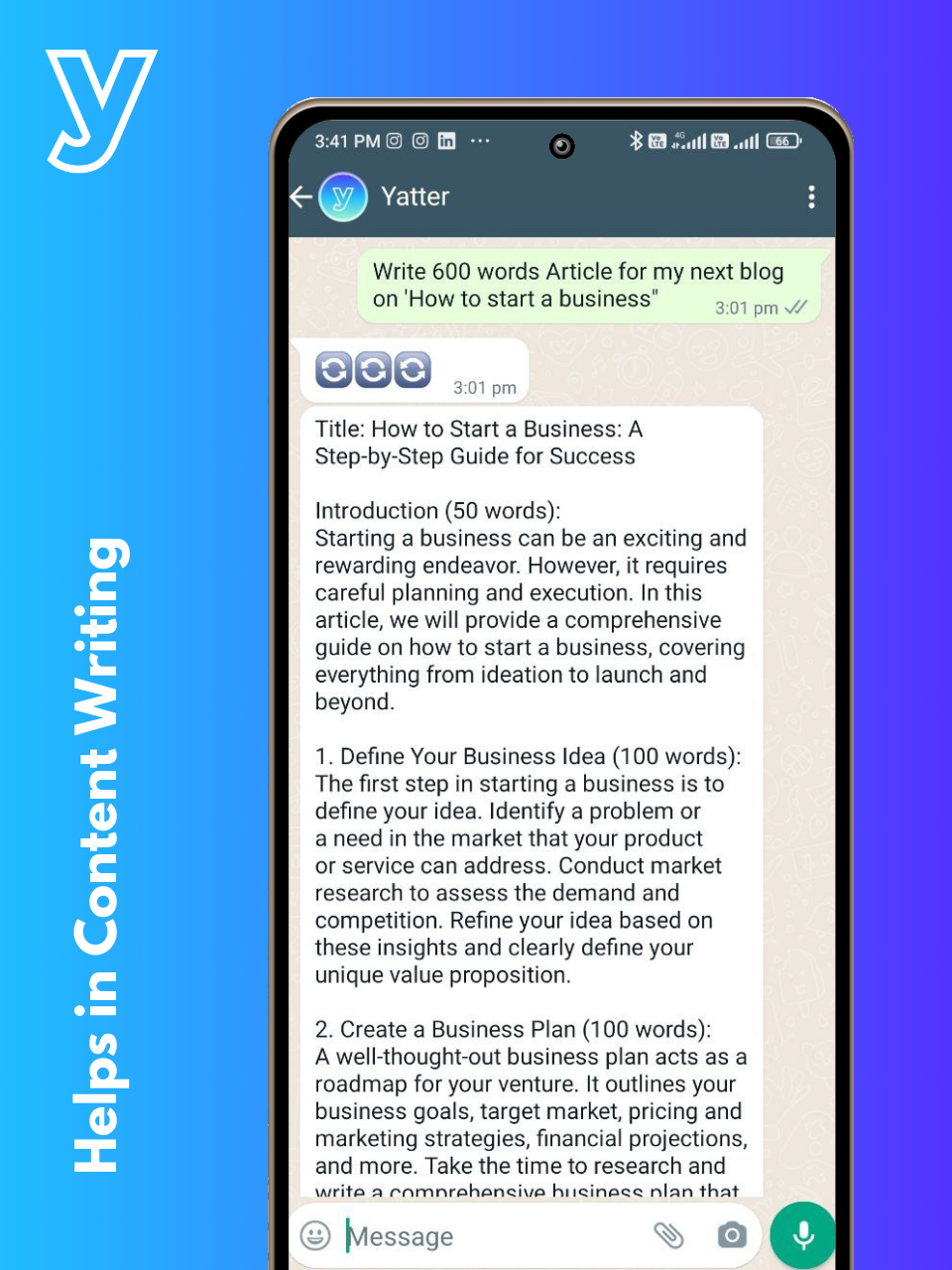  |