Microsoft Power Automate vs. S-Docs

Overview
ProductRatingMost Used ByProduct SummaryStarting Price
Microsoft Power Automate
Score 8.4 out of 10
N/A
Microsoft Power Automate is an advanced automation platform offering a range of features, including AI-powered automation, robotic process automation (RPA), business process automation (BPA), digital process automation (DPA), and process/task mining. The platform aims to empower organizations to securely automate their operations at scale by leveraging low-code and AI technologies.
$15
per month per user
S-Docs
Score 8.7 out of 10
Small Businesses (1-50 employees)
S-Docs headquartered in New York offers what they present as a secure document generator and E-signature solution built on the Salesforce Platform. It aims to help users to create and e-sign sophisticated documents that improve efficiency, reduce errors and eliminate tedious work.
$65
per month per user
Pricing
Microsoft Power AutomateS-Docs
Editions & Modules
Power Automate Premium
$15
per month per user
Power Automate Process
$150
per month per bot
Hosted RPA add-on
$215
per month per bot
Process Mining add-on
$5,000
per month per tenant
S-Docs for Salesforce
$25
per month (billed annually) per user
S-Docs for Salesforce with e-Signature
$40
per month (billed annually) per user
S-Docs & S-Sign Bundle
$40
per month per user (Minimum contract of $8,400)
S-Docs for HubSpot Team Edition
$65
per month per installation
S-Docs for HubSpot Professional Edition
$275
per month per installation
Offerings
Pricing Offerings
Microsoft Power AutomateS-Docs
Free Trial
YesYes
Free/Freemium Version
YesYes
Premium Consulting/Integration Services
NoNo
Entry-level Setup FeeNo setup feeOptional
Additional DetailsS-Docs for Salesforce is priced by seat. Organizations that are interested in the enterprise edition - including per-document pricing and Experience Cloud plans, can reach out to sales. S-Docs for HubSpot is priced by usage. S-Docs for HubSpot Team Edition comes with 500 documents and 250 e-Signature requests per year. S-Docs for HubSpot Professional Edition comes with 2,500 documents and 800 e-Signature requests per year. Nonprofit discounts are available.
More Pricing Information
Community Pulse
Microsoft Power AutomateS-Docs
Best Alternatives
Microsoft Power AutomateS-Docs
Small Businesses
Stackby
Stackby
Score 8.9 out of 10
airSlate WorkFlow
airSlate WorkFlow
Score 9.9 out of 10
Medium-sized Companies
CMW Platform
CMW Platform
Score 9.3 out of 10
Foxit PDF Editor
Foxit PDF Editor
Score 8.6 out of 10
Enterprises
CMW Platform
CMW Platform
Score 9.3 out of 10
Conga Composer
Conga Composer
Score 8.1 out of 10
All AlternativesView all alternativesView all alternatives
User Ratings
Microsoft Power AutomateS-Docs
Likelihood to Recommend
7.8
(81 ratings)
9.0
(1 ratings)
Likelihood to Renew
9.3
(9 ratings)
-
(0 ratings)
Usability
9.0
(7 ratings)
-
(0 ratings)
Support Rating
7.9
(12 ratings)
-
(0 ratings)
In-Person Training
9.0
(1 ratings)
-
(0 ratings)
Online Training
8.9
(2 ratings)
-
(0 ratings)
Implementation Rating
7.9
(37 ratings)
-
(0 ratings)
Configurability
9.0
(1 ratings)
-
(0 ratings)
Contract Terms and Pricing Model
10.0
(1 ratings)
-
(0 ratings)
Ease of integration
8.5
(2 ratings)
-
(0 ratings)
Professional Services
8.0
(1 ratings)
-
(0 ratings)
Vendor post-sale
9.0
(1 ratings)
-
(0 ratings)
Vendor pre-sale
10.0
(1 ratings)
-
(0 ratings)
User Testimonials
Microsoft Power AutomateS-Docs
Likelihood to Recommend
Microsoft
Very useful RPA tools for automating processes with minimal coding and drag-and-drop functionality, with a wide variety of triggers, including scheduled time-based triggers and activity-based triggers, such as modifying a file/list in SharePoint to run a Power Automate flow. Very easy-to-use UI with native integration with every Microsoft product, and a very low automation failure rate for deployed workflows.
Read full review
S-Docs Inc.
S-Docs would be great for anyone looking to make the process of getting signatures more seamless and less time intensive. You can get a signature in minutes no matter where the signee is located. No more having to worry about printing, scanning, and emailing over important and time-sensitive documents.
Read full review
Pros
Microsoft
  • Sending confirmation email to clients and user once the flow is triggered.
  • Fetching or Dumping files from one location to another if the flow is triggered.
  • Schedule flow helps to send alerts and triggers the flow at a specific interval of time to carry out the required task.
  • Power Automate also be used to convert any file format to a specific file format and save it to the required location
Read full review
S-Docs Inc.
  • onboarding
  • approval of marketing spend
  • approval of travel expenses
Read full review
Cons
Microsoft
  • Steep learning curve.
  • It can be slow to develop simple solutions compared to other automation platforms such as Smarsheet.
  • Troubleshooting and developing can be frustrating without proper access to edit the code directly.
  • Only able to edit through the GUI and with expressions.
  • Many ways to do the same thing can be frustrating when you need to rework your flow.
Read full review
S-Docs Inc.
No answers on this topic
Likelihood to Renew
Microsoft
The tool is very useful when used with its various native connectors, taking great advantage of the integration between the components and systems of the Office365 universe. However, its cost is still high, and automation using more advanced components containing AI resources becomes unfeasible for some companies. Due to the financial crisis that many companies are currently experiencing, investment in automation systems or tools is taking a back seat.
Read full review
S-Docs Inc.
No answers on this topic
Usability
Microsoft
Power Automate features a clean and intuitive user interface that allows users to create, manage, and monitor workflows easily. The UI is designed to be accessible to both technical and non-technical users, with drag-and-drop functionality for building workflows. Power Automate supports integration with a wide range of Microsoft and third-party applications. This flexibility in integration allows users to automate workflows across various systems, enhancing overall productivity and efficiency.
Read full review
S-Docs Inc.
No answers on this topic
Support Rating
Microsoft
both Community support and Microsoft official support typically respond to (and resolve) reported issues in a VERY expedient manner, usually going above and beyond for education and bugfixing. I have been thoroughly impressed with the level of support I had been provided in the past.
Read full review
S-Docs Inc.
No answers on this topic
In-Person Training
Microsoft
after reviewing the main features of Power Automate, the Microsoft trainer focused on some of our real life use cases implementation, from simple to more advanced.
Read full review
S-Docs Inc.
No answers on this topic
Online Training
Microsoft
although it was productive, it is more difficult to stay focused and in a 7 hours a day online training (including screen share issues and the fact that the trainer just can't precisely show the exact location of your mistake)
Read full review
S-Docs Inc.
No answers on this topic
Implementation Rating
Microsoft
Overall, our experience implementing Microsoft Power Automate has been positive, with a relatively low barrier to entry and a fast time-to-value—especially because it integrates natively with Microsoft 365, which we were already using extensively. With Respect to migration, I had a very good experience where existing workflows were reviewed and simplified. Unnecessary steps were removed. Business rules were reimplemented using Power Automate logic. We migrated Approval workflows, email-based notifications, SharePoint-centric processes, and simple integrations.
Read full review
S-Docs Inc.
No answers on this topic
Alternatives Considered
Microsoft
Microsoft Power Automate is worlds ahead of Zapier in so many ways. The looping, DOM access, and flow controls are much better. I feel that accessing different data within previous connectors used in a flow is much easier in Microsoft Power Automate as well. The custom connector creation process is a lot more pleasant in Microsoft Power Automate. The DateTime data type is handles MUCH better in Microsoft Power Automate, which is reason enough to use it.
Read full review
S-Docs Inc.
just as easy to use as dousign. Since I do not make the purchasing decisions, I am not sure how these prices compare to each other
Read full review
Contract Terms and Pricing Model
Microsoft
I have not done any participations
Read full review
S-Docs Inc.
No answers on this topic
Professional Services
Microsoft
Microsoft's professional services provide hands-on support throughout the implementation lifecycle of Power Automate.This includes initial setup, configuration, integration with existing systems, testing, and deployment. They ensure that workflows are correctly designed, optimized for performance, and aligned with security best practices.
Read full review
S-Docs Inc.
No answers on this topic
Return on Investment
Microsoft
  • You can automate a lot of process very easy like automatic mails for status updates and such. This will save a lot of time and is more accurate, faster and up-to-date than a user can be.
  • Task approval is centralized and automatic reminders save us a lot of time.
  • The ROI is good if you have a lot of use cases and things to automate
Read full review
S-Docs Inc.
  • increased efficiency
  • increased security
Read full review
ScreenShots

Microsoft Power Automate Screenshots

Screenshot of Microsoft Power Automate (Interface Screenshot) - Work Queues, Initial pageScreenshot of Microsoft Power Automate (Interface Screenshot) - Signed-in web portal home pageScreenshot of Microsoft Power Automate (Interface Screenshot) - Signed-in web portal create pageScreenshot of Microsoft Power Automate (Interface Screenshot) - Desktop designerScreenshot of Microsoft Power Automate (Interface Screenshot) - Hosted RPAScreenshot of Microsoft Power Automate (Interface Screenshot) - Display of DLP violations (on Run)

S-Docs Screenshots

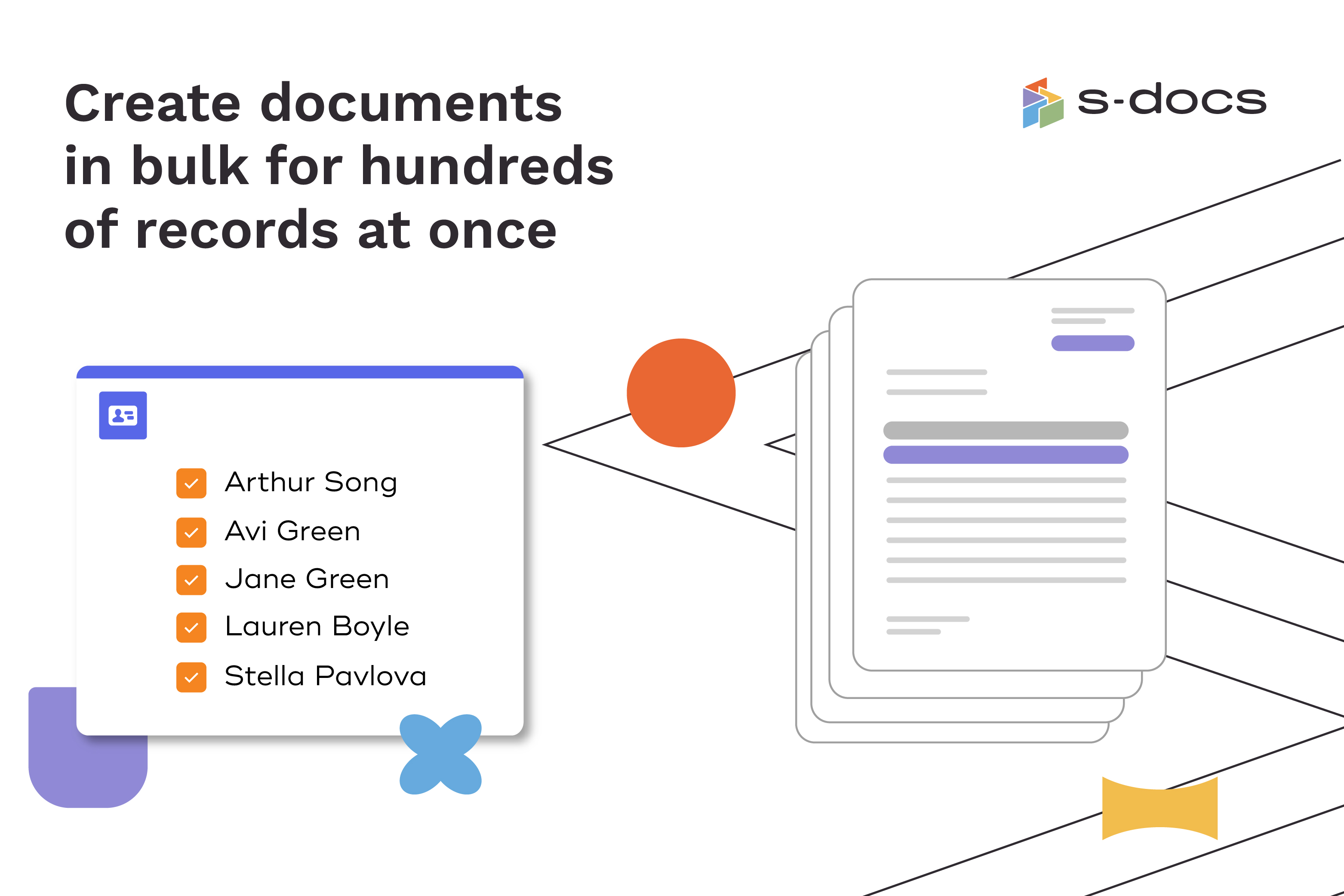
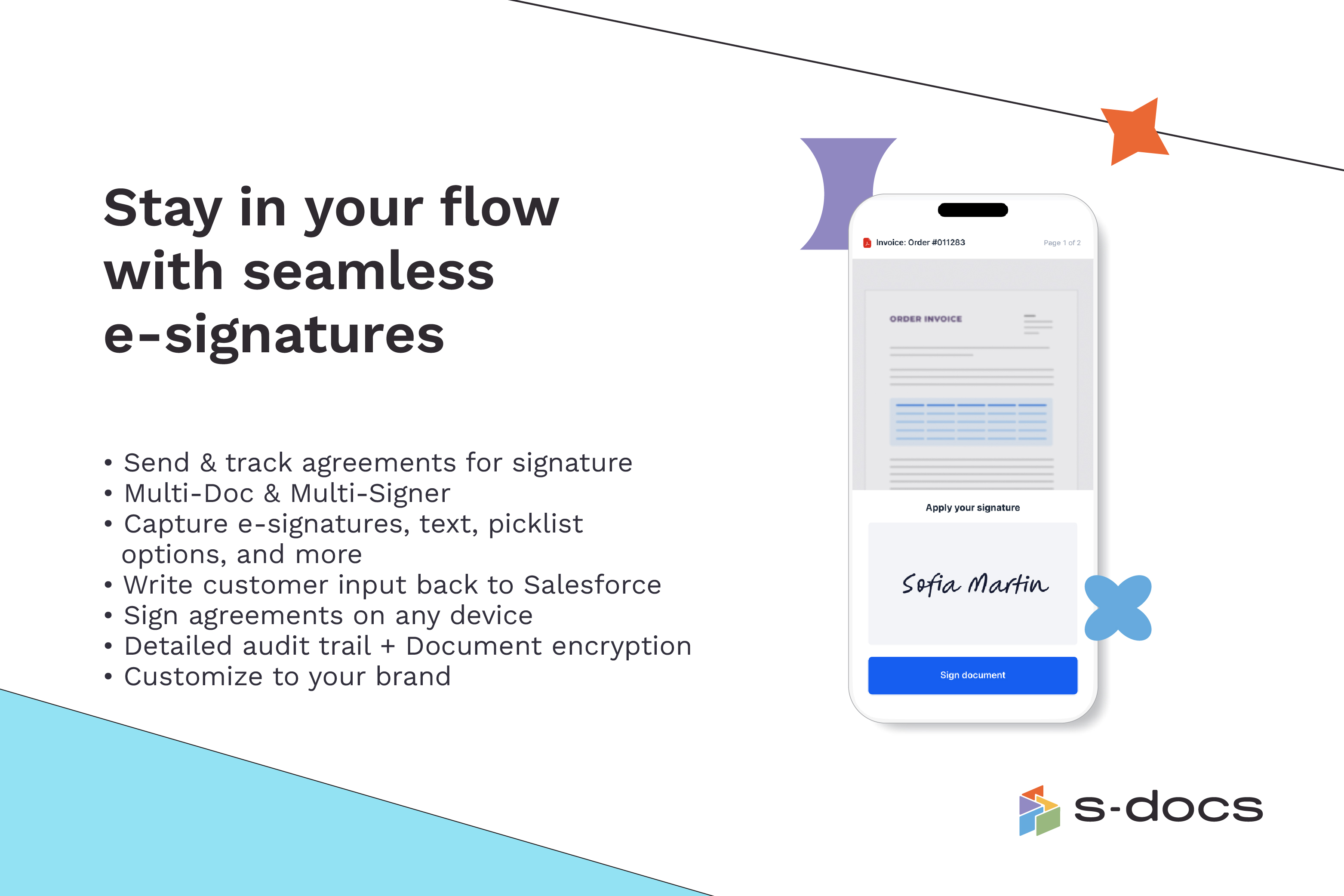
Screenshot of how to create business documents in flexible formatsScreenshot of how to create documents via clicks or automaticallyScreenshot of how to generate documents in bulk for hundreds of records at onceScreenshot of how to edit generated documents without downloading external programsScreenshot of how to request secure e-Signatures via email or in personScreenshot of how to create templates with the drag-and-drop interface