TrustRadius: an HG Insights company

Save this comparison

Save this comparison

Add Product

Recommended Comparisons

    Overview
    ProductRatingMost Used ByProduct SummaryStarting Price

    Microsoft Powerpoint

    Score7.9 out of 10
    N/AMicrosoft PowerPoint is a presentation software designed to allow users to create slide-based presentations including video and images, as well as slide transitions and animations.

    $139.99

    Moovly

    Score7 out of 10
    N/AMoovly aims to enable users to create videos in any style without being an expert. Moovly's drag-and-drop interface lets users combine media objects from their libraries with the user's own uploaded media, as well as animate, synchronize, and time all objects in a timeline. Export content in any video format for online publishing, social media, projection, television, smartphone, or tablet. Moovly also includes more than a million royalty-free media objects to use freely. …N/A
    Pricing
    Microsoft PowerpointMoovly
    Editions & Modules
    One Time Purchase
    $139.99
    No answers on this topic
    Offerings
    Pricing Offerings
    Microsoft PowerpointMoovly
    Free Trial
    NoNo
    Free/Freemium Version
    NoNo
    Premium Consulting/Integration Services
    NoNo
    Entry-level Setup FeeNo setup feeNo setup fee
    Additional Details——
    More Pricing Information
    Community Pulse
    Microsoft PowerpointMoovly
    Considered Both Products
    Microsoft
    No answer on this topic
    Moovly
    No answer on this topic
    Key User Insights
    Would buy again
    100%
    Would buy again
    64 Answers
    No answers on this topic
    Delivers good value for the price
    100%
    Delivers good value for the price
    61 Answers
    No answers on this topic
    Happy with the feature set
    97%
    Happy with the feature set
    62 Answers
    No answers on this topic
    Lived up to sales and marketing promises
    93%
    Lived up to sales and marketing promises
    42 Answers
    No answers on this topic
    Implementation went as expected
    98%
    Implementation went as expected
    50 Answers
    No answers on this topic
    Features
    Microsoft PowerpointMoovly
    Video Marketing
    Comparison of Video Marketing features of Microsoft Powerpoint and Moovly
    Feature
    Microsoft Powerpoint
    -
    Ratings
    Moovly
    8.0
    1 Ratings
    5% above category average
    Video personalization00 Ratings8.01 Ratings
    Video Security
    Comparison of Video Security features of Microsoft Powerpoint and Moovly
    Feature
    Microsoft Powerpoint
    -
    Ratings
    Moovly
    8.0
    1 Ratings
    7% below category average
    Video link sharing00 Ratings8.01 Ratings
    Internal video00 Ratings8.01 Ratings
    External video00 Ratings8.01 Ratings
    Best Alternatives
    Microsoft PowerpointMoovly
    Small Businesses
    Adobe Presenter
    Score9 out of 10
    Vidyard
    Score8.3 out of 10
    Medium-sized Companies
    Microsoft Powerpoint Online
    Score7 out of 10
    Vidyard
    Score8.3 out of 10
    Enterprises
    Adobe Presenter
    Score9 out of 10
    Panopto
    Score7.5 out of 10
    All AlternativesView all alternativesView all alternatives
    User Ratings
    Microsoft PowerpointMoovly
    Likelihood to Recommend
    9.4
    (63 ratings)
    7.0
    (1 ratings)
    Usability
    8.9
    (10 ratings)
    -
    (0 ratings)
    Availability
    10.0
    (1 ratings)
    -
    (0 ratings)
    Performance
    8.0
    (1 ratings)
    -
    (0 ratings)
    Support Rating
    8.5
    (4 ratings)
    -
    (0 ratings)
    Product Scalability
    7.0
    (1 ratings)
    -
    (0 ratings)
    User Testimonials
    Microsoft PowerpointMoovly
    Likelihood to Recommend
    Microsoft
    The learning curve with Microsoft Powerpoint is not too steep, and most everyone can create really nice-looking presentations. The thing I like most about the new advancements in Microsoft Powerpoint comes to formatting. If you are creating a newsletter, don't get bogged down by all of the annoying formatting rules and issues you would have if creating in Publisher or Word. Microsoft Powerpoint makes it very simple. You can add text boxes and move them anywhere on the page. The templates are a nice touch, but they could use more, as most of these are outdated. I believe there are many free websites for downloading more templates.
    Incentivized
    Read full review
    Moovly
    It would really depend on the use case if I am going to recommend Moovely to someone else. There are just situations where a stand-alone software just makes more sense. However, I would recommend Moovely over other web-based products on the sheer amount of access of options for stock images/video, compared to some others on the market right now.
    Incentivized
    Read full review
    Pros
    Microsoft
    • Insert Photos from my computer and from the web with ease.
    • Auto arrangement of graphics and texts is made available through suggested formatting.
    • Spell check as I type is very valuable to me. It autocorrects many words. I like for my presentation to be accurate.
    • The ability to change any font or any size of font is very valuable to me.
    • The ability to cut and past from Microsoft Word is valuable to me. It also allows me to import tables I have already created in Word.
    Incentivized
    Read full review
    Moovly
    • Very easy and intuitive
    • A large audio/video library
    • Great tutorials
    Incentivized
    Read full review
    Cons
    Microsoft
    • 3D objects that can be manipulated in slideshows by presenters
    • AI tool to cleanup presentations
    • AI tool to create graphics
    • AI tool to create photo-realistic images
    • AI tool to create vector art
    • AI tool to create videos
    • Blender 3D object importer
    Incentivized
    Read full review
    Moovly
    • It would be perfect if green screen ability was available on the first tier
    • integrate with more cloud storage options
    Incentivized
    Read full review
    Usability
    Microsoft
    It’s great overall! I can think of a few improvements that would make it a 10, for example: better Smart Art graphs, automatic distribution of columns and rows in tables, and being able to more easily save templates for graphs. For example, if I could determine that a same brand name in all graphs would have a specific color, it would be great
    Incentivized
    Read full review
    Moovly
    No answers on this topic
    Reliability and Availability
    Microsoft
    I've never had any issues with its availability. As it is installed on my machine, it's ready when I need it, online or offline. Creating large slide decks with complex elements like video and audio doesn't affect its stability. The only limitation would be the capability of your own computer, as far as I can tell.
    Incentivized
    Read full review
    Moovly
    No answers on this topic
    Performance
    Microsoft
    The performance is very strong. It loads reasonably quickly. Large presentations load relatively quickly too, given their complexity, and once loaded each slide is readily available. It's easy to scroll up and down through your slide deck and go to the slide you want. Videos, pictures and music all load on demand, controllable by clicks.
    Incentivized
    Read full review
    Moovly
    No answers on this topic
    Support Rating
    Microsoft
    I have never had to use the actual support. Most of my questions are "how to" questions and there is a rich internet full of users sharing their tips and tricks with this application. Sometimes I find the answers on Microsoft support site but often I don't
    Incentivized
    Read full review
    Moovly
    No answers on this topic
    Alternatives Considered
    Microsoft
    Adobe Illustrator is an excellent software but it's not easy to use for [everyone without] having any training or previous experience in working with illustrator. Microsoft Powerpoint is very easy to use and it's fantastic as it saves time more than illustrator. Another thing is it takes small space while illustrator takes a significant amount of space in the business machine
    Incentivized
    Read full review
    Moovly
    No answers on this topic
    Scalability
    Microsoft
    Scaling up use of Microsoft Powerpoint would be a simple case of buying further licences. The software is intuitive and therefore training demands from scaling it to more departments or more individuals would be relatively straightforward. Google Slides may be easier to share among those organisations that use Google's suite of apps, however.
    Incentivized
    Read full review
    Moovly
    No answers on this topic
    Return on Investment
    Microsoft
    • Helped reduce time we spend modifying and sharing back and forth different versions.
    • Saved us the frustration of having to work with an online program with limited functionalities.
    • Macros make it easy to share data in one excel file and automatically update presentation.
    Incentivized
    Read full review
    Moovly
    • Reliability.
    • It saves a lot of time.
    Incentivized
    Read full review
    ScreenShots

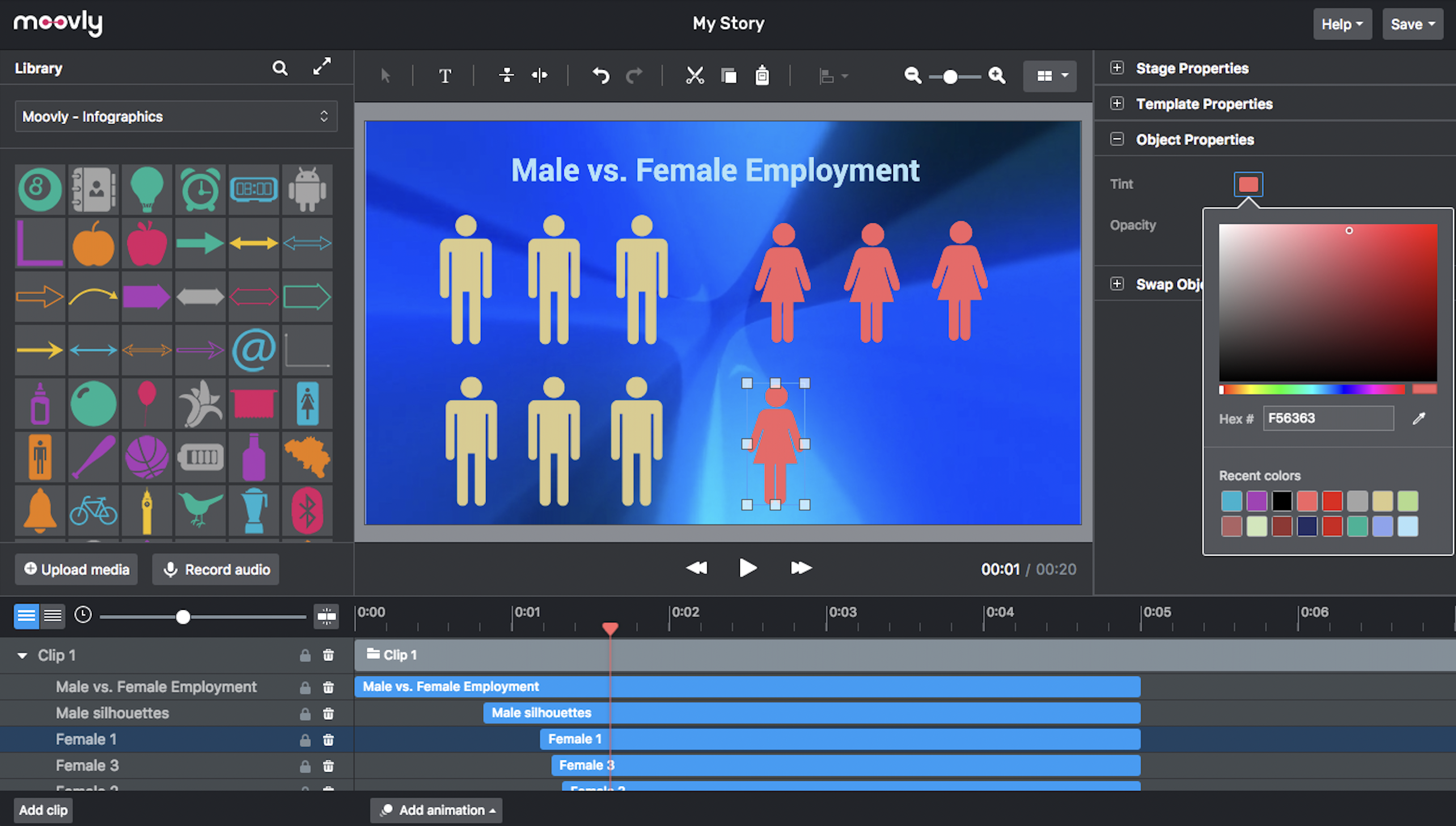
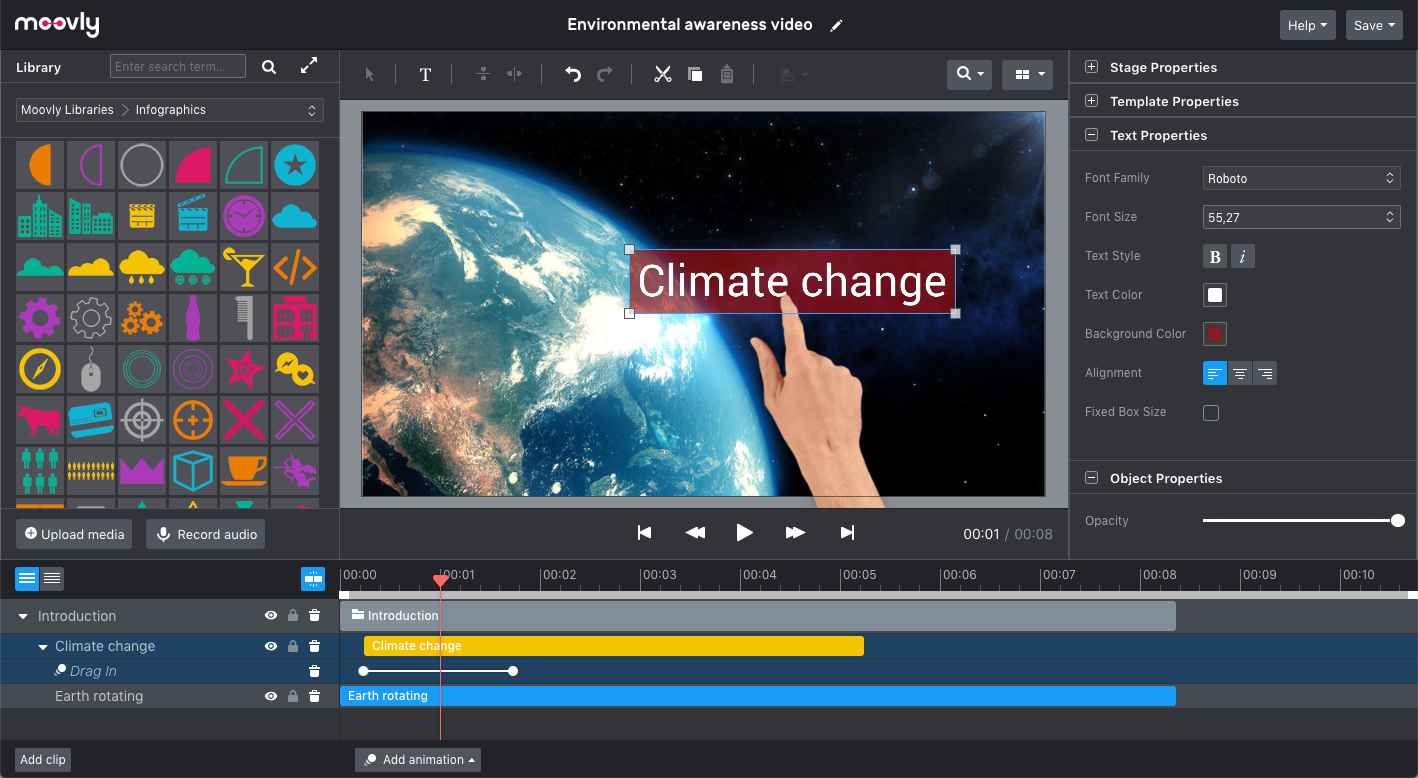
    Moovly Screenshots

    Screenshot of An easy, browser-based editor application that does not require software installation.Screenshot of Moovly features many different styles, including the popular hand-drawing whiteboard style.Screenshot of Choose objects from over free 1,000,000 stock videos, motion graphics, music and sounds, illustrations, and photos. Or browse the integrated Getty Images libraries (>75 million media objects) and purchase the used media when satisfied.Screenshot of The Moovly interface can be adapted in line with the needs and guidelines of enterprises, brands or integration partners, including white labeling.Screenshot of Preview, duplicate, publish, download or share your video projects from your dashboard.Screenshot of Combine motion graphics with animated text, music, voice-over, sounds to create any type of video: explainers, promotion videos, communication content, e-learning, tutorials - you name it.