Microsoft offers Visual Studio Code, an open source text editor that supports code editing, debugging, IntelliSense syntax highlighting, and other features.
N/A
Sendible
Score 9.3 out of 10
N/A
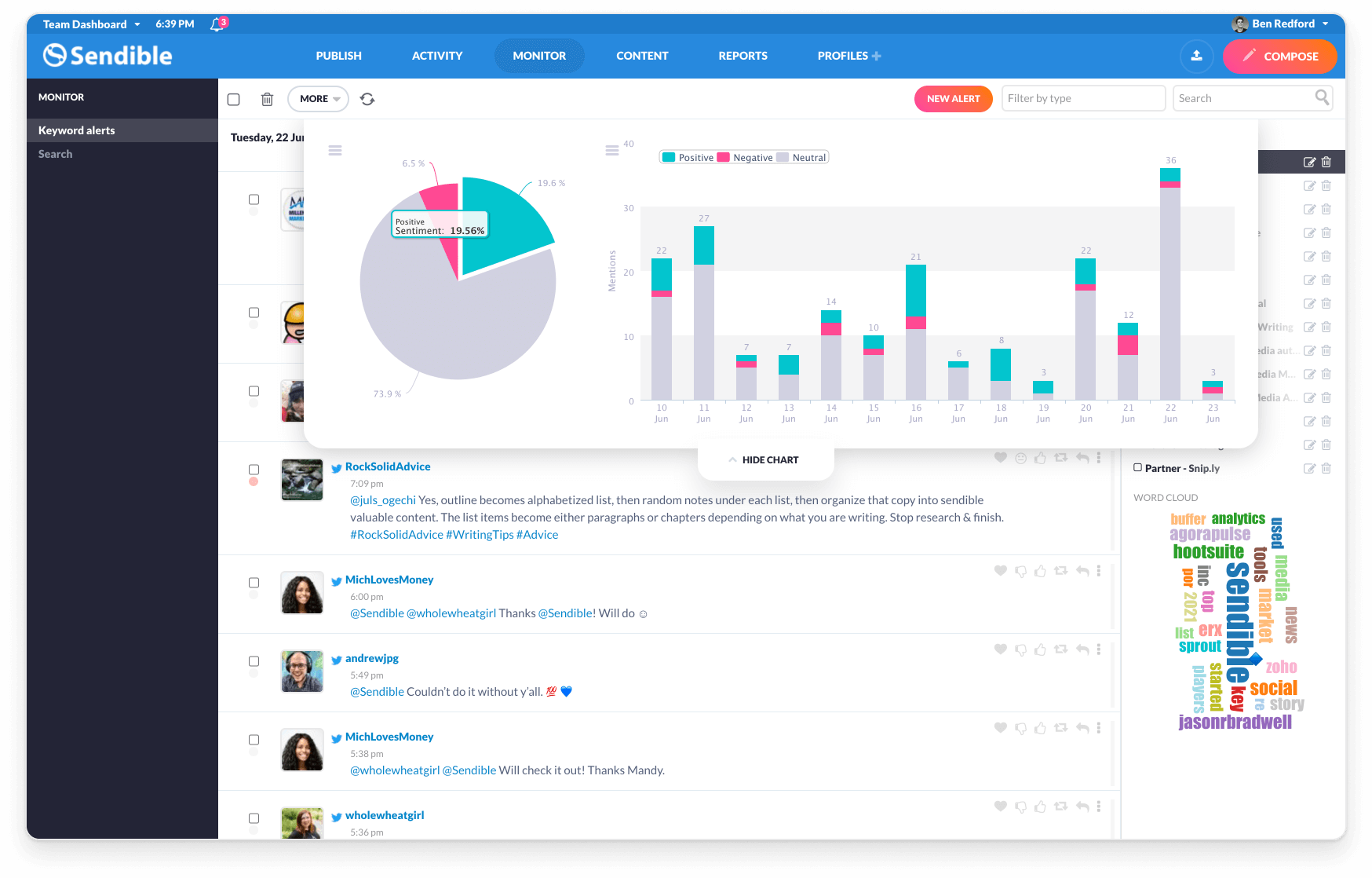
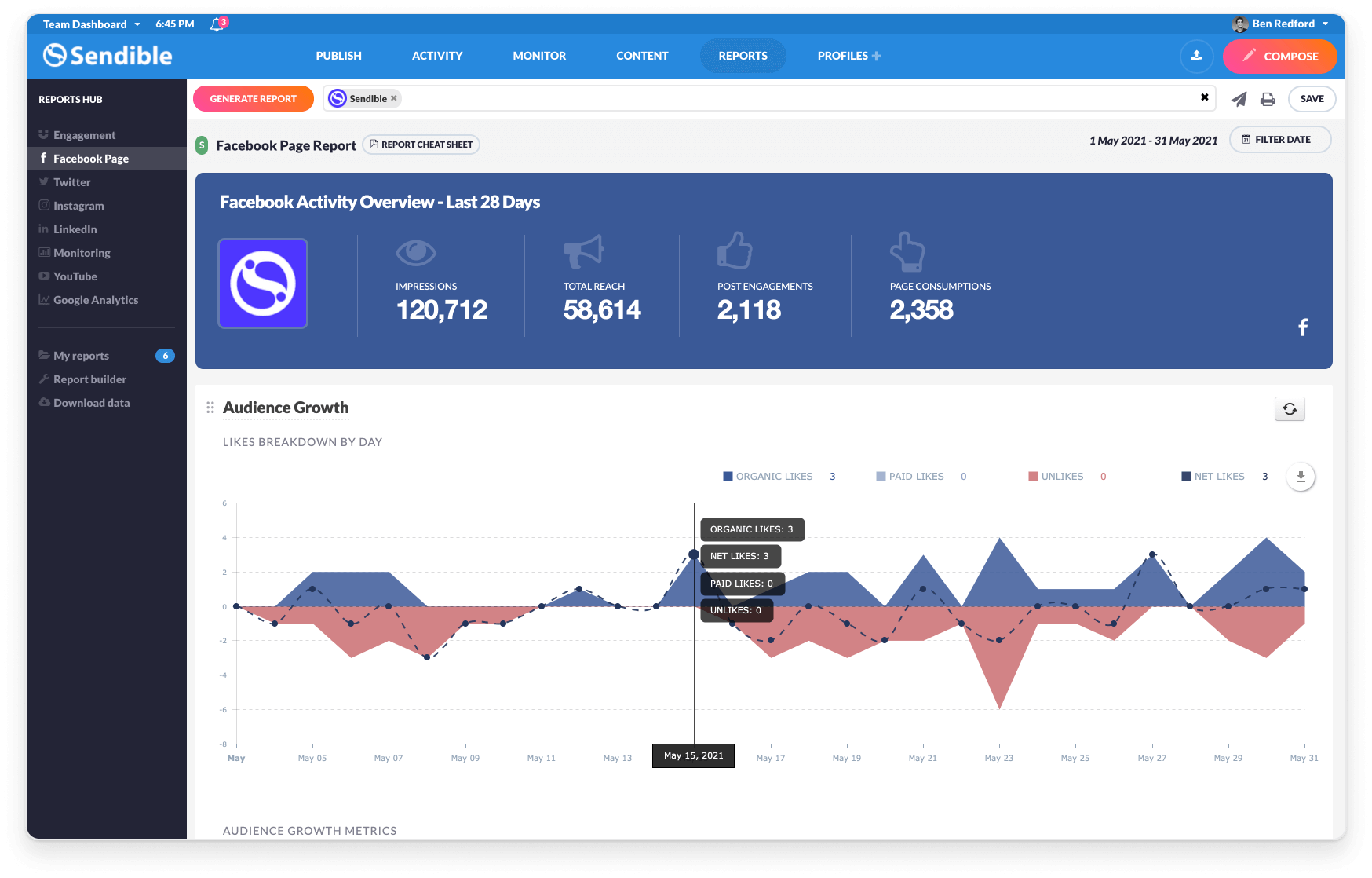
Sendible is a social media marketing platform that allows users to engage with their audience and track results across multiple social media channels at any time.
$29
per month 1 user and 6 profiles
Pricing
Microsoft Visual Studio Code
Sendible
Editions & Modules
No answers on this topic
Creator
$29
per month 1 user and 6 profiles
Traction
$89
per month 4 users and 24 profiles
Scale
$199
per month 7 users and 49 profiles
Advanced
$299
per month 20 users and 100 profiles
Enterprise
$750
per month 80 users and 400 profiles
Offerings
Pricing Offerings
Microsoft Visual Studio Code
Sendible
Free Trial
No
Yes
Free/Freemium Version
Yes
No
Premium Consulting/Integration Services
No
No
Entry-level Setup Fee
No setup fee
No setup fee
Additional Details
—
15% discount if paying annually.
15% monthly discount or 25% annual discount offered to non-profits.
More Pricing Information
Community Pulse
Microsoft Visual Studio Code
Sendible
Considered Both Products
Microsoft Visual Studio Code
Verified User
Anonymous
Chose Microsoft Visual Studio Code
I also used sublime and notepad++. compared to them, Microsoft Visual Studio Code provide better balance between performance, features, and flexibility. Its lightweight like sublime text but offer more features and many extension support. Microsoft Visual Studio Code is free, …
Those are agentic IDEs, a fork of VSCode, but Visual Studio Code is used for inferior hardware and has fewer features, whereas others have more features but can't be used on those devices. So, it's the POV of the machine's config: which IDE should be used? If it has a good …
As described earlier, for low overhead projects, Microsoft Visual Studio Code does a great job of getting you in and out, all the way down as far as launch time for the app and compile time. Xcode is really feature heavy, but that makes learning how to use it a task of its …
Microsoft Visual Studio Code is a great competitor to all the IDEs listed above. The vast range of extensions is a strength of the Microsoft Visual Studio Code ecosystem. Integration of Copilot is another add-on, which makes development and debugging very easy and …
It is easy to use, has strong community support and add-ons, and lets you organize files in different languages in an easy-to-use, collaborative environment. The main reason I use it is its easy integration with Git and Jupyter notebooks.
As mentioned before, IDE's can be excellent with one thing, and the company we do a lot of things, so it's kind of annoying to have multiple programs, heavy ones to open your work, so just use one, Microsoft Visual Studio Code, personalize thanks to extensions, and you are …
Microsoft Visual Studio Code offers a wide variety of addons for supporting most scripting and programming languages. In contrast, Power Automate differs from the tools we need for our business task automation. We were told to use Power Automate, but it couldn't meet our …
Notepad++ is a great tool, but has most of the power tips and tools of notepad++ are available into Microsoft Visual Studio Code I use less and less notepad++. It's more easier to "stay" into Microsoft Visual Studio Code, open a new window do my stuff and go for the next task.
The other IDE that I use is Eclipse. Comparing both, Microsoft Visual Studio Code it clearly wins in resource consuming. I can have open many instances of Microsoft Visual Studio Code and the memory ram usage it doesn't go very high. Another point where I prefer Microsoft …
Microsoft Visual Studio Code provides more flexibility and supports easy integration to different platforms (including cloud). It is more modular and lighter application as compared to other integrated development environments. Microsoft Visual Studio Code is easy to learn and …
prior to Visual Studio Code, I was using sublime text, which was not the most effective in terms of third-party libraries and complex debugging, so I switched to Visual Studio Code where I got a positive as a developer. it is having all the features and third-party libraries to …
Far better than eclipse IDE. Eclipse takes so much space, and it is slow. Whereas Vs Code IDE is so fast and having good UI as compared to Eclipse. I help to work efficiently and is also highlight the syntax in good way by recommending in editor. Microsoft Visual Studio Code …
1. More features compared to Notepad++ 2. fast performance compare to Android Studio 3.More and usefull extensions then other two 4. Easy to use and everyone can start using it instantly 5. Version Control system is top notch 6.If you start using it , you will forget other ides …
Microsoft Visual Studio Code is a combined form of the above-mentioned products i.e. one product, many applications. Eclipse is suitable for java development, PyCharm is mainly for Python development whereas Android Studio is for Android applications development but in …
Microsoft VS Code is extremely customizable with needs. So, features like syntax highlighting, bracket-matching, auto-indentation, well-integrated terminal, and side-by-side editing are powerful. Even these features are given free with Microsoft VS code. Pycharm and Webstorm …
It has [the] right balance of solutions for [a] wide range of problems. Atom or Notepad++ are lighter but [have fewer] features, [Microsoft] Visual Studio [Code] is full of features but [a] tad heavier.
I think VS Code is much better as compared to all the tools mentioned above. Just waiting for its support for iOS and Android development. currently, it misses support for them. That's where you will require Xcode and Android Studio.
While lacking in some features compared to those big alternatives, Sendible doesn't stop releasing new features every few months and doesn't cost nearly as much monthly as they do for the amount of profiles they allow to manage. Overall I'd say it's a solid competitor if they …
Vendasta is HORRIBLE!!! I still get OneUp email and I am very impressed by there consistent improvements which I bring to Sendible's attention. However OneUp is not white labeled.
Sendible integrates with almost every social media platform and upon request they can even add a channel for you that is not currently integrated, an offer you can not get elsewhere. If your business is focused on selling more, increasing website traffic or expanding the …
Sendible totally knocks the rest of the competition out of the water. I have literally tried every single other scheduling app that out there and this platform is the best to view and keep scheduled posts up with ease. You can read and respond to messages right from the home …
I don't think the other listed platforms are "bad" per se. I really wanted/needed a more robust platform that was easy to use and implement and I felt the others fell short in terms of what I needed it for. For instance, I think that Buffer has a great company, and a great …
We have used Hootsuite since 2013, but their pricing is high and we can't afford that since we are a small team. Then we tried Buffer, but Buffer is limiting the number of social media platforms that you can manage. Buffer doesn't have a lot of functions and their analytics …
Sendible is much more updated, both in aesthetics and function, than Hootsuite is. When I open our content manager, I don't want to immediately feel stressed by the amount of things on the screen. Sendible's UI is wonderfully clean and easy to learn/follow. I feel much more in …
Sendible is a step beyond tools such as Buffer and Hootsuite Pro. Sendible is a slightly more professional platform than these, adding features that agencies will benefit from.
Compared to similar products such as Sprout Social, the pricing made a lot more sense with Sendible …
I've used full marketing automation platforms, which contain this functionality and much more. I've used HootSuite. Sendible is cheap and doesn't work very well. Give it a trial. If it works for you, great! But consider what your social media goals are. Saving yourself time on …
Verified User
Anonymous
Chose Sendible
You get what you pay for, Vocus is crazy expensive and most smaller businesses do not need this type of reporting.
For low-end devices, it is a very good tool, but for devices that have decent RAM and decent CPU, I would recommend Android Studio for Android dev as it has more features, and for others, I will recommend agile IDEs like Cursor and Anti-Gravity, as they offer higher limits on AI models, and autocomplete is unlimited as well.
I have a fairly straightforward use case for Sendible and it meets almost all of my needs. If you are a small company that needs a collaborative solution to social media content creation, and likely has a small team (or no team) to manage social media postings, I think Sendible is likely a great tool to schedule posts and largely automate social media marketing. A larger company or more involved marketing team could still use Sendible to schedule and collaborate on posts. However, there may be additional features they may want or need (like the ability to promote posts) that may not be available with Sendible.
Content Calendar. It is easy to filter channels to get an overall look at what content is to post for any given channel.
Customer Support. They are quick to respond/alert when something is down or if you need assistance with anything regarding their product.
Organization. It is very easy to find what you are looking for. If there was a post that didn't go up, there is a place to find it and report it. If there was a task assigned to me, I know exactly where to go to complete it.
The customization of key combinations should be more accessible and easier to change
The auxiliary panels could be minimized or as floating tabs which are displayed when you click on them
A monitoring panel of resources used by Microsoft Visual Studio Code or plugins and extensions would help a lot to be able to detect any malfunction of these
I would love to see more services available to add as I'm constantly adding new customers.
It would be great and very useful if they had a clickable calendar to view which dates are already booked with posts for a quick reference while scheduling new posts.
Solid tool that provides everything you need to develop most types of applications. The only reason not a 10 is that if you are doing large distributed teams on Enterprise level, Professional does provide more tools to support that and would be worth the cost.
If I am given a larger budget to work with then I'd like a program that tracks and collects my PR hits, as well as sends me important info to respond to. I realy like the way New Brand Analytics tracks my Trip Advisor,etc ratings
I rate Microsoft Visual Studio Code 9 out of 10 because it is best editor tool for development work. It has clean and simple interface. We can easily access the file navigation, search, git integration and extensions. It support multiple languages. overall it is very user friendly and works well for both new and experienced developers.
The reporting can be a little clunky, and the uploading of files while straight forward is a little clunky too as far as just a simple drag/drop. However, the rest of the platform works great. The RSS feed feature is fantastic to curate content, and the calendar is easy to use to get the scheduling process started. Overall this platform is straightforward, easy to use and a great alternative to the wallet theives of the industry
Overall, Microsoft Visual Studio Code is pretty reliable. Every so often, though, the app will experience an unexplained crash. Since it is a stand-alone app, connectivity or service issues don't occur in my experience. Restarting the app seems to always get around the problem, but I do make sure to save and backup current work.
Microsoft Visual Studio Code is pretty snappy in performance terms. It launches quickly, and tasks are performed quickly. I don't have a lot of integrations other than CoPilot, but I suspect that if the integration partner is provisioned appropriately that any performance impact would be pretty minimal. It doesn't have a lot of bells and whistles (unless you start adding plugins left and right).
Active development means filing a bug on the GitHub repo typically gets you a response within 4 days. There are plugins for almost everything you need, whether it be linting, Vim emulation, even language servers (which I use to code in Scala). There is well-maintained official documentation. The only thing missing is forums. The closest thing is GitHub issues, which typically has the answers but is hard to sift through -- there are currently 78k issues.
Sendible has a great resource center which I have used multiple times throughout my year using the platform. There are plenty of troubleshooting articles and guides that make it easy to uncover the root of any small issues I may have.
The licensing of the IntelliJ IDEs is prohibitive, I cannot be sure that I can continue to leverage them as I move between clients.
Zed while interesting doesn't have the market or mindshare to be a daily driver working as part of a team. I wouldn't be able to benefit from many of the day to day automations and findings that the team invents during the course of delivery.
Sendible integrates with almost every social media platform and upon request they can even add a channel for you that is not currently integrated, an offer you can not get elsewhere. If your business is focused on selling more, increasing website traffic or expanding the audience then Sendible is worth trying.
It is easily deployed with our Jamf Pro instance. There is actually very little setup involved in getting the app deployed, and it is fairly well self-contained and does not deploy a large amount of associated files. However, it is not particularly conducive to large project, multi-developer/department projects that involve some form of central integration.