MindMeister vs. Progress MOVEit

Overview
ProductRatingMost Used ByProduct SummaryStarting Price
MindMeister
Score 3.4 out of 10
N/A
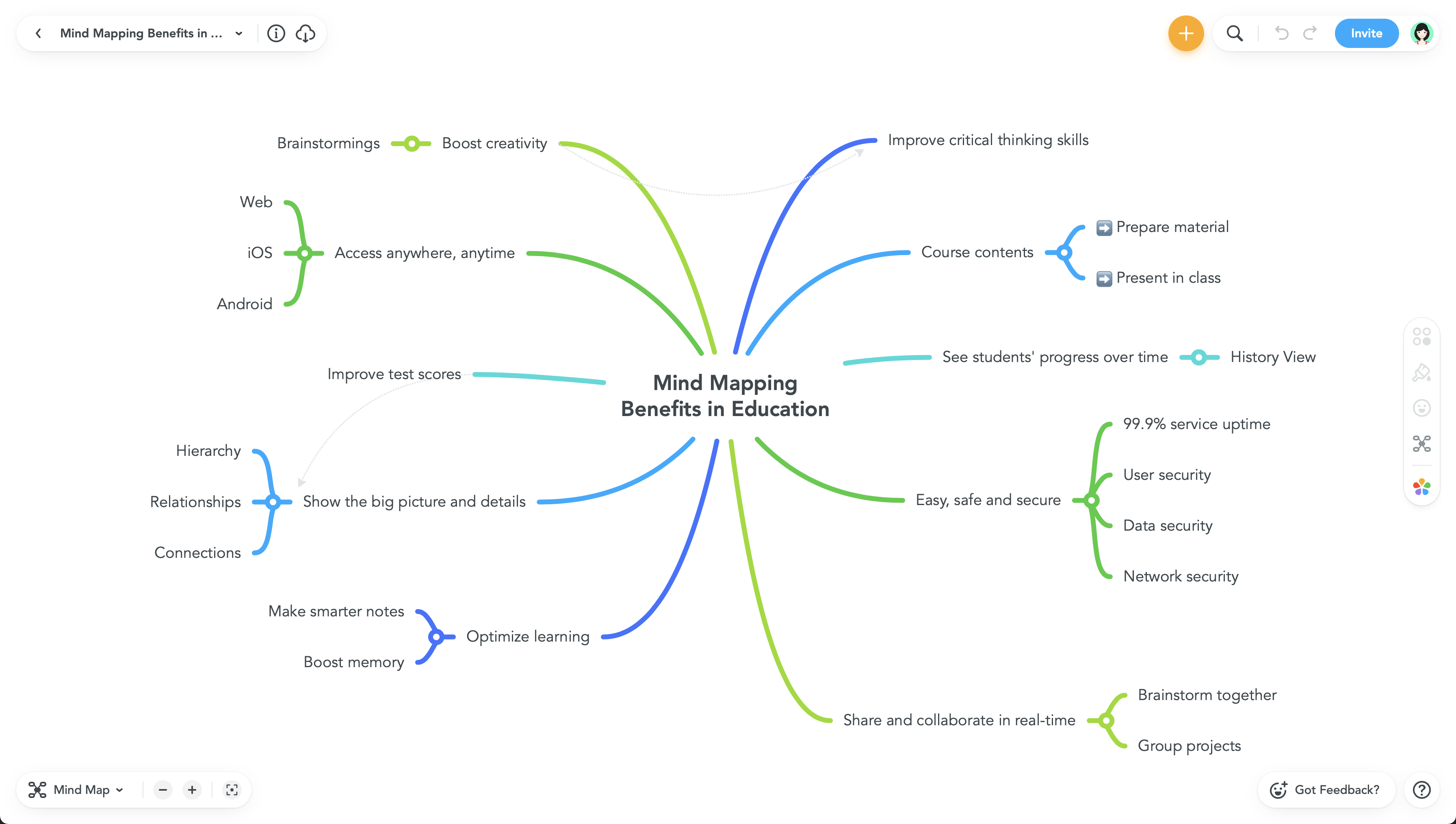
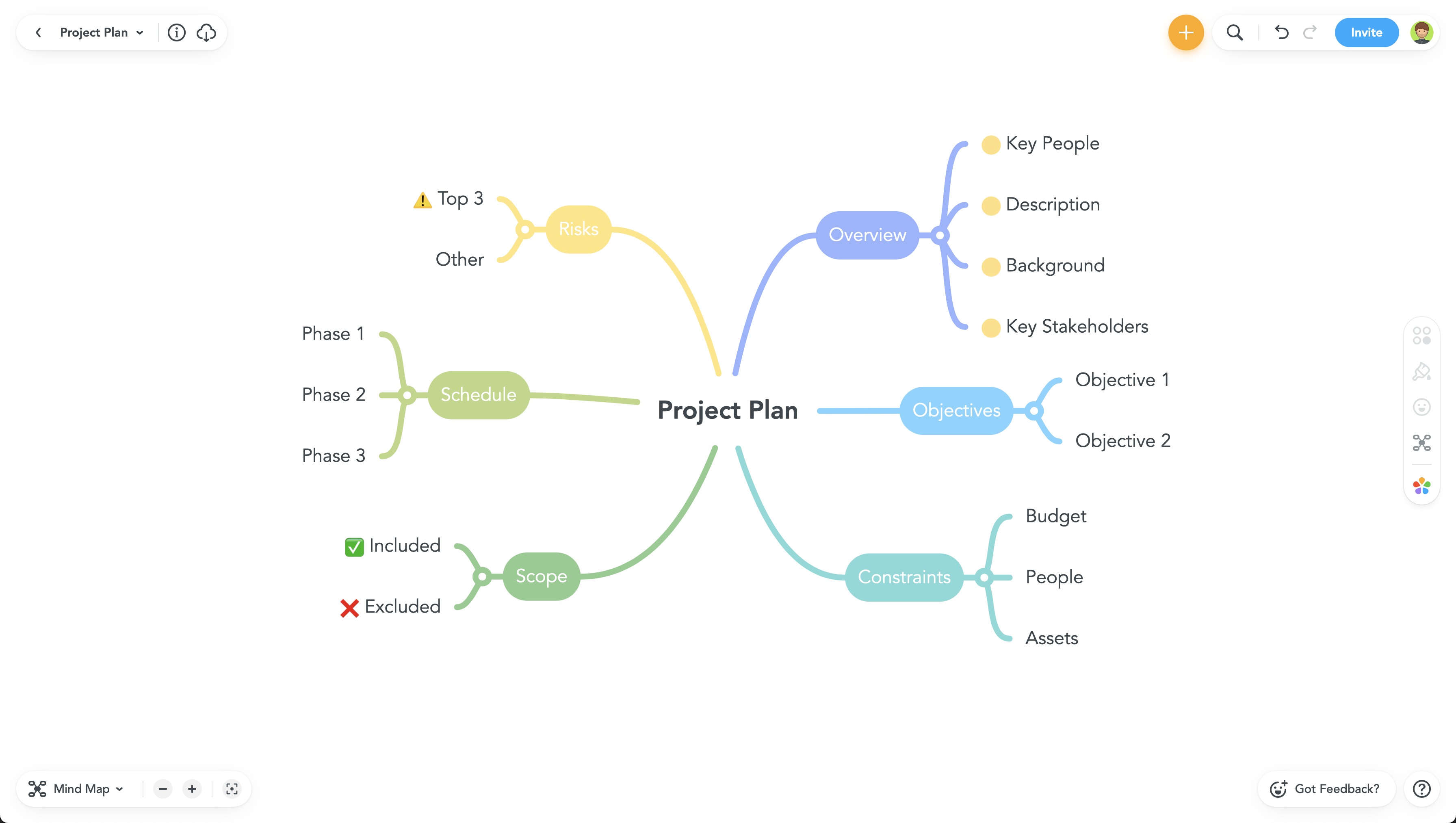
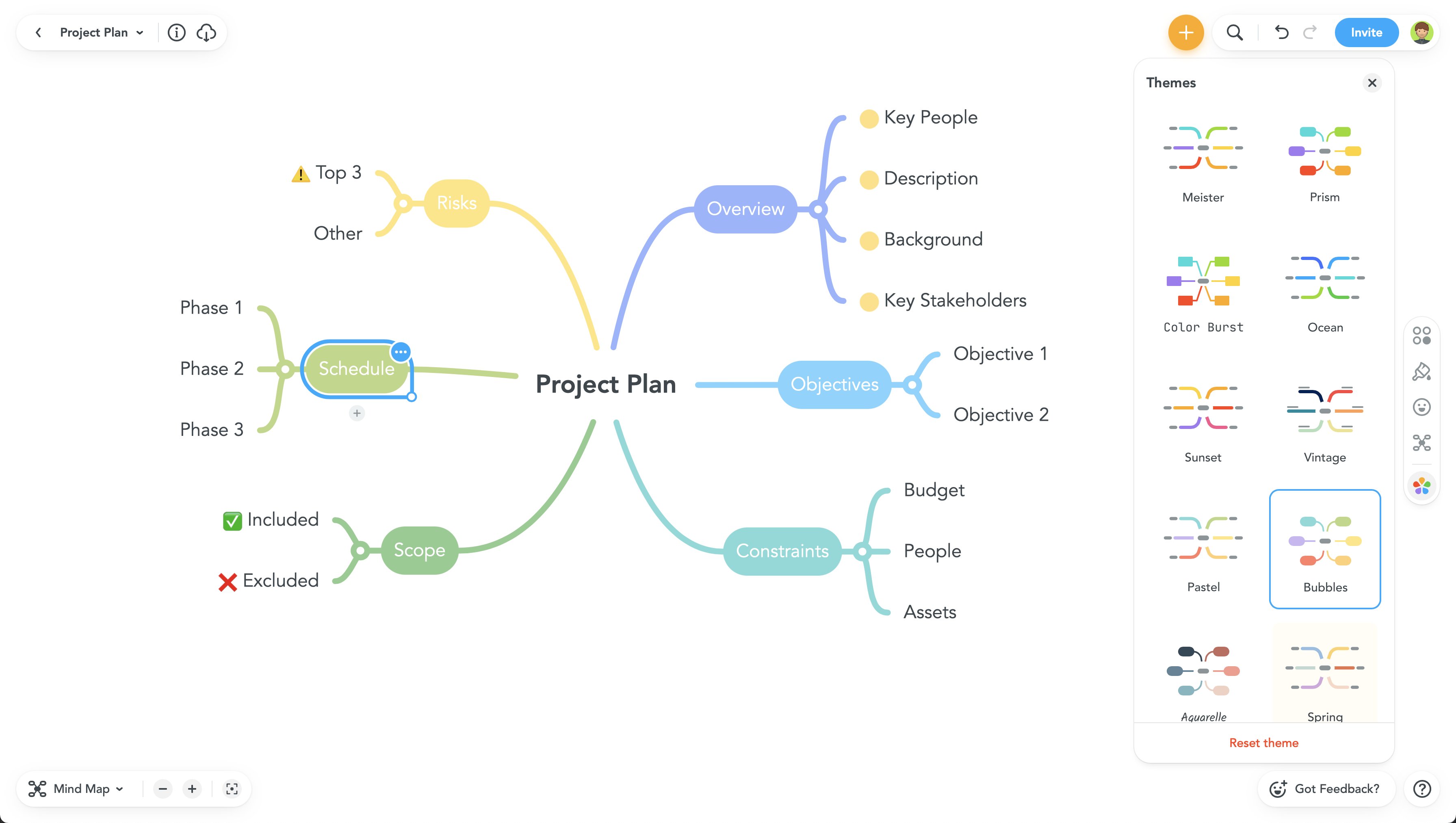
MindMeister is an online mind mapping tool that lets users share maps with an unlimited number of users and collaborate with them in real-time. MindMeister is used to brainstorm ideas, plan projects, take meeting minutes, develop business strategies, and create presentations. MindMeister runs in any standard web-browser as well as on iOS and Android devices, so users can access, edit and present their mind maps anytime, wherever they are. With MindMeister, users…
$45
every 6 months per user
Progress MOVEit
Score 9.2 out of 10
Enterprise companies (1,001+ employees)
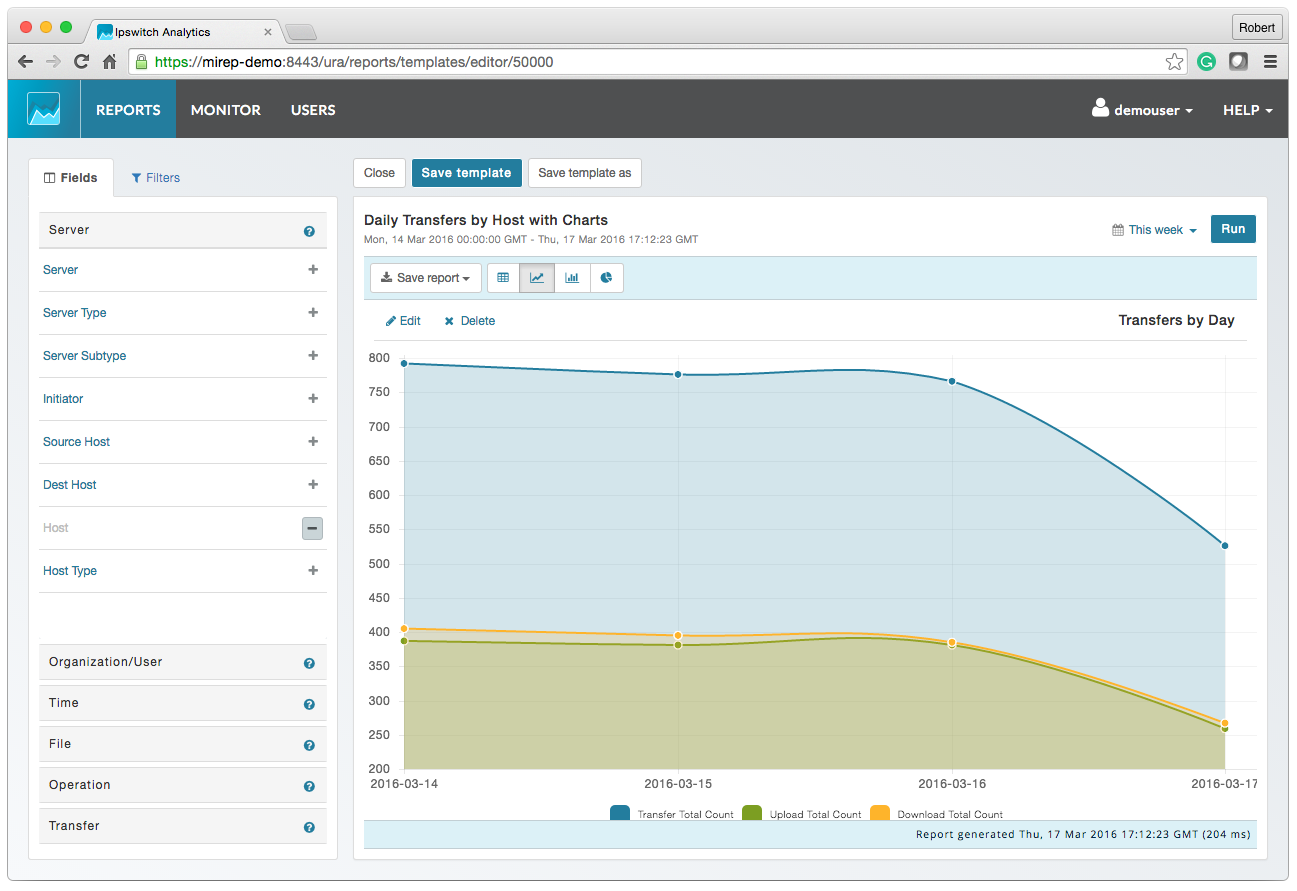
Progress MOVEit provides a Managed File Transfer (MFT) solution to securely exchange files between applications, internal teams, external customers and business partners. By centralizing file transfer operations, MOVEit improves visibility, control and governance across enterprise data movement. MOVEit supports policy-driven automation for recurring file transfers without requiring advanced programming, while reporting and audit logging provide documented visibility into…N/A
Pricing
MindMeisterProgress MOVEit
Editions & Modules
Personal
$45
per 6 months per user
Pro
$75
per 6 months per user
Business
$114
per 6 months per user
No answers on this topic
Offerings
Pricing Offerings
MindMeisterProgress MOVEit
Free Trial
NoYes
Free/Freemium Version
YesNo
Premium Consulting/Integration Services
NoYes
Entry-level Setup FeeNo setup feeOptional
Additional DetailsMindMeister offers 6-monthly and yearly subscriptions. Discounts for educational users and non-profit organizations are also available. Up to 22% discount for yearly pricing.
More Pricing Information
Community Pulse
MindMeisterProgress MOVEit
Best Alternatives
MindMeisterProgress MOVEit
Small Businesses
Whimsical
Whimsical
Score 9.3 out of 10
DataMotion
DataMotion
Score 9.4 out of 10
Medium-sized Companies
Whimsical
Whimsical
Score 9.3 out of 10
DataMotion
DataMotion
Score 9.4 out of 10
Enterprises
Whimsical
Whimsical
Score 9.3 out of 10
Fortra's GoAnywhere MFT
Score 7.6 out of 10
All AlternativesView all alternativesView all alternatives
User Ratings
MindMeisterProgress MOVEit
Likelihood to Recommend
1.0
(17 ratings)
9.0
(7 ratings)
Support Rating
10.0
(1 ratings)
-
(0 ratings)
User Testimonials
MindMeisterProgress MOVEit
Likelihood to Recommend
MeisterLabs GmbH
MindMeister is ideally suited for building mind maps, site maps, or similar types of data maps in the cloud without needing to install extra software. I find that it isn't quite as ideal for other types of diagrams (ERDs, flowcharts, etc) as some other tools, though it definitely can handle those things as well.
Read full review
Progress Software
MOVEit is actively used on a dedicated server to supply clients with SFTP transactions. Automation is configured easily and safely. We rely on MOVEit to provide the transmission of daily, weekly, and monthly files across many companies and businesses. MOVEit is recommended by my group for any SFTP needs etc.
Read full review
Pros
MeisterLabs GmbH
  • The UI is well laid out and easy to use. The workflow makes perfect sense and makes creating tasks a breeze.
  • The collaboration features make brainstorming not only easy but fun! Everyone enjoys using the tool, which was not the case with other collaboration software we used.
  • I love being able to get all of my thoughts and ideas on the screen to see them and then be able to connect them in a logical way.
Read full review
Progress Software
  • Dashboard provides good insight and quick access to troubled jobs
  • Being able to handle file transfer across various protocols securely
  • Ability to connect to various cloud sites and storage (SharePoint, Amazon S3)
  • Easy SSL certificate implementation of the web UI
  • Easy SSH with certificate implementation
  • Strong permissions configuration.
Read full review
Cons
MeisterLabs GmbH
  • I think that the free plan should offer a bit more terms of features to make the testing experience more engaging.
  • My experience using the App version was not so good when compared to the web version of it. I feel more comfortable using it in my notebook.
  • Paid plans could be more flexible to support small or temporary demands.
Read full review
Progress Software
  • Drag and dropping of files to attached to packages.
  • I believe there is room for improvement when it comes to setting up folder and group security.
  • A better mobile app is absolutely needed. The current app lacks in features.
Read full review
Support Rating
MeisterLabs GmbH
Never had an issue with customer support, though we never really needed anything major as far as technical help. I do not believe they offer 24 hour customer support but we don't need it as MindMeister is not the type of tool we need need 24 hour a day support for. Overall, very happy with the level of support.
Read full review
Progress Software
No answers on this topic
Alternatives Considered
MeisterLabs GmbH
I have also used LucidChart and Google Draw to create mind maps and concept maps in the past. I think that MindMeister is by far the cleanest and most user friendly of the three. Google Draw does not have anywhere near the same functionality. LucidChart tends to be clunky and the options to create your map are not always clear and intuitive.
Read full review
Progress Software
We previously used Attunity MFT (Formerly Repliweb MFT); We were looking to move away from the platform becuase, while flexible, it was too flexible. The flexibility was gained by running scripts with each job to do what you want. So, not only did you have to define the job (Source and Destination), you had to have a fairly strong programming background. Tasks as simple as renaming files with a date stamp, required a script be written. MoveIt has many of these basic macros available for file name manipulations like various date pieces, times, file names, etc, and they're all well documented. Ex: [OrigName] = Original Filename (TestFile.pdf), [OnlyName] = Just the filename, no extension (TestFile), [OnlyExt] = Just the file extentions (.pdf). Pretty much every field within a job can use pre-defined Macros, which is a huge benefit. We also moved away from that platform because it had gone stale, it wasn't their "Core" product. The vendor supported it, but was not actively developing it or fixing bugs or anything. We went 2-3 years without even an update to the binary. MoveIt is one of Progress's "Core" products, so they are adding features / functionality and fixing bugs actively
Read full review
Return on Investment
MeisterLabs GmbH
  • The most positive result of using MindMeister is a visualization of each step in work and connections between different nodes(ideas, steps).
  • This greatly simplifies the work, especially collaborative work, since it is easier to show it once than to explain things many times.
  • Negative impact: lack of offline desktop version.
Read full review
Progress Software
  • It gave us the ability to exchange files with customers and vendors in a secure manner.
  • Given the sensitivity of our files exchange, MOVEit helped in gaining the trust of our customers that their data is safe.
  • Using its API, we were able to build a custom app that is adding even more features, specific to our needs, like empowering project managers with more permissions on their folders
Read full review
ScreenShots

MindMeister Screenshots

Screenshot of Screenshot of Screenshot of Screenshot of

Progress MOVEit Screenshots

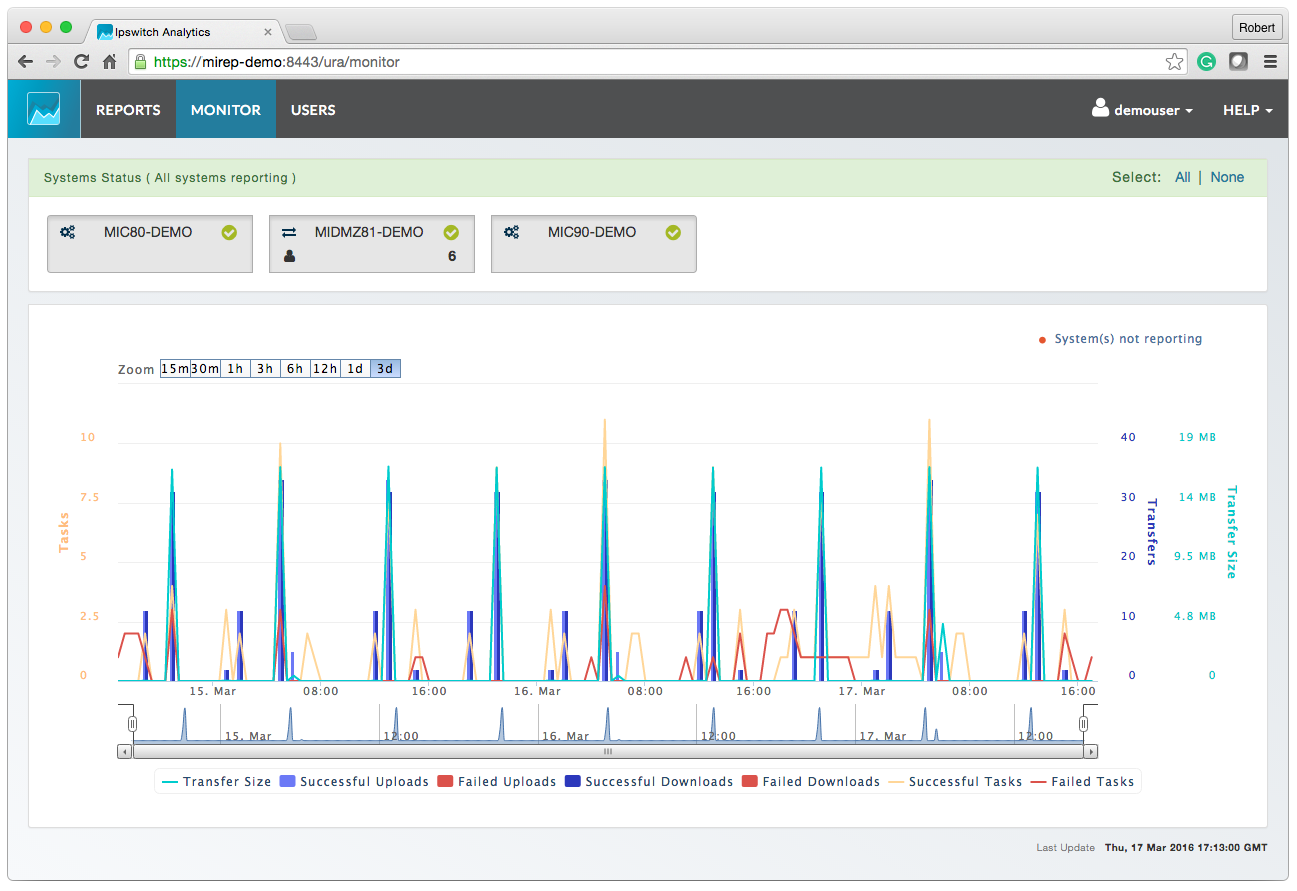
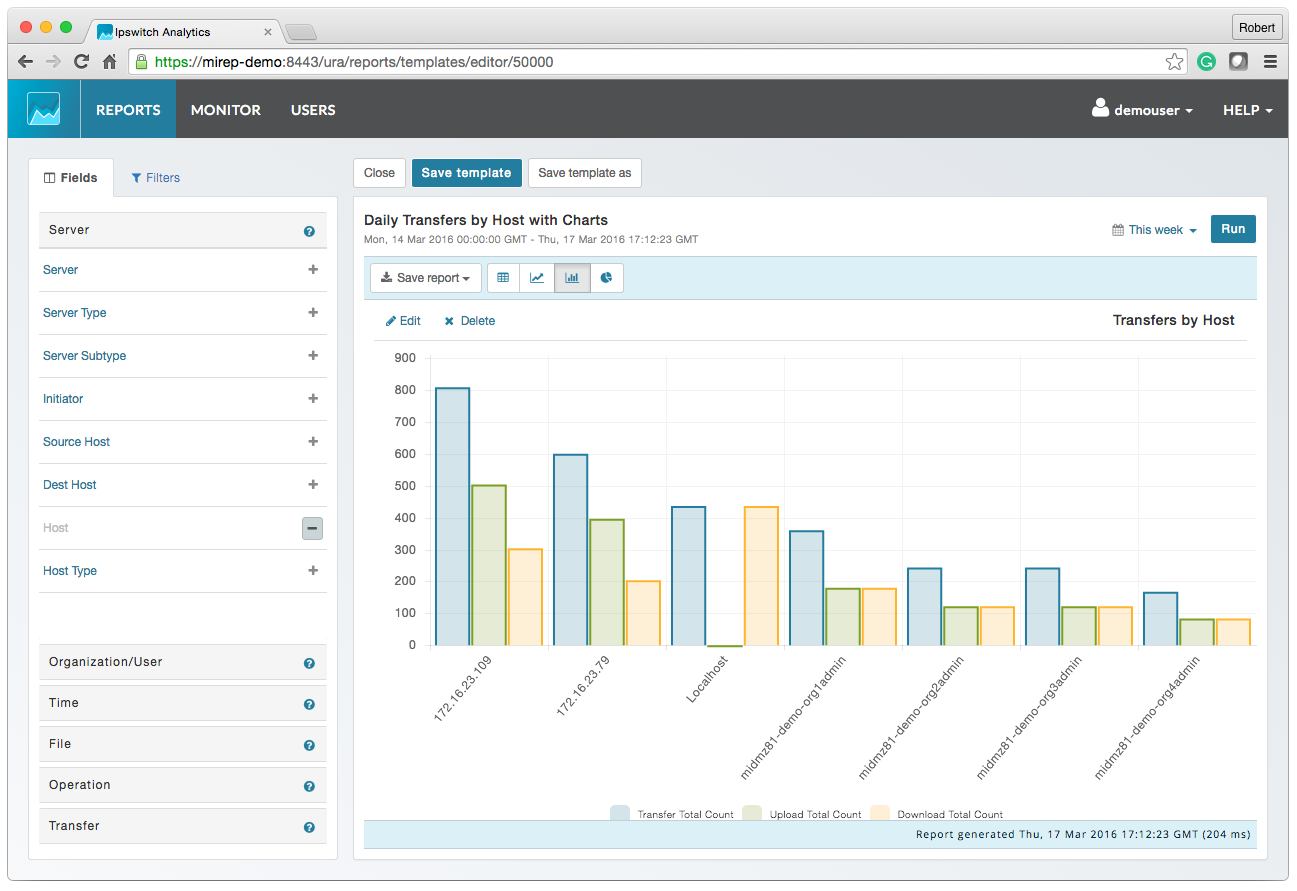
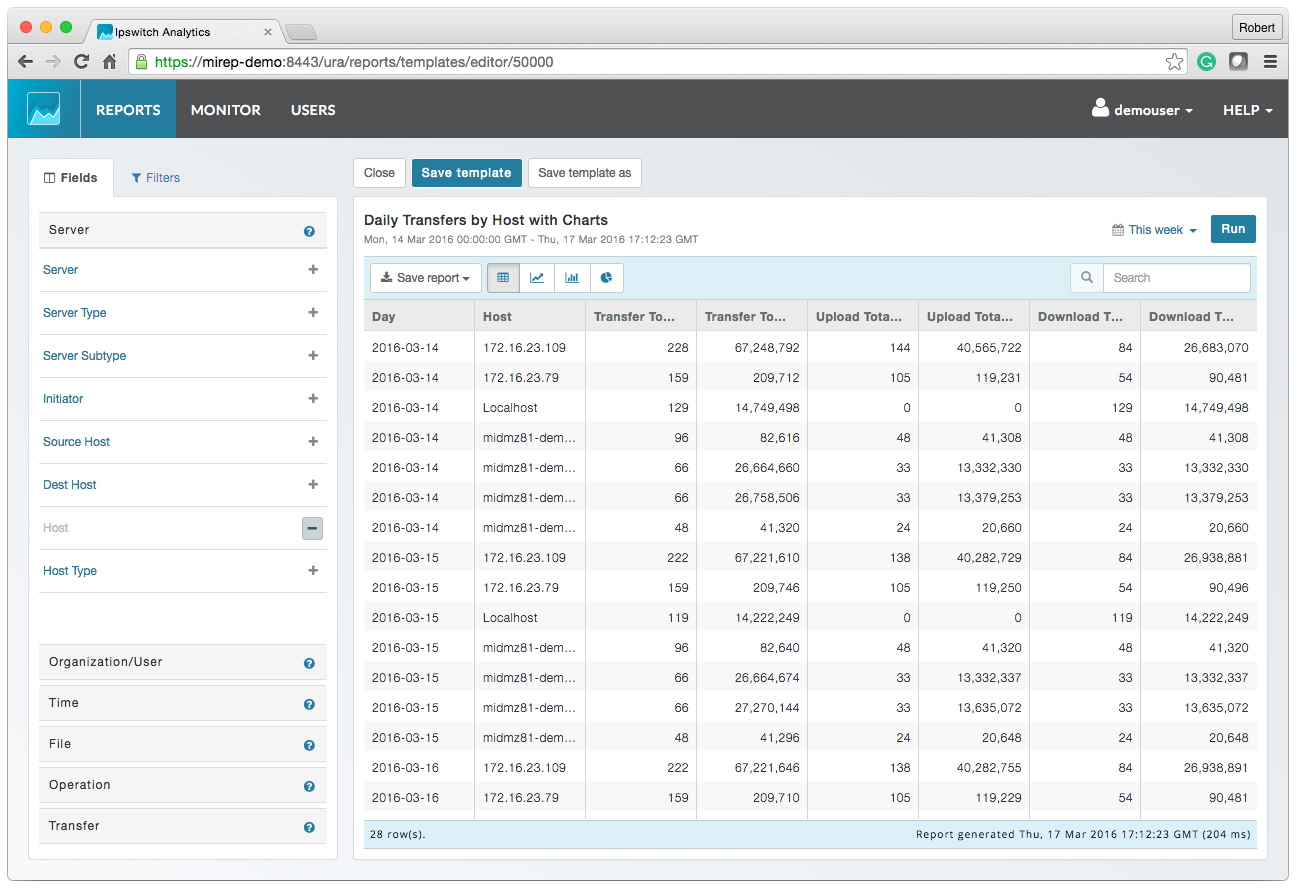
Screenshot of MOVEit AnalyticsScreenshot of MOVEit Automated ReportingScreenshot of MOVEit Data ConsolidationScreenshot of MOVEit AuditsScreenshot of MOVEit TransfersScreenshot of MOVEit Visibility and Control