Modern Campus CMS (formerly Omni Campus) is a CMS for institutions of higher education. It can be deployed as a cloud-based service or hosted locally. It is built in Java, uses open standards, and is extensible through APIs.
N/A
Progress Sitefinity
Score 7.8 out of 10
N/A
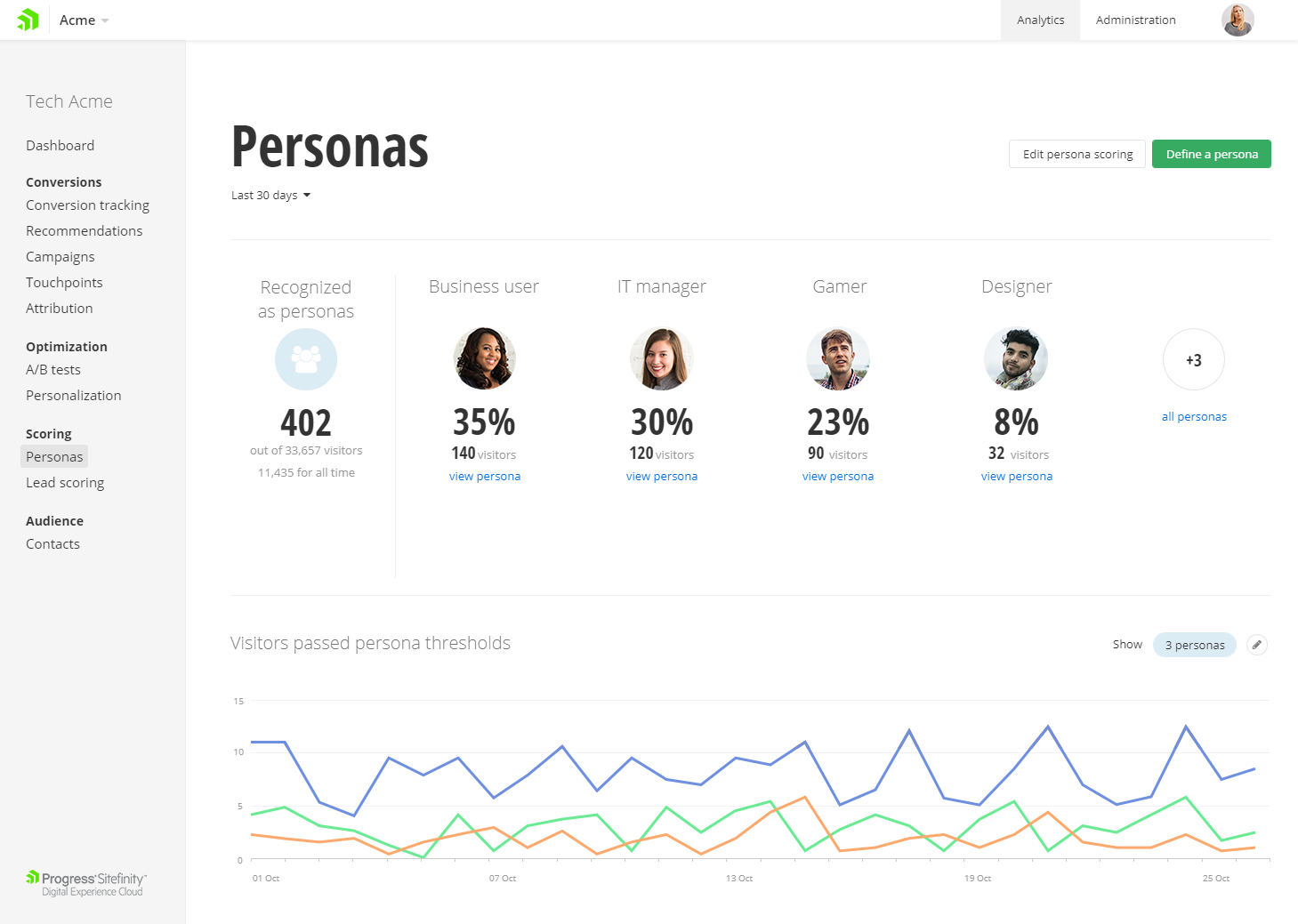
Progress Sitefinity is a content management and customer analytics platform. It supports content management, tailored marketing, multi-channel management, and ecommerce sites.
During the RFP process, we also evaluated Hannon Hill Cascade and Terminal Four. Both CMS systems had pros and cons, but overall, OU Campus was an easy choice. The features were better, non-technical users liked the simplicity of the interface, and the price was competitive.
OU Campus is the best CMS product I've seen, especially when you have a large organization with less staff and resources. Also, its power, if one team likes marketing, handles all pages and that saves a lot of time and effort. I strongly like the components/snippets. Tags all dynamic modules.
Progress Sitefinity remains a little heavyweight for sites that require basic text content, or a limited number of pages. However, its flexibility (including the range of different content types if supports) make it a good choice for any organization requiring advanced content management capabilities at an affordable price.
The JustEdit feature makes updating content a breeze. With a small staff, we rely on others to update their content. OU Campus makes it easy.
Site-wide find and replace. I use the site-wide find and replace feature for all sorts of things - links, enrollment numbers, department names. It's really helpful.
Customer service. The staff at OU Campus answers questions quickly and is always willing to discuss the most effective ways to take on new projects.
'Low-code structured content' (dynamic content types) is one of Sitefinity's most powerful features that allows you to structure content according to business needs, while at the same time dampening editorial freedom to ensure accessibility, meta enhancement, SEO and API consumption can be achieved.
Sitefinity's content provider model allows us to flexibly (by means of admin interface) easily aggregate or separate content sharing within a multi-site instance.
This proofs particularly powerful in emerging situations where there suddenly is a demand for content sharing across countries or regions.
Adaptability at its core.
While there's never a perfect fit for everything, it allows for easy code customization and extension being a .NET application at heart. Giving it a corporate edge over other custom solutions, whether it is on the development side or deployment side (on premise, IaaS or Azure DevOps Paas). And it has enabled us to put the system to use in its core feature - which is to manage content, where on other occasions we were able to take full advantage of its features such as A/B testing and personalization.
Formatting. The page can sometimes look very differently when published than what it looks like while editing. Some improvements have been made in this area with version 10 however.
Find and replace. The command+F needs to find text on the page while editing, not present an actual find and replace dialog box. At least give me the option to simply "find" the text I'm looking for. The dialog box just gets in the way most of the time.
There is not a way to "unpublish" items. At least not a way that I can think of. I would like the ability to pull a page offline without deleting it. Seems like it should be done simpler.
Diagram or illustrate more use cases for server setups, and managing of upgrades.
I'd like to see the ability to synchronize from one server to multiple others at once.
Implementation assistance as part of the purchase rather than farming out to 3rd party, although they did answer every question we asked in order to determine our best architecture setup.
Very big fan of this CMS, as it allows scalability, performance, and everything else. The support is great whenever we need it. As a marketer, the digital/marketing side of things is very easy to use and we've seen strong results from an SEO and marketing perspective. I can't speak to the developer/creative side too much, but in talking with these teams, they do recommend the tool as well.
Support can be pretty good, even though, depending on the level of licensing, it can take longer to hear back from their team. They do have a phone option, which works well. Overall, they are knowledgeable, and helpful when needed. At times, support is able to access the system directly and troubleshoot critical items when needed.
N/A - I was not part of the implementation team. We have had this internally for over 5 years. Based on my experience, ensure that you have documentation on the initial implementation and subsequent upgrades. I would also recommend to have all the documentation on how and why the system was implemented the way it was
Before using OU Campus Content Management System we were using Adobe's DreamWeaver suite for creating and maintaining web pages. The core web development environment was cumbersome to set up. Non-tech people also had trouble understanding how the web works and how web pages are created/maintained. OU Campus Content Management System solved all problems for us.
It is hands down just easier for our customers to use. The interface and the page builder experience is much better than what we have used in the past and has many enterprise features even in the lower price-point