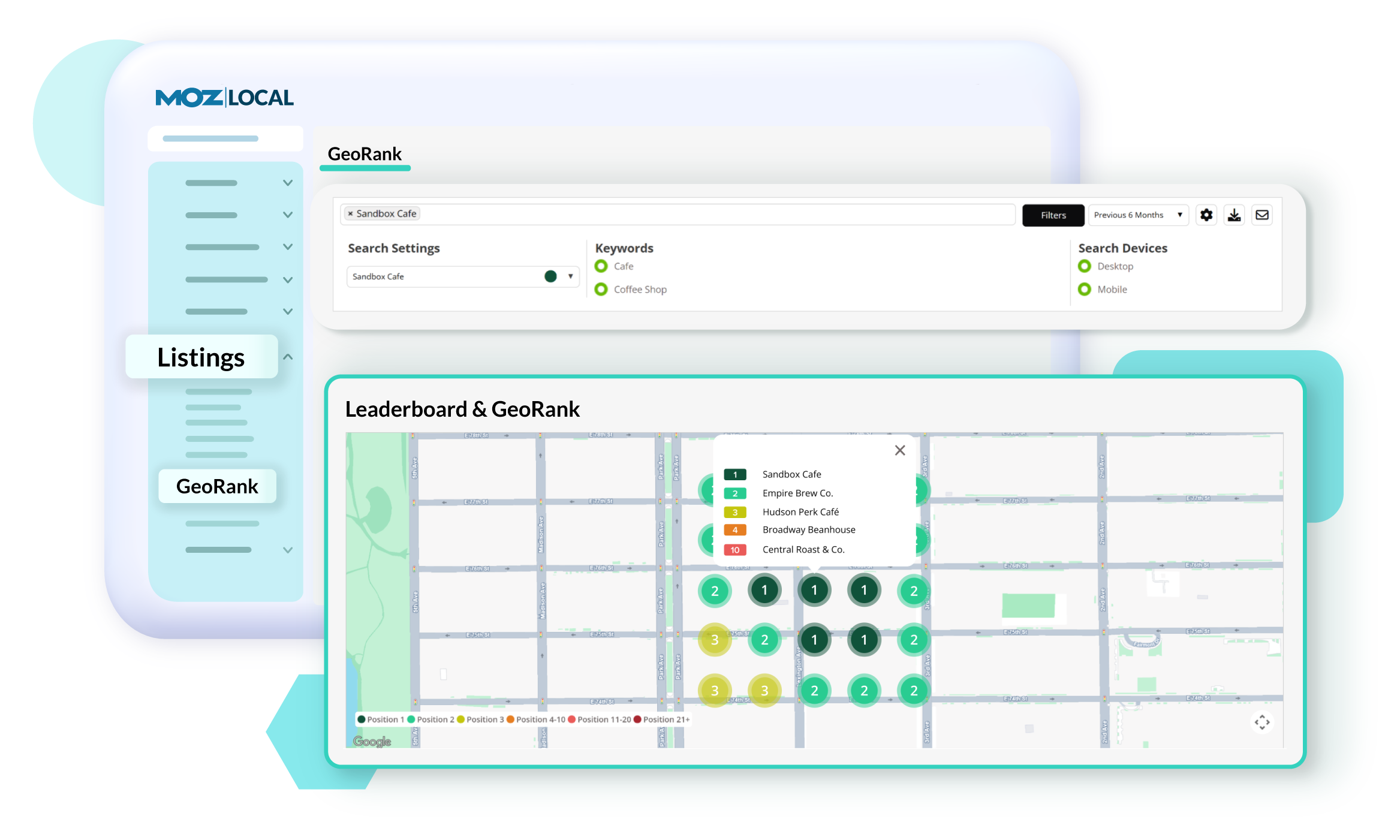
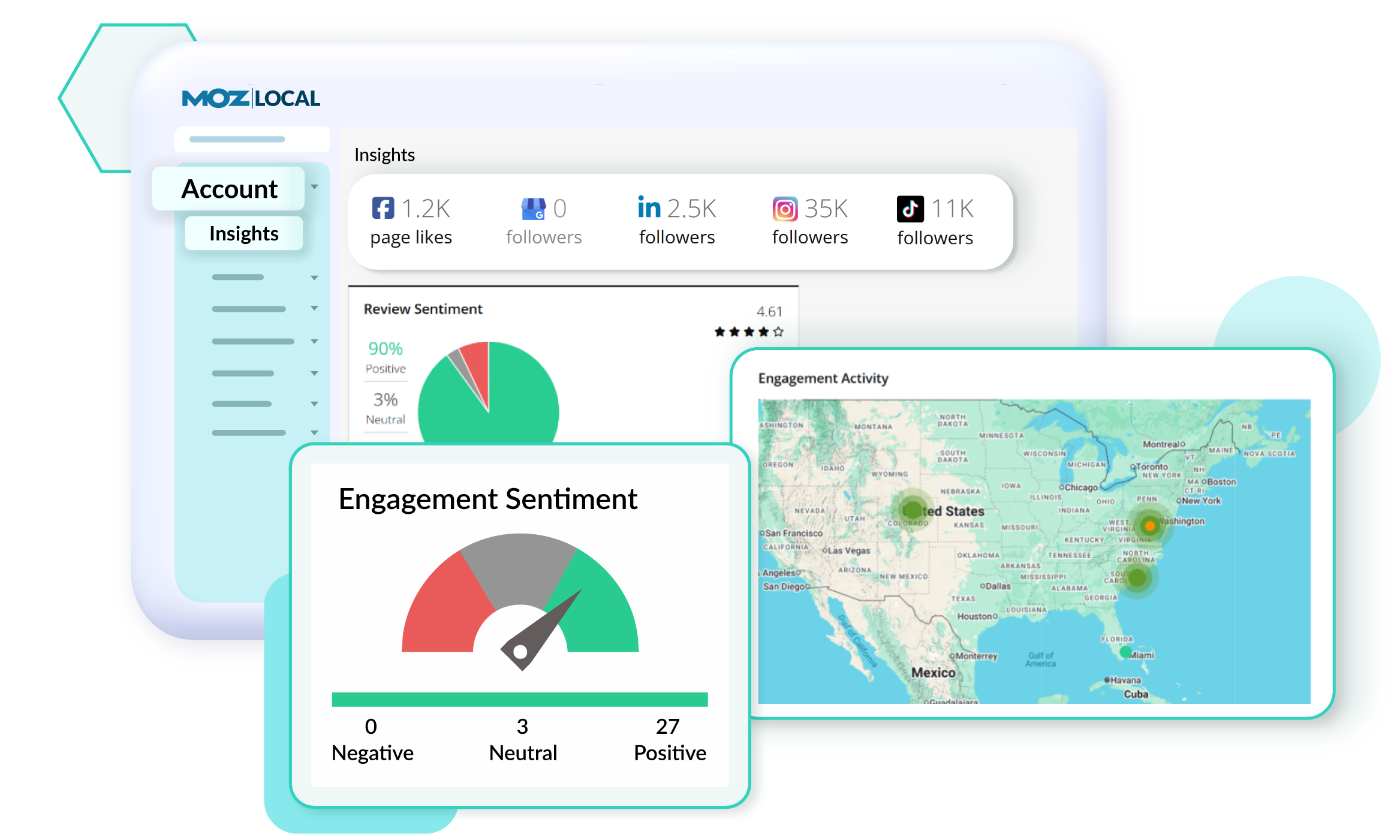
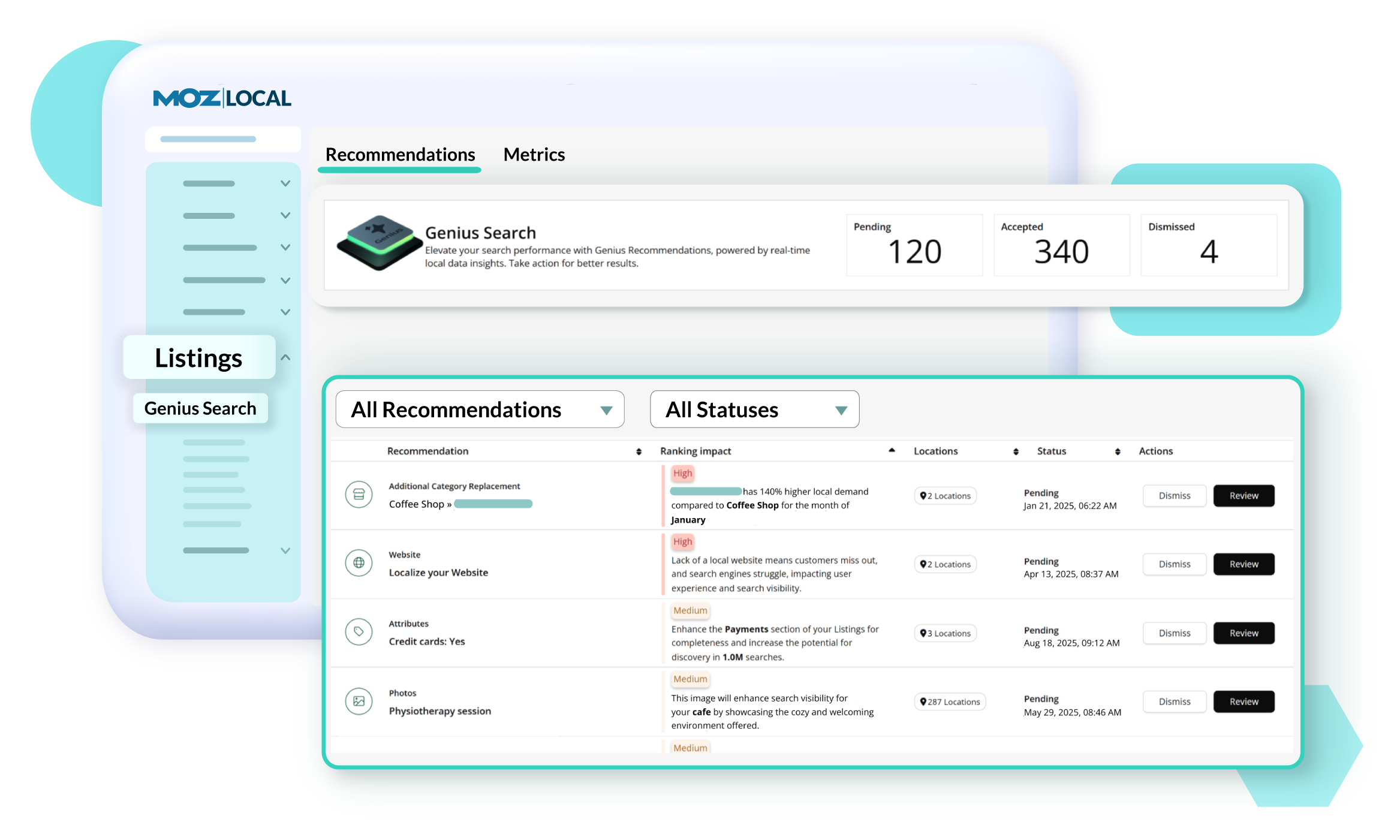
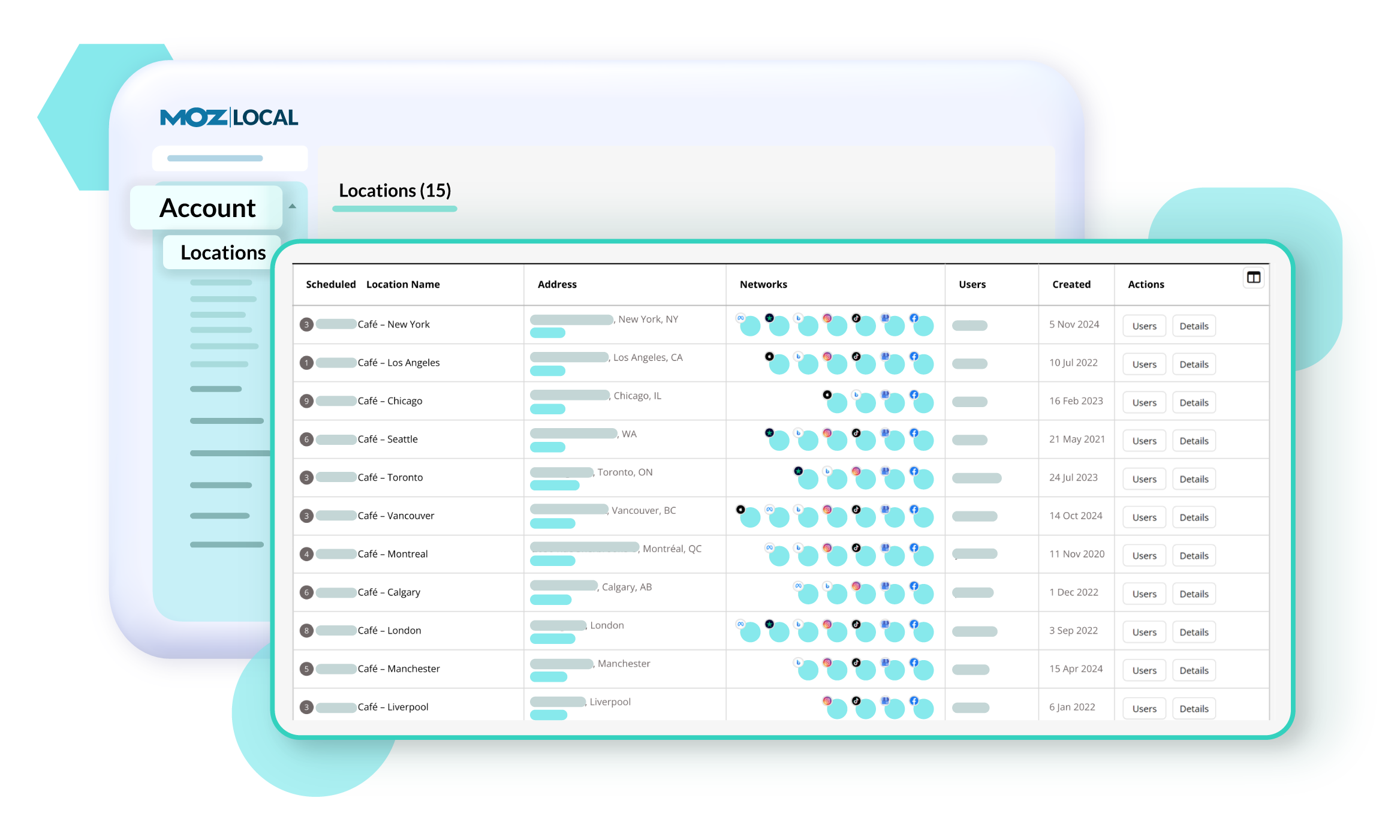
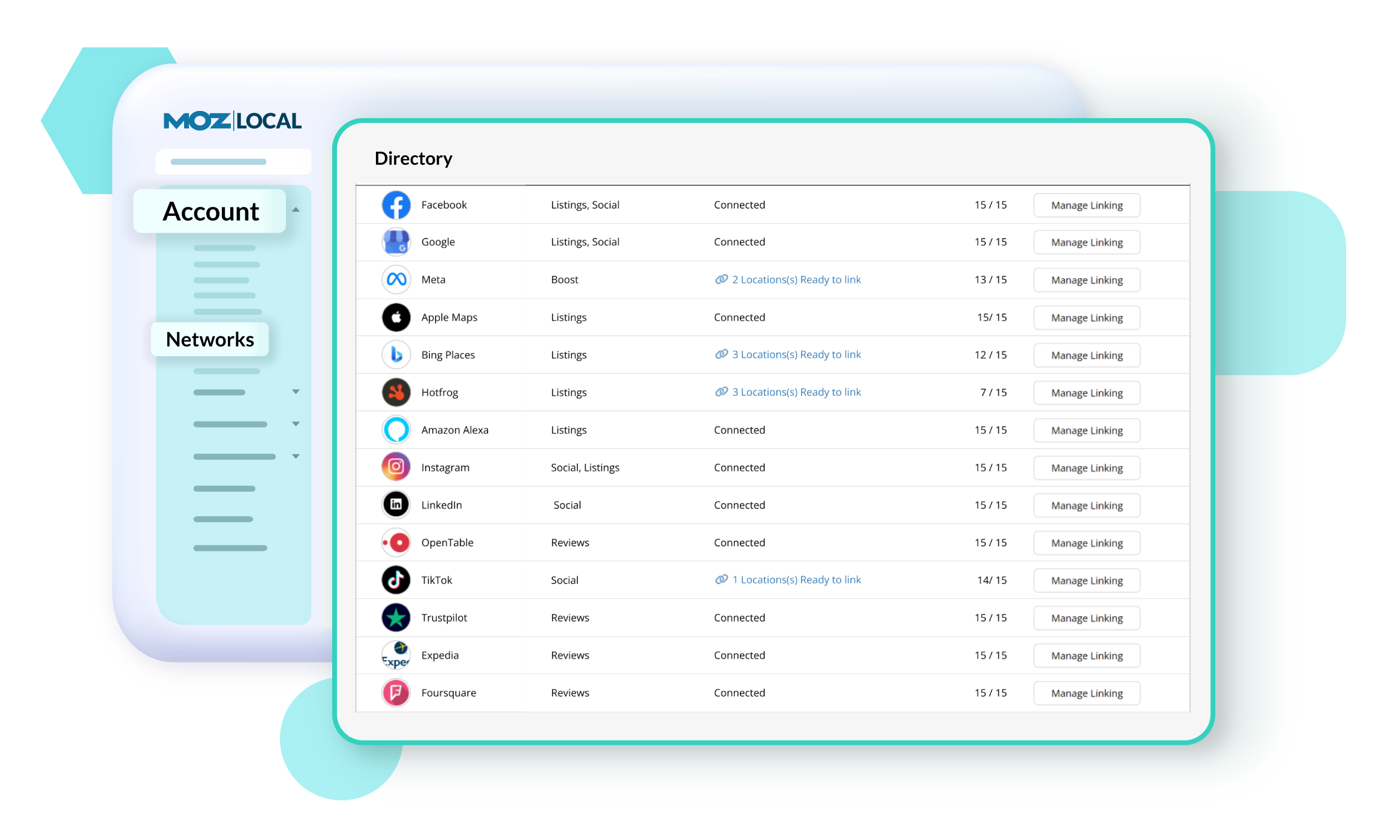
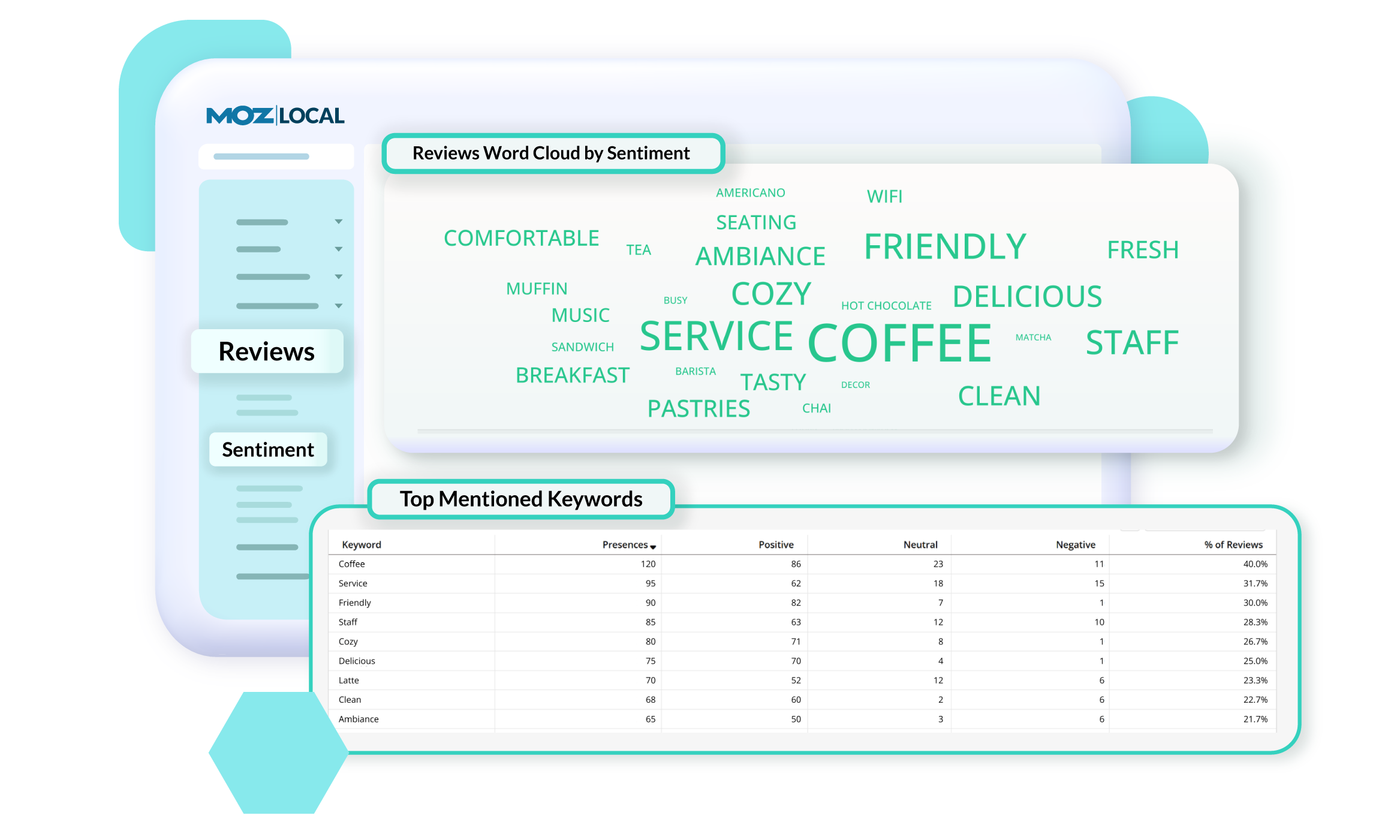
Moz Local is a Listing Management & Distribution software solution that enables users to actively manage location data to optimize local search performance. The solution also enables users to respond to reviews and analyze review sentiment on the most popular sites without having to visit them individually, delete duplicate listings, and engage with consumers to share news, offers, and updates across Google, Facebook and other directories.
$20
per month
Yoast
Score8.5 out of 10
N/A
Yoast offers a set of tools developed by Joost de Valk and team, founder of yoast.com and Wordpress enthusiast. These tools are designed to help content rank higher and are subsumed under the Yoast Complete pack, which includes Video SEO for rank climbing with embedded videos in a Wordpress site, WooCommerce SEO for the WP ecommerce plugin, News SEO for rank climbing in Google news, Local SEO for (as the name implies) climbing in local listings with more complete information so can be located…
$0
per year
Pricing
Moz Local
Yoast
Editions & Modules
Lite
$20
per month
Preferred
$30
per month
Elite
$40
per month
Premium
$118.80
per year
Offerings
Pricing Offerings
Moz Local
Yoast
Free Trial
No
No
Free/Freemium Version
No
Yes
Premium Consulting/Integration Services
No
No
Entry-level Setup Fee
No setup fee
No setup fee
Additional Details
Discounts are available for annual billing. Add-ons like Reviews AI and Listings AI are available on certain plans. A discount of up to 20% is available for annual billing.
A de minimis incentive was given to thank the reviewer for their time. The incentive was not used to bias or drive a particular response, nor was the incentive contingent on a positive endorsement. More Info
Moz Local is a great alternative as well as a compliment to Yext. The service has a smaller network but is just as powerful. The dashboard is super easy to load your location information into and allows the product to do the work by distributing the data across platforms. Issues are easily identifiable and can easily be corrected. Depending on your service level package, you also can have access to reviews and be able to monitor those as you see fit. I would strongly recommend this service to anyone who has a local business they are looking to get seen across the web. For a larger business, I'd consider a larger company with a bigger network.
A de minimis incentive was given to thank the reviewer for their time. The incentive was not used to bias or drive a particular response, nor was the incentive contingent on a positive endorsement. More Info
Yoast Wordpress SEO Plugins is really great for any application - home pages, blogs, etc. It saves a lot of time researching keywords, but it is time-consuming crafting content, which I think is a necessary evil. I wasn't really seeing the immediate results I had hoped for, but there could be a variety of reasons for that (cookies, caches, etc.). Overall, if you have the time to dedicate and utilize the tool, it's awesome!
A de minimis incentive was given to thank the reviewer for their time. The incentive was not used to bias or drive a particular response, nor was the incentive contingent on a positive endorsement. More Info
A de minimis incentive was given to thank the reviewer for their time. The incentive was not used to bias or drive a particular response, nor was the incentive contingent on a positive endorsement. More Info
A de minimis incentive was given to thank the reviewer for their time. The incentive was not used to bias or drive a particular response, nor was the incentive contingent on a positive endorsement. More Info
A de minimis incentive was given to thank the reviewer for their time. The incentive was not used to bias or drive a particular response, nor was the incentive contingent on a positive endorsement. More Info
Density: Because even the free, basic Yoast SEO tool has SO MANY FEATURES, if you're brand new to SEO as a concept/practice, you might feel a little overwhelmed at first. Just go watch the training videos!
Bulk Title Editing: I'm sure this tool can be useful, but I've never found it to be particularly intuitive or helpful.
Limitations: I'm grasping at straws here, but it would be nice if some of the premium (paid) features- specifically the social media previews- were available in the free version. Like I said, grasping.
A de minimis incentive was given to thank the reviewer for their time. The incentive was not used to bias or drive a particular response, nor was the incentive contingent on a positive endorsement. More Info
A de minimis incentive was given to thank the reviewer for their time. The incentive was not used to bias or drive a particular response, nor was the incentive contingent on a positive endorsement. More Info
It's super easy to use. Really, it requires little-to-know tutorials or walkthroughs at all — it explains everything you need to know in the description and tooltips built straight into the tool. I've never had to google a how-to or tutorial to use Yoast — it just works, and it works well
A de minimis incentive was given to thank the reviewer for their time. The incentive was not used to bias or drive a particular response, nor was the incentive contingent on a positive endorsement. More Info
There are plenty of amazing articles published on their site, however, I don't rate their actual support team as being particularly helpful. I made multiple points of contact regarding the internal link counter not working and even though they began troubleshooting I think when it became too hard it was just forgotten about and so is still unresolved.
A de minimis incentive was given to thank the reviewer for their time. The incentive was not used to bias or drive a particular response, nor was the incentive contingent on a positive endorsement. More Info
A de minimis incentive was given to thank the reviewer for their time. The incentive was not used to bias or drive a particular response, nor was the incentive contingent on a positive endorsement. More Info
This is my go-to plugin for SEO. It is easy, and I trust Yoast will give me solid results. In a short time period, our website has seen measurable results in organic search traffic. Our previous website didn't use page level SEO tools to this extent. We are systematically updating each page using the Yoast WordPress SEO Plugin. We are pleased with the results
A de minimis incentive was given to thank the reviewer for their time. The incentive was not used to bias or drive a particular response, nor was the incentive contingent on a positive endorsement. More Info
A de minimis incentive was given to thank the reviewer for their time. The incentive was not used to bias or drive a particular response, nor was the incentive contingent on a positive endorsement. More Info
Yoast Wordpress SEO Plugin along with other SEO investments we have made with our new website has extremely paid off on new business opportunity creation. Since August 2018 we have added over $100K of new business opps solely sourced from SEO searches on pages and posts that Yoast has helped us optimize.
Yoast Wordpress SEO Plugin saves our marketing team a lot of time. Since the plugin lives in WordPress and provides live tips we can make to the page or post, our team doesn't have to guess on what keyword, or meta-tag, or how many internal and external links a page or post should have using an additional platform. It is just conveniently there for us to use regularly.
Yoast Wordpress SEO Plugin cannot be the only piece of software your website relies on to obtain SEO optimization with search engines. It is a piece of the puzzle, and you can only maximize its' value by making sure your website is scam free, the code under the hood is healthy, and the load time and page weight is light.
A de minimis incentive was given to thank the reviewer for their time. The incentive was not used to bias or drive a particular response, nor was the incentive contingent on a positive endorsement. More Info