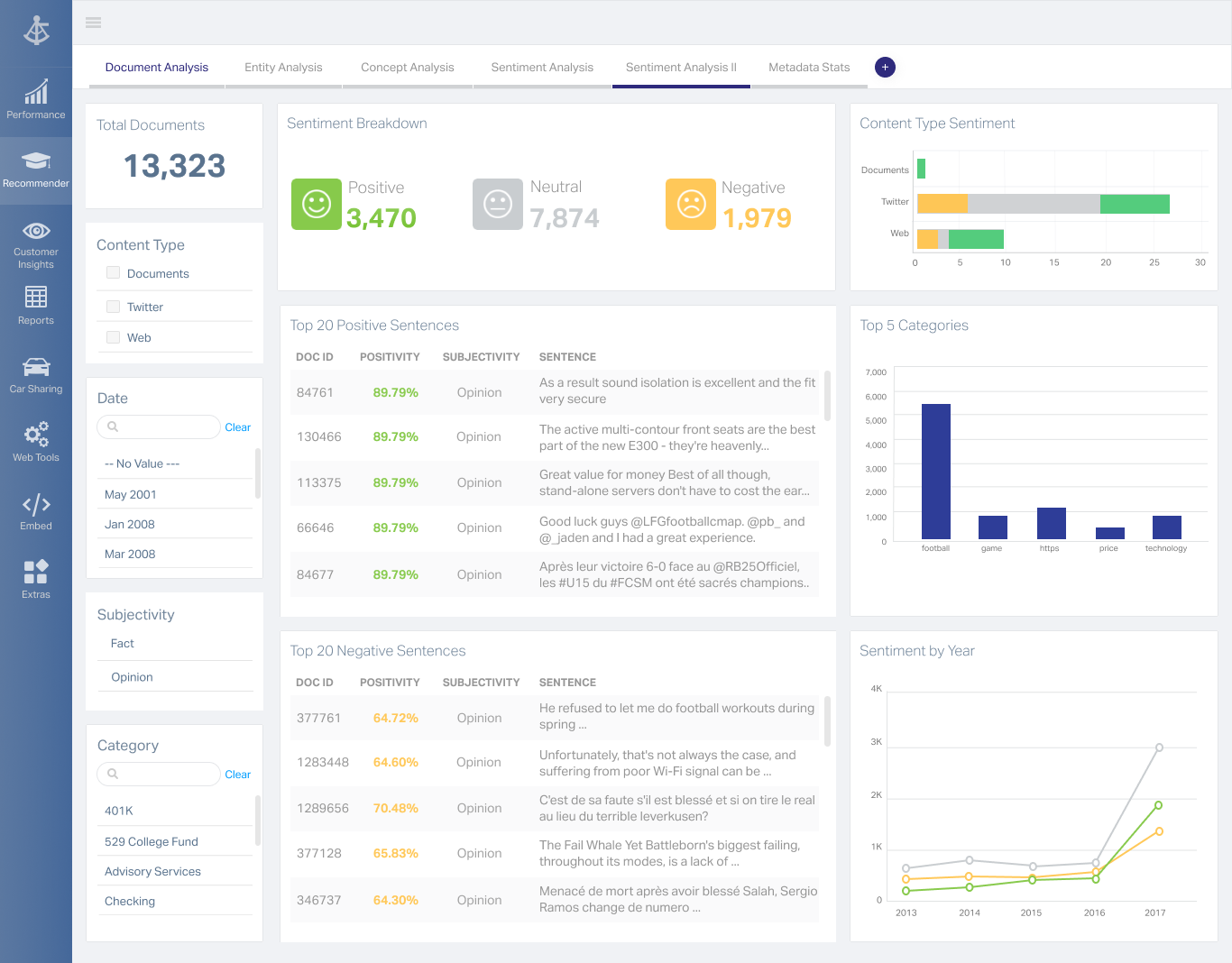
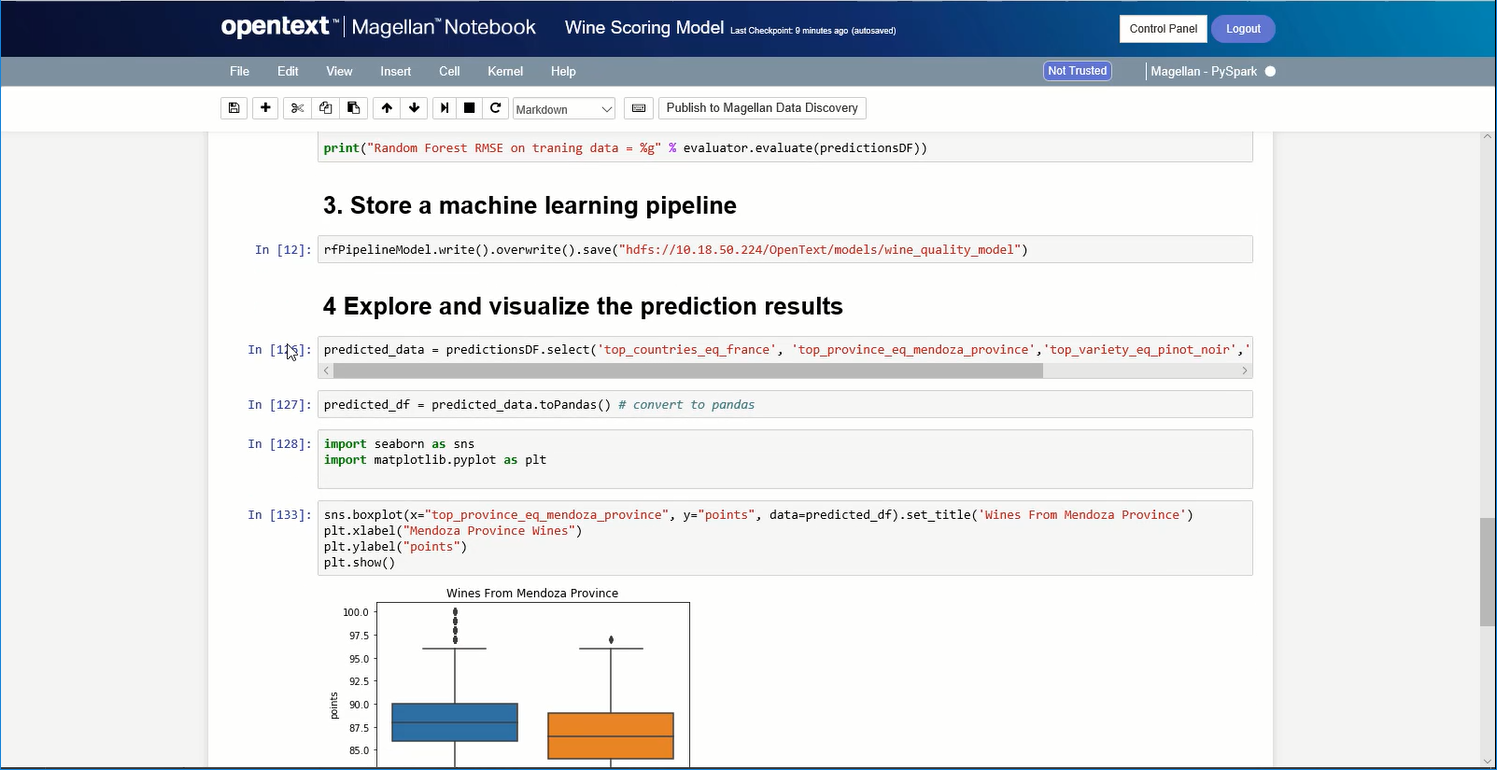
OpenText Magellan Analytics Suite leverages a comprehensive set of data analytics software to identify patterns, relationships and trends through data visualizations and interactive dashboards.
N/A
SAS Enterprise Guide
Score 9.4 out of 10
N/A
SAS Enterprise Guide is a menu-driven, Windows GUI tool for SAS.
N/A
Pricing
OpenText Magellan
SAS Enterprise Guide
Editions & Modules
No answers on this topic
No answers on this topic
Offerings
Pricing Offerings
OpenText Magellan
SAS Enterprise Guide
Free Trial
No
No
Free/Freemium Version
No
No
Premium Consulting/Integration Services
No
No
Entry-level Setup Fee
No setup fee
No setup fee
Additional Details
—
—
More Pricing Information
Community Pulse
OpenText Magellan
SAS Enterprise Guide
Features
OpenText Magellan
SAS Enterprise Guide
BI Standard Reporting
Comparison of BI Standard Reporting features of Product A and Product B
OpenText Magellan
7.0
2 Ratings
16% below category average
SAS Enterprise Guide
-
Ratings
Customizable dashboards
7.02 Ratings
00 Ratings
Report Formatting Templates
7.01 Ratings
00 Ratings
Ad-hoc Reporting
Comparison of Ad-hoc Reporting features of Product A and Product B
OpenText Magellan
8.3
3 Ratings
3% above category average
SAS Enterprise Guide
-
Ratings
Drill-down analysis
8.03 Ratings
00 Ratings
Formatting capabilities
8.03 Ratings
00 Ratings
Integration with R or other statistical packages
9.01 Ratings
00 Ratings
Report sharing and collaboration
8.02 Ratings
00 Ratings
Report Output and Scheduling
Comparison of Report Output and Scheduling features of Product A and Product B
OpenText Magellan
8.3
2 Ratings
1% above category average
SAS Enterprise Guide
-
Ratings
Publish to Web
8.02 Ratings
00 Ratings
Publish to PDF
8.02 Ratings
00 Ratings
Report Versioning
9.02 Ratings
00 Ratings
Report Delivery Scheduling
8.02 Ratings
00 Ratings
Data Discovery and Visualization
Comparison of Data Discovery and Visualization features of Product A and Product B
If you do not have a large budget and are a large organization, I would steer clear of Actuate. If you are looking to do very complex washboarding, I would not use them. Your developers have to be very skilled to work with this. Plan to bring in consultants if necessary to help your process. Adhoc reporting is weak. If your pricing is user based and you expand, this could be very expensive.
SAS Enterprise Guide is good at taking various datasets and giving analyst/user ability to do some transformations without substantial amounts of code. Once the data is inside SAS, the memory of it is very efficient. Using SAS for data analysis can be helpful. It will give good statistics for you, and it has a robust set of functions that aid analysis.
Process time of data is a bit long. It depends on the size of your data and complexity of your project tree.
There is not enough online free training videos.
While working with the project tree sometimes the links between the modules are broken or the order for running the modules get mixed up. You should know your project tree by heart.
I am no longer working for the company that was using Actuate but I believe they would continue to use it because the stitching costs would be to high. It would require a complete rewrite of the reports and the never version of Actuate (BIRT) even required an almost complete report rewrite
It is quite intuitive to use. It is fit specifically for doing sentiment, emotion, and intention analysis as well as text classification and text summarization. I would have given 10 if it is fit for the purpose of doing image processing and analysis as well. There is a huge market to analyze video and image data.
It's not all bad, but I don't believe that an enterprise purchase of SAS is worth the expense considering the widely available set of tools in the data analytics space at the moment. In my company, it's a good tool because others use it. Otherwise, I wouldn't purchase a new set of it because it doesn't have some of the better analytical functions in it.
Although I use SAS support for information on functions, these are SAS related and haven't really come across anything that is specifically for SAS EG.
I've not worked hands-on with the implementation team, but there were no escalations barring a few hiccups in the deployment due to change in requirement & adoption to our company's remote servers.
It is vastly superior to these in many ways, for complex reporting it is a much more sophisticated solution. Visualizations are very good. Javascript extensibility is very powerful, others don't support this or as well. Pentaho and MS are both OLAP oriented. Pentaho is moving more toward big data, which was not our primary focus. Others are stuck in the Crystal Reports Band metaphor.
Why I prefer SAS EG: Data processing speed is much faster than that R Studio. It can load any amount of data and any type of data like structured or unstructured or semi-structured. Its output delivery system by which we have the output in PDF file makes it very comfortable to use and share that file to clients very easily. Inbuilt functions are very powerful and plentiful. Facility of writing macros makes it far away from its competitors.
Actuate can handle 50 to 60 sub reports inside a report very well.
Dynamically creating the datasource, chart, graph, reports are the main advantages. We can do any level of drilling, and can create a performance matrix dashboard efficiently.
Positive (cost): SAS made a bundle that include unlimited usage of SAS/Enterprise Guide with a server solution. That by itself made the company save a lot of money by not having to pay individual licences anymore.
Positive (insight): Data analysts in business units often need to crunch data and they don't have access to ETL tools to do it. Having access to SAS/EG gives them that power.
Positive (time to market): Having the users develop components with SAS/EG allows for easier integration in a production environment (SAS batch job) as no code rework is required.