Pabbly is a suite of applications to support small to midsize businesses. These include the Pabbly Connect workflow automation tool, as well as tools supporting email verification and marketing, subscription management, and forms.
$49
per month
Zoho Flow
Score9.8 out of 10
N/A
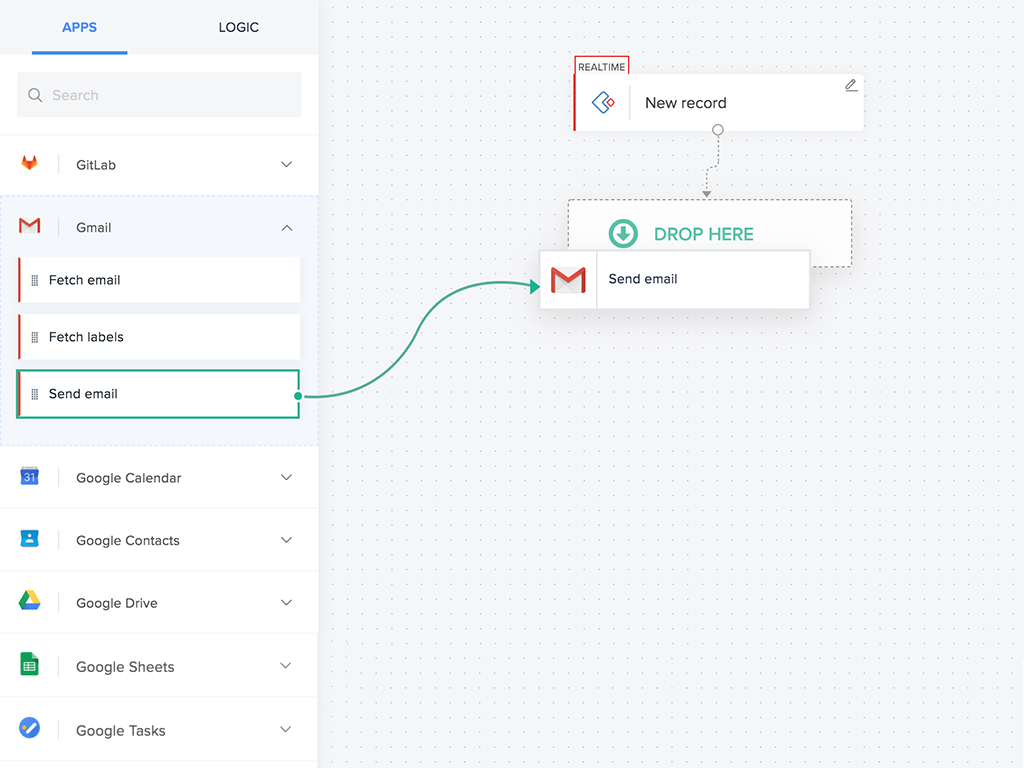
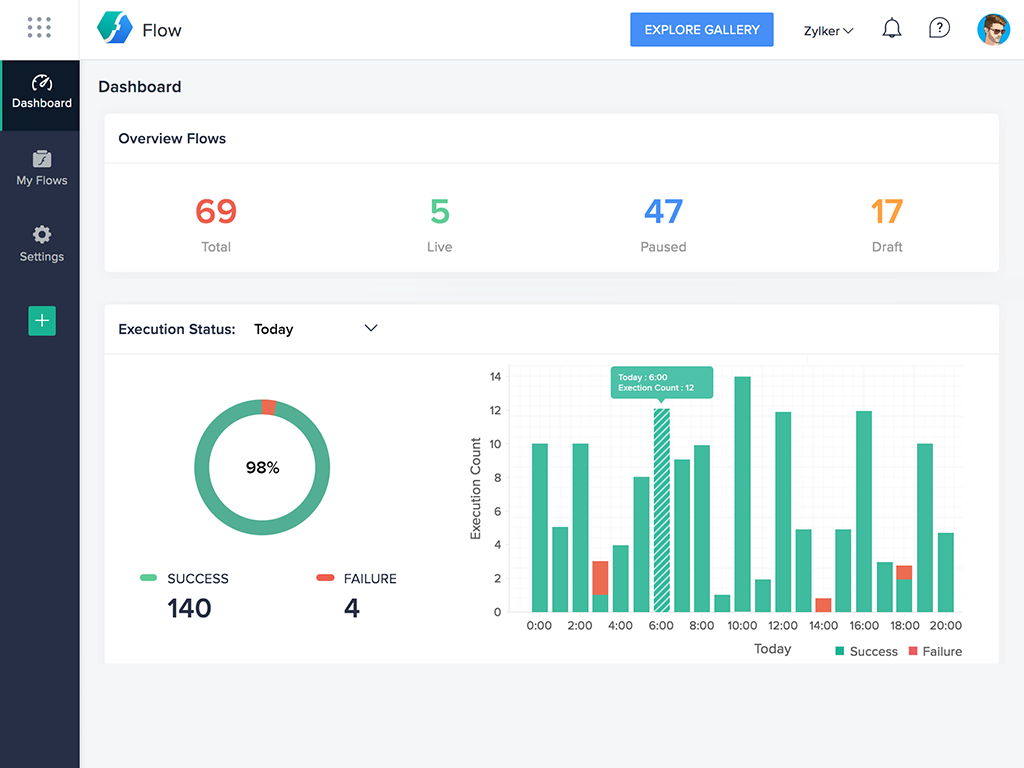
Zoho Flow allows the user to integrate business apps to automate a workflow.
$29
per month (for 5k tasks per month)
Pricing
Pabbly
Zoho Flow
Editions & Modules
Standard
$49
per month
Pro
$99
per month
Ultimate
$199
per month
Ultimate Plus
$399
per month
Standard
starting at $29
per month starting with 5k tasks per month
Professional
starting at $49
per month starting with 10k tasks per month
Offerings
Pricing Offerings
Pabbly
Zoho Flow
Free Trial
No
Yes
Free/Freemium Version
No
Yes
Premium Consulting/Integration Services
No
Yes
Entry-level Setup Fee
No setup fee
Optional
Additional Details
—
Discount available for annual pricing. Higher monthly task volume available.
More Pricing Information
Features
Pabbly
Zoho Flow
Cloud Data Integration
Comparison of Cloud Data Integration features of Pabbly and Zoho Flow
It is great for companies or people that are using software that is mainstream and would like to extend the capability of that software with added features.
Also great for companies that use more than 1 software and need to have them interact with each other to make them more efficient
Great for companies that need to automate functions that are repetitive throughout the organization
A de minimis incentive was given to thank the reviewer for their time. The incentive was not used to bias or drive a particular response, nor was the incentive contingent on a positive endorsement. More Info
For small—to medium-sized connections between different applications, Zoho Flow is quick and easy to set up and test. However, as a Flow becomes more complicated with multiple connections and decisions, it becomes more difficult to track errors and faults and manage changes. Some of this is due to the history not being detailed enough, and some is just the UI, where you can't zoom in and out and clearly see connecting lines for flows.
A de minimis incentive was given to thank the reviewer for their time. The incentive was not used to bias or drive a particular response, nor was the incentive contingent on a positive endorsement. More Info
A de minimis incentive was given to thank the reviewer for their time. The incentive was not used to bias or drive a particular response, nor was the incentive contingent on a positive endorsement. More Info
A de minimis incentive was given to thank the reviewer for their time. The incentive was not used to bias or drive a particular response, nor was the incentive contingent on a positive endorsement. More Info
A de minimis incentive was given to thank the reviewer for their time. The incentive was not used to bias or drive a particular response, nor was the incentive contingent on a positive endorsement. More Info
A de minimis incentive was given to thank the reviewer for their time. The incentive was not used to bias or drive a particular response, nor was the incentive contingent on a positive endorsement. More Info
I really enjoy using Pabbly, it is fast, pretty simple, has lot of connections and support has been fairly helpful. I would give it just a higher rating if it came with a faster live chat and more templates for non techies like myself but overall has been reliable, usable with no bugs, and helpful to connect tasks especially any google sheet/doc/form etc task
A de minimis incentive was given to thank the reviewer for their time. The incentive was not used to bias or drive a particular response, nor was the incentive contingent on a positive endorsement. More Info
Flow can accomplish almost anything you want to do. It's imperfect, but it could be with just a few more features and better error management/visibility. For someone who's not a developer, this is a no-brainer. Having used other products in the past, like Zapier, this is as easy to use, if not even easier.
A de minimis incentive was given to thank the reviewer for their time. The incentive was not used to bias or drive a particular response, nor was the incentive contingent on a positive endorsement. More Info
I've reached out to the support team several times with assistance requests in Zoho Flow. Each time the team has answered my questions promptly and accurately. And because we are mainly integrating other Zoho apps their teams are perfectly positioned to solve our problems.
A de minimis incentive was given to thank the reviewer for their time. The incentive was not used to bias or drive a particular response, nor was the incentive contingent on a positive endorsement. More Info
I think Integrately has a superior UX, it is a little easier and less techy to use, but doesn't have the amount of integrations that Pabbly has. So far, a lot more softwares offer Pabbly connection than Integratly and that is really the deciding factor
A de minimis incentive was given to thank the reviewer for their time. The incentive was not used to bias or drive a particular response, nor was the incentive contingent on a positive endorsement. More Info
I've used Zapier and both programs are similar. Zapier has deeper integrations or more apps to integrate with but considering Flow's association with other Zoho apps this does it for us!
A de minimis incentive was given to thank the reviewer for their time. The incentive was not used to bias or drive a particular response, nor was the incentive contingent on a positive endorsement. More Info
A de minimis incentive was given to thank the reviewer for their time. The incentive was not used to bias or drive a particular response, nor was the incentive contingent on a positive endorsement. More Info
A de minimis incentive was given to thank the reviewer for their time. The incentive was not used to bias or drive a particular response, nor was the incentive contingent on a positive endorsement. More Info