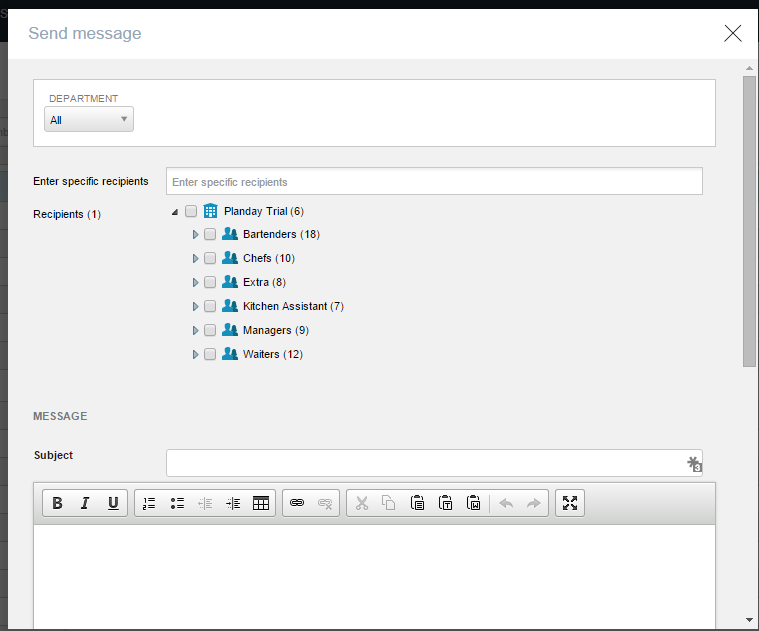
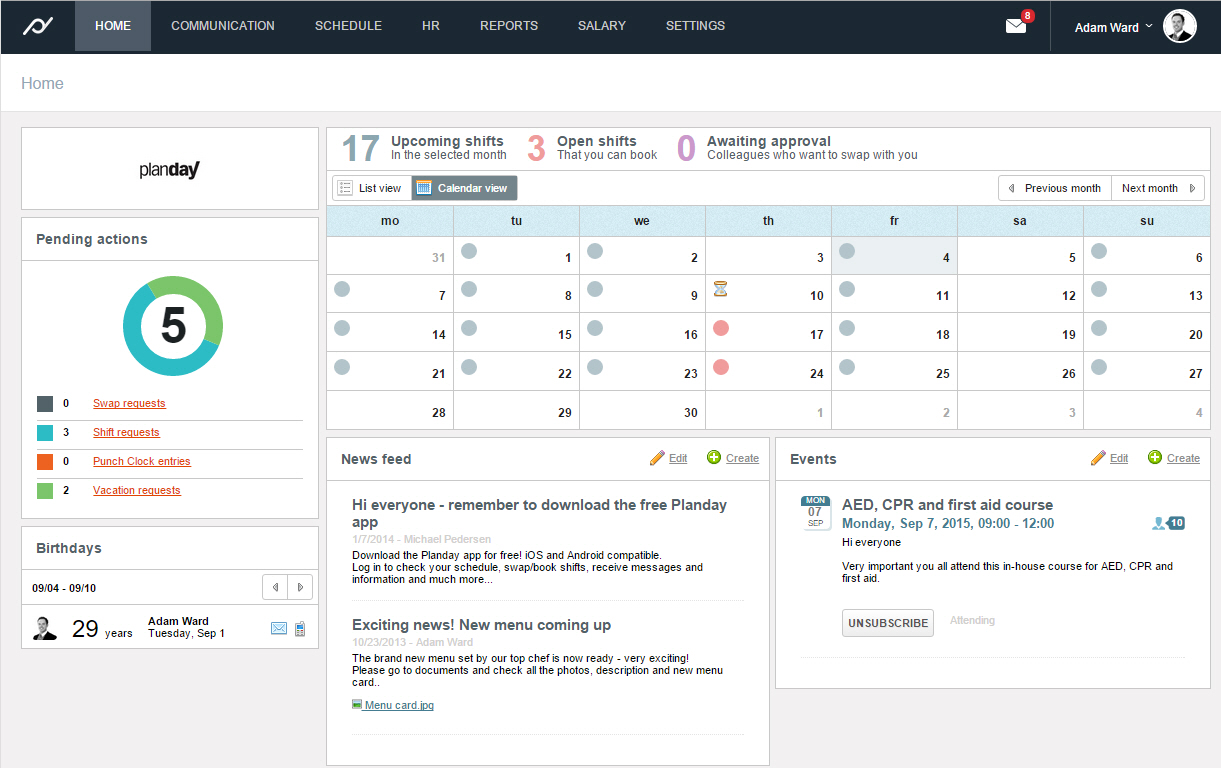
Planday is online and mobile employee scheduling software designed to help shift-based businesses plan and communicate shifts, manage absences and leave, simplify hour registration, and streamline their payroll processes. Planday also facilitates simple team communication across the organization via SMS, emails and app notifications while storing employee information and contact details in one single place.
$2
per user per month
ShiftPro
Score 0.0 out of 10
N/A
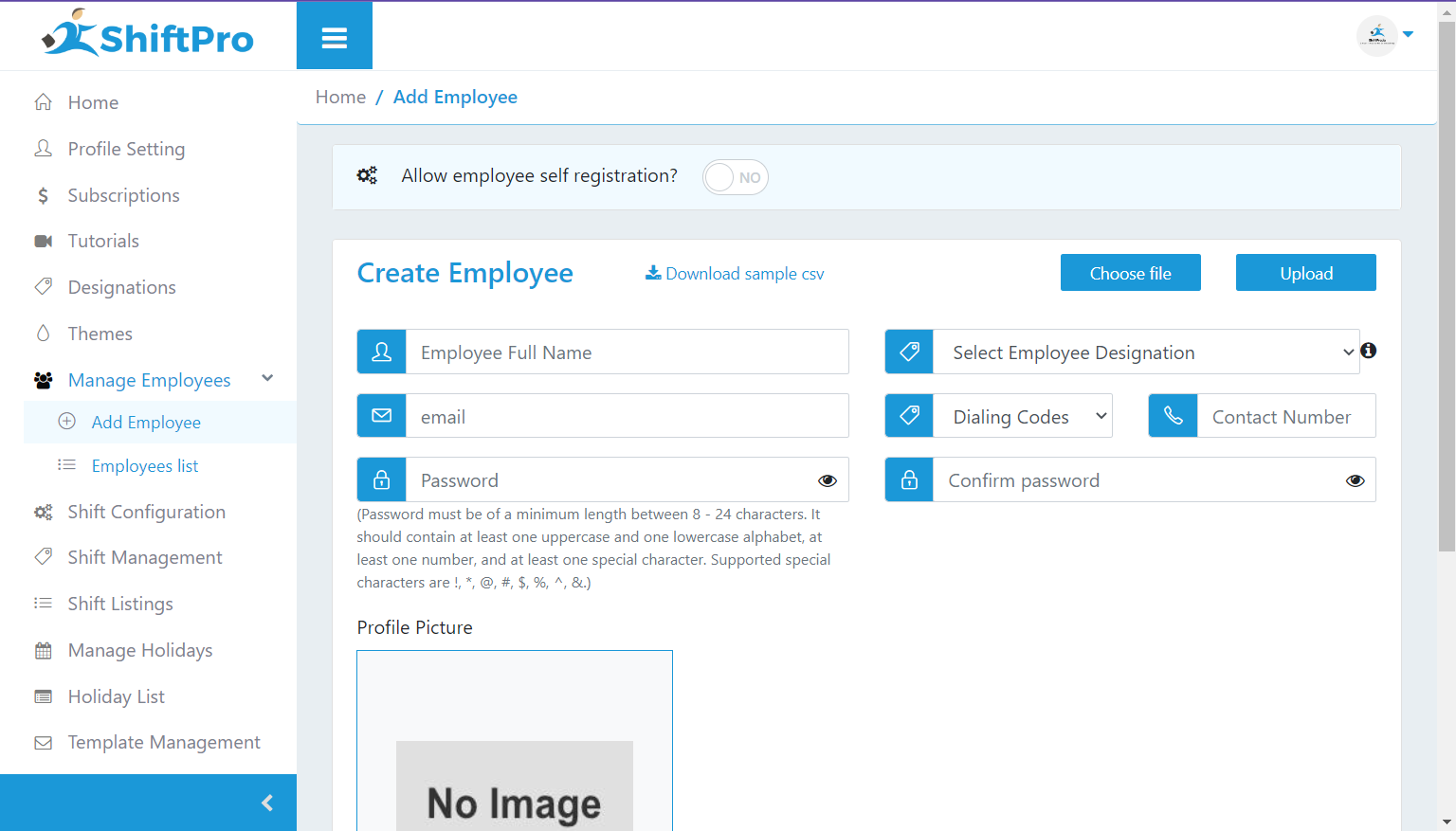
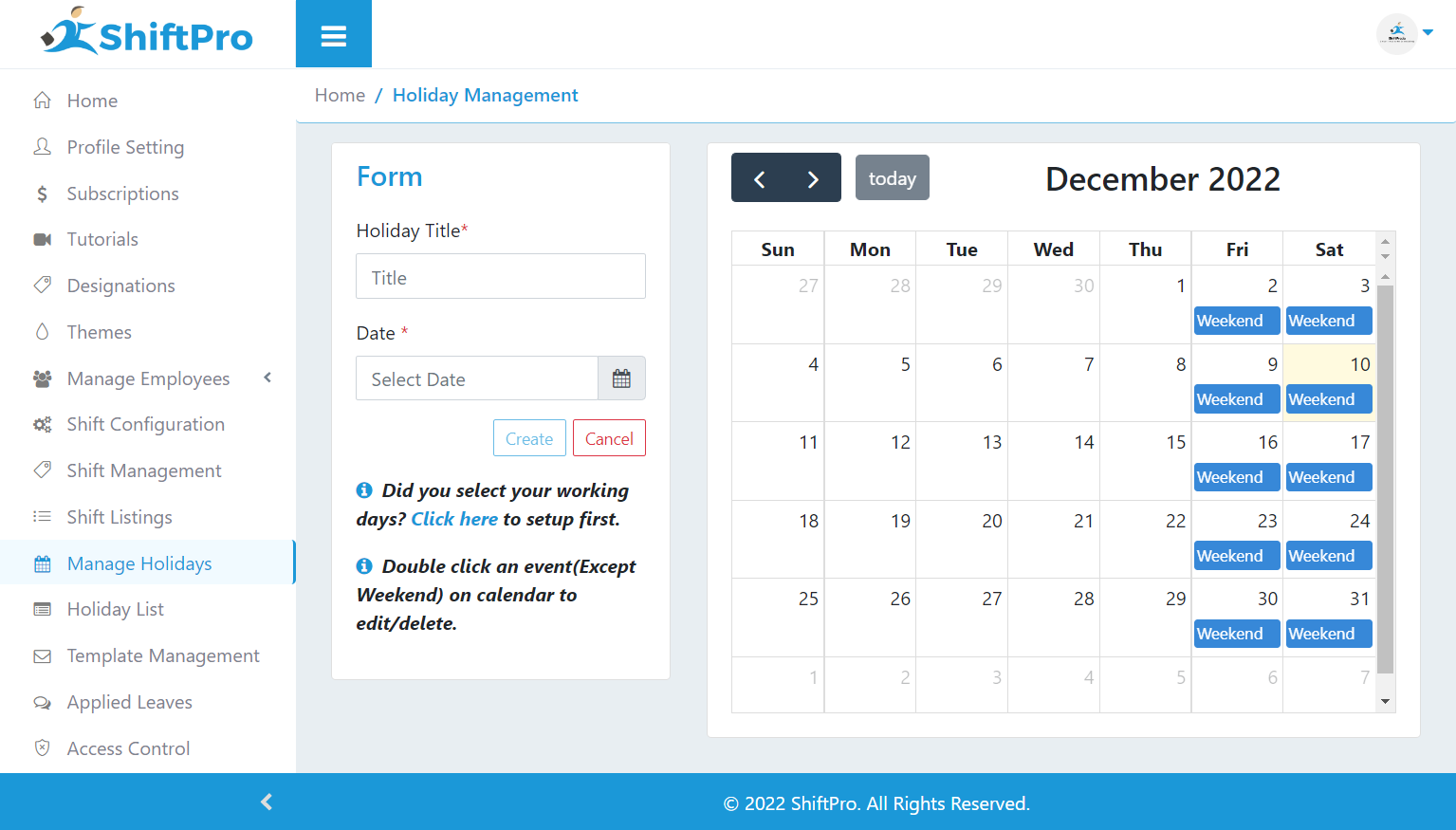
ShiftPro is a scheduling software designed to maintain a cohesive work environment through simplified shift scheduling. It aims to accomplish this by automating the scheduling and rescheduling process, Email and SMS alerts, Time off/leave requests management, and with an in-built chat feature where employees communicate with their supervisors and managers.
$170
per month
Pricing
Planday
ShiftPro
Editions & Modules
Starter
$2
per user per month
Plus
$4
per user per month
Premium
$170
per month
Business
$375
per month
Enterprise
$560
per month
Offerings
Pricing Offerings
Planday
ShiftPro
Free Trial
Yes
No
Free/Freemium Version
No
Yes
Premium Consulting/Integration Services
No
No
Entry-level Setup Fee
Required
No setup fee
Additional Details
—
Premium - Max 100 Employees
Business - Max 250 Employees
Enterprise - Max 400 Employees
More Pricing Information
Community Pulse
Planday
ShiftPro
Considered Both Products
Planday
Verified User
Anonymous
Chose Planday
Ultimately Planday is the perfect tool for simple straightforward team time management, communication and scheduling. I would like to see a task management feature added to Planday and perhaps some integration for employee rewards. Planday is leaps and bounds above Quickbooks …
This is very well suited where there is a rotating support structure with larger teams involved. Our department as a whole has 16 full-time team members, with 4 people per team. The management of absences such as annual leave, alongside busy schedules or even seasonal downtime, is a breeze with Planday.
Ultimately Planday is the perfect tool for simple straightforward team time management, communication and scheduling. I would like to see a task management feature added to Planday and perhaps some integration for employee rewards. Planday is leaps and bounds above Quickbooks Time, and TimeClock Plus but falls behind Deputy only slightly by having less features available. Overall I would recommend Planday to any small business owner with a team of 5-20
Employee profiles - 99% of employee profiles are up to date with right work info/ID/contracts & personal details, compared to previous 50% (estimated)
Wages - consistently reviewed through Planday and updated to reflect sales, busy & non busy periods
Schedules - more efficient scheduling & accurate hours logged and therefore, translated to pay - consistent and efficient monitoring by head office/ops team and managers at site level, through clock in and out system.