
PractiTest vs. Visual Studio Test Professional
PractiTest vs. Visual Studio Test Professional
| Product | Rating | Most Used By | Product Summary | Starting Price |
|---|---|---|---|---|
 PractiTest | N/A | PractiTest is presented as a cloud-based test management tool that provides its customers with an end-to-end system to meet testing and QA needs. It is described by the vendor as flexible but methodological, enabling organizations to ensure visibility and communication at all levels. The solution aims to help users and project development teams streamline and manage their testing processes, while providing management with a clear and simple view of their project status at all times. | $39 user | |
 Visual Studio Test Professional | N/A | An add-on for the Visual Studio IDE, Visual Studio Test Professional subscription helps teams drive quality and speed. It includes test case management and collaboration features that streamline quality control and support continuous delivery. | $2,169 for the first year (renews at $869) |
| PractiTest | Visual Studio Test Professional | |||||||||||||||
|---|---|---|---|---|---|---|---|---|---|---|---|---|---|---|---|---|
| Editions & Modules |
| No answers on this topic | ||||||||||||||
| Offerings |
| |||||||||||||||
| Entry-level Setup Fee | Optional | No setup fee | ||||||||||||||
| Additional Details | — | — | ||||||||||||||
| More Pricing Information | ||||||||||||||||
| PractiTest | Visual Studio Test Professional |
|---|
| PractiTest | Visual Studio Test Professional | |||||||||||||||
|---|---|---|---|---|---|---|---|---|---|---|---|---|---|---|---|---|
| Test Management |
|
| PractiTest | Visual Studio Test Professional | |
|---|---|---|
| Small Businesses |  BrowserStack Score 8.5 out of 10 | BrowserStack Score 8.5 out of 10 |
| Medium-sized Companies |  OpenText ALM/Quality Center Score 9.3 out of 10 | OpenText ALM/Quality Center Score 9.3 out of 10 |
| Enterprises | OpenText ALM/Quality Center Score 9.3 out of 10 | OpenText ALM/Quality Center Score 9.3 out of 10 |
| All Alternatives | View all alternatives | View all alternatives |
| PractiTest | Visual Studio Test Professional | |
|---|---|---|
| Likelihood to Recommend | 8.7 (4 ratings) | 7.0 (15 ratings) |
| Usability | - (0 ratings) | 7.0 (10 ratings) |
| Support Rating | 10.0 (1 ratings) | 8.5 (10 ratings) |
| PractiTest | Visual Studio Test Professional | |
|---|---|---|
| Likelihood to Recommend | PractiTest
 Michael Walkowski Senior Business Consultant |  Microsoft
|
| Pros | PractiTest
| Microsoft
|
| Cons | PractiTest
| Microsoft
 zahit bogus Business Intelligence Consultant |
| Usability | PractiTest No answers on this topic | Microsoft
|
| Support Rating | PractiTest
Michael Walkowski Senior Business Consultant | Microsoft
|
| Alternatives Considered | PractiTest
Michael Walkowski Senior Business Consultant | Microsoft
|
| Return on Investment | PractiTest
| Microsoft
|
| ScreenShots | PractiTest Screenshots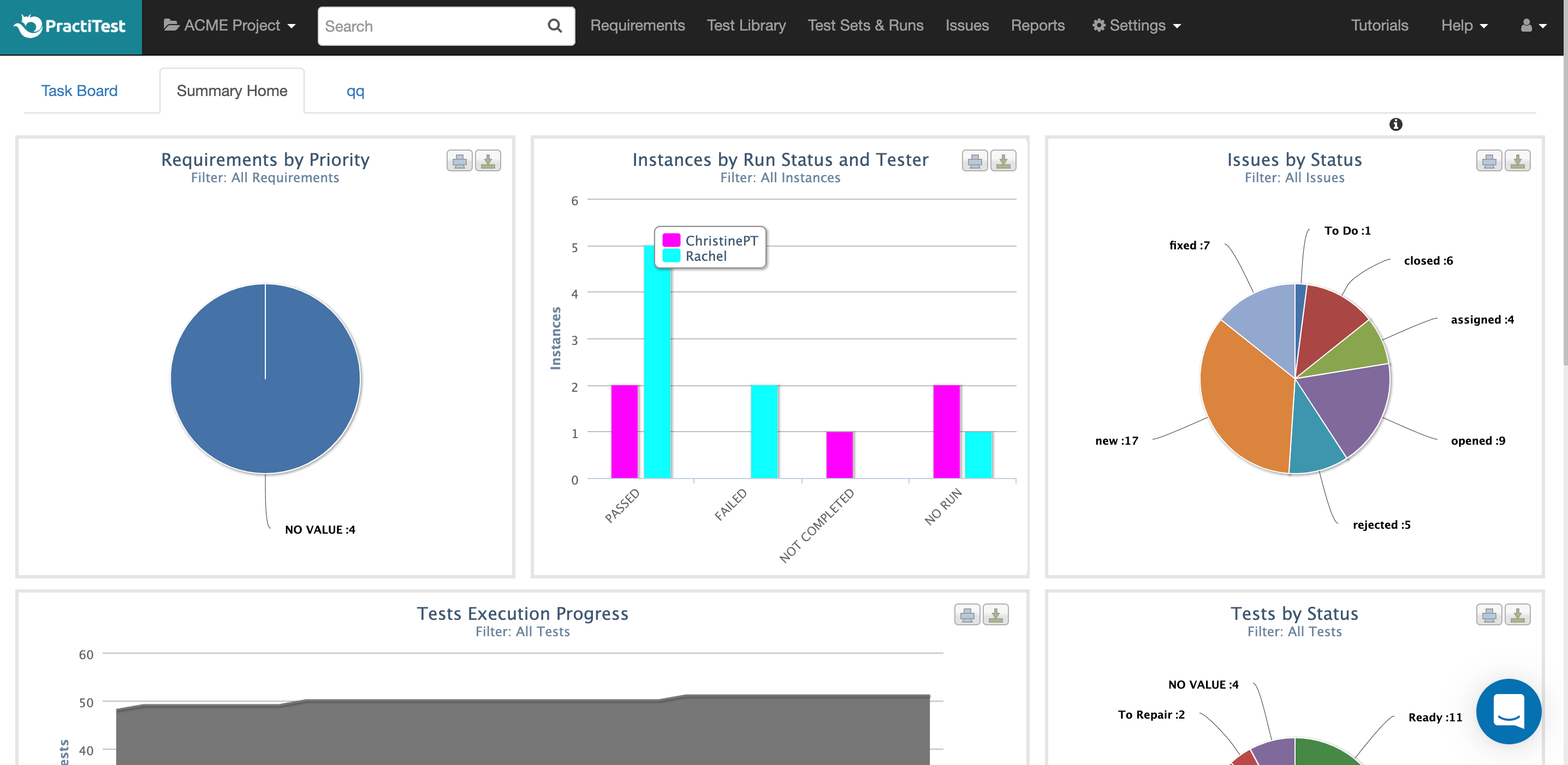    |