React Native is a framework for building native applications using React. It is open source and free, and developed by Meta Platforms. It enables users to create native apps for Android and iOS using React. React Native combines native development with React, a JavaScript library for building user interfaces.
$0
Progress Telerik
Score9.4 out of 10
N/A
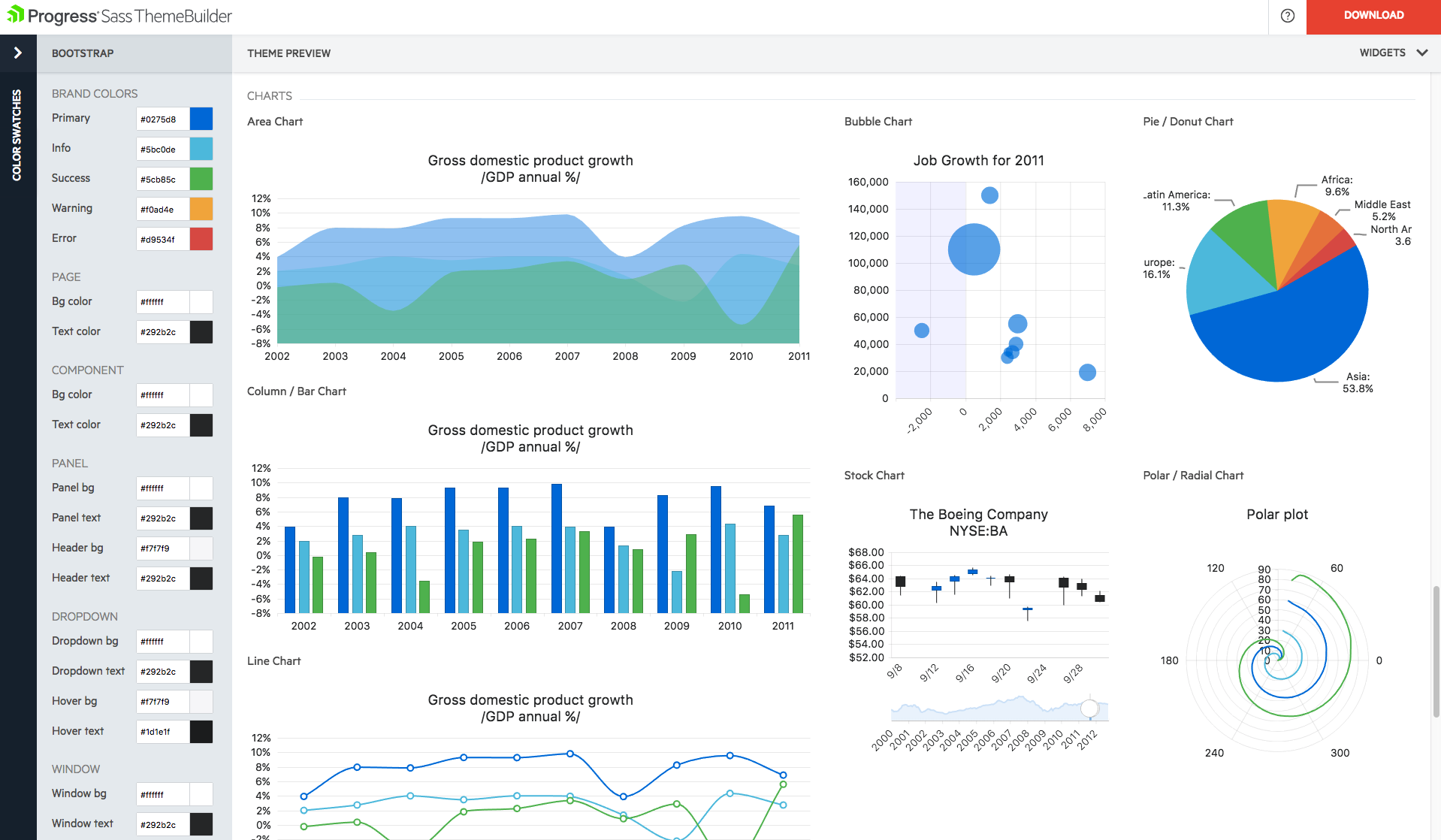
With Telerik UI libraries, Progress aims to equip .NET ninjas with a full arsenal of weapons, helping to create beautiful, modern and future-proof applications quickly and intuitively. The vendor states that with its over 1,250 UI components for all .NET platforms, as well as various themes, skins and customization options, Telerik users report cutting development time by up to 50 percent. Web
We are implementing React Native framework for the development of the Front-End for the machine learning models maintenance and monitoring website. It provides meaningful error messages, and time-saving and robust tools make it a premium choice over other platforms. Moreover, it provides intelligent debugging tools and error report mechanisms. And most importantly for us, it provides the aesthetic minimal functionality to learn in order to implement it, thereby eliminating the need to work in Xcode or Android Studio for iOS or Android apps respectively.
A de minimis incentive was given to thank the reviewer for their time. The incentive was not used to bias or drive a particular response, nor was the incentive contingent on a positive endorsement. More Info
We have used the Telerik UI controls for our Admin user experience. We found that this lead to consistent user experience, with feature rich functions already provided. Effectively this meant that hour for hour, using the Telerik UI improved productivity in creating screens with more functions than using the default controls in ASP.NET. At this point most of our focus with the Telerik controls is User Interface oriented.
A de minimis incentive was given to thank the reviewer for their time. The incentive was not used to bias or drive a particular response, nor was the incentive contingent on a positive endorsement. More Info
A de minimis incentive was given to thank the reviewer for their time. The incentive was not used to bias or drive a particular response, nor was the incentive contingent on a positive endorsement. More Info
A de minimis incentive was given to thank the reviewer for their time. The incentive was not used to bias or drive a particular response, nor was the incentive contingent on a positive endorsement. More Info
The Telerik UI has become part of our staple development tools. We can not be as productive without the feature set available to us in the Telerik UI ASP.NET AJAX control package.
React Native uses JavaScript in the frontend and hooks and functions in the backend to connect the database to the real-time application. It also does not need any external support for multilevel configuration for different platforms. In terms of usability, it perfectly holds the front-end and backend development with some external configuration if we require it in our business. Sometimes it requires more configurations and pathways to build a certain level of functionality for the end users, but every technology has a tough phase where a certain concept get lack of visibilty to the users.
Progress Telerik UI is very usable and one of the best tools to use by the front-end development engineers in our team. It has helped us to improve the overall design of our existing and new applications. Also, the time to build applications has also been reduced effectively and we are able to focus on other areas of improvement to deliver a better user experience for our customers.
A de minimis incentive was given to thank the reviewer for their time. The incentive was not used to bias or drive a particular response, nor was the incentive contingent on a positive endorsement. More Info
Telerik UI support is what you are paying for. If something does not work you ask them for an example of how to solve your use case. The SEO on their sites is awesome and so well bedded into Google. The videos are good, [they're] not used much but their examples and DoJo examples make all the difference.
A de minimis incentive was given to thank the reviewer for their time. The incentive was not used to bias or drive a particular response, nor was the incentive contingent on a positive endorsement. More Info
Compared with Angular and Vue, Reactive Native doesn't have a steep learning curve, considering it is a complete solution, and mastering Angular and Vue requires one to learn associated concepts like TypeScript and MVC. In React, the same code base may be implemented for creating a UI element and dictating its behavior, thereby eliminating the over-engineering procedures and following programming paradigms like KISS, DRY and SOLID.
A de minimis incentive was given to thank the reviewer for their time. The incentive was not used to bias or drive a particular response, nor was the incentive contingent on a positive endorsement. More Info
Progress Telerik UI provides a large amount of language support, demos, and documentation. While the competition is still great in their own right, Progress Telerik UI has provided enough resources to cover a number of current and future projects without having to expand to other libraries.
A de minimis incentive was given to thank the reviewer for their time. The incentive was not used to bias or drive a particular response, nor was the incentive contingent on a positive endorsement. More Info
A de minimis incentive was given to thank the reviewer for their time. The incentive was not used to bias or drive a particular response, nor was the incentive contingent on a positive endorsement. More Info
A de minimis incentive was given to thank the reviewer for their time. The incentive was not used to bias or drive a particular response, nor was the incentive contingent on a positive endorsement. More Info