TrustRadius: an HG Insights company

Save this comparison

Save this comparison

Add Product

Recommended Comparisons

    Overview
    ProductRatingMost Used ByProduct SummaryStarting Price

    S-Docs

    Score8 out of 10
    Small Businesses (1-50 employees)
    S-Docs headquartered in New York offers what they present as a secure document generator and E-signature solution built on the Salesforce Platform. It aims to help users to create and e-sign sophisticated documents that improve efficiency, reduce errors and eliminate tedious work.

    $25

    per month per user

    SAP CPQ

    Score7.9 out of 10
    N/ASAP CPQ (replacing the former CallidusCloud CPQ solution) has been built to be independent of any CRM. The vendor says that this makes their solution more flexible. The vendor also says their solution provides businesses the flexibility to customize and enhance the solution without the constraints of CRM code. Pricing and product catalog changes can also be made by the users without having to rely on a CRM administrator.N/A
    Pricing
    S-DocsSAP CPQ
    Editions & Modules
    S-Docs for Salesforce
    $25
    per month (billed annually) per user
    No answers on this topic
    Offerings
    Pricing Offerings
    S-DocsSAP CPQ
    Free Trial
    YesYes
    Free/Freemium Version
    YesNo
    Premium Consulting/Integration Services
    NoYes
    Entry-level Setup FeeOptionalOptional
    Additional DetailsS-Docs for Salesforce is priced by seat. Organizations that are interested in the enterprise edition - including per-document pricing and Experience Cloud plans, can reach out to sales. S-Docs for HubSpot is priced by usage. S-Docs for HubSpot Team Edition comes with 500 documents and 250 e-Signature requests per year. S-Docs for HubSpot Professional Edition comes with 2,500 documents and 800 e-Signature requests per year. Nonprofit discounts are available.—
    More Pricing Information
    Community Pulse
    S-DocsSAP CPQ
    Considered Both Products
    S-Docs Inc.
    No answer on this topic
    SAP
    No answer on this topic
    Key User Insights
    Would buy again
    No answers on this topic
    100%
    Would buy again
    8 Answers
    Delivers good value for the price
    No answers on this topic
    100%
    Delivers good value for the price
    6 Answers
    Happy with the feature set
    No answers on this topic
    88%
    Happy with the feature set
    7 Answers
    Lived up to sales and marketing promises
    No answers on this topic
    100%
    Lived up to sales and marketing promises
    5 Answers
    Implementation went as expected
    No answers on this topic
    100%
    Implementation went as expected
    8 Answers
    Features
    S-DocsSAP CPQ
    CPQ
    Comparison of CPQ features of S-Docs and SAP CPQ
    Feature
    S-Docs
    -
    Ratings
    SAP CPQ
    8.4
    8 Ratings
    4% below category average
    Quote sharing/sending00 Ratings8.88 Ratings
    Product configuration00 Ratings8.48 Ratings
    Configuration options00 Ratings8.78 Ratings
    Pricing rules00 Ratings8.08 Ratings
    Price adjustment00 Ratings8.78 Ratings
    Purchase history and open contracts00 Ratings8.57 Ratings
    Guided selling/Sales portal00 Ratings7.16 Ratings
    CPQ reporting & analytics00 Ratings8.36 Ratings
    CPQ-CRM integration00 Ratings8.37 Ratings
    Attachments to quotes00 Ratings9.27 Ratings
    Order capturing00 Ratings8.77 Ratings
    Best Alternatives
    S-DocsSAP CPQ
    Small Businesses
    Formstack for Salesforce
    Score7.1 out of 10
    QuoteWerks
    Score9.7 out of 10
    Medium-sized Companies
    Formstack for Salesforce
    Score7.1 out of 10
    QuoteWerks
    Score9.7 out of 10
    Enterprises
    Conga Composer
    Score7.9 out of 10
    Agentforce Revenue Management
    Score8.6 out of 10
    All AlternativesView all alternativesView all alternatives
    User Ratings
    S-DocsSAP CPQ
    Likelihood to Recommend
    9.0
    (1 ratings)
    8.0
    (8 ratings)
    Likelihood to Renew
    -
    (0 ratings)
    9.5
    (2 ratings)
    Usability
    -
    (0 ratings)
    7.8
    (8 ratings)
    Support Rating
    -
    (0 ratings)
    8.0
    (2 ratings)
    Implementation Rating
    -
    (0 ratings)
    10.0
    (1 ratings)
    User Testimonials
    S-DocsSAP CPQ
    Likelihood to Recommend
    S-Docs Inc.
    S-Docs would be great for anyone looking to make the process of getting signatures more seamless and less time intensive. You can get a signature in minutes no matter where the signee is located. No more having to worry about printing, scanning, and emailing over important and time-sensitive documents.
    Incentivized
    Read full review
    SAP
    I would recommend SAP CPQ because it is powerful and works really well for handling complex pricing quotes and approvals. It save time and keep everything in one systems.
    Incentivized
    Read full review
    Pros
    S-Docs Inc.
    • onboarding
    • approval of marketing spend
    • approval of travel expenses
    Incentivized
    Read full review
    SAP
    • Simple order entry
    • Fast order entry
    • Quick contracts creations and pricings
    Incentivized
    Read full review
    Cons
    S-Docs Inc.
    No answers on this topic
    SAP
    • It is a complex solution and could do better on ease of use
    • Perhaps give mini explainer tutorials as you begin using it
    Incentivized
    Read full review
    Likelihood to Renew
    S-Docs Inc.
    No answers on this topic
    SAP
    We definitely want to renew based on the functionality and the use we give to it. However you never know 100% so that's why it is not a 10. Let's imagine if pricing changed significantly or they made sudden changes to the product which we considered negative... Then we would move elsewhere. This is highly unlikely though
    Read full review
    Usability
    S-Docs Inc.
    No answers on this topic
    SAP
    it make the pricing and quoting part easier and able to integrate with other sap products easily but the ui could have been better and the customizations is not straight forward, requires deep expertise. which make the work more difficult. but instead of custom designing. this way we can reduce the coding and can go straight ahead with custom pricing part
    Incentivized
    Read full review
    Support Rating
    S-Docs Inc.
    No answers on this topic
    SAP
    Not used
    Read full review
    Alternatives Considered
    S-Docs Inc.
    just as easy to use as dousign. Since I do not make the purchasing decisions, I am not sure how these prices compare to each other
    Incentivized
    Read full review
    SAP
    It connect much better with our existing SAP system like ERP and S/4HANA. keeping everything in sync automatically. Approval processes and automation are faster. reducing email and manual work.
    Incentivized
    Read full review
    Return on Investment
    S-Docs Inc.
    • increased efficiency
    • increased security
    Incentivized
    Read full review
    SAP
    • Helped us make a lot of sales easier and quicker
    • More revenue we have made since doing this
    • Only negative is sometimes can be slow or want to attach custom email templates for send outs
    Incentivized
    Read full review
    ScreenShots

    S-Docs Screenshots

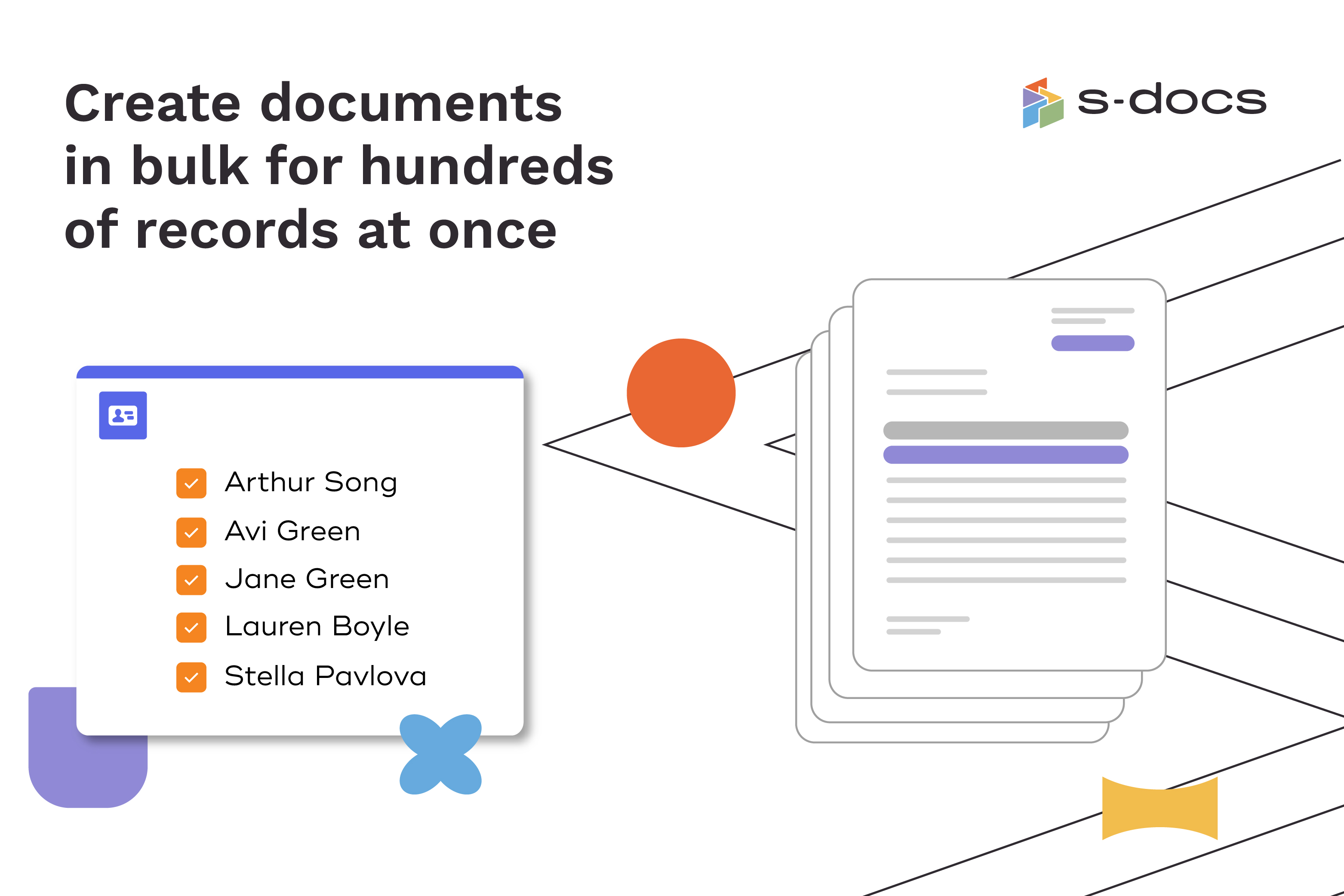
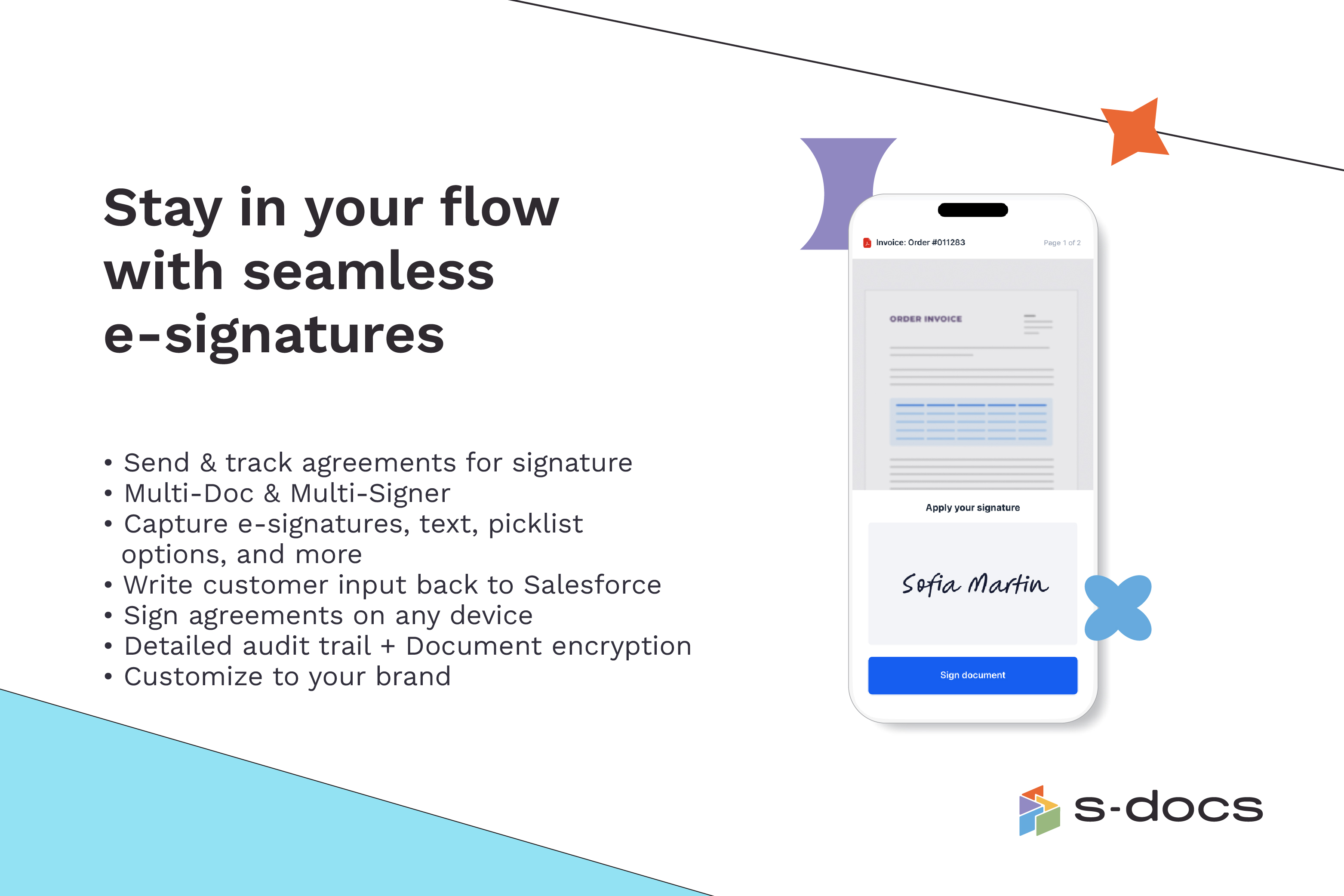
    Screenshot of how to create business documents in flexible formatsScreenshot of how to create documents via clicks or automaticallyScreenshot of how to generate documents in bulk for hundreds of records at onceScreenshot of how to edit generated documents without downloading external programsScreenshot of how to request secure e-Signatures via email or in personScreenshot of how to create templates with the drag-and-drop interface

    SAP CPQ Screenshots

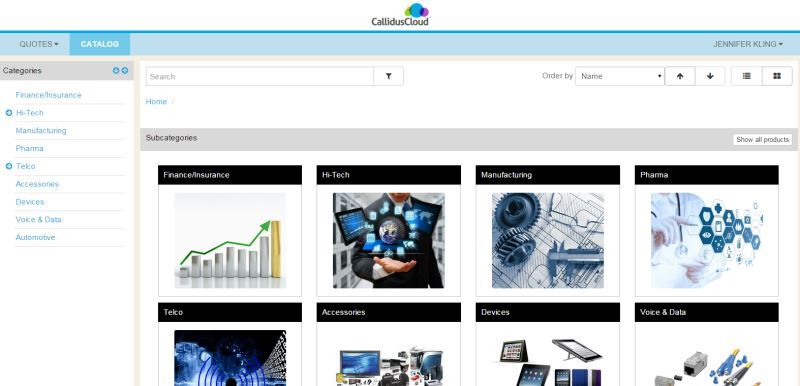
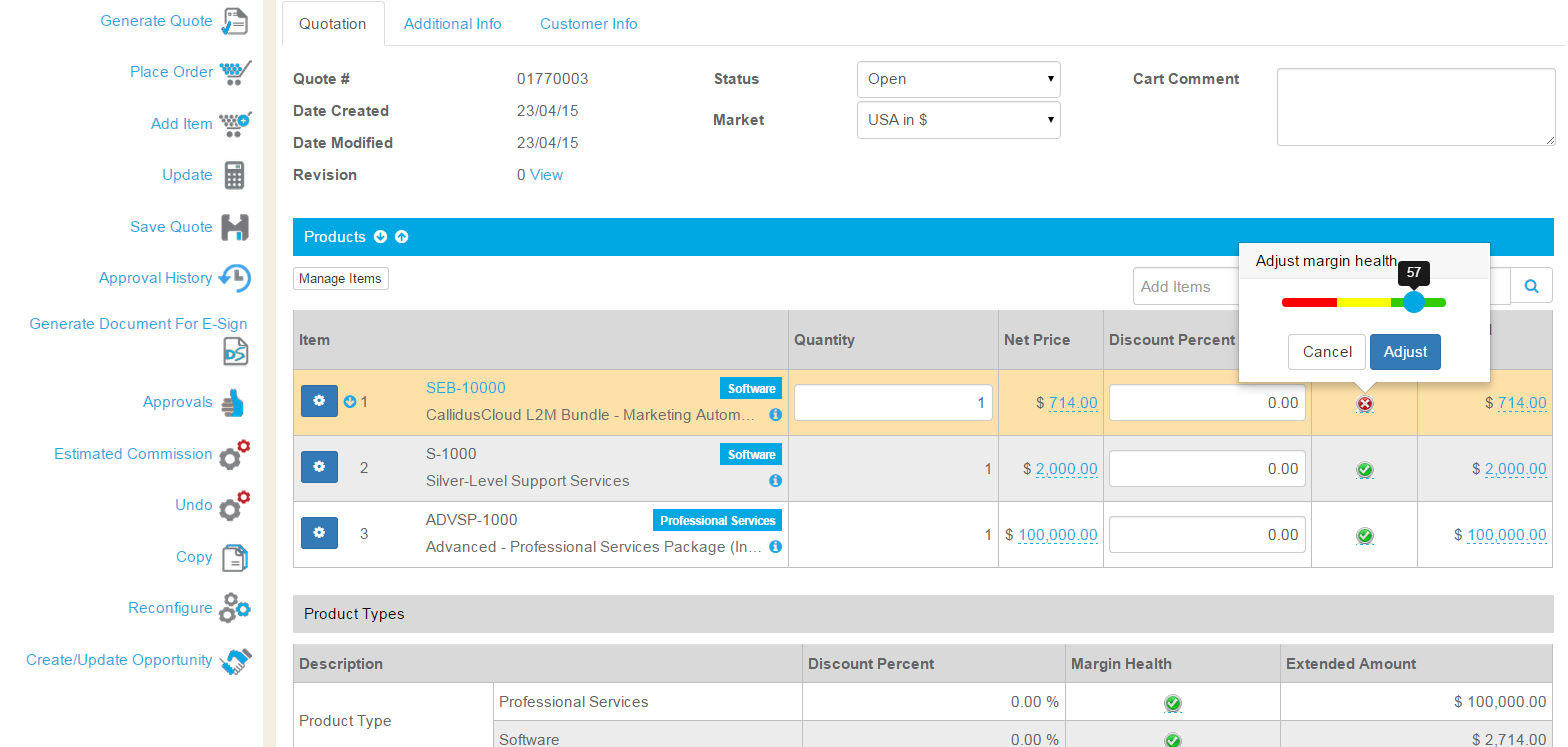
    Screenshot of CPQ Catalog - configurable to support multiple catalogs, graphics, and easy to follow guides.Screenshot of CPQ Configurator - guides users through configuration, indicating when a valid configuration is met, and showing commissions in real-time.Screenshot of CPQ Margin Health Indicator - sliding scale to make pricing easy while protecting margins.Screenshot of CPQ and Salesforce integration is seamless. Users never need to leave Salesforce to create a quote.