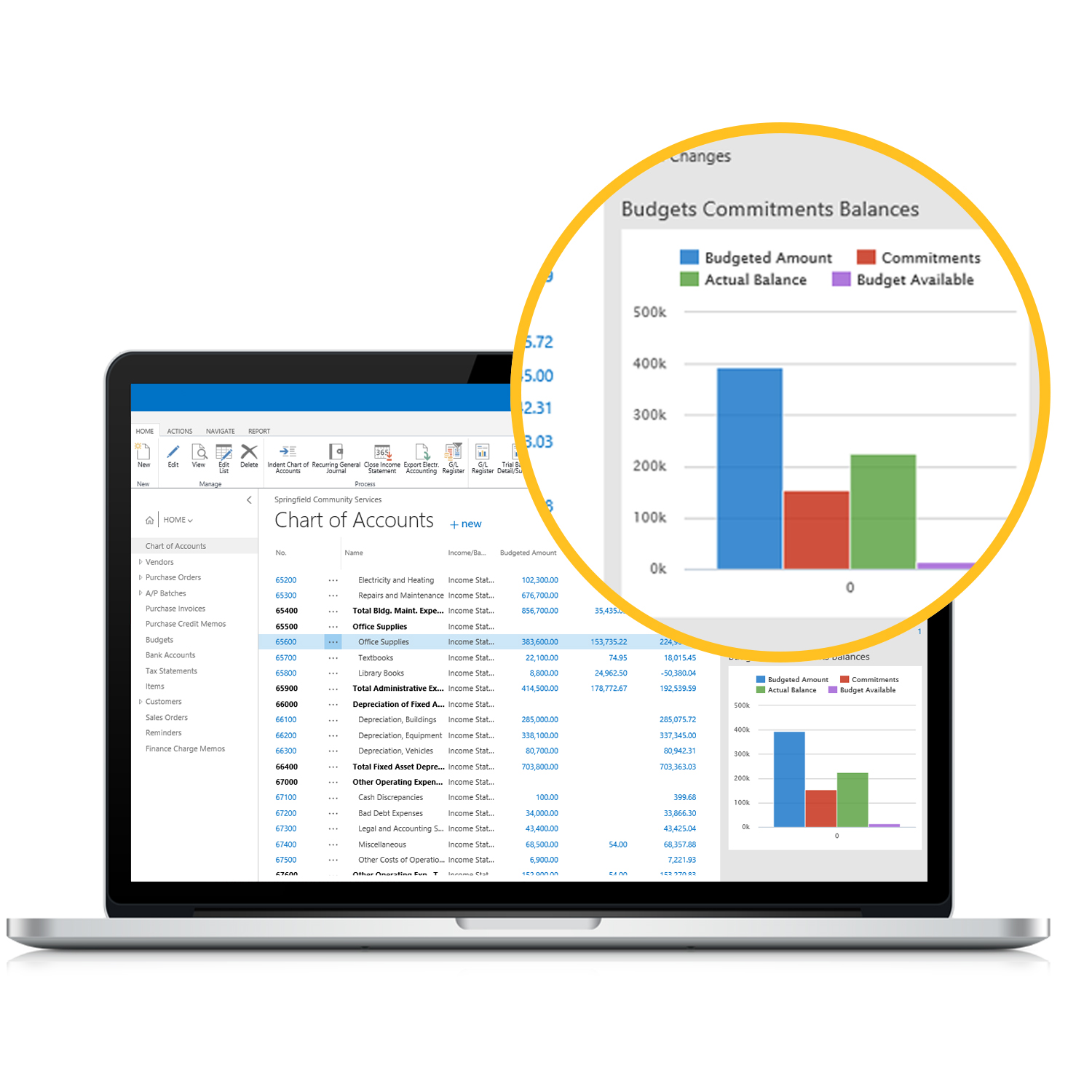
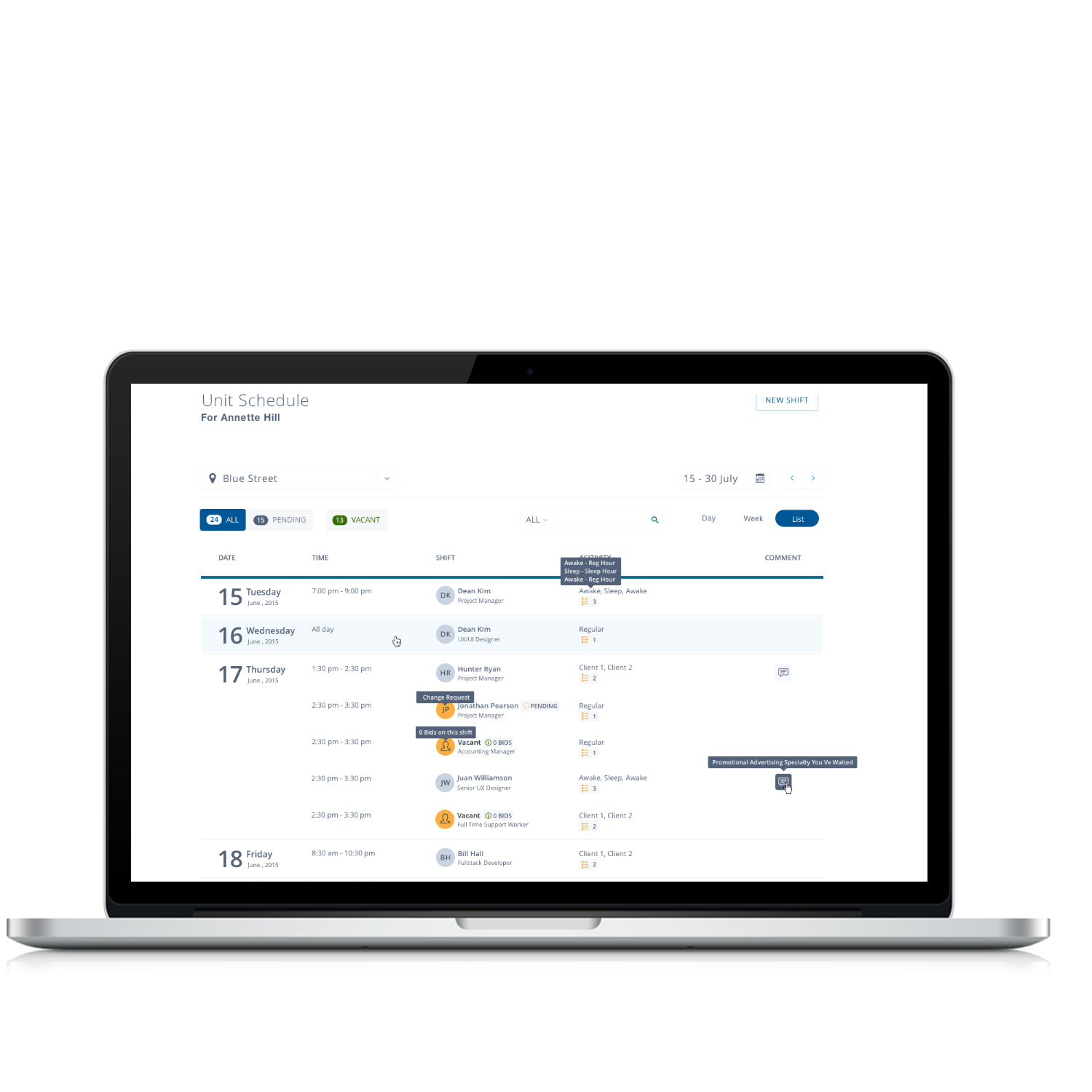
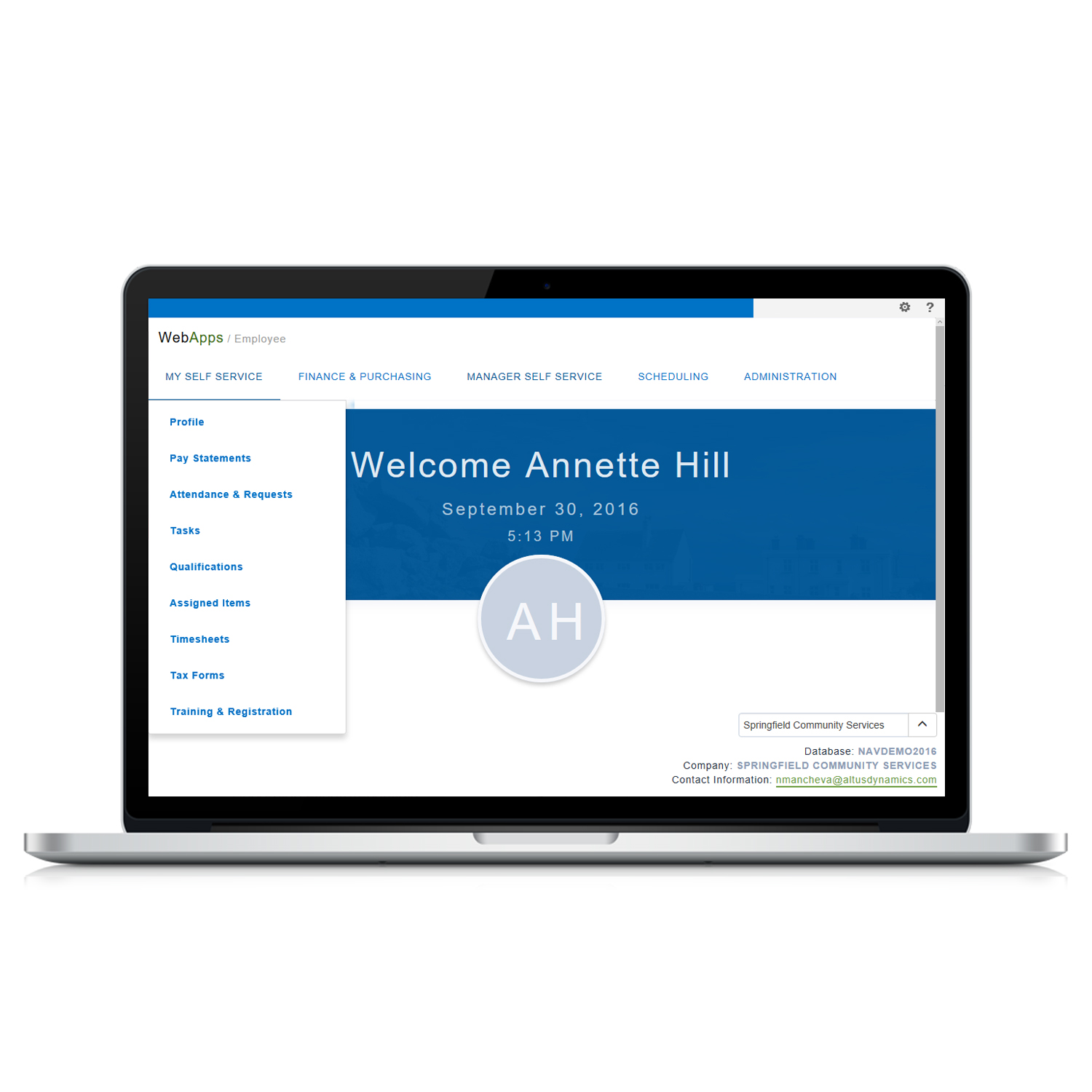
Sage 500 ERP includes accounting and finance, distribution and supply chain, and manufacturing operations support modules. The latest Sage 500 release includes accounts payable enhancements, credit card processing, and general updates, as well as updates to the solution's modules.
N/A
Sparkrock Nonprofit ERP
Score9 out of 10
Mid-Size Companies (51-1,000 employees)
Sparkrock Nonprofit ERP, presented on the current product site as Sparkrock Impact, is Enterprise Resource Planning (ERP) software for nonprofit finance and workforce administration. Built on Microsoft Dynamics 365 Business Central, it combines Sparkrock Finance with Sparkrock Impact HR Management and Payroll.
N/A
Pricing
Sage 500
Sparkrock Nonprofit ERP
Editions & Modules
No answers on this topic
No answers on this topic
Offerings
Pricing Offerings
Sage 500
Sparkrock Nonprofit ERP
Free Trial
No
No
Free/Freemium Version
No
No
Premium Consulting/Integration Services
No
No
Entry-level Setup Fee
No setup fee
$50,000 per installation
Additional Details
—
—
More Pricing Information
Features
Sage 500
Sparkrock Nonprofit ERP
Payroll Management
Comparison of Payroll Management features of Sage 500 ERP and Sparkrock Nonprofit ERP
Feature
Sage 500 ERP
7.0
2 Ratings
7% below category average
Sparkrock Nonprofit ERP
9.4
3 Ratings
22% above category average
Pay calculation
9.01 Ratings
9.03 Ratings
Benefit plan administration
6.01 Ratings
9.02 Ratings
Direct deposit files
7.02 Ratings
10.03 Ratings
Customization
Comparison of Customization features of Sage 500 ERP and Sparkrock Nonprofit ERP
Feature
Sage 500 ERP
8.5
3 Ratings
12% above category average
Sparkrock Nonprofit ERP
10.0
2 Ratings
28% above category average
API for custom integration
9.03 Ratings
10.02 Ratings
Plug-ins
8.03 Ratings
10.02 Ratings
Security
Comparison of Security features of Sage 500 ERP and Sparkrock Nonprofit ERP
Feature
Sage 500 ERP
8.5
3 Ratings
1% above category average
Sparkrock Nonprofit ERP
9.5
5 Ratings
12% above category average
Single sign-on capability
7.03 Ratings
10.04 Ratings
Role-based user permissions
10.03 Ratings
9.05 Ratings
Reporting & Analytics
Comparison of Reporting & Analytics features of Sage 500 ERP and Sparkrock Nonprofit ERP
Feature
Sage 500 ERP
8.0
3 Ratings
6% above category average
Sparkrock Nonprofit ERP
9.0
4 Ratings
18% above category average
Dashboards
6.03 Ratings
9.03 Ratings
Standard reports
8.03 Ratings
9.04 Ratings
Custom reports
10.03 Ratings
9.03 Ratings
General Ledger and Configurable Accounting
Comparison of General Ledger and Configurable Accounting features of Sage 500 ERP and Sparkrock Nonprofit ERP
Feature
Sage 500 ERP
8.0
3 Ratings
4% above category average
Sparkrock Nonprofit ERP
8.8
5 Ratings
13% above category average
Accounts payable
10.03 Ratings
10.05 Ratings
Accounts receivable
10.03 Ratings
9.05 Ratings
Global Financial Support
10.02 Ratings
10.01 Ratings
Primary and Secondary Ledgers
8.01 Ratings
10.01 Ratings
Journals and Reconciliations
10.02 Ratings
9.01 Ratings
Configurable Accounting
10.02 Ratings
10.01 Ratings
Standardized Processes
10.02 Ratings
9.01 Ratings
Inventory Management
Comparison of Inventory Management features of Sage 500 ERP and Sparkrock Nonprofit ERP
Feature
Sage 500 ERP
8.0
3 Ratings
0% above category average
Sparkrock Nonprofit ERP
9.3
2 Ratings
15% above category average
Inventory tracking
6.03 Ratings
9.02 Ratings
Automatic reordering
10.03 Ratings
10.01 Ratings
Location management
10.03 Ratings
9.01 Ratings
Order Management
Comparison of Order Management features of Sage 500 ERP and Sparkrock Nonprofit ERP
Feature
Sage 500 ERP
8.8
2 Ratings
10% above category average
Sparkrock Nonprofit ERP
-
Ratings
Pricing
8.02 Ratings
00 Ratings
Order entry
9.02 Ratings
00 Ratings
Credit card processing
9.02 Ratings
00 Ratings
Cost of goods sold
10.02 Ratings
00 Ratings
Order Orchestration
8.01 Ratings
00 Ratings
Subledger and Financial Process
Comparison of Subledger and Financial Process features of Sage 500 ERP and Sparkrock Nonprofit ERP
Feature
Sage 500 ERP
5.9
2 Ratings
25% below category average
Sparkrock Nonprofit ERP
9.6
1 Ratings
24% above category average
Billing Management
10.02 Ratings
9.01 Ratings
Cash and Asset Management
8.02 Ratings
9.01 Ratings
Travel & Expense Management
8.01 Ratings
10.01 Ratings
Budgetary Control & Encumbrance Accounting
2.01 Ratings
9.01 Ratings
Period Close
8.02 Ratings
10.01 Ratings
Project Financial Management
Comparison of Project Financial Management features of Sage 500 ERP and Sparkrock Nonprofit ERP
Feature
Sage 500 ERP
6.9
1 Ratings
9% below category average
Sparkrock Nonprofit ERP
9.4
1 Ratings
21% above category average
Budgeting and Forecasting
1.01 Ratings
10.01 Ratings
Project Costing
3.01 Ratings
9.01 Ratings
Cost Capture
8.01 Ratings
10.01 Ratings
Capital Project Management
9.01 Ratings
9.01 Ratings
Customer Contract Compliance
9.01 Ratings
9.01 Ratings
Project Revenue Recognition
9.01 Ratings
10.01 Ratings
Project Execution Management
Comparison of Project Execution Management features of Sage 500 ERP and Sparkrock Nonprofit ERP
Feature
Sage 500 ERP
4.5
1 Ratings
44% below category average
Sparkrock Nonprofit ERP
-
Ratings
Task Insight for Project Managers
7.01 Ratings
00 Ratings
Project Mobile Functionality
5.01 Ratings
00 Ratings
Grants Management
Comparison of Grants Management features of Sage 500 ERP and Sparkrock Nonprofit ERP
Feature
Sage 500 ERP
7.5
1 Ratings
1% above category average
Sparkrock Nonprofit ERP
9.3
1 Ratings
23% above category average
Award Lifecycle Management
6.01 Ratings
9.01 Ratings
Procurement
Comparison of Procurement features of Sage 500 ERP and Sparkrock Nonprofit ERP
Feature
Sage 500 ERP
6.0
1 Ratings
17% below category average
Sparkrock Nonprofit ERP
9.6
1 Ratings
30% above category average
Contract Authoring
8.01 Ratings
9.01 Ratings
Contract Repository
10.01 Ratings
10.01 Ratings
Requisitions-to-Purchase Orders Integrated
8.01 Ratings
9.01 Ratings
Supplier Management
4.01 Ratings
10.01 Ratings
Bids Analyzed and Compared
00 Ratings
9.01 Ratings
Risk Management
Comparison of Risk Management features of Sage 500 ERP and Sparkrock Nonprofit ERP
Feature
Sage 500 ERP
4.3
1 Ratings
45% below category average
Sparkrock Nonprofit ERP
-
Ratings
Risk Repository
3.01 Ratings
00 Ratings
Control Management
7.01 Ratings
00 Ratings
Control Efficiency Assessments
4.01 Ratings
00 Ratings
Remediation and Certification
3.01 Ratings
00 Ratings
Supply Chain
Comparison of Supply Chain features of Sage 500 ERP and Sparkrock Nonprofit ERP
Feature
Sage 500 ERP
1.3
1 Ratings
140% below category average
Sparkrock Nonprofit ERP
9.3
1 Ratings
23% above category average
Forecasting
1.01 Ratings
9.01 Ratings
Inventory Planning
2.01 Ratings
9.01 Ratings
Performance Monitoring
1.01 Ratings
9.01 Ratings
Product Lifecycle Management
Comparison of Product Lifecycle Management features of Sage 500 ERP and Sparkrock Nonprofit ERP
Sage 500 ERP is great for companies with core accounting needs, distributors, and discrete manufacturers. Some areas, such as process manufacturing, would require a companion product from an ISV for the software to be truly functional. Some areas, such as construction or retail apparel, may simply not be well-served.
A de minimis incentive was given to thank the reviewer for their time. The incentive was not used to bias or drive a particular response, nor was the incentive contingent on a positive endorsement. More Info
For all companies that want to improve the performance of their employees and increase productivity, this software helps all daily business tasks to be executed on time efficiently and smoothly. A very useful program that's why we don't stop using it.
A de minimis incentive was given to thank the reviewer for their time. The incentive was not used to bias or drive a particular response, nor was the incentive contingent on a positive endorsement. More Info
Sage is the one-stop-shop for all of our needs. We're able to control contracts, subcontracts, and field reports from the program.
Another strength is the ability to database all the information and export it to excel. This makes data-based investigations a breeze.
The ability for Timberscan to be imported to Sage is a huge help with invoice management. Prior to this it all had to be done manually and slowed the process to an essential halt as there are thousands of invoices per month.
A de minimis incentive was given to thank the reviewer for their time. The incentive was not used to bias or drive a particular response, nor was the incentive contingent on a positive endorsement. More Info
A de minimis incentive was given to thank the reviewer for their time. The incentive was not used to bias or drive a particular response, nor was the incentive contingent on a positive endorsement. More Info
Many of the improvements are being met with each upgrade. Altus Dynamics has an idea portal that customers can add ideas to and vote on other customer ideas. This means that most issues that come up are resolved with each new upgrade.
A de minimis incentive was given to thank the reviewer for their time. The incentive was not used to bias or drive a particular response, nor was the incentive contingent on a positive endorsement. More Info
I have been using Intacct for almost 10 years in 2 different companies and I just simply love it. I tried SAP (GUI) and Netsuite and they dont come close to what Ive seen.
A de minimis incentive was given to thank the reviewer for their time. The incentive was not used to bias or drive a particular response, nor was the incentive contingent on a positive endorsement. More Info
Complete workflow management to keep up to date and orderly the daily activities of employees. Allows for seamless cash flow, invoicing, general ledger, payroll, and inventory.
A de minimis incentive was given to thank the reviewer for their time. The incentive was not used to bias or drive a particular response, nor was the incentive contingent on a positive endorsement. More Info
A de minimis incentive was given to thank the reviewer for their time. The incentive was not used to bias or drive a particular response, nor was the incentive contingent on a positive endorsement. More Info
A de minimis incentive was given to thank the reviewer for their time. The incentive was not used to bias or drive a particular response, nor was the incentive contingent on a positive endorsement. More Info
Keep your database and application in different servers. Install Microsoft Office on your application server so you can use some of the data analysis tools in Sage.
A de minimis incentive was given to thank the reviewer for their time. The incentive was not used to bias or drive a particular response, nor was the incentive contingent on a positive endorsement. More Info
500 seems much smoother at handling some of the basic accounting tasks, for example both issuing and later reconciling checks in Dynamics AX seems a little tedious.
A de minimis incentive was given to thank the reviewer for their time. The incentive was not used to bias or drive a particular response, nor was the incentive contingent on a positive endorsement. More Info
Positive: The program allows for a lot of data entry and splitting of information. It has the capability of replacing multiple programs and therefore saving cost.
Negative: The modules are cumbersome and not user friendly at all. As a result not many user are comfortable using it. This means that the program is not being used to its capacity.
Negative: Although the program has the capacity to be great, the user interface destroys that potential. Sage needs to seriously work on their program to simplify it. It's as if it still uses Command-line entries from 1995. Needs to be updated ASAP.
A de minimis incentive was given to thank the reviewer for their time. The incentive was not used to bias or drive a particular response, nor was the incentive contingent on a positive endorsement. More Info
As a technician it's hard for me to say what effect the ROI has had on our organization, however our finance team seems satisfied on it. We look forward to deploying the staff dashboards for better financial tracking throughout our whole organization.