
SanCCS vs. Workflowy
SanCCS vs. Workflowy
| Product | Rating | Most Used By | Product Summary | Starting Price |
|---|---|---|---|---|
 SanCCS | N/A | SanCCS is a cloud-hosted omnichannel contact center platform designed to manage inbound and outbound customer interactions at scale. Built for organizations with distributed teams and complex workflows, SanCCS unifies voice, messaging, and digital channels into a single agent interface to reduce operational friction and improve service consistency. Key Features Omnichannel routing: Consolidates voice, WhatsApp, Viber, email, SMS, social channels and video… | $22 per month per user | |
 Workflowy | N/A | Workflowy is a note-taking and organizational tool designed to help users manage their tasks, notes, and projects. Its simplicity and features make it a choice for individuals and teams looking to streamline their workflow. Infinite Nesting Structure: Workflowy allows users to create lists within lists to an infinite degree, enabling a detailed and structured way to organize information Global Search: Its search function is used to search through all their… | $8.99 per month per user |
| SanCCS | Workflowy | |||||||||||||||
|---|---|---|---|---|---|---|---|---|---|---|---|---|---|---|---|---|
| Editions & Modules | No answers on this topic |
| ||||||||||||||
| Offerings |
| |||||||||||||||
| Entry-level Setup Fee | No setup fee | No setup fee | ||||||||||||||
| Additional Details | — | — | ||||||||||||||
| More Pricing Information | ||||||||||||||||
| SanCCS | Workflowy | |
|---|---|---|
| Small Businesses |  CloudTalk Score 7.5 out of 10 |  Notion Score 8.7 out of 10 |
| Medium-sized Companies | CloudTalk Score 7.5 out of 10 | Notion Score 8.7 out of 10 |
| Enterprises |  Bright Pattern Contact Center Score 8.4 out of 10 |  Google Keep Score 9.2 out of 10 |
| All Alternatives | View all alternatives | View all alternatives |
| SanCCS | Workflowy | |
|---|---|---|
| Likelihood to Recommend | - (0 ratings) | 9.6 (3 ratings) |
| Usability | - (0 ratings) | 9.0 (3 ratings) |
| SanCCS | Workflowy | |
|---|---|---|
| Likelihood to Recommend | SAN Softwares No answers on this topic | Workflowy
 Jarius Elliott Independent Contractor |
| Pros | SAN Softwares No answers on this topic | Workflowy
 Hudson Blair Owner |
| Cons | SAN Softwares No answers on this topic | Workflowy
Jarius Elliott Independent Contractor |
| Usability | SAN Softwares No answers on this topic | Workflowy
 Jack Edward Heald Managing Partner |
| Alternatives Considered | SAN Softwares No answers on this topic | Workflowy
Hudson Blair Owner |
| Return on Investment | SAN Softwares No answers on this topic | Workflowy
Jarius Elliott Independent Contractor |
| ScreenShots | SanCCS Screenshots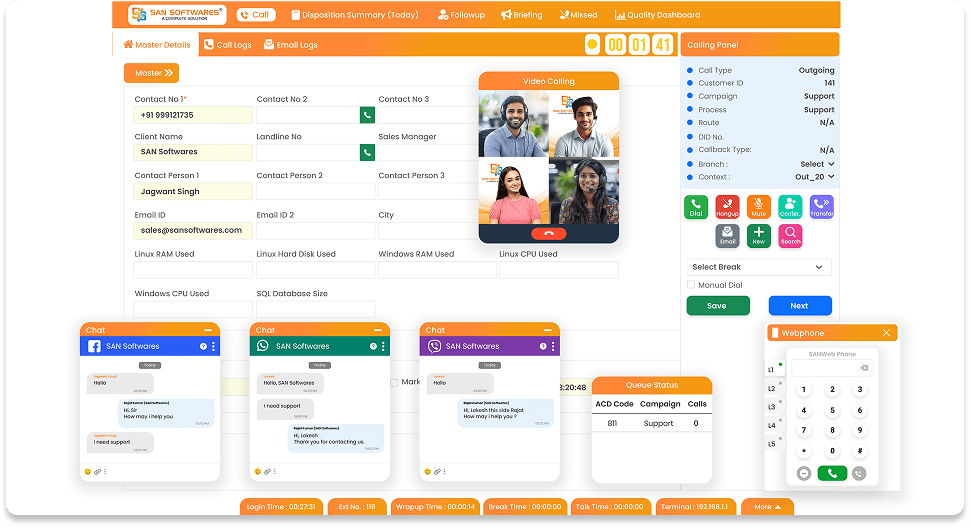 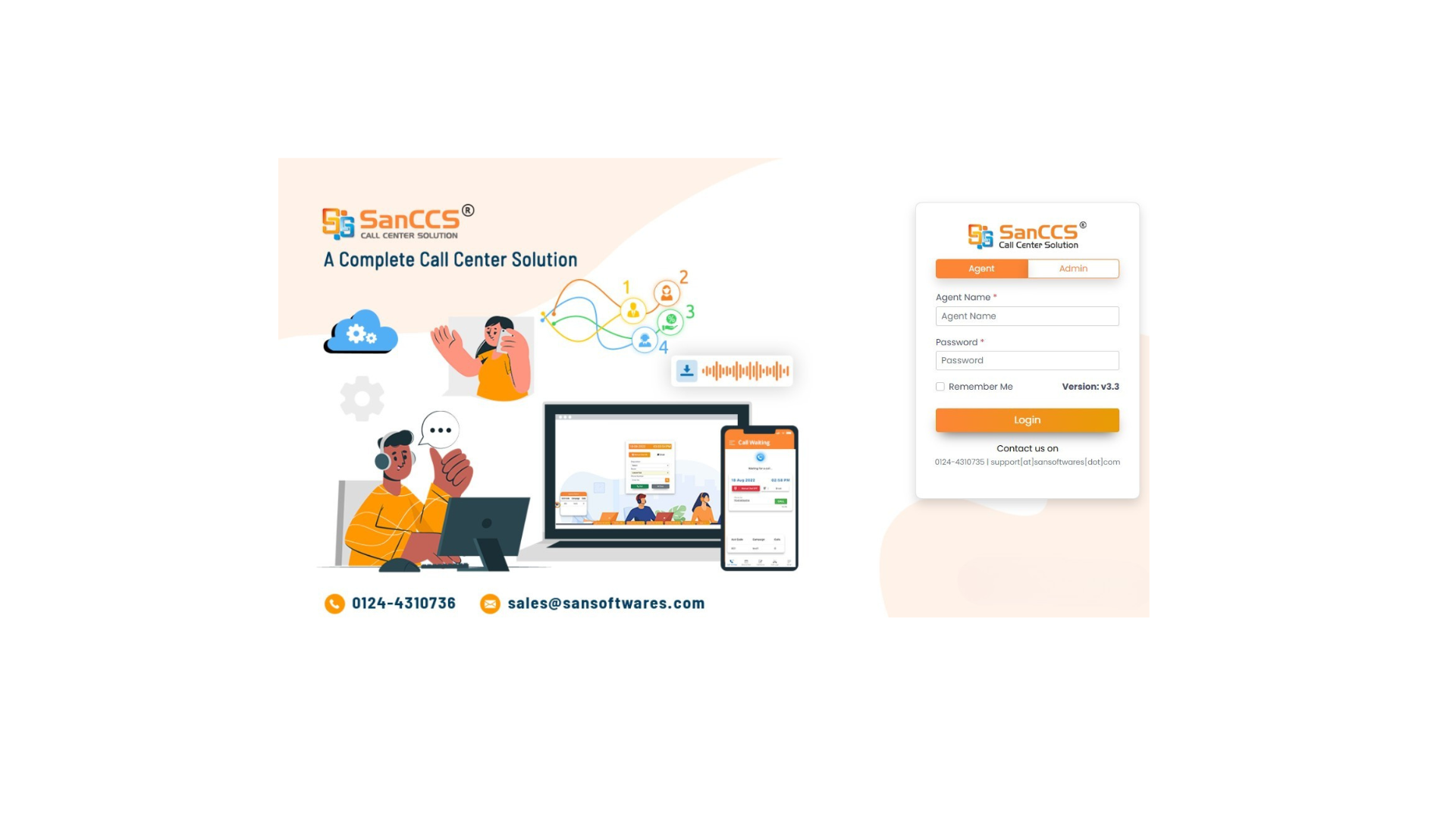  | Workflowy Screenshots    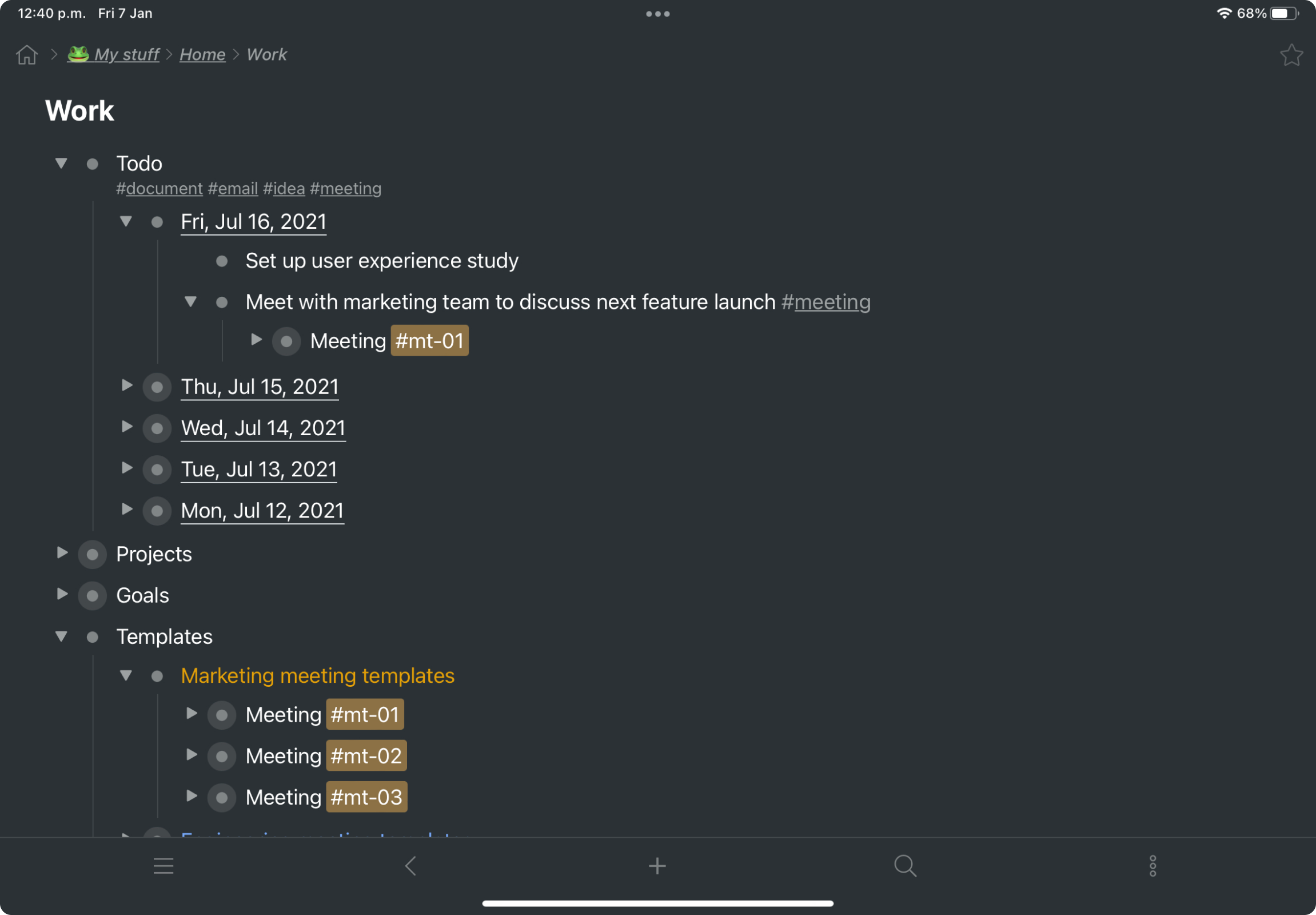 |