Shiftee vs. Workday Workforce Management

Overview
ProductRatingMost Used ByProduct SummaryStarting Price
Shiftee
Score 0.0 out of 10
N/A
Shiftee is offered as a complete workforce management software with tools for employee scheduling, shift planning, time and attendance, and leave management, workflow, e-contract, and payroll. Shiftee can be used to build a healthy workplace culture that breeds transparency and productivity. The software helps to create a more convenient workforce management environment, with the Shiftee web and mobile app. [Shiftee Features] • Schedule • Attendance •…N/A
Workday Workforce Management
Score 8.3 out of 10
N/A
Workday Workforce Management is a workforce operations software that integrates HR, time, and scheduling data, to eliminate disjointed processes that halt day-to-day operations. Consistent with a worker-first approach, Workday provides mobile-first access to personalized pay, time, and schedules, giving workers frictionless on-the-go access. This helps overcome difficulties in retaining workers and keeps them engaged in a competitive labor…N/A
Pricing
ShifteeWorkday Workforce Management
Editions & Modules
No answers on this topic
Offerings
Pricing Offerings
ShifteeWorkday Workforce Management
Free Trial
YesNo
Free/Freemium Version
NoNo
Premium Consulting/Integration Services
YesNo
Entry-level Setup FeeOptionalNo setup fee
Additional Details
More Pricing Information
Features
ShifteeWorkday Workforce Management
Payroll Management
Comparison of Payroll Management features of Product A and Product B
Shiftee
-
Ratings
Workday Workforce Management
9.1
14 Ratings
9% above category average
Pay calculation00 Ratings9.811 Ratings
Support for external payroll vendors00 Ratings7.66 Ratings
Off-cycle/On-Demand payment00 Ratings9.08 Ratings
Benefit plan administration00 Ratings9.710 Ratings
Direct deposit files00 Ratings9.113 Ratings
Salary revision and increment management00 Ratings8.913 Ratings
Reimbursement management00 Ratings9.26 Ratings
Best Alternatives
ShifteeWorkday Workforce Management
Small Businesses
When I Work
When I Work
Score 6.0 out of 10
Dayforce Powerpay
Dayforce Powerpay
Score 9.2 out of 10
Medium-sized Companies
Paypro Workforce Management
Score 9.1 out of 10
Paypro Workforce Management
Score 9.1 out of 10
Enterprises
Beeline Extended Workforce Platform
Score 7.4 out of 10
Infor Human Resources
Score 7.1 out of 10
All AlternativesView all alternativesView all alternatives
User Ratings
ShifteeWorkday Workforce Management
Likelihood to Recommend
-
(0 ratings)
8.5
(14 ratings)
Usability
-
(0 ratings)
7.8
(12 ratings)
User Testimonials
ShifteeWorkday Workforce Management
Likelihood to Recommend
Shiftee Inc.
No answers on this topic
Workday
Workday has solved many organizational needs we have from tracking time and attendance, performance and goals, compliance trainings, benefits and so much more. It is easy to adjust schedules, assign attendance points, run reports and more to keep up with employee performance. Being able to source new employees (in and out of the network) all within the same platform that we track time and benefits helps solve many needs in just one easy to use platform.
Read full review
Pros
Shiftee Inc.
No answers on this topic
Workday
  • Collaborate with HR on completed tasks
  • Review and Submit Timesheets for staff
  • Submit personal time off for supervisors to review and approve or decline.
Read full review
Cons
Shiftee Inc.
No answers on this topic
Workday
  • The tasks function is somewhat clunky, and its hard to see who the task is sent to next in order to follow up with them.
  • In-process referrals don't always show up in the "My Referrals" tab
  • Filters on tasks don't always work.
Read full review
Usability
Shiftee Inc.
No answers on this topic
Workday
The UI is intimidating for a lot of people. You have to get used to where to click and search for specific information. What we have found that works is to have new hires sit with seasoned employees for tips and tricks on how to maneuver around in the system efficiently. It is important that new hires know from the start specific resources that they will need to access in using WFM daily and hone in on those skills and locations of data needed. Starting off, our experience shows that it's better to focus on the minimum tools and learn those well and build knowledge from there to make it less intimidating
Read full review
Alternatives Considered
Shiftee Inc.
No answers on this topic
Workday
The only other tool I have used was paylocity. Paylocity is a great tool as well and is more user friendly, however it is not for as big of organizations as Workday is. I would say if you are under 1k employees go with Paylocity as it will be less expensive and has everything you need with a user friendly experience. Workday is great for larger orgs but doesn’t have as much of a user friendly experience
Read full review
Return on Investment
Shiftee Inc.
No answers on this topic
Workday
  • Workday Workforce Management has lowered the amount of time team members have to go to HR for questions.
  • The approval process for reimbursement is lightning fast.
  • I am no longer requested to research my team's different benefit options, which saves me a LOT of time during enrollment periods.
Read full review
ScreenShots

Shiftee Screenshots

Screenshot of Customized leave types with the Leave Approval Process

Shiftee Supports All Leave Types
Leave types can be customized to suit the company. Annual leave deductions, leave / vacation manage are carried out automatically. Employees can submit all leave details to managers at fingertips.
Managers can view and approve employees' leave requests on both mobile and web.Screenshot of Schedule Shiftee Mobile + Web App For Staff

Scheduling is available on all platforms.
Shiftee is available in iOS, Android and Web.Screenshot of Schedule & Timeclock Shiftee Mobile App + Web App 

With real-time synchronization of work and leave schedules, both managers and employees have access to the latest schedules at all times.
Employees can also view and share schedules of other employees and collaborate within the workplace more easily.

Workday Workforce Management Screenshots
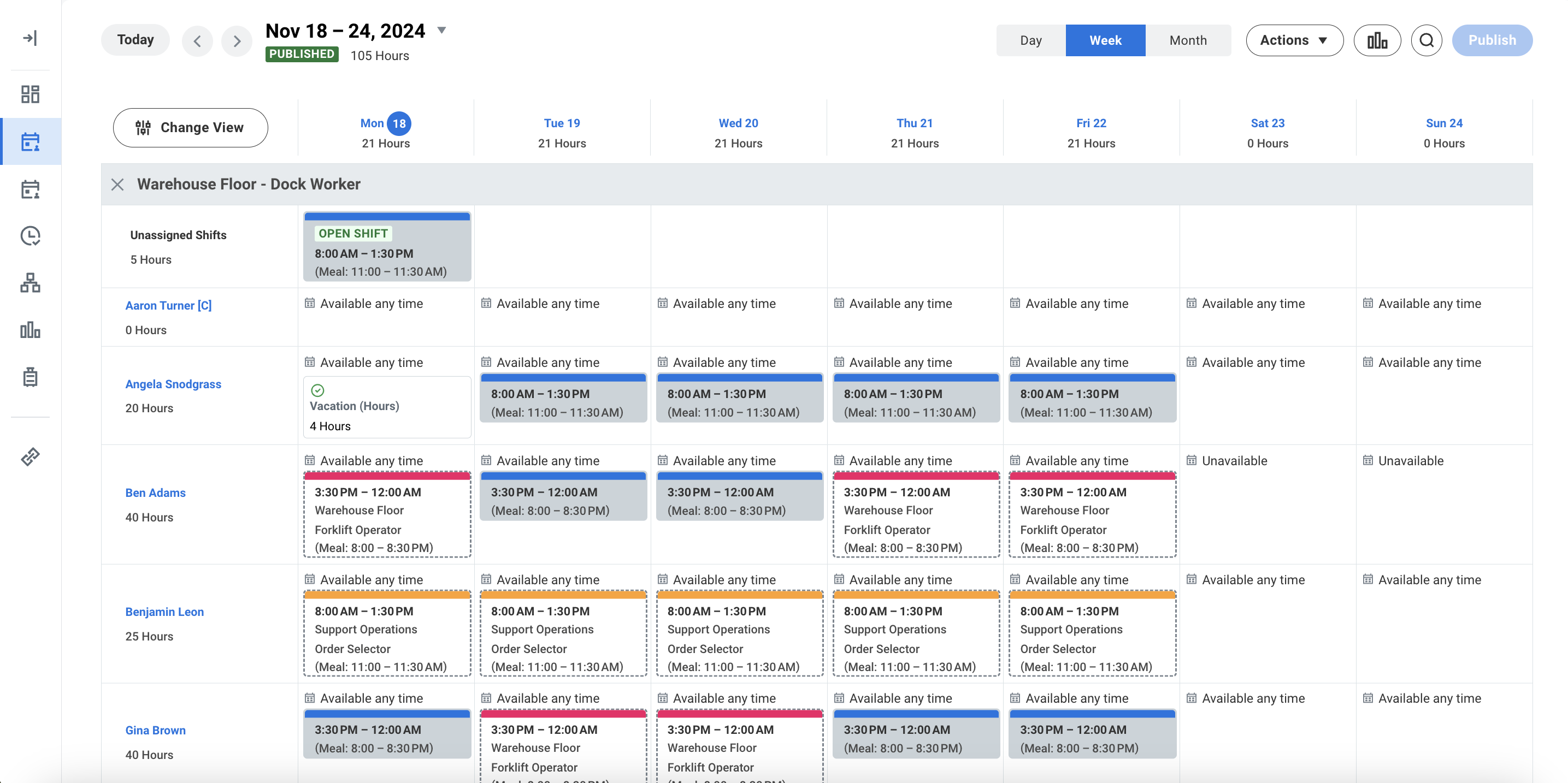
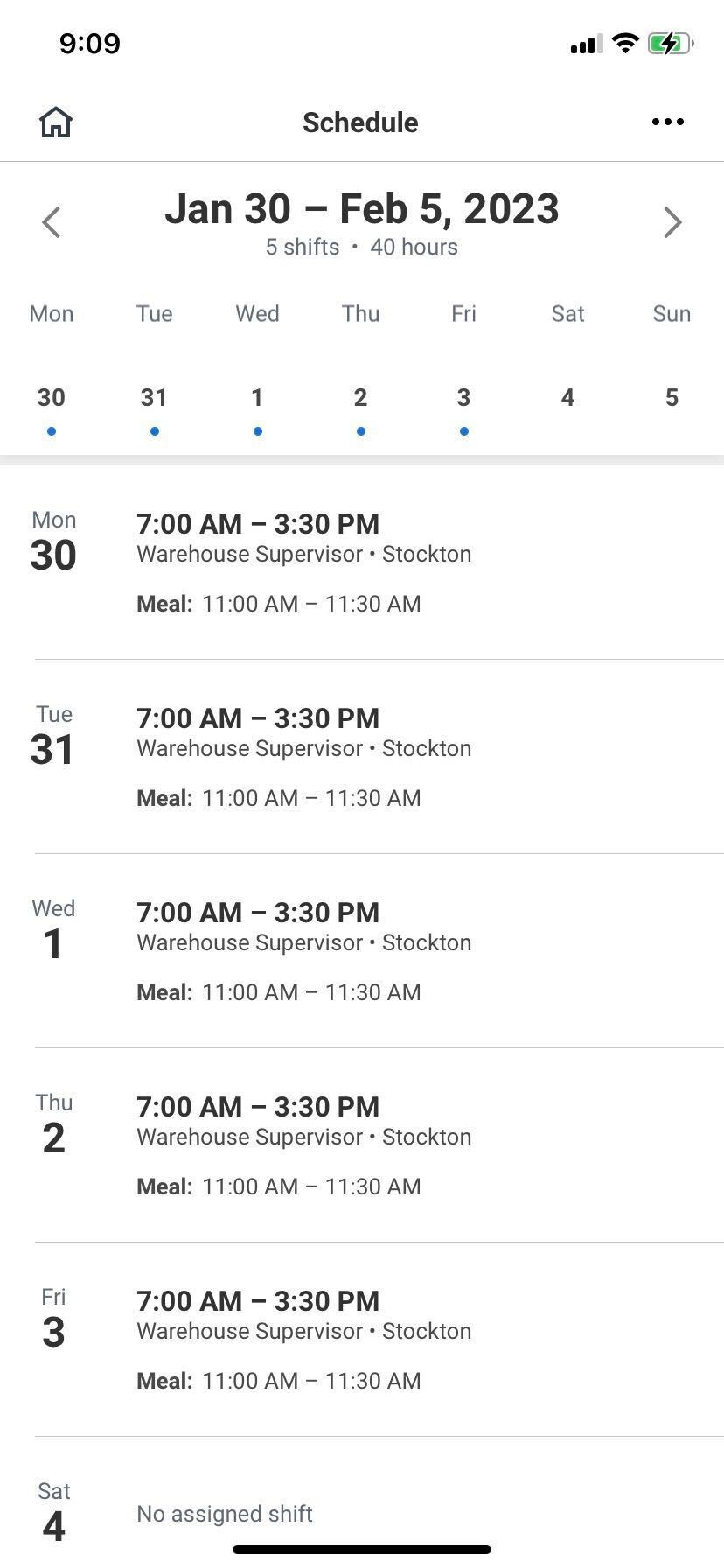
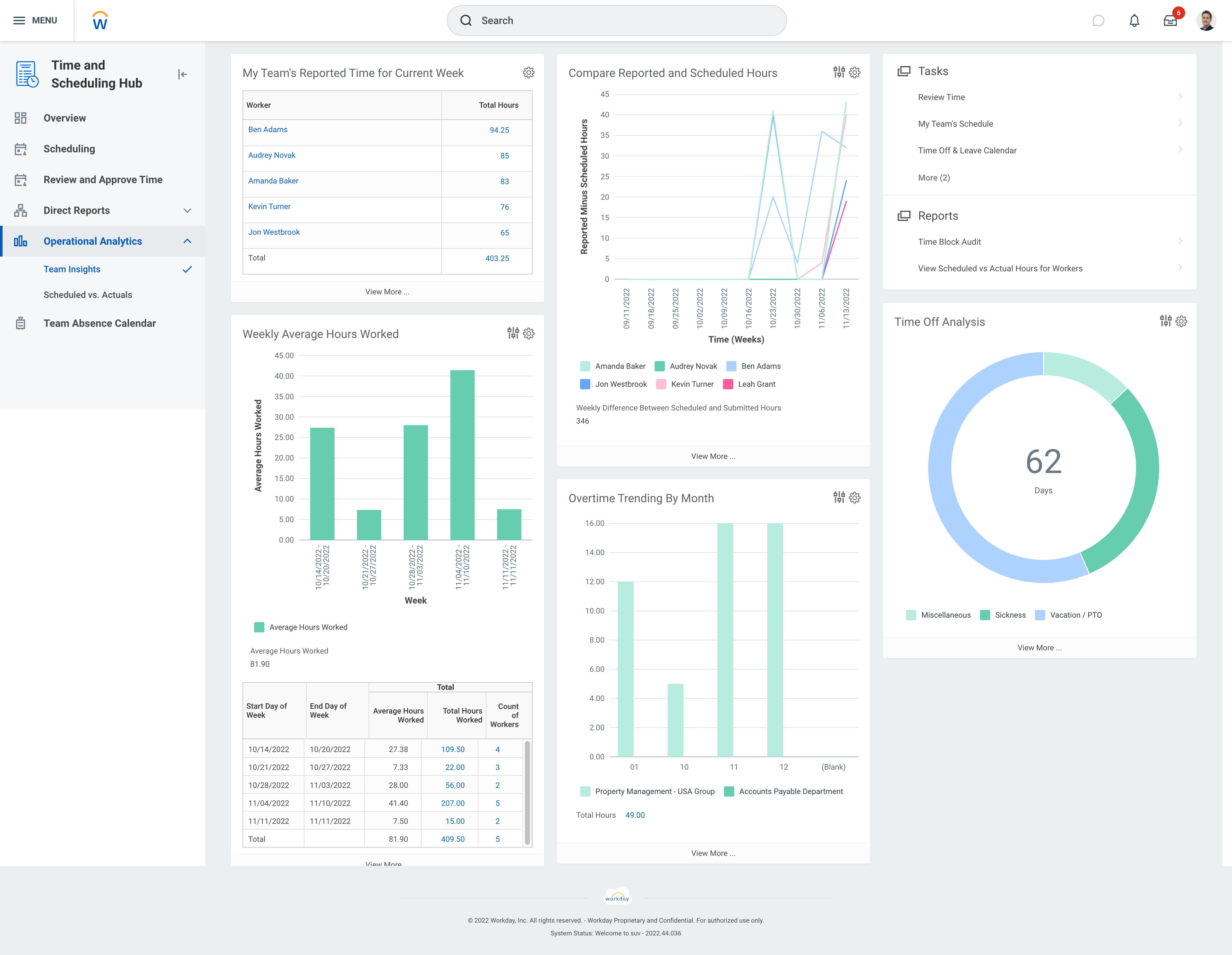
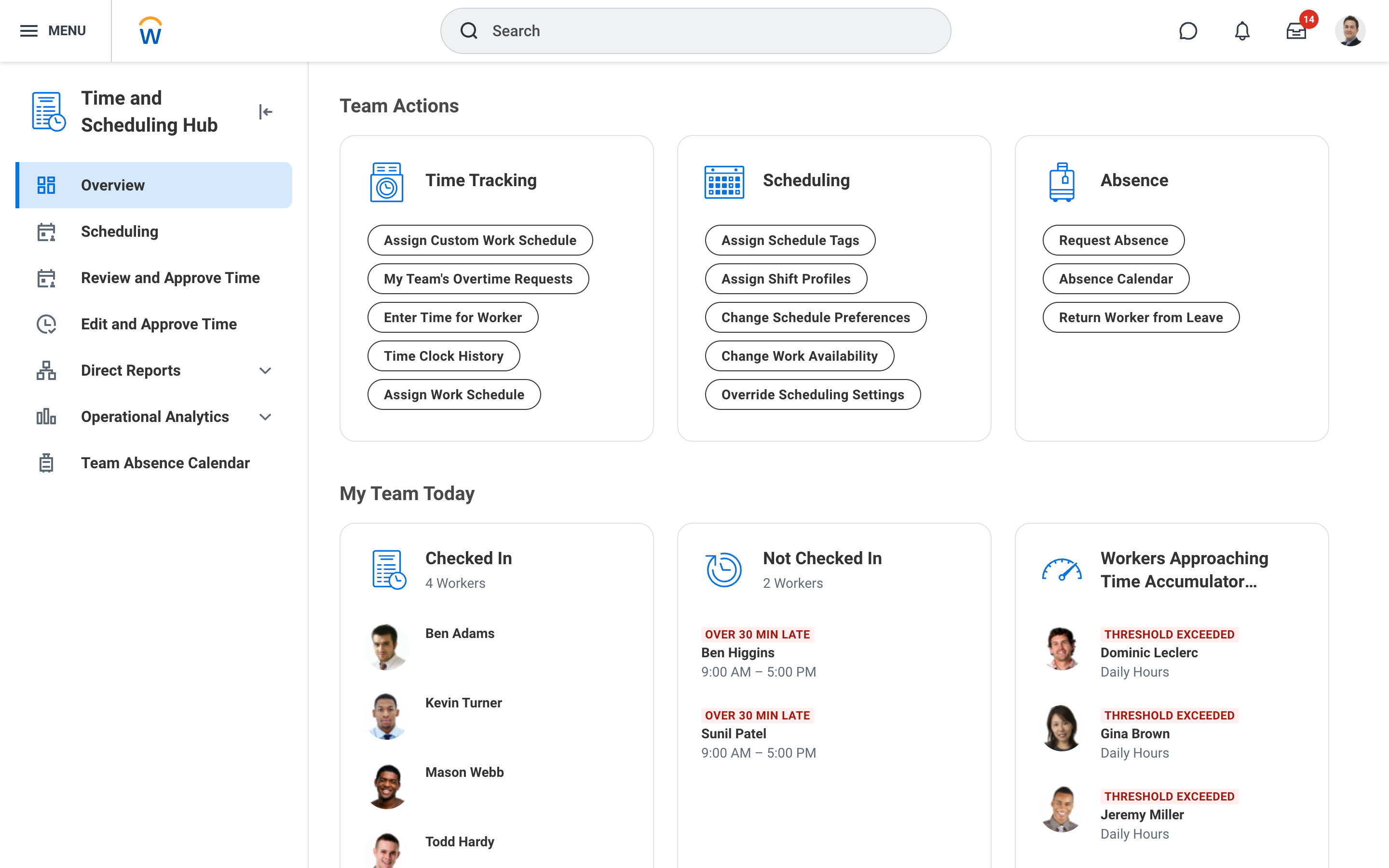
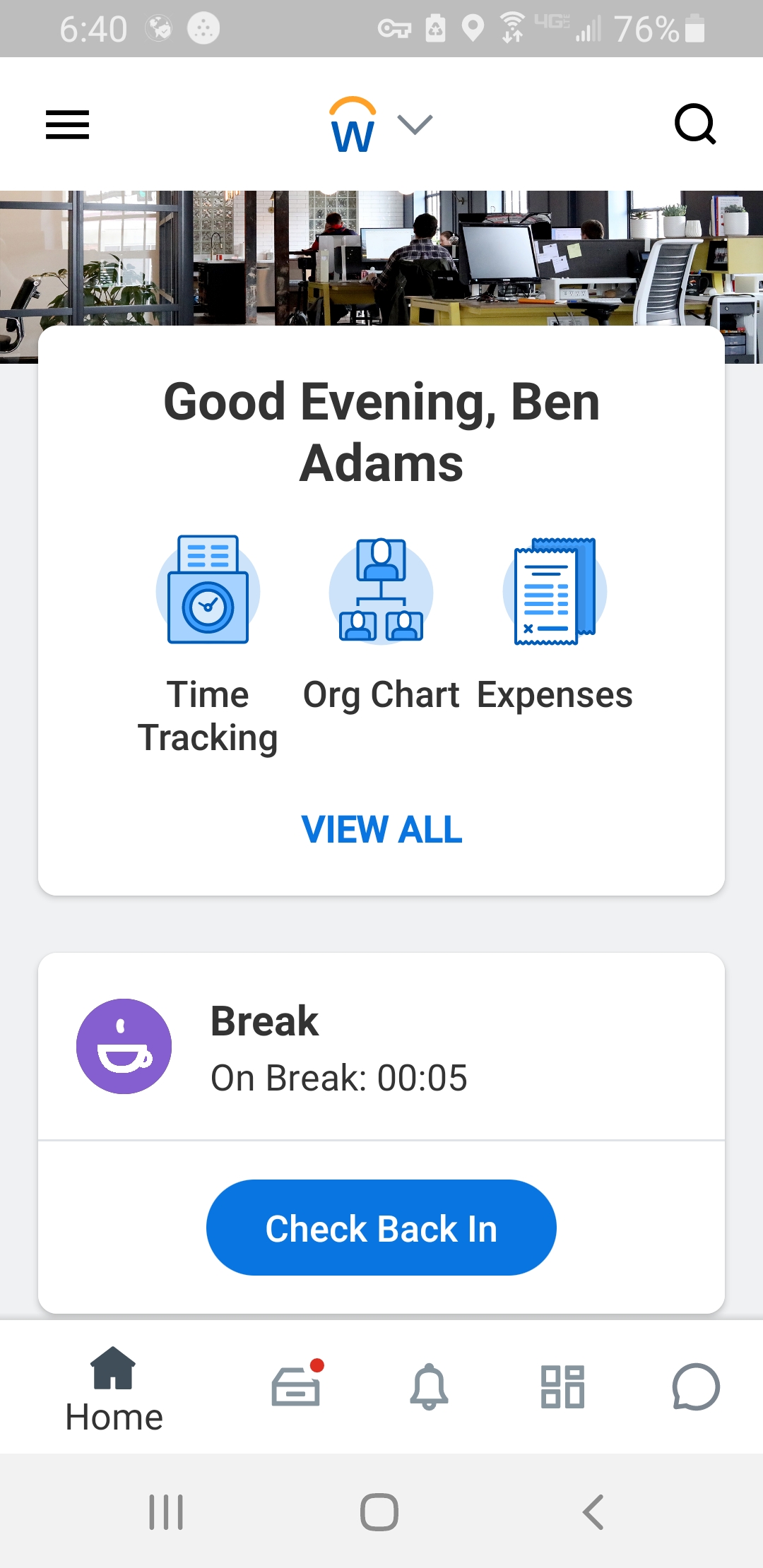
Screenshot of Workday Workforce Management ScheduleScreenshot of Workday Workforce Management Schedule (Mobile)Screenshot of Workday Workforce Management Team InsightsScreenshot of Workday Workforce Management Time and Scheduling HubScreenshot of Workday Workforce Management Time (Mobile)