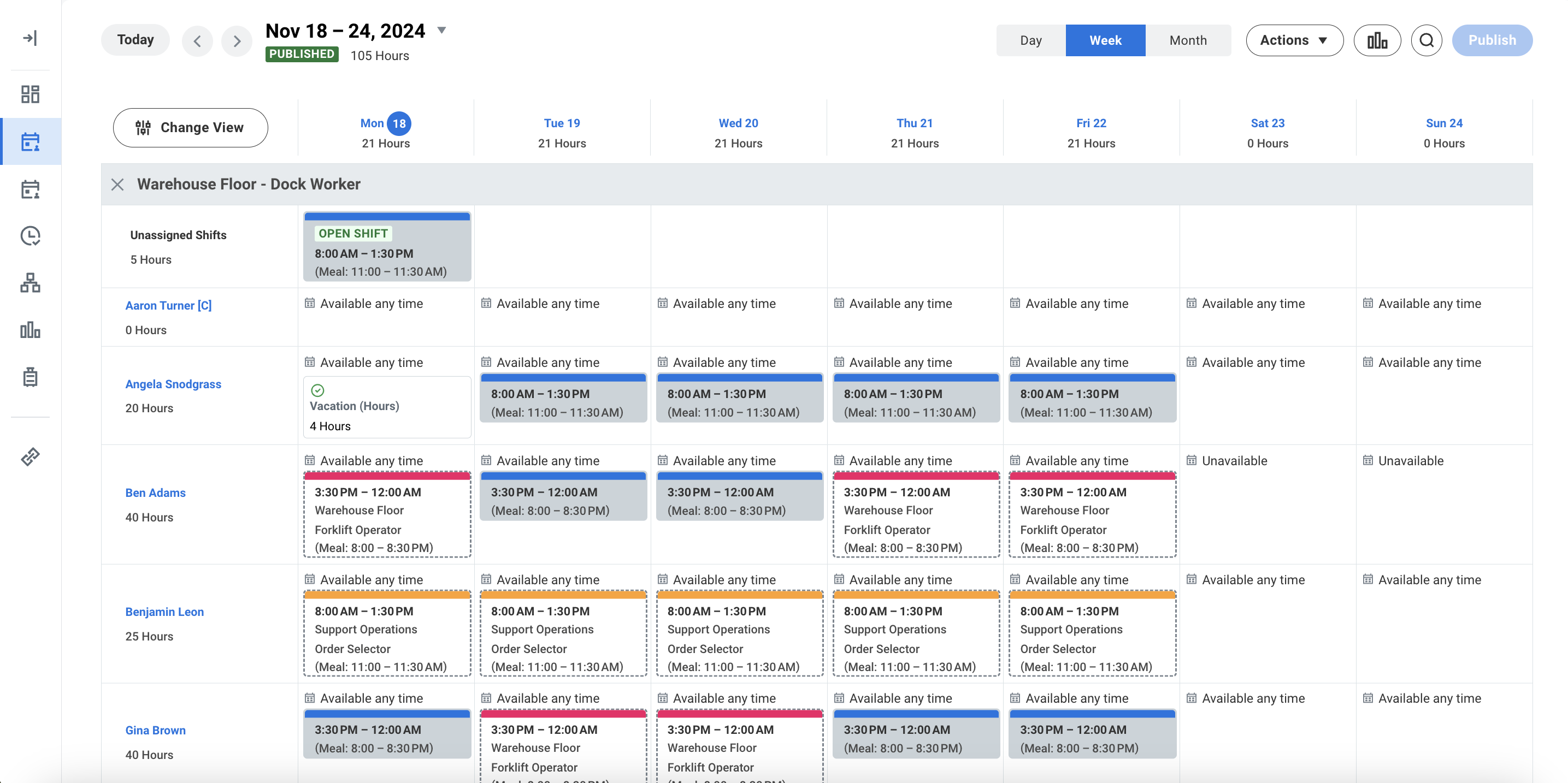
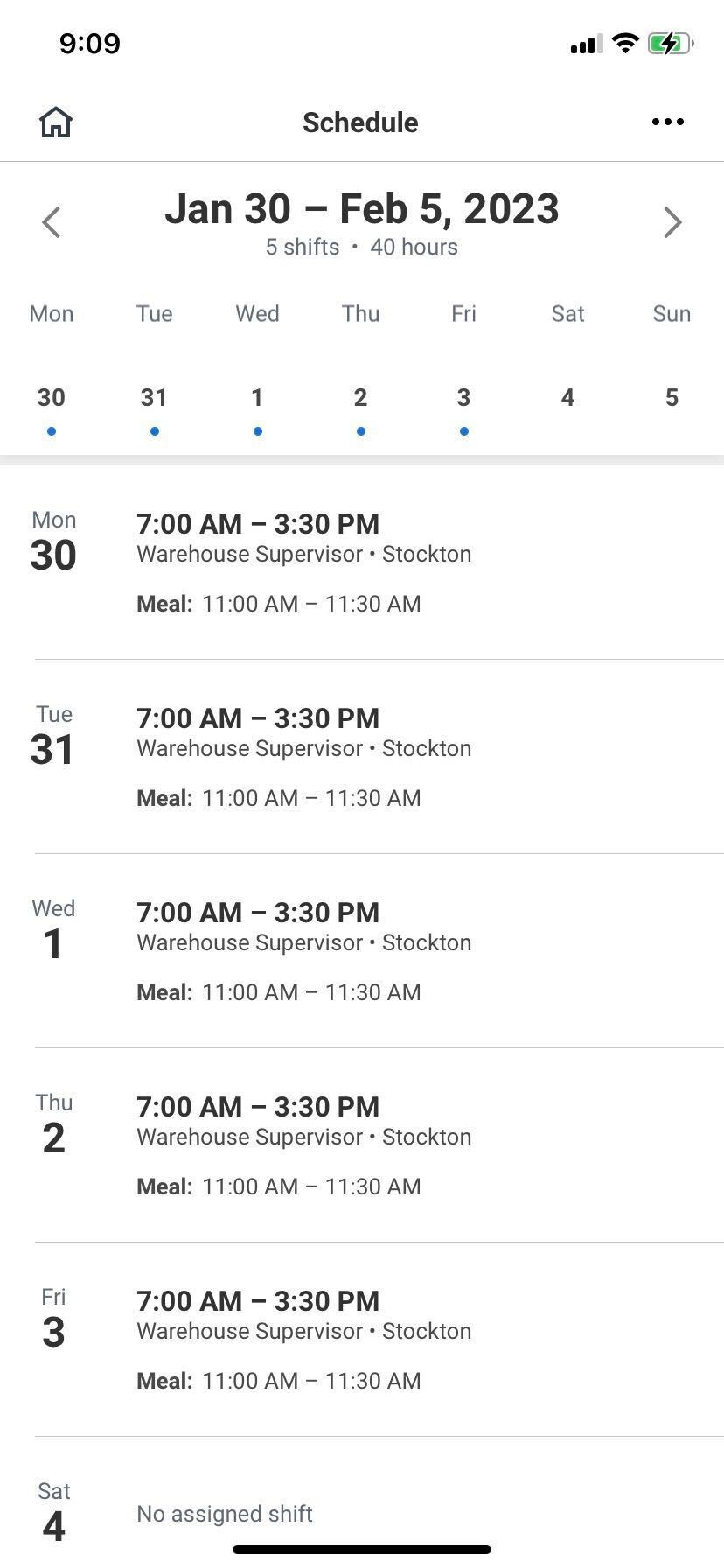
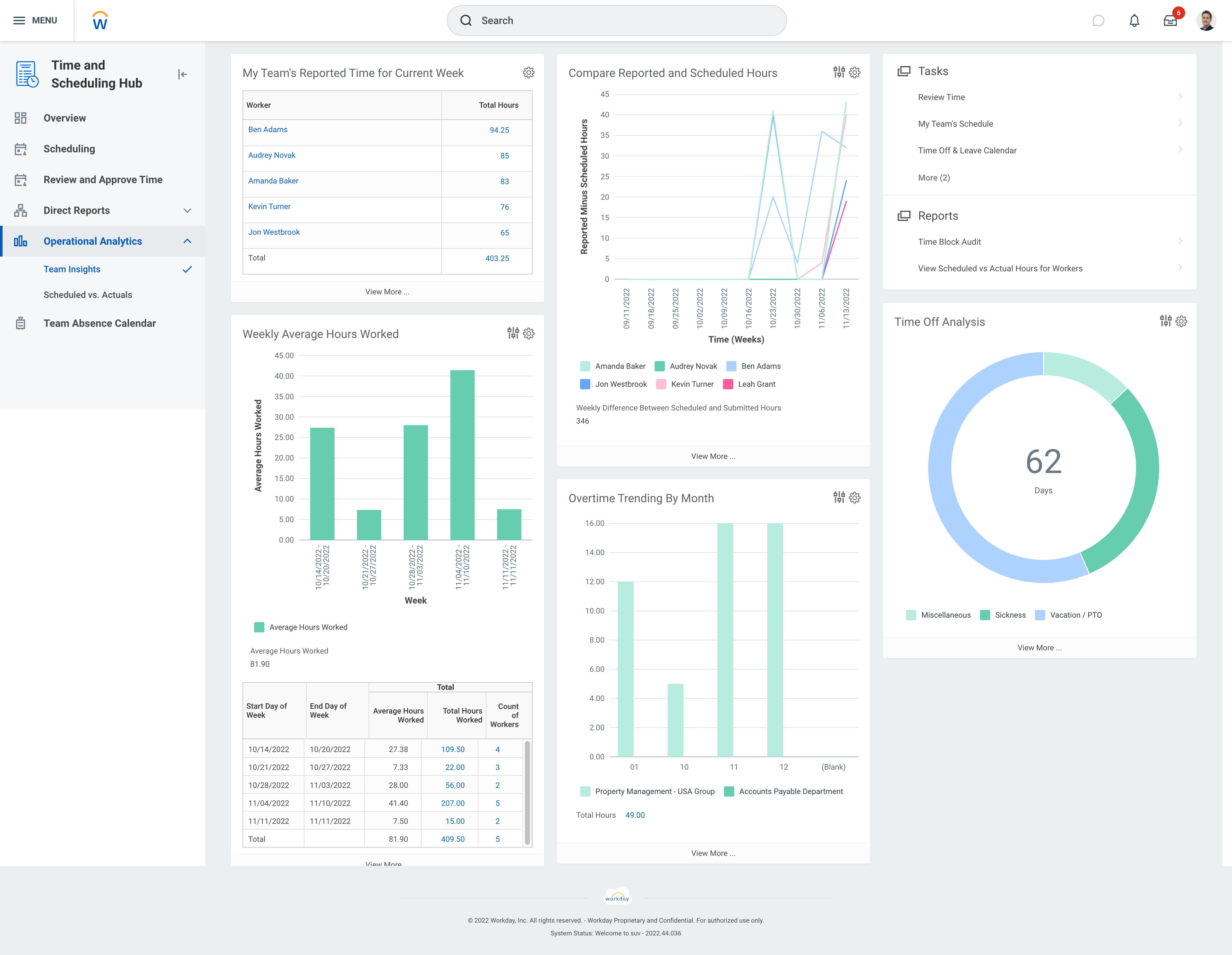
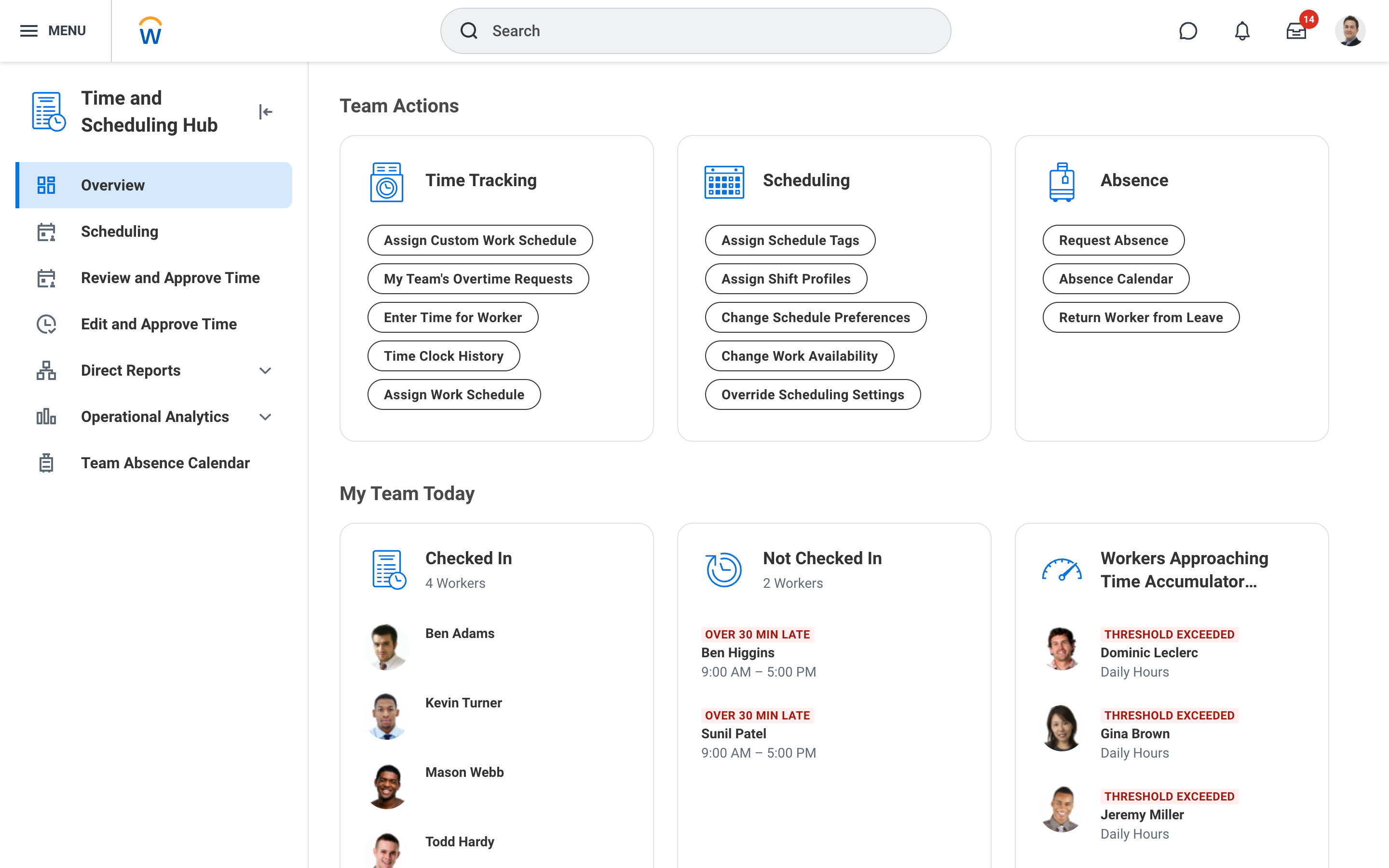
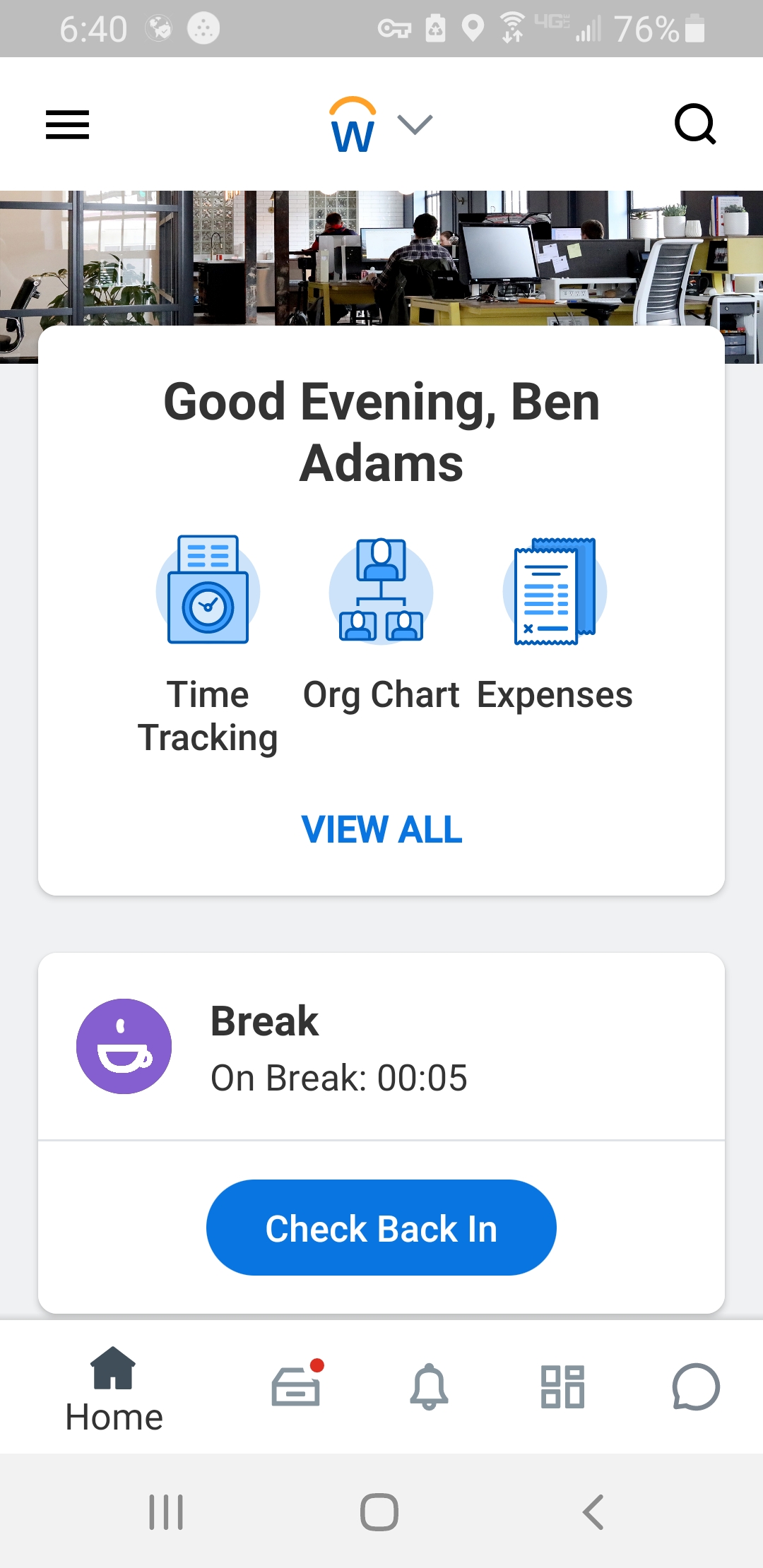
Workday Workforce Management is a workforce operations software that integrates HR, time, and scheduling data, to eliminate disjointed processes that halt day-to-day operations. Consistent with a worker-first approach, Workday provides mobile-first access to personalized pay, time, and schedules, giving workers frictionless on-the-go access. This helps overcome difficulties in retaining workers and keeps them engaged in a competitive labor…
N/A
Pricing
Workday Workforce Management
Editions & Modules
No answers on this topic
Offerings
Pricing Offerings
Workday Workforce Management
Free Trial
No
Free/Freemium Version
No
Premium Consulting/Integration Services
No
Entry-level Setup Fee
No setup fee
Additional Details
—
More Pricing Information
Community Pulse
Workday Workforce Management
Considered Both Products
Workday
Verified User
Chose Workday Workforce Management
Workday is much more user friendly with easy to correct timecards and reports that you can use to track many things.
A de minimis incentive was given to thank the reviewer for their time. The incentive was not used to bias or drive a particular response, nor was the incentive contingent on a positive endorsement. More Info
Senior Financial Analyst in Finance and Accounting at ProTowels (Textiles, 51-200 employees)
Chose Workday Workforce Management
Limitations of UKG reporting tools are what made us switch. After a new rollout, we had to use the customer service desk a lot, and it was not a good experience. They also changed the system capabilities, like advanced reporting. When that was removed, we had to export the data …
A de minimis incentive was given to thank the reviewer for their time. The incentive was not used to bias or drive a particular response, nor was the incentive contingent on a positive endorsement. More Info
Verified User
Chose Workday Workforce Management
I have used Oracle HCM in the past and loved its analytical capabilities better. Easier to train on as well.
A de minimis incentive was given to thank the reviewer for their time. The incentive was not used to bias or drive a particular response, nor was the incentive contingent on a positive endorsement. More Info
Verified User
Chose Workday Workforce Management
Workday is way more feature rich and has more connections to other products and make it a more complete HR and payroll product.
A de minimis incentive was given to thank the reviewer for their time. The incentive was not used to bias or drive a particular response, nor was the incentive contingent on a positive endorsement. More Info
Verified User
Chose Workday Workforce Management
The only other tool I have used was paylocity. Paylocity is a great tool as well and is more user friendly, however it is not for as big of organizations as Workday is. I would say if you are under 1k employees go with Paylocity as it will be less expensive and has everything …
A de minimis incentive was given to thank the reviewer for their time. The incentive was not used to bias or drive a particular response, nor was the incentive contingent on a positive endorsement. More Info
Verified User
Chose Workday Workforce Management
ADP seemed more focused on the sales process as opposed to the product and features themselves. Ramp wa a very comparable option, it was less user friendly but offered some easier use for expenses and was a better option for the price. Workday Workforce Management however was …
A de minimis incentive was given to thank the reviewer for their time. The incentive was not used to bias or drive a particular response, nor was the incentive contingent on a positive endorsement. More Info
A de minimis incentive was given to thank the reviewer for their time. The incentive was not used to bias or drive a particular response, nor was the incentive contingent on a positive endorsement. More Info
Verified User
Chose Workday Workforce Management
Workday Payroll and Workforce Management in my opinion does as great job of letting staff know beforehand what they are going to get paid on a weekly or bi-weekly basis. I found that Gusto does not provide that insight. It would be nice though to have a feature in those …
A de minimis incentive was given to thank the reviewer for their time. The incentive was not used to bias or drive a particular response, nor was the incentive contingent on a positive endorsement. More Info
A de minimis incentive was given to thank the reviewer for their time. The incentive was not used to bias or drive a particular response, nor was the incentive contingent on a positive endorsement. More Info
Workday has solved many organizational needs we have from tracking time and attendance, performance and goals, compliance trainings, benefits and so much more. It is easy to adjust schedules, assign attendance points, run reports and more to keep up with employee performance. Being able to source new employees (in and out of the network) all within the same platform that we track time and benefits helps solve many needs in just one easy to use platform.
A de minimis incentive was given to thank the reviewer for their time. The incentive was not used to bias or drive a particular response, nor was the incentive contingent on a positive endorsement. More Info
A de minimis incentive was given to thank the reviewer for their time. The incentive was not used to bias or drive a particular response, nor was the incentive contingent on a positive endorsement. More Info
A de minimis incentive was given to thank the reviewer for their time. The incentive was not used to bias or drive a particular response, nor was the incentive contingent on a positive endorsement. More Info
The UI is intimidating for a lot of people. You have to get used to where to click and search for specific information. What we have found that works is to have new hires sit with seasoned employees for tips and tricks on how to maneuver around in the system efficiently. It is important that new hires know from the start specific resources that they will need to access in using WFM daily and hone in on those skills and locations of data needed. Starting off, our experience shows that it's better to focus on the minimum tools and learn those well and build knowledge from there to make it less intimidating
A de minimis incentive was given to thank the reviewer for their time. The incentive was not used to bias or drive a particular response, nor was the incentive contingent on a positive endorsement. More Info
The only other tool I have used was paylocity. Paylocity is a great tool as well and is more user friendly, however it is not for as big of organizations as Workday is. I would say if you are under 1k employees go with Paylocity as it will be less expensive and has everything you need with a user friendly experience. Workday is great for larger orgs but doesn’t have as much of a user friendly experience
A de minimis incentive was given to thank the reviewer for their time. The incentive was not used to bias or drive a particular response, nor was the incentive contingent on a positive endorsement. More Info
A de minimis incentive was given to thank the reviewer for their time. The incentive was not used to bias or drive a particular response, nor was the incentive contingent on a positive endorsement. More Info