
Stack Overflow for Teams vs. Tango.ai
Stack Overflow for Teams vs. Tango.ai
| Product | Rating | Most Used By | Product Summary | Starting Price |
|---|---|---|---|---|
 Stack Overflow for Teams | N/A | Stack Overflow for Teams is a team knowledge management and Q & A platform for development billed per teammate, featuring roles and permissions, and integrations with popularly used collaboration tools. | $7 per month per teammate (up to 250 teammates) | |
 Tango.ai | N/A | Tango.us enables users to make how-to guides and documentation by automatically generating how-to guides while the user works. The user can walk through any process as normal, and Tango automatically turns those steps into a how-to guide that can be shared with others to show how it’s done. | $22 per month per user |
| Stack Overflow for Teams | Tango.ai | |||||||||||||||
|---|---|---|---|---|---|---|---|---|---|---|---|---|---|---|---|---|
| Editions & Modules |
| No answers on this topic | ||||||||||||||
| Offerings |
| |||||||||||||||
| Entry-level Setup Fee | No setup fee | No setup fee | ||||||||||||||
| Additional Details | Discount available for annual pricing. | — | ||||||||||||||
| More Pricing Information | ||||||||||||||||
| Stack Overflow for Teams | Tango.ai |
|---|
| Stack Overflow for Teams | Tango.ai | |
|---|---|---|
| Small Businesses |  Front Score 9.1 out of 10 |  ChurnZero Score 8.4 out of 10 |
| Medium-sized Companies |  RWS Tridion Sites Score 9.0 out of 10 | ChurnZero Score 8.4 out of 10 |
| Enterprises | RWS Tridion Sites Score 9.0 out of 10 |  Nexthink Score 7.4 out of 10 |
| All Alternatives | View all alternatives | View all alternatives |
| Stack Overflow for Teams | Tango.ai | |
|---|---|---|
| Likelihood to Recommend | 9.0 (10 ratings) | 10.0 (1 ratings) |
| Stack Overflow for Teams | Tango.ai | |
|---|---|---|
| Likelihood to Recommend |  Stack Overflow
| Tango Technology
 Brad Hackett Director of Customer Experience |
| Pros | Stack Overflow
| Tango Technology No answers on this topic |
| Cons | Stack Overflow
 Brandon Camerer Senior User Experience Designer | Tango Technology No answers on this topic |
| Alternatives Considered | Stack Overflow
| Tango Technology No answers on this topic |
| Return on Investment | Stack Overflow
| Tango Technology No answers on this topic |
| ScreenShots | Tango.ai Screenshots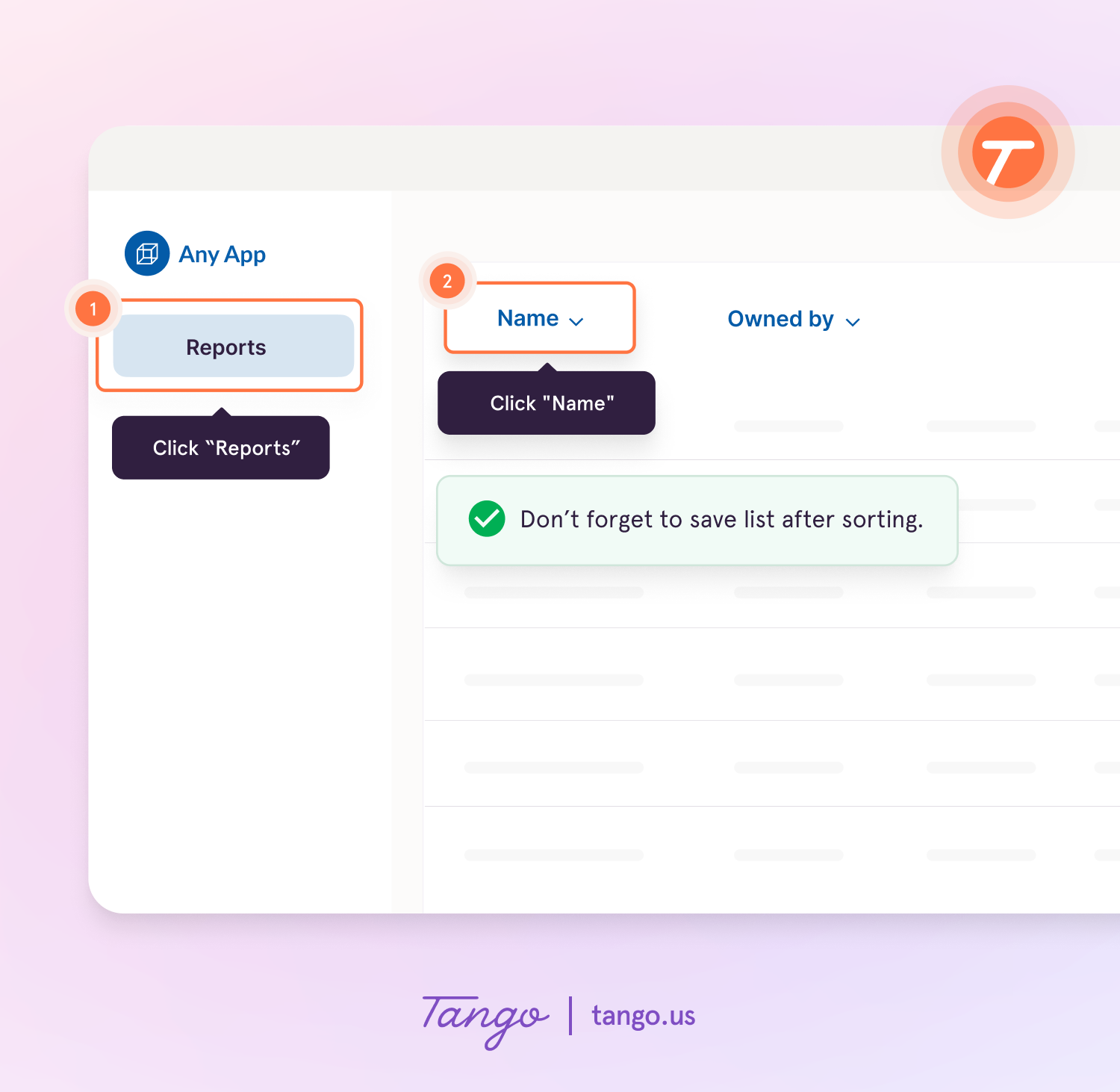  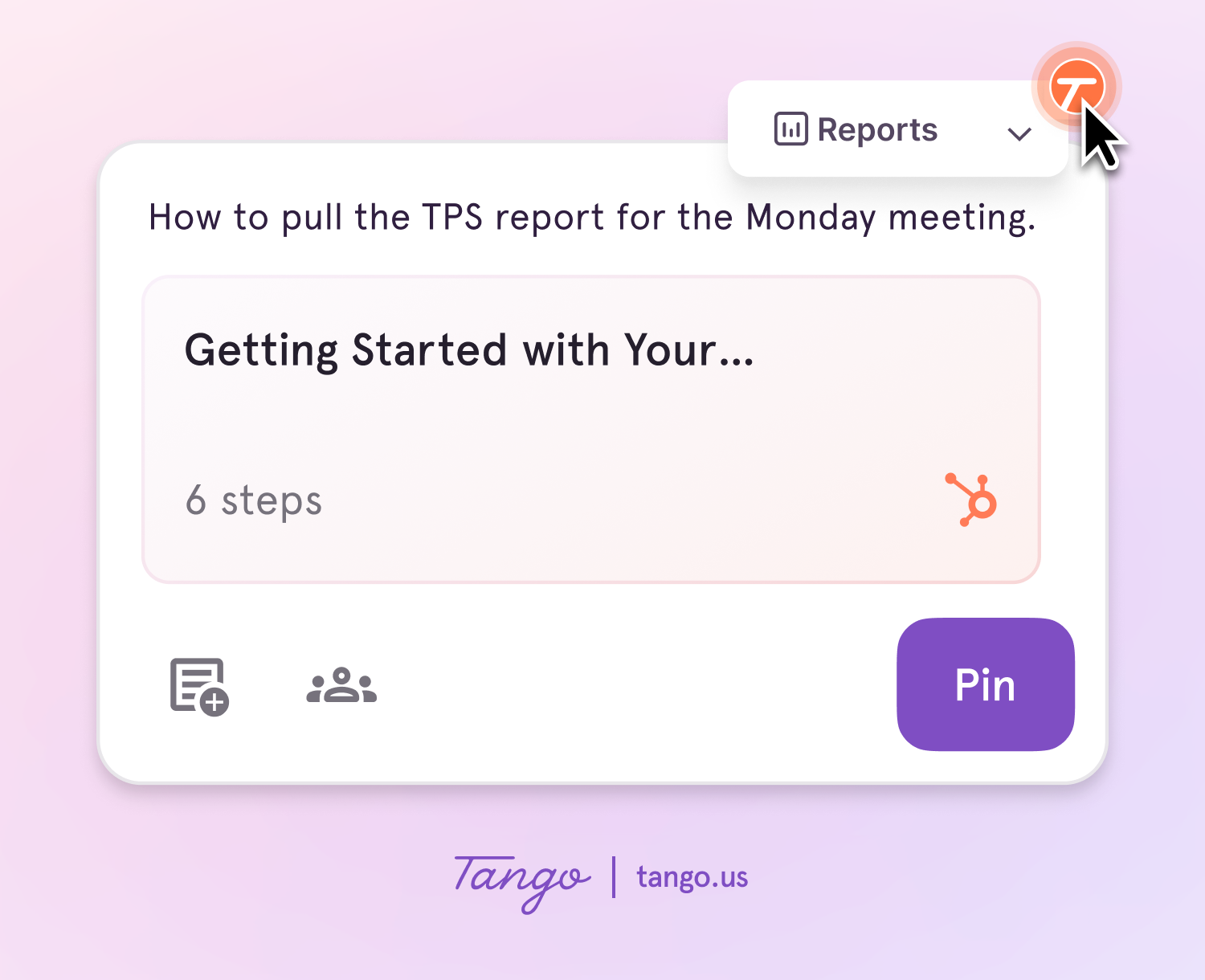 |