
Tango.ai vs. Userflow
Tango.ai vs. Userflow
| Product | Rating | Most Used By | Product Summary | Starting Price |
|---|---|---|---|---|
 Tango.ai | N/A | Tango.us enables users to make how-to guides and documentation by automatically generating how-to guides while the user works. The user can walk through any process as normal, and Tango automatically turns those steps into a how-to guide that can be shared with others to show how it’s done. | $22 per month per user | |
 Userflow | N/A | Userflow helps build customized in-app tours and checklists without code. | $250 per month |
| Tango.ai | Userflow | |||||||||||||||
|---|---|---|---|---|---|---|---|---|---|---|---|---|---|---|---|---|
| Editions & Modules | No answers on this topic |
| ||||||||||||||
| Offerings |
| |||||||||||||||
| Entry-level Setup Fee | No setup fee | No setup fee | ||||||||||||||
| Additional Details | — | — | ||||||||||||||
| More Pricing Information | ||||||||||||||||
| Tango.ai | Userflow | |
|---|---|---|
| Small Businesses |  ChurnZero Score 7.9 out of 10 | ChurnZero Score 7.9 out of 10 |
| Medium-sized Companies | ChurnZero Score 7.9 out of 10 | ChurnZero Score 7.9 out of 10 |
| Enterprises |  Nexthink Score 7.4 out of 10 | Nexthink Score 7.4 out of 10 |
| All Alternatives | View all alternatives | View all alternatives |
| Tango.ai | Userflow | |
|---|---|---|
| Likelihood to Recommend | 10.0 (1 ratings) | - (0 ratings) |
| Tango.ai | Userflow | |
|---|---|---|
| Likelihood to Recommend | Tango Technology
 Brad Hackett Director of Customer Experience | Userflow No answers on this topic |
| ScreenShots | Tango.ai Screenshots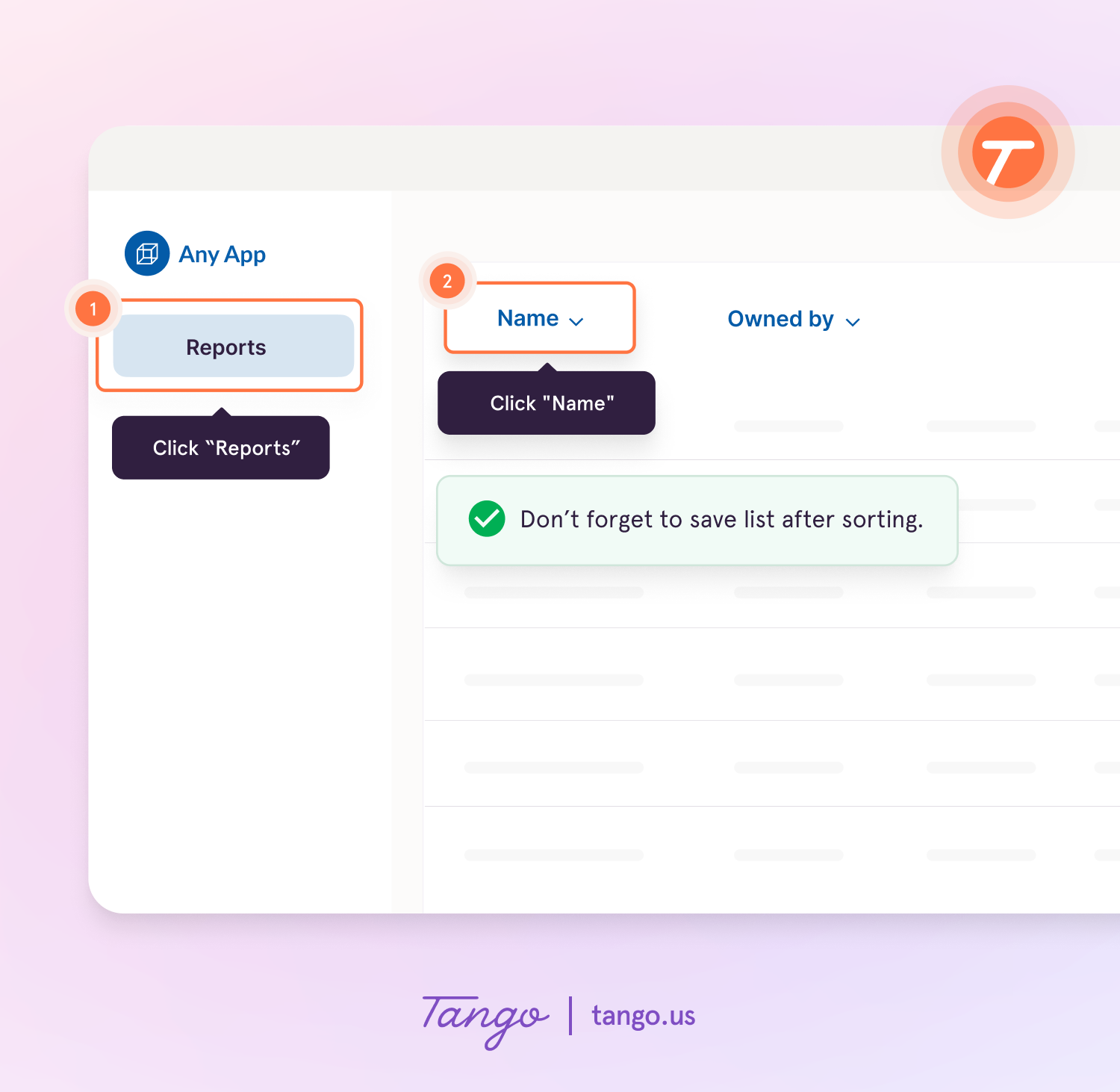 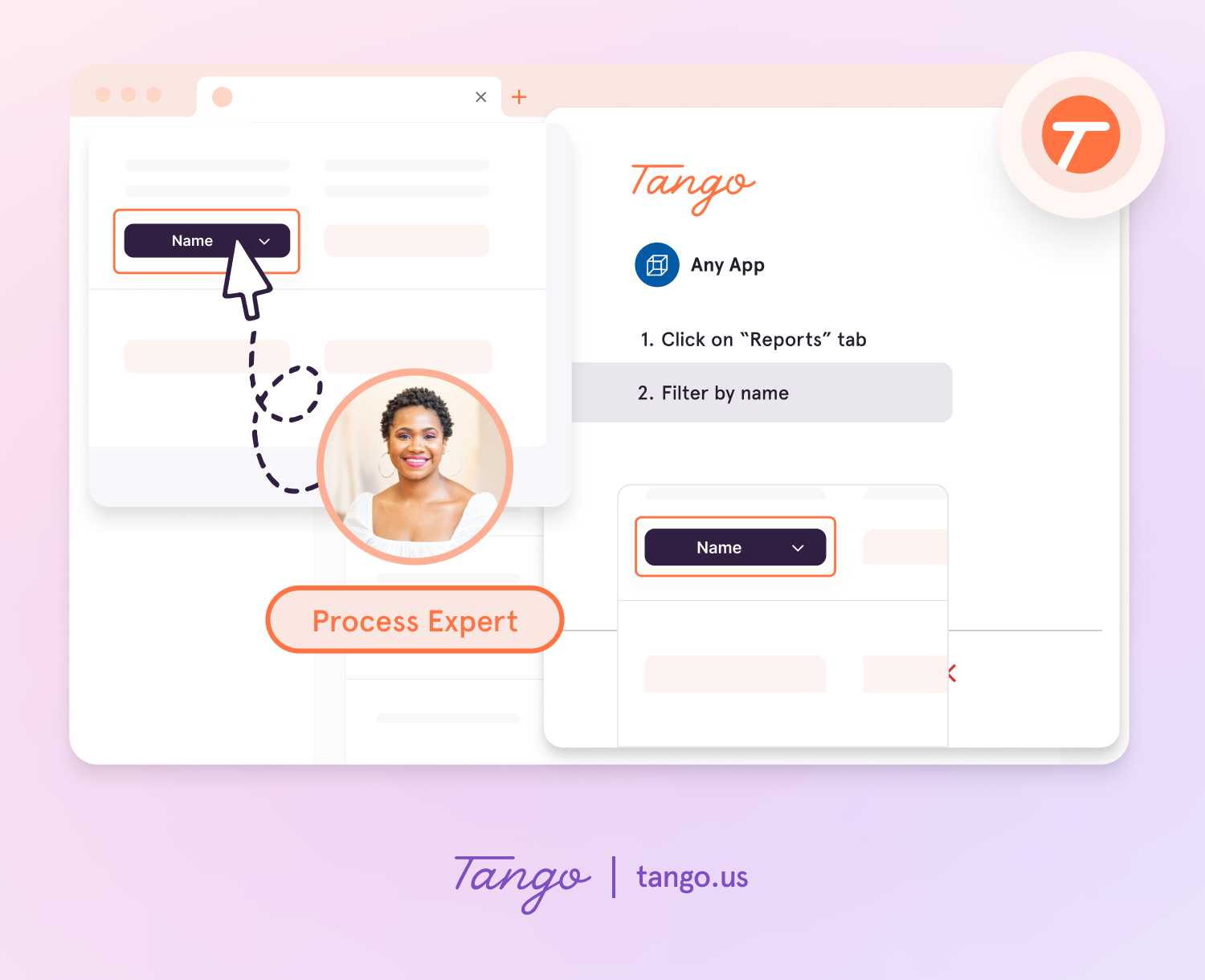 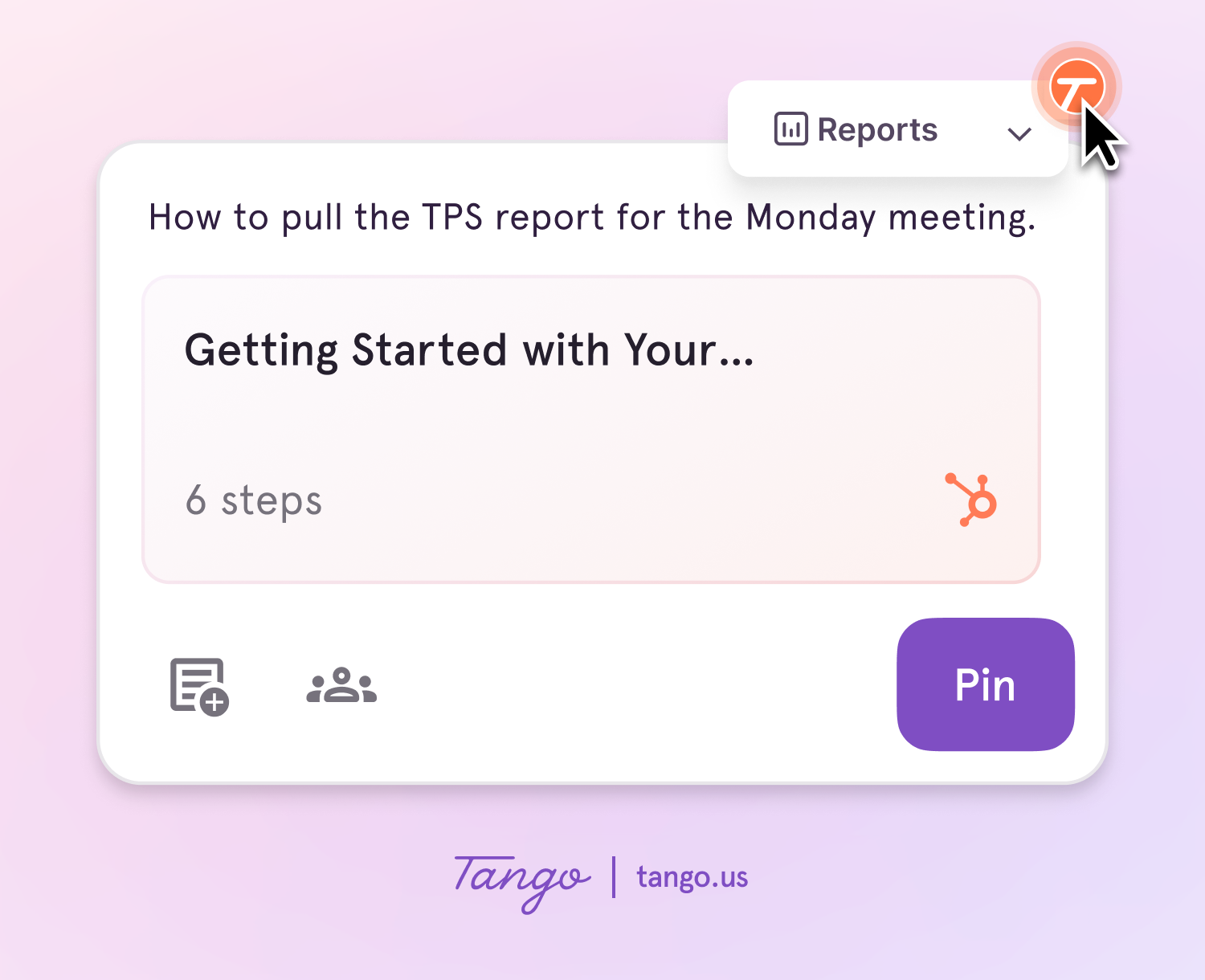 |