
Nextiva Customer Experience vs. Thulium
| Product | Rating | Most Used By | Product Summary | Starting Price |
|---|---|---|---|---|
 Nextiva Customer Experience | Score9.7 out of 10 | N/A | Nextiva centralizes customer information by giving key teams access to customer interactions, history, and call transcriptions with their customer experience plugin. By uploading contacts from systems like Google Contacts or Microsoft Outlook, Nextiva brings talk, text, chat, and video together in a single place and enables users to send automatic surveys after any interaction with customers. Responses are displayed directly in the continuous conversation. The plugin also displays real-time… | N/A |
 Thulium | N/A | N/A | Software for the handling of calls, emails, chats, Messenger and Click2Contact in one tool. Used to take control of customer communication - integrate telephones, e-mails and chats. | N/A |
| Nextiva Customer Experience | Thulium | |||||||||||||||
|---|---|---|---|---|---|---|---|---|---|---|---|---|---|---|---|---|
| Editions & Modules | No answers on this topic | No answers on this topic | ||||||||||||||
| Offerings |
| |||||||||||||||
| Entry-level Setup Fee | No setup fee | Optional | ||||||||||||||
| Additional Details | — | — | ||||||||||||||
| More Pricing Information | ||||||||||||||||
| Nextiva Customer Experience | Thulium | |
|---|---|---|
| Small Businesses |  MindTouch Score7 out of 10 |  Zendesk Talk Score8.2 out of 10 |
| Medium-sized Companies |  Sogolytics Score9 out of 10 |  Genesys Multicloud CX (discontinued) Score8 out of 10 |
| Enterprises |  Medallia Score8.9 out of 10 |  Bright Pattern Contact Center Score8.4 out of 10 |
| All Alternatives | View all alternatives | View all alternatives |
| Nextiva Customer Experience | Thulium | |
|---|---|---|
| Likelihood to Recommend | 10.0 | - |
| Nextiva Customer Experience | Thulium | |
|---|---|---|
| Likelihood to Recommend |
| No answers on this topic |
| Alternatives Considered |
| No answers on this topic |
| ScreenShots | Thulium Screenshots 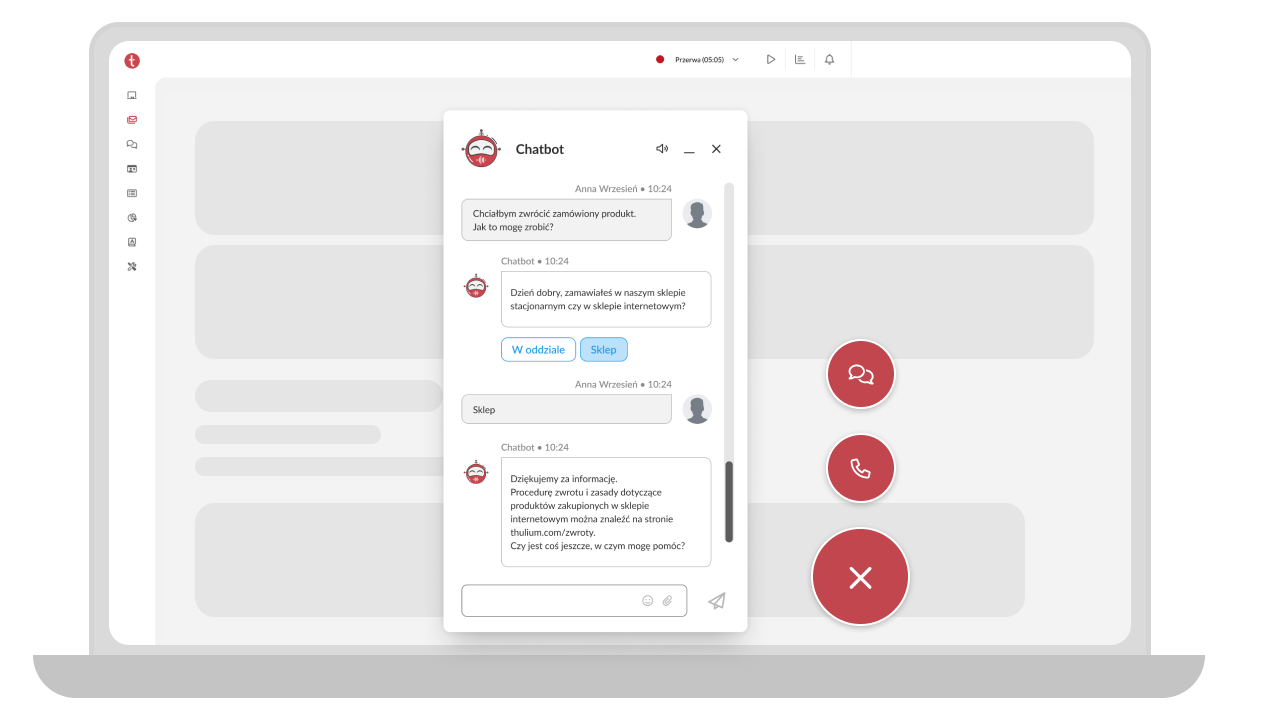 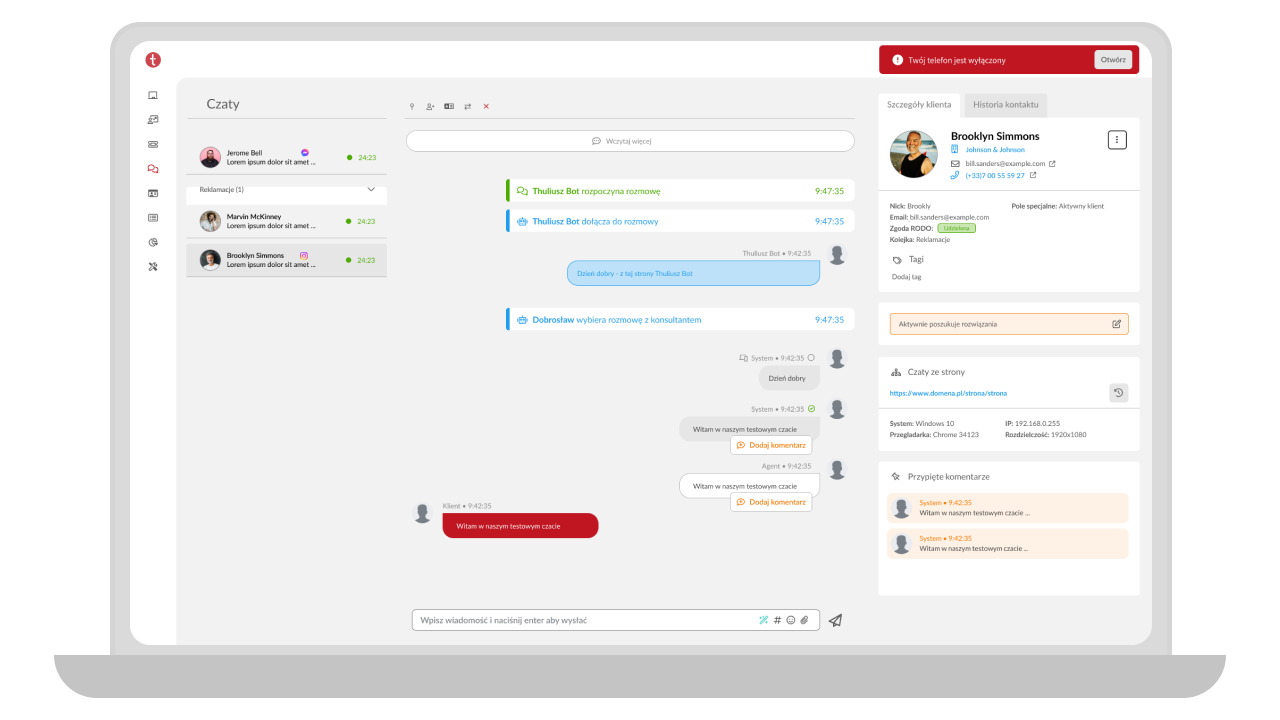   |