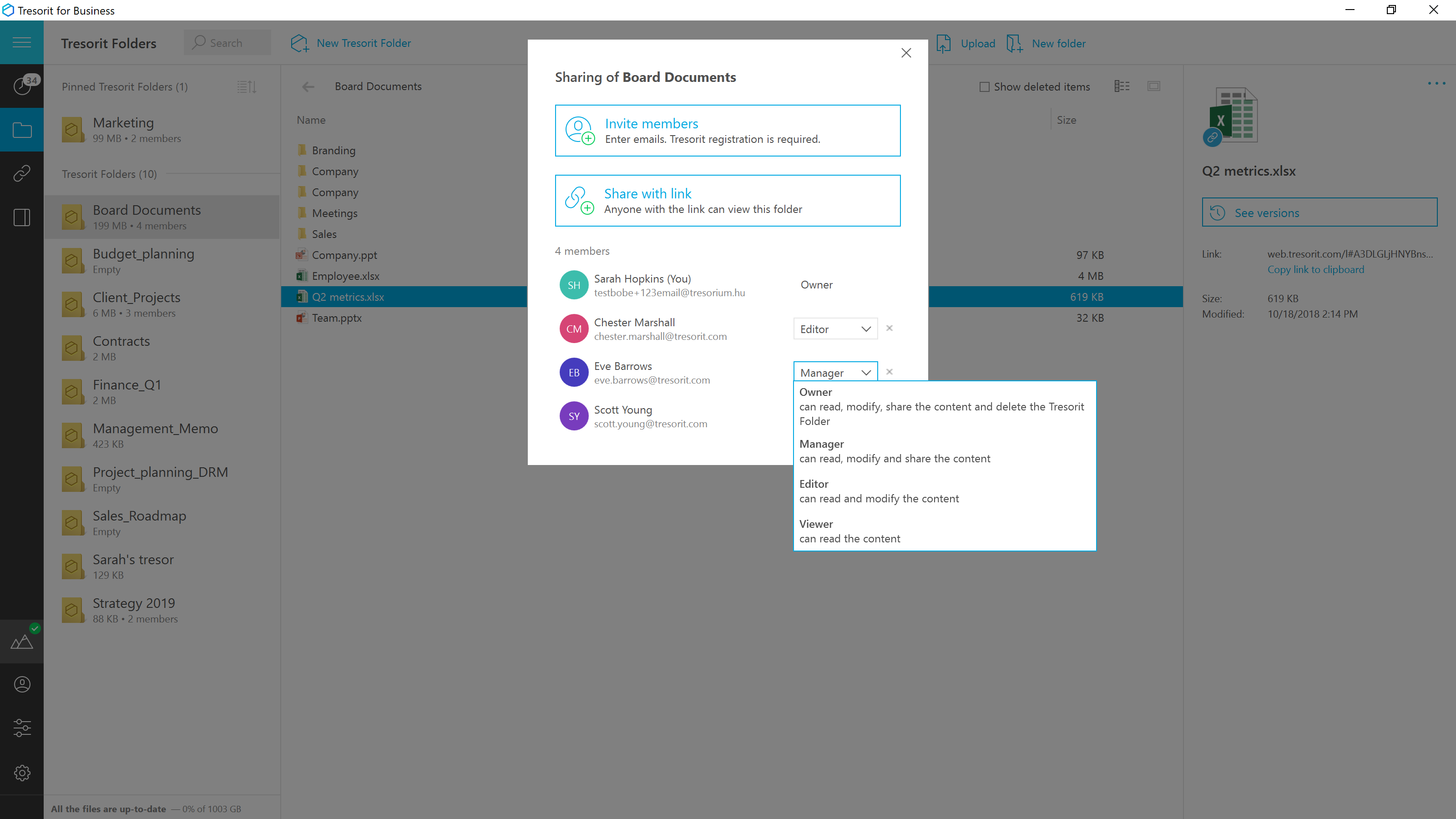
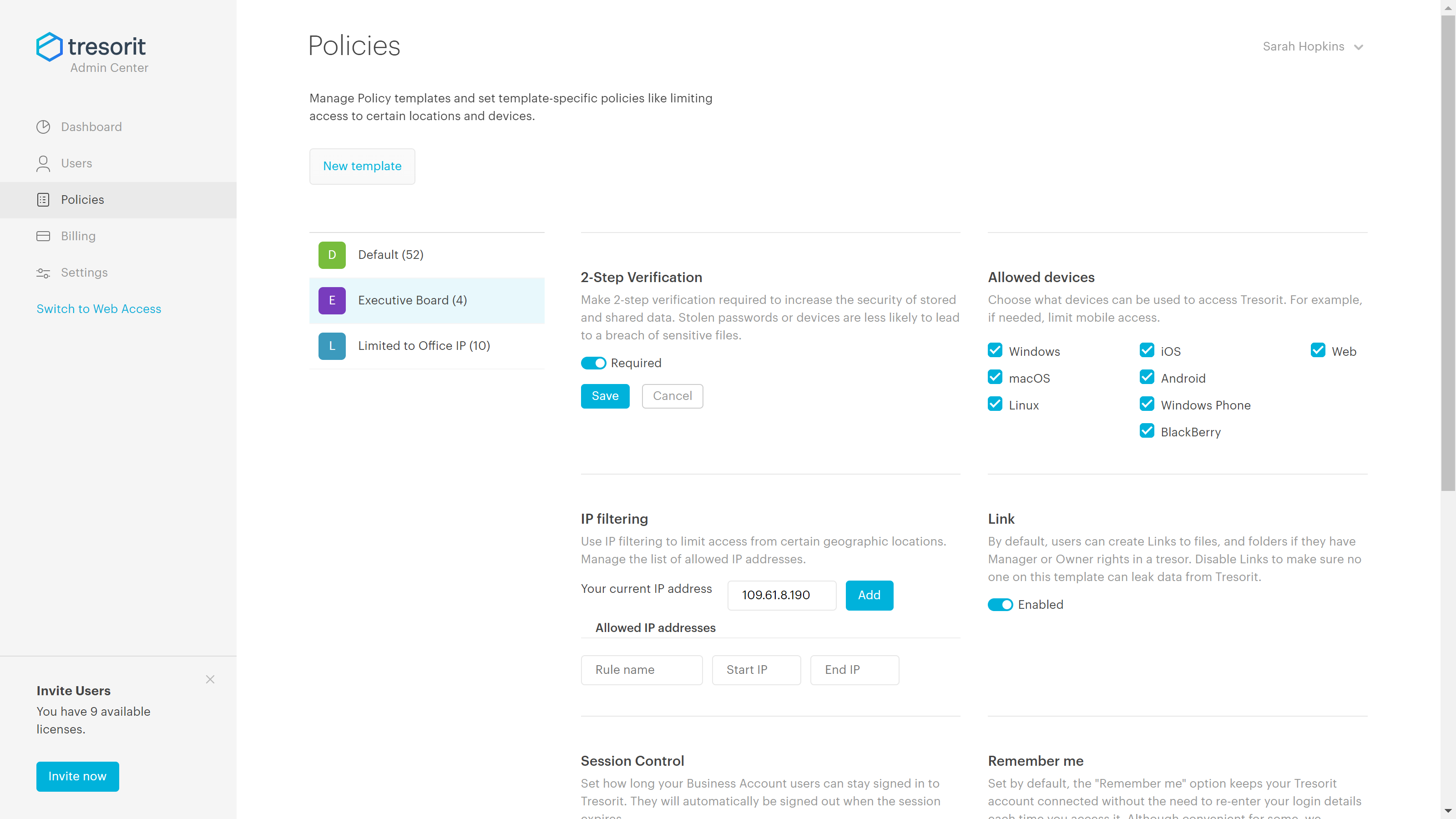
Tresorit offers end-to-end encrypted file
sync & sharing. The vendor promises an ultra-secure place in the cloud to store,
sync and share files easily from anywhere, anytime. The vendor says Tresorit is powered by
end-to-end encryption and enhanced with a flexible permission system, therefore
it seals your files away from internal data breaches and hackers. All the data
is securely stored according to the GDPR in Europe in Microsoft Azure
datacenters.
Tresorit promises to help secure…
$13.99
per month 1TB of encrypted storage
vBoxxCloud
Score8.2 out of 10
Small Businesses (1-50 employees)
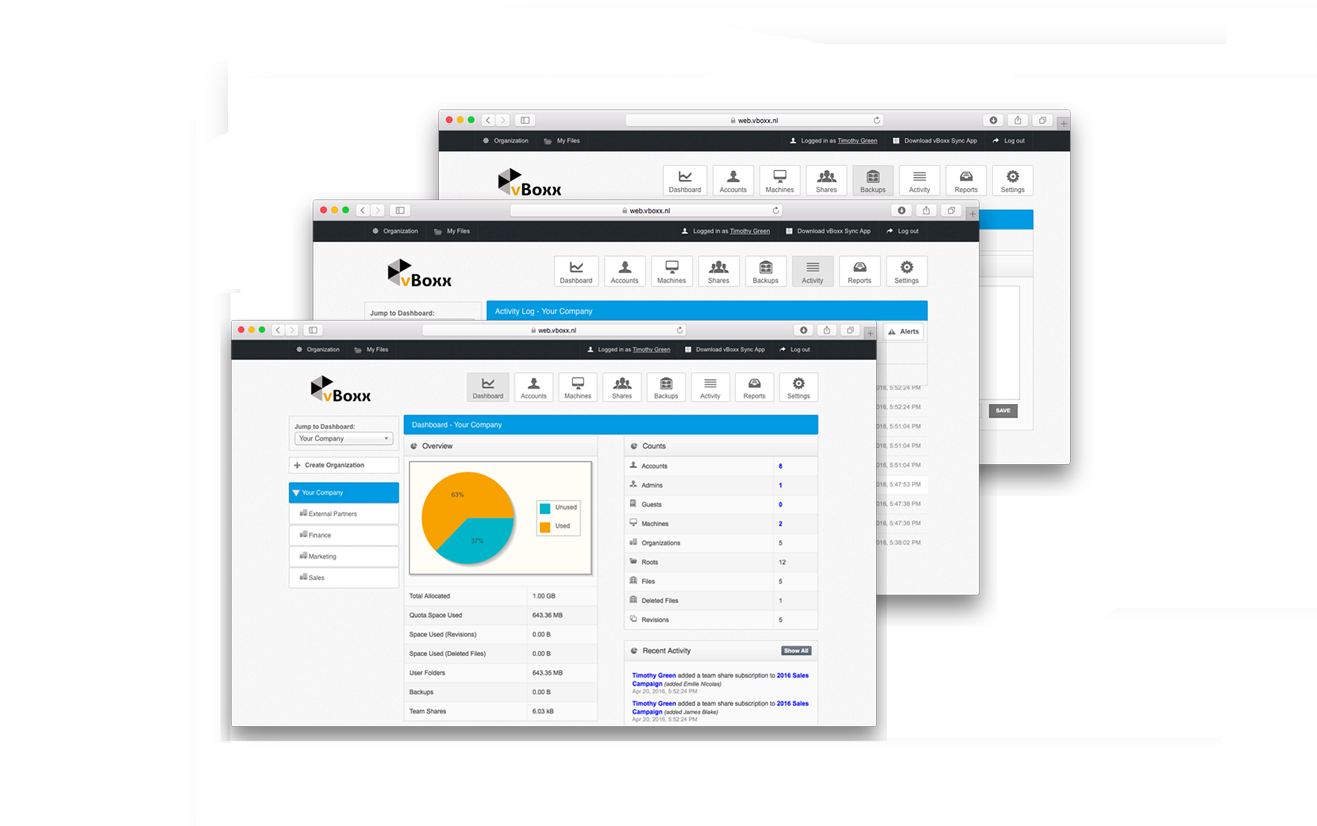
vBoxxCloud is a business solution for managing company files.The extensive online dashboard allows users to see who has access to which folders. Users can see who is connected with their Cloud and can even remove specific folders on systems or devices by adjusting the rights online.
Users can also set up shared folders and control how and from which device they can be accessed. Users can easily access shared documents through the sync tool or web browser. Admins can keep track of all…
$2
Pricing
Tresorit
vBoxxCloud
Editions & Modules
Personal
$13.99
per month 1TB of encrypted storage
Business Standard
$18
per month 1TB of encrypted storage
Business Plus
$24
per month per user (2TB of encrypted storage per user)
Professional
$33.99
per month 4TB of encrypted storage
Enterprise
Custom
Starts from 50 users
25 GB
$2.00
User
$7.50
Offerings
Pricing Offerings
Tresorit
vBoxxCloud
Free Trial
Yes
Yes
Free/Freemium Version
No
No
Premium Consulting/Integration Services
Yes
No
Entry-level Setup Fee
No setup fee
No setup fee
Additional Details
Discount for annual pricing.
User:
The pricing is flexible, you can choose freely the amount of users and storage packs. The more users your order, bigger the discount, click here to customize your order.
Storage:
You can choose as many storage packs as you would like. You can assign it to one user through vBoxxCloud policies or share it among all the users.
Discount:
We support educational and non-profit organizations with special discounts. Contact us to learn about our special prices.
A de minimis incentive was given to thank the reviewer for their time. The incentive was not used to bias or drive a particular response, nor was the incentive contingent on a positive endorsement. More Info
Key User Insights
Would buy again
No answers on this topic
No answers on this topic
Delivers good value for the price
No answers on this topic
No answers on this topic
Happy with the feature set
No answers on this topic
No answers on this topic
Lived up to sales and marketing promises
No answers on this topic
No answers on this topic
Implementation went as expected
No answers on this topic
No answers on this topic
Features
Tresorit
vBoxxCloud
File Sharing & Management
Comparison of File Sharing & Management features of Tresorit and vBoxxCloud
Feature
Tresorit
4.7
1 Ratings
56% below category average
vBoxxCloud
8.0
1 Ratings
5% below category average
Video files
2.01 Ratings
8.21 Ratings
Audio files
2.01 Ratings
8.21 Ratings
Document collaboration
2.01 Ratings
8.21 Ratings
Access control
2.01 Ratings
8.21 Ratings
File search
10.01 Ratings
7.31 Ratings
Device sync
10.01 Ratings
8.21 Ratings
Cloud Storage Security & Administration
Comparison of Cloud Storage Security & Administration features of Tresorit and vBoxxCloud
Feature
Tresorit
7.7
1 Ratings
12% below category average
vBoxxCloud
7.3
1 Ratings
17% below category average
User and role management
9.01 Ratings
7.31 Ratings
File organization
5.01 Ratings
7.31 Ratings
Device management
9.01 Ratings
7.31 Ratings
Cloud Storage Platform
Comparison of Cloud Storage Platform features of Tresorit and vBoxxCloud
Good scenario: Wanting to have your files stored by an independent group that specializes in secure file storage. The ability to have files stored on servers that are not domestic is a big plus too. We had issues in the past with a solution that went down when the US AWS East Coast servers had an issue; Tresorit is insulated from these problems and appears to handle load balancing as well. Not good scenario: If you want to have outside parties, upload files/share files with you within your Tresorit environment. There is no way of doing this, and this is a real operational problem.
A de minimis incentive was given to thank the reviewer for their time. The incentive was not used to bias or drive a particular response, nor was the incentive contingent on a positive endorsement. More Info
A de minimis incentive was given to thank the reviewer for their time. The incentive was not used to bias or drive a particular response, nor was the incentive contingent on a positive endorsement. More Info
A de minimis incentive was given to thank the reviewer for their time. The incentive was not used to bias or drive a particular response, nor was the incentive contingent on a positive endorsement. More Info
A de minimis incentive was given to thank the reviewer for their time. The incentive was not used to bias or drive a particular response, nor was the incentive contingent on a positive endorsement. More Info
A de minimis incentive was given to thank the reviewer for their time. The incentive was not used to bias or drive a particular response, nor was the incentive contingent on a positive endorsement. More Info
To use vBoxx you have an interface as administrator. To add a user, you have to use another interface.
When you are accessing your files via the web (not via the sync folder on your laptop, pc or tablet), you have to download and upload the file, you can't change it without downloading it. Unless I don't know [how to do] it.
A de minimis incentive was given to thank the reviewer for their time. The incentive was not used to bias or drive a particular response, nor was the incentive contingent on a positive endorsement. More Info
Exceptionally responsive. This is something we needed from our storage provider. We are continuously accessing the information, and downtime or technical issues would be and are unacceptable. We have had no downtime issues so far, and Support has been responsive to us whenever needed. Exactly what we needed from their service.
A de minimis incentive was given to thank the reviewer for their time. The incentive was not used to bias or drive a particular response, nor was the incentive contingent on a positive endorsement. More Info
A de minimis incentive was given to thank the reviewer for their time. The incentive was not used to bias or drive a particular response, nor was the incentive contingent on a positive endorsement. More Info
Secure and independently operated. We selected Tresorit for its secure file storage capabilities that the other services (except SpiderOak) did not provide. Tresorit is a zero-knowledge system, which gives us a lot of comforts when it comes to secure data storage. SpiderOak was a close alternative, but they have been in continuous development to provide competitive features, and still haven't provided what we needed (SpiderOak has promised features for several years at this point).
A de minimis incentive was given to thank the reviewer for their time. The incentive was not used to bias or drive a particular response, nor was the incentive contingent on a positive endorsement. More Info
Not used but evaluated: Dropbox (not secure enough + American servers) Google (not secure enough + American servers) OneDrive (not secure enough + American servers) Tresorit (is secure and has European servers) VBoxx won because of the availability by mail, chat and phone. That is the only thing that counts during emergencies.
A de minimis incentive was given to thank the reviewer for their time. The incentive was not used to bias or drive a particular response, nor was the incentive contingent on a positive endorsement. More Info
A de minimis incentive was given to thank the reviewer for their time. The incentive was not used to bias or drive a particular response, nor was the incentive contingent on a positive endorsement. More Info
A de minimis incentive was given to thank the reviewer for their time. The incentive was not used to bias or drive a particular response, nor was the incentive contingent on a positive endorsement. More Info