
Vacation Tracker vs. Workday Workforce Management
| Product | Rating | Most Used By | Product Summary | Starting Price |
|---|---|---|---|---|
 Vacation Tracker | Score7.3 out of 10 | N/A | Vacation Tracker is a software tool that enables users to manage employee absences, set leave policies, and streamline leave tracking processes, from the company of the same name Montreal, Quebec. It is available for Slack, Microsoft Teams and Google Workspace. | $50 per month 25 users (minimum) |
 Workday Workforce Management | Score8.1 out of 10 | N/A | Workday Workforce Management is a workforce operations software that integrates HR, time, and scheduling data, to eliminate disjointed processes that halt day-to-day operations. Consistent with a worker-first approach, Workday provides mobile-first access to personalized pay, time, and schedules, giving workers frictionless on-the-go access. This helps overcome difficulties in retaining workers and keeps them engaged in a competitive labor… | N/A |
| Vacation Tracker | Workday Workforce Management | |||||||||||||||
|---|---|---|---|---|---|---|---|---|---|---|---|---|---|---|---|---|
| Editions & Modules |
| No answers on this topic | ||||||||||||||
| Offerings |
| |||||||||||||||
| Entry-level Setup Fee | No setup fee | No setup fee | ||||||||||||||
| Additional Details | Discounts available for annual pricing. | — | ||||||||||||||
| More Pricing Information | ||||||||||||||||
| Vacation Tracker | Workday Workforce Management | |
|---|---|---|
| Considered Both Products | No answer on this topic | No answer on this topic |
| Key User Insights | ||
| Would buy again | ||
No answers on this topic | 86% Would buy again 12 Answers | |
| Delivers good value for the price | ||
No answers on this topic | 100% Delivers good value for the price 10 Answers | |
| Happy with the feature set | ||
No answers on this topic | 100% Happy with the feature set 14 Answers | |
| Lived up to sales and marketing promises | ||
No answers on this topic | 100% Lived up to sales and marketing promises 5 Answers | |
| Implementation went as expected | ||
No answers on this topic | 83% Implementation went as expected 5 Answers | |
| Vacation Tracker | Workday Workforce Management | |||||||||||||||||||||||||
|---|---|---|---|---|---|---|---|---|---|---|---|---|---|---|---|---|---|---|---|---|---|---|---|---|---|---|
| Payroll Management |
| |||||||||||||||||||||||||
| Vacation Tracker | Workday Workforce Management | |
|---|---|---|
| Small Businesses | No answers on this topic |  Patriot Payroll Score8.6 out of 10 |
| Medium-sized Companies | No answers on this topic |  APS Score5.7 out of 10 |
| Enterprises | No answers on this topic |  ADP Streamline Payroll Score6.1 out of 10 |
| All Alternatives | View all alternatives | View all alternatives |
| Vacation Tracker | Workday Workforce Management | |
|---|---|---|
| Likelihood to Recommend | 5.0 | 8.4 |
| Usability | 3.0 | 7.7 |
| Vacation Tracker | Workday Workforce Management | |
|---|---|---|
| Likelihood to Recommend |
|
|
| Pros |
|
|
| Cons |
|
|
| Usability |
|
|
| Alternatives Considered |
|
|
| Return on Investment |
|
|
| ScreenShots | Vacation Tracker Screenshots     | Workday Workforce Management Screenshots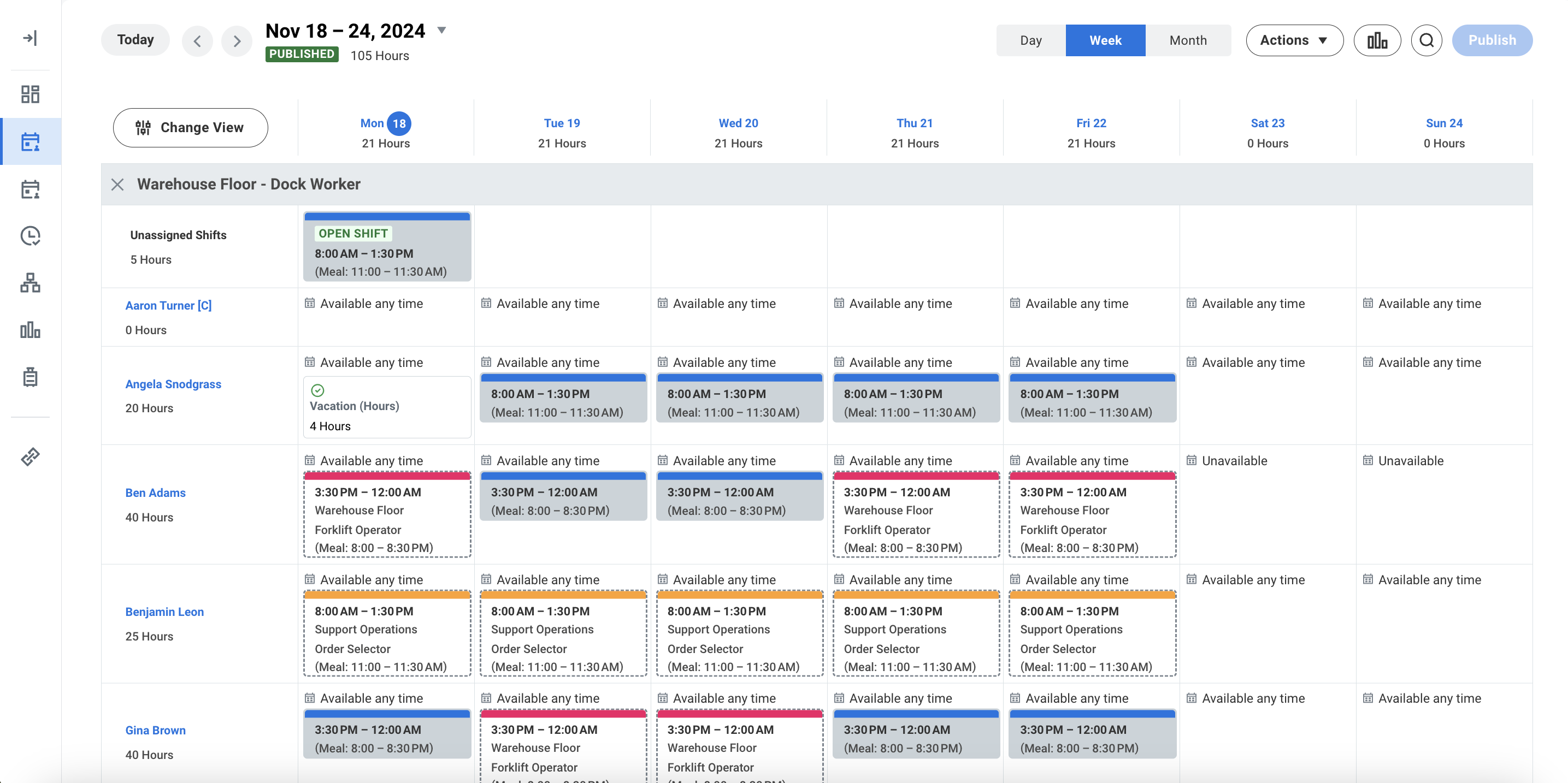 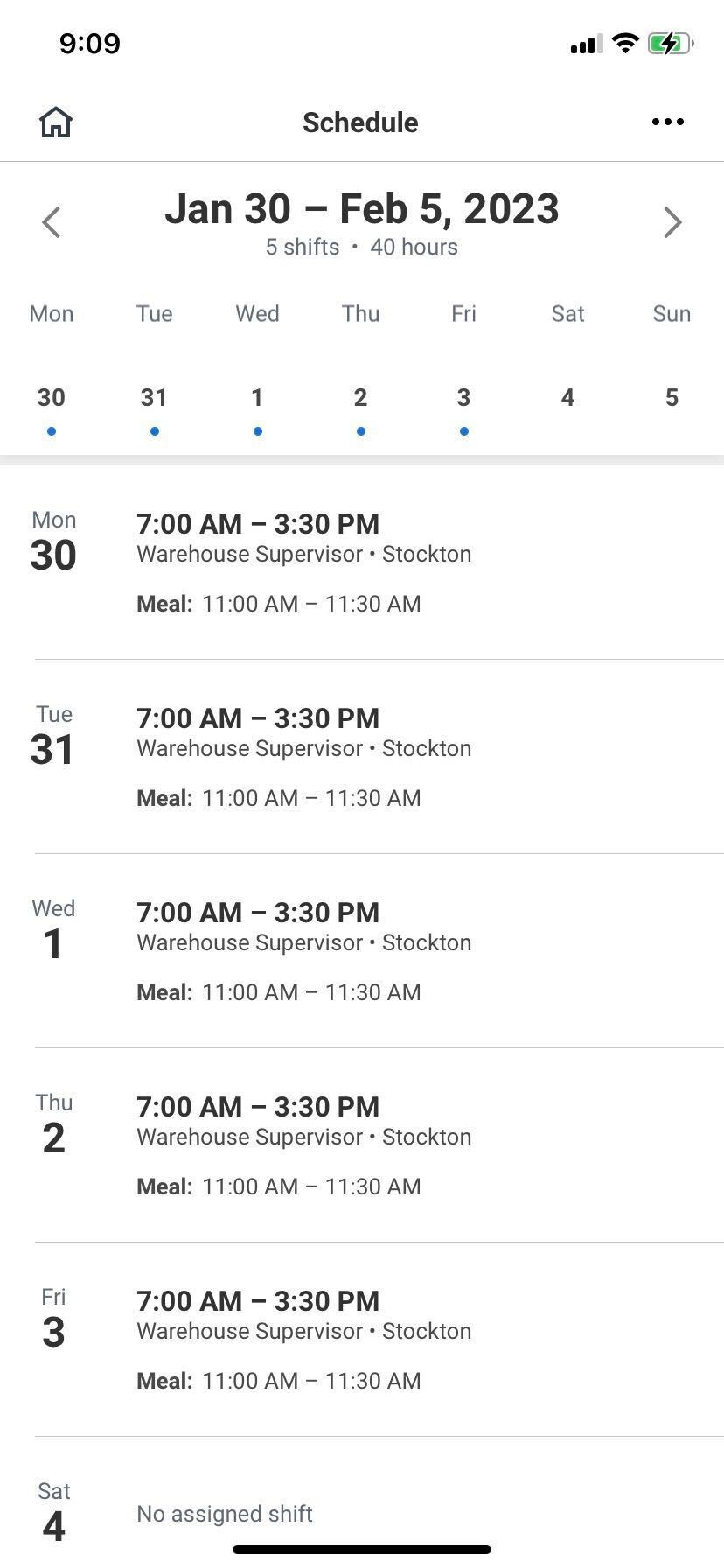 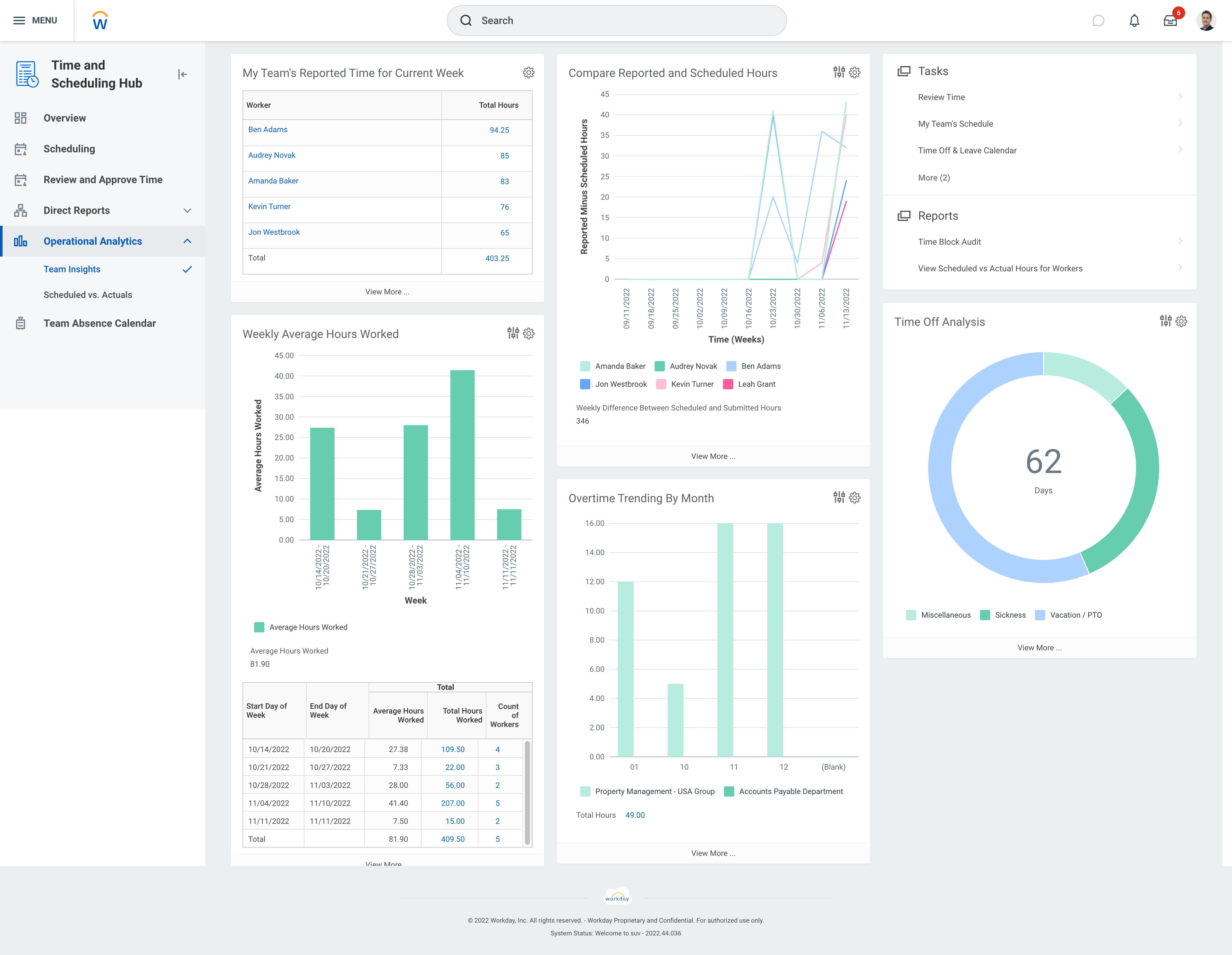 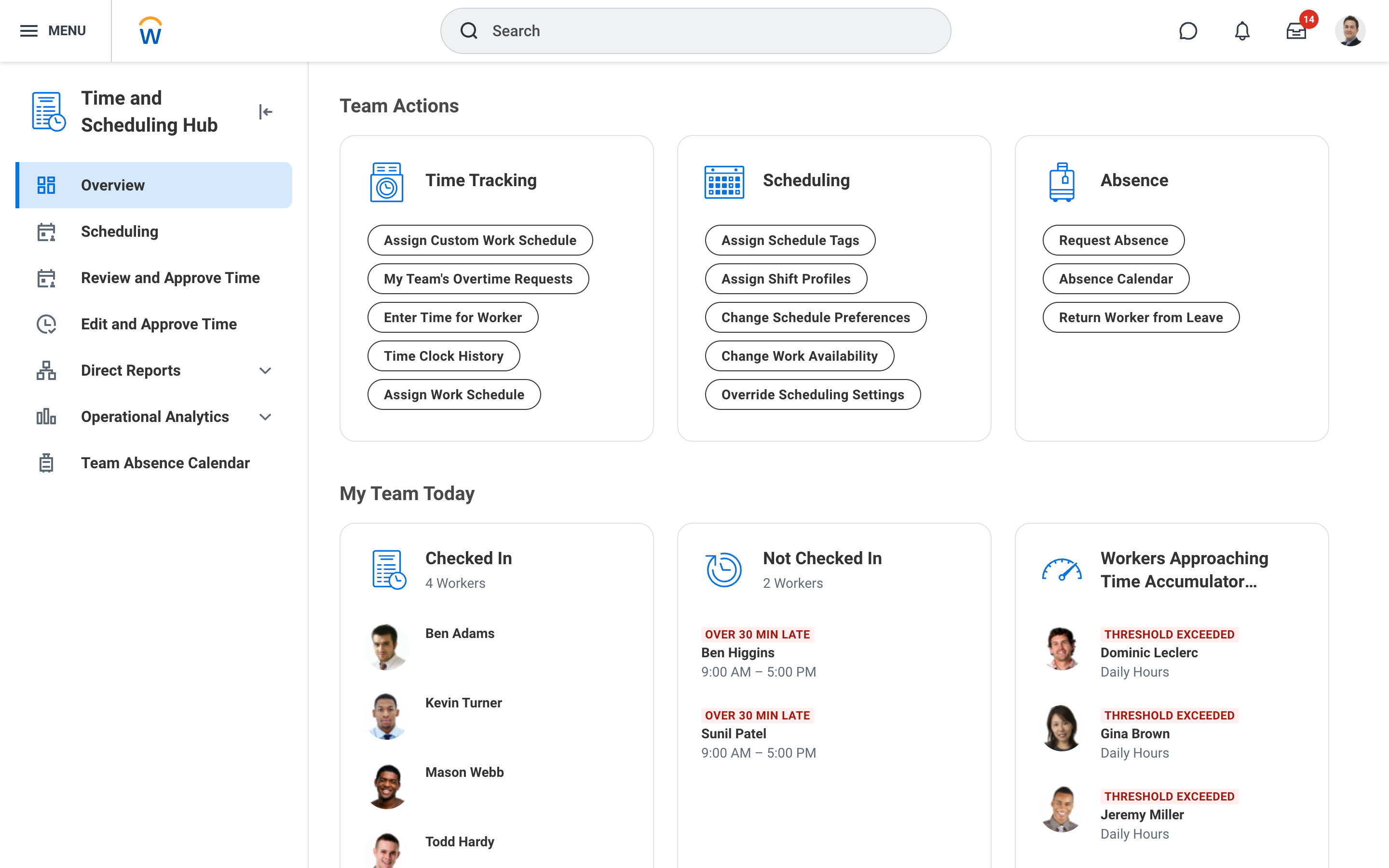 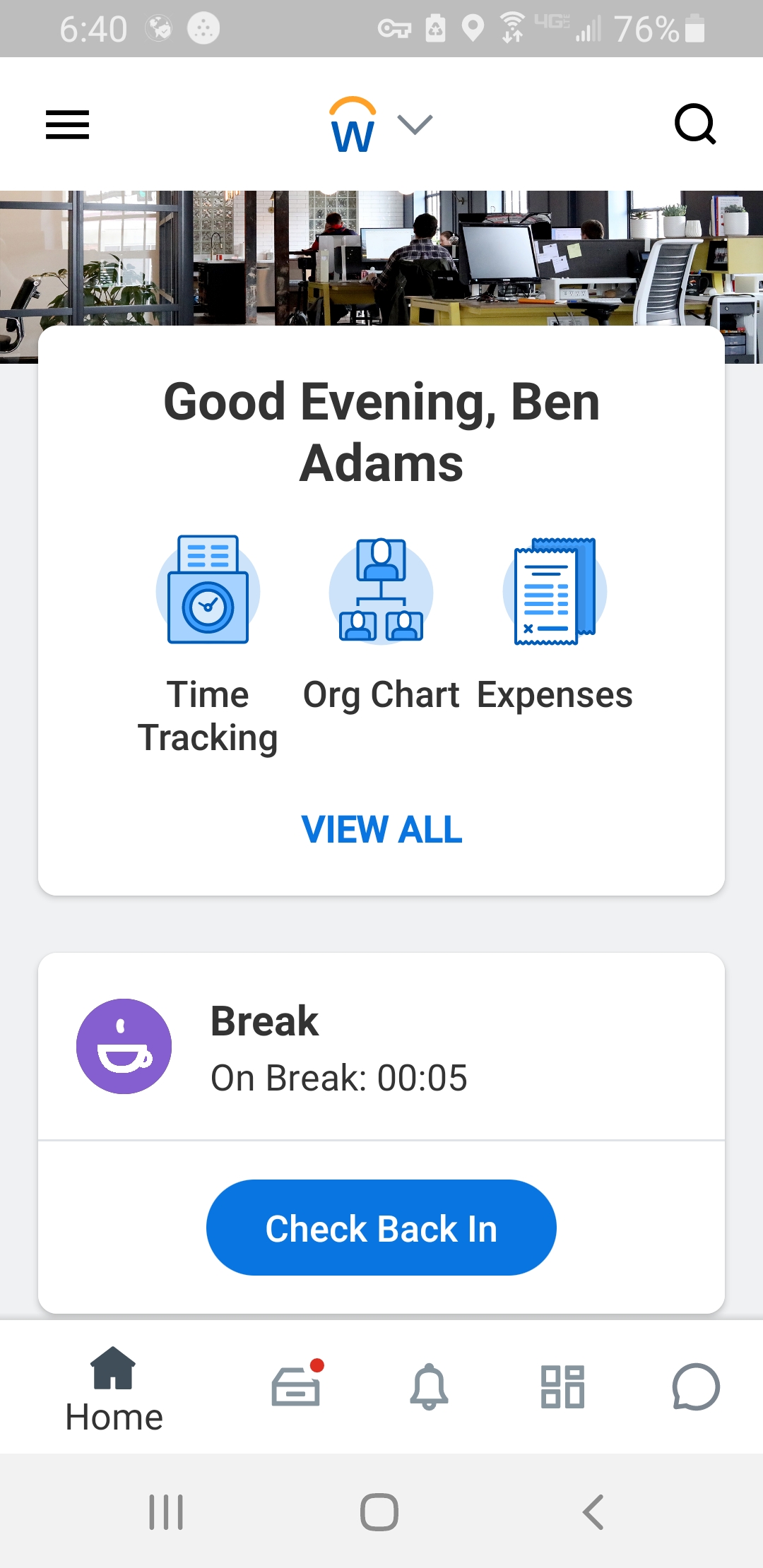 |
