Chose Workday Workforce Management
Workday is much more user friendly with easy to correct timecards and reports that you can use to track many things.

| Product | Rating | Most Used By | Product Summary | Starting Price |
|---|---|---|---|---|
 Workday Workforce Management | N/A | Workday Workforce Management is a workforce operations software that integrates HR, time, and scheduling data, to eliminate disjointed processes that halt day-to-day operations. Consistent with a worker-first approach, Workday provides mobile-first access to personalized pay, time, and schedules, giving workers frictionless on-the-go access. This helps overcome difficulties in retaining workers and keeps them engaged in a competitive labor… | N/A | |
 Workstatus | N/A | The WorkStatus platform is a workforce management tool that includes real-time employee monitoring & time tracking with screenshots, activity levels, timesheets provide employers with information about what their employees are doing throughout the day so managers can schedule accordingly or take necessary actions if necessary. Workstatus is employee monitoring software that enables users to check up on staff wherever they are, track their location via GPS tracking in real time and even… | N/A |
| Workday Workforce Management | Workstatus | |||||||||||||||
|---|---|---|---|---|---|---|---|---|---|---|---|---|---|---|---|---|
| Editions & Modules | No answers on this topic | No answers on this topic | ||||||||||||||
| Offerings |
| |||||||||||||||
| Entry-level Setup Fee | No setup fee | No setup fee | ||||||||||||||
| Additional Details | — | — | ||||||||||||||
| More Pricing Information | ||||||||||||||||
| Workday Workforce Management | Workstatus | |
|---|---|---|
| Considered Both Products |  Workday Workforce Management  Brandi Moore Senior Financial Analyst Chose Workday Workforce Management Limitations of UKG reporting tools are what made us switch. After a new rollout, we had to use the customer service desk a lot, and it was not a good experience. They also changed the system capabilities, like advanced reporting. When that was removed, we had to export the data … |  Workstatus No answer on this topic |
| Workday Workforce Management | Workstatus | ||||||||||||||||||||||||
|---|---|---|---|---|---|---|---|---|---|---|---|---|---|---|---|---|---|---|---|---|---|---|---|---|---|
| Payroll Management |
|
| Workday Workforce Management | Workstatus | |
|---|---|---|
| Small Businesses |  Dayforce Powerpay Score 9.2 out of 10 |  When I Work Score 6.0 out of 10 |
| Medium-sized Companies |  Paypro Workforce Management Score 9.1 out of 10 | Paypro Workforce Management Score 9.1 out of 10 |
| Enterprises |  Infor Human Resources Score 7.1 out of 10 |  Beeline Extended Workforce Platform Score 7.4 out of 10 |
| All Alternatives | View all alternatives | View all alternatives |
| Workday Workforce Management | Workstatus | |
|---|---|---|
| Likelihood to Recommend | 8.5 (0 ratings) | - (0 ratings) |
| Usability | 7.8 (0 ratings) | - (0 ratings) |
| Workday Workforce Management | Workstatus | |
|---|---|---|
| Likelihood to Recommend |
| No answers on this topic |
| Pros |
| No answers on this topic |
| Cons |
| No answers on this topic |
| Usability |
| No answers on this topic |
| Alternatives Considered |
Brandi Moore Senior Financial Analyst | No answers on this topic |
| Return on Investment |
| No answers on this topic |
| ScreenShots | Workday Workforce Management Screenshots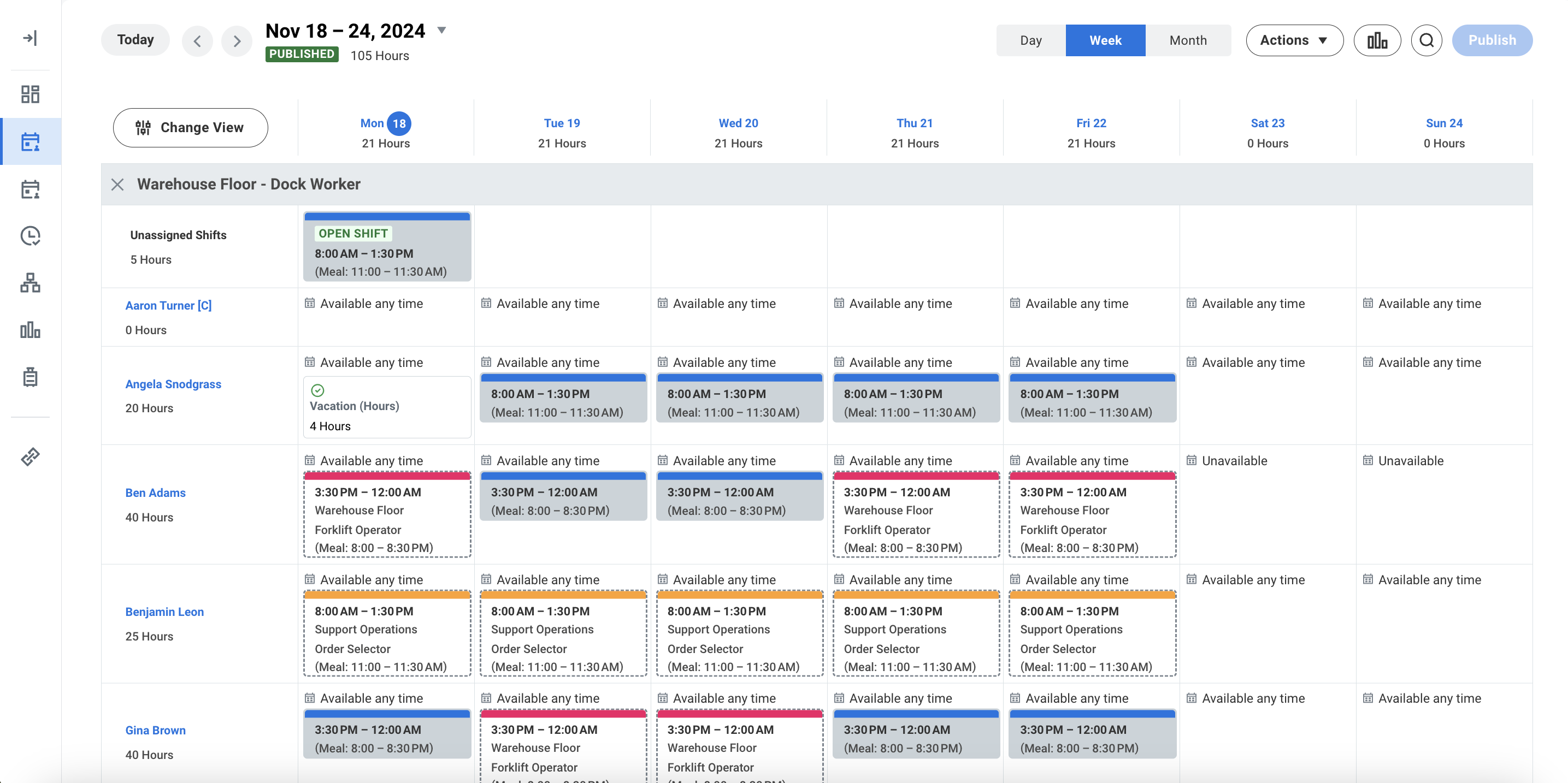 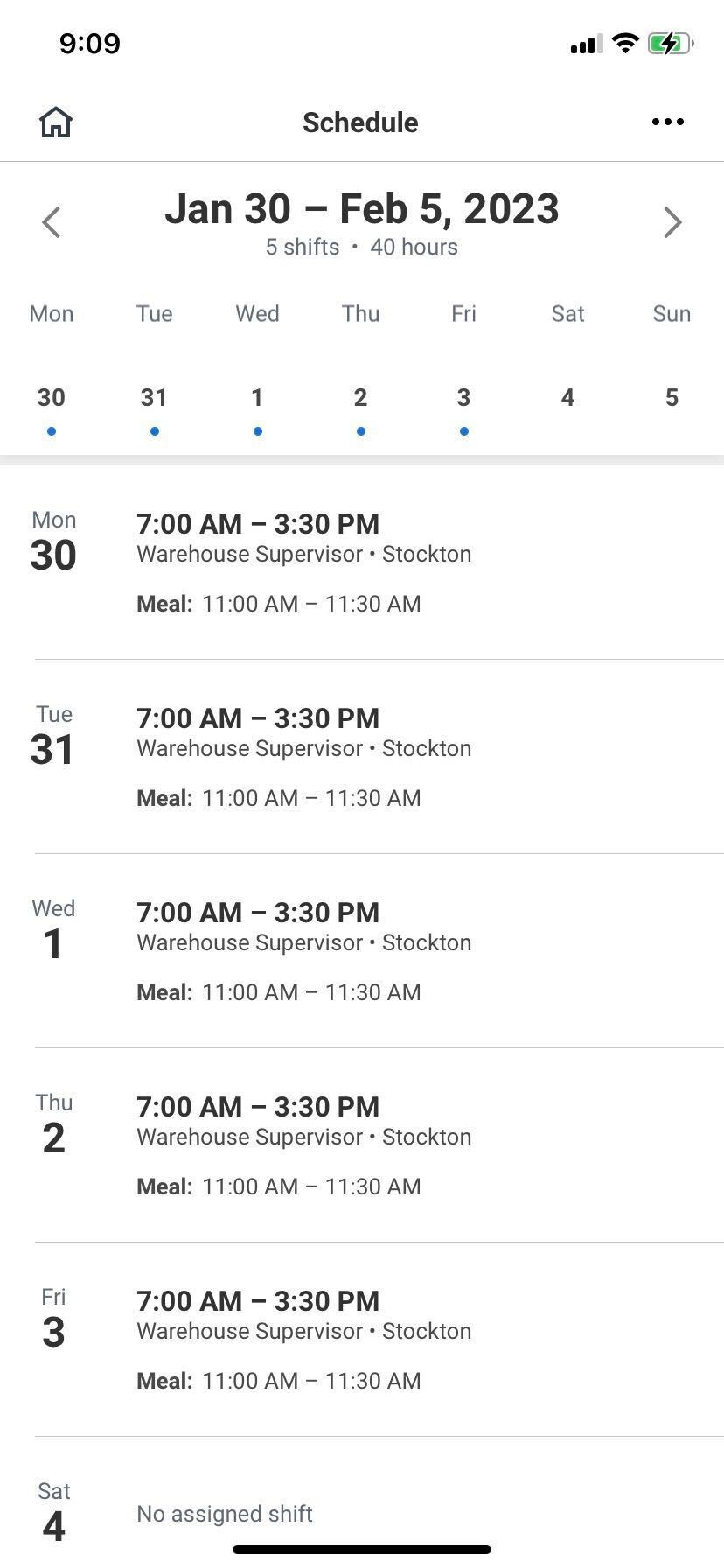 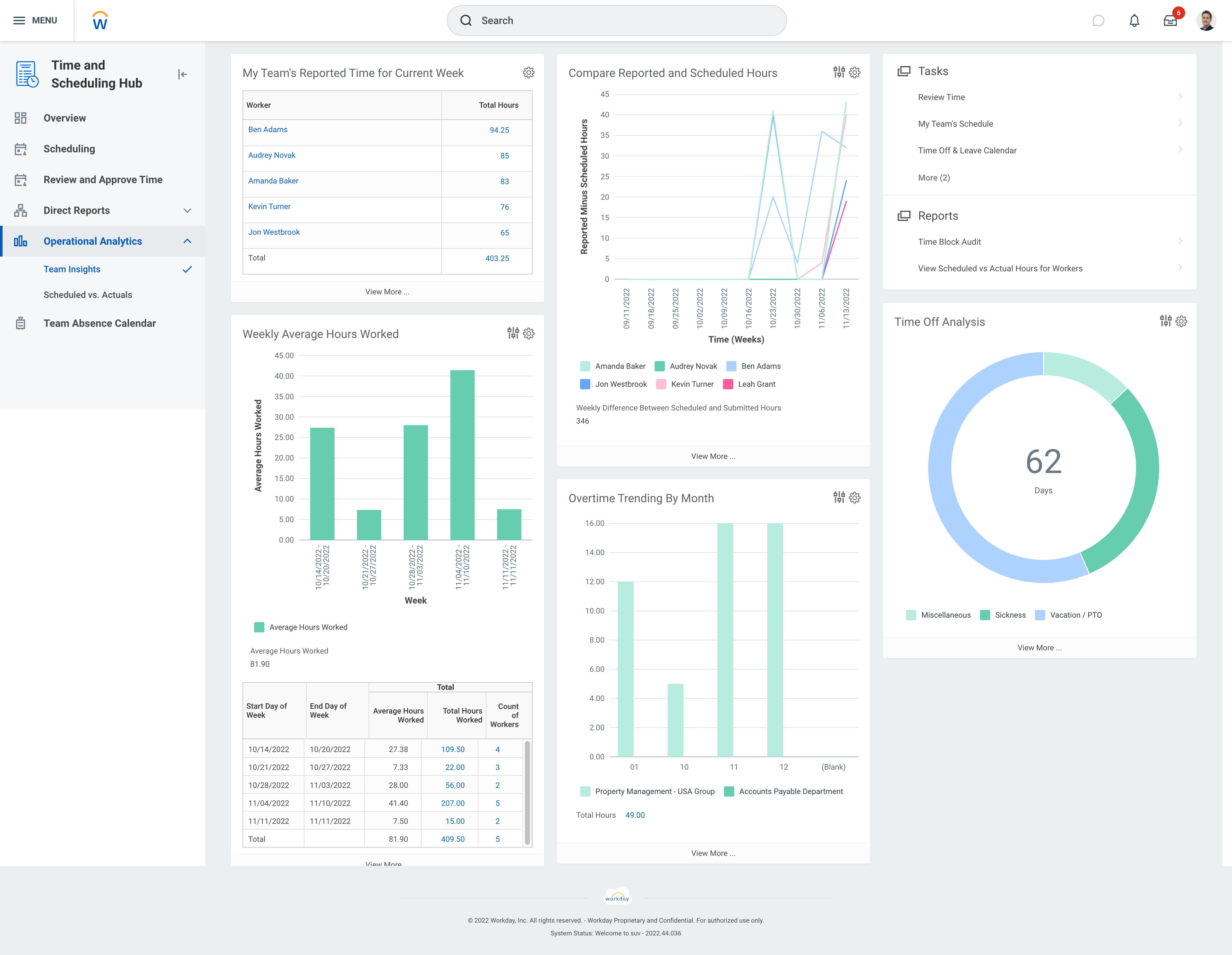 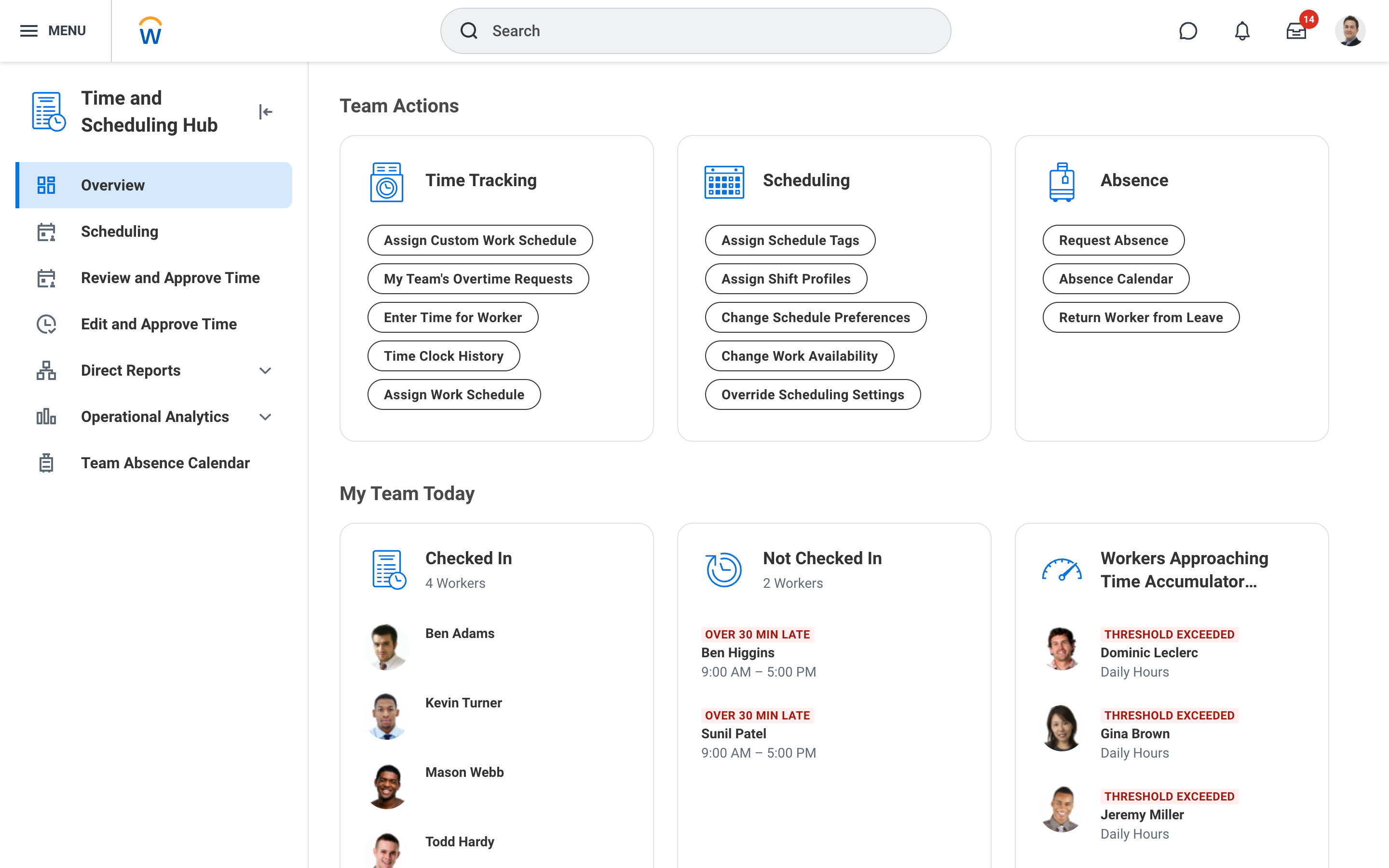 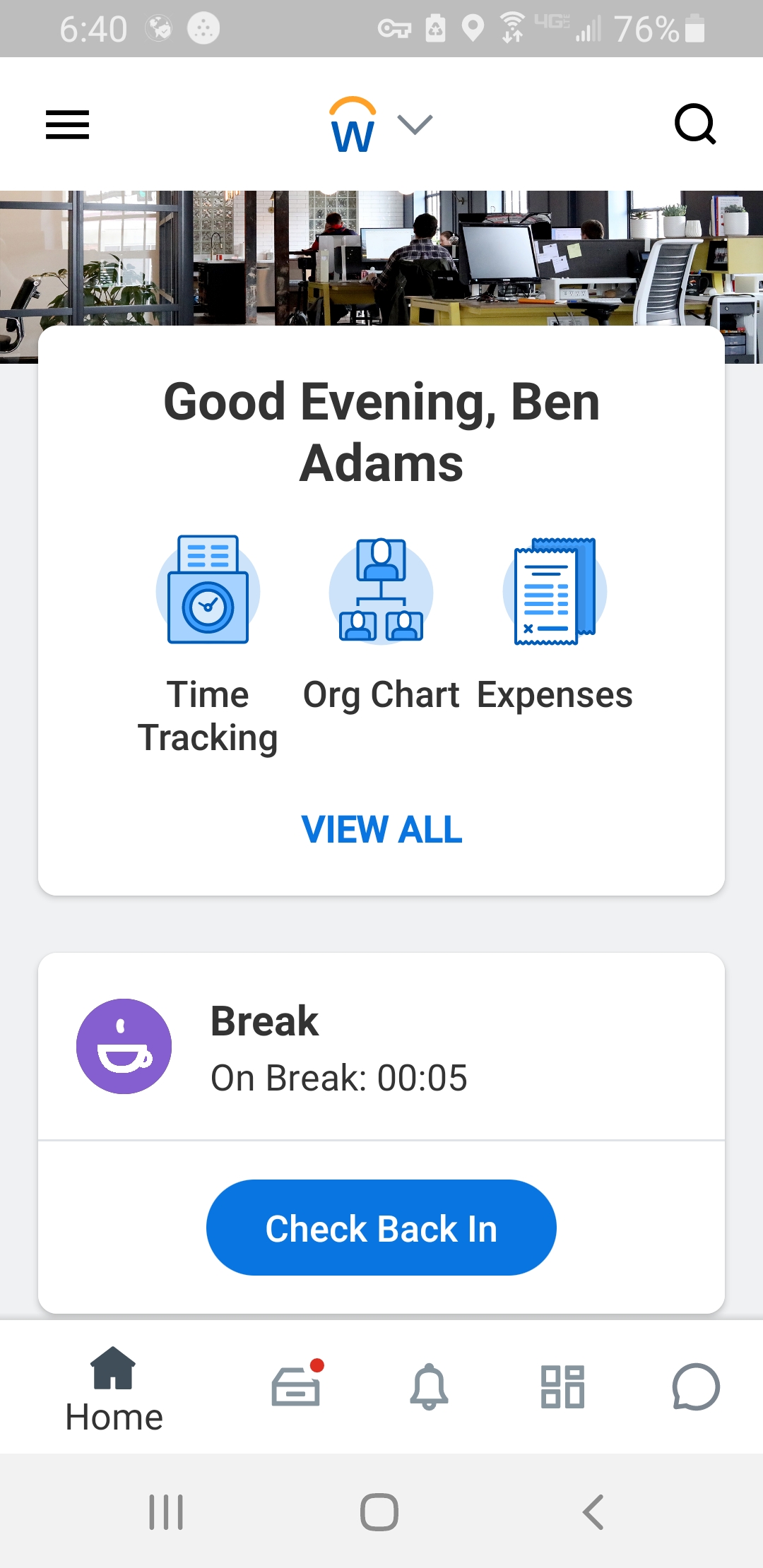 |