

Autodesk Forma Build
157 Reviews and Ratings
What is Autodesk Forma Build?
Autodesk Forma Build, previously known as Autodesk Build and originally based on PlanGrid, is a Construction Management and Job Site Management application within the Autodesk Forma suite. It provides contractors, owners, and subcontractors with a unified platform for project collaboration and information management across the construction and operations lifecycle.
Key Capabilities
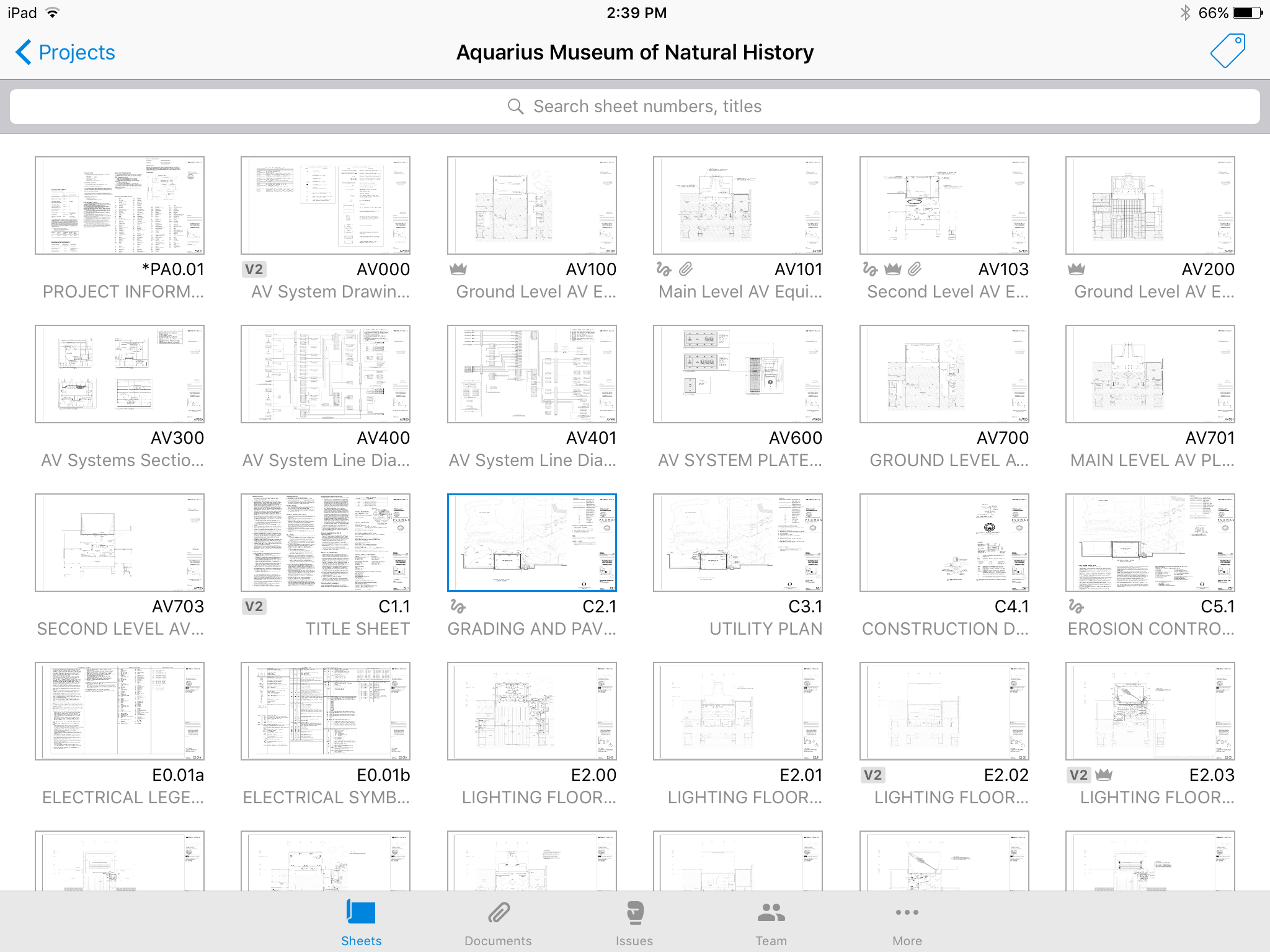
- Document Control: Manages and controls project documents including 2D sheets, 3D models, specifications, and files, with version control and mobile access.
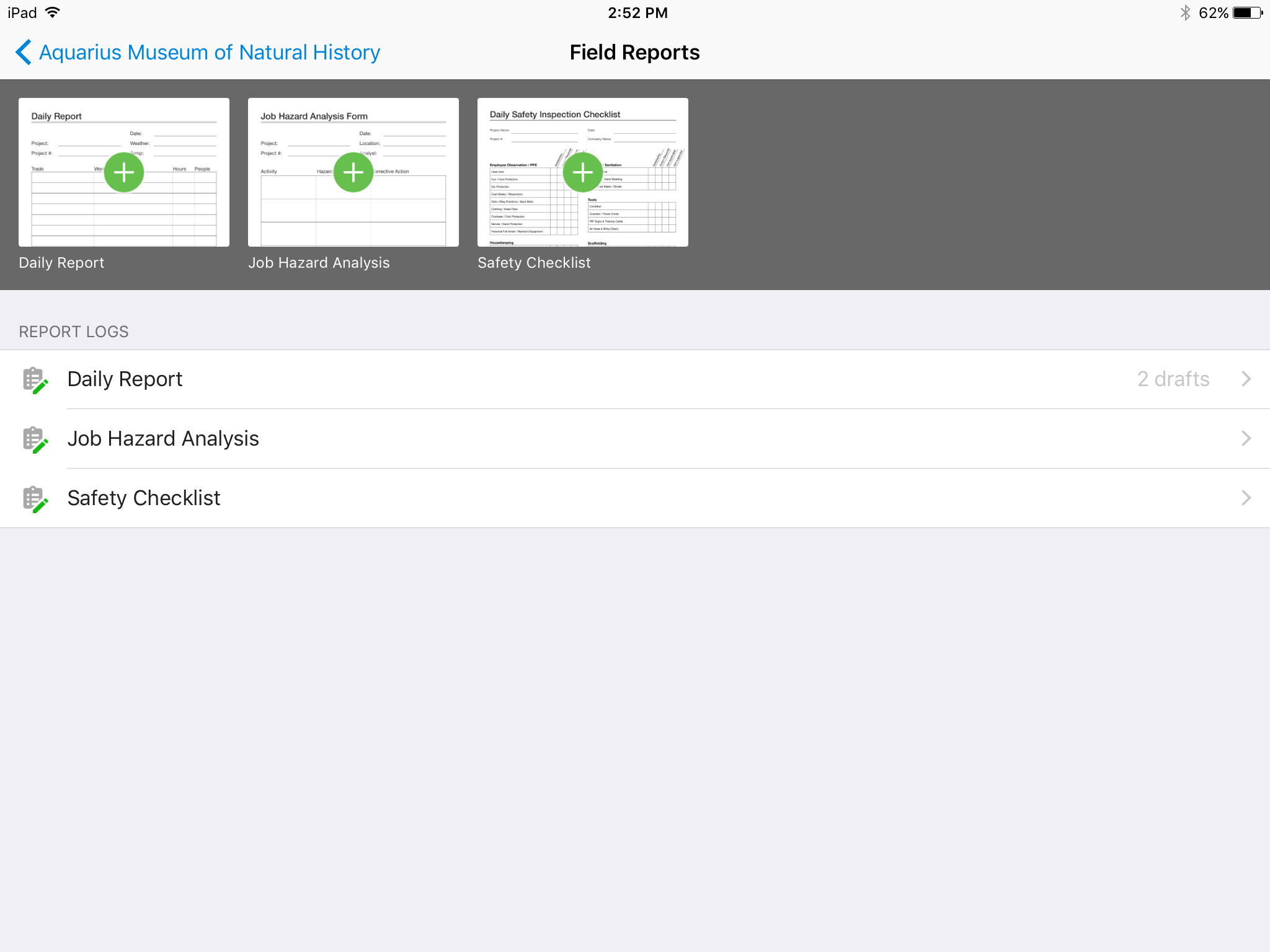
- Field Collaboration: Facilitates communication and tracking of issues, requests for information (RFIs), submittals, forms, photos, meetings, and correspondence.
- Schedule & Asset Management: Imports third-party schedules to create collaborative work plans and tracks project assets from design to handover.
- Cost Management: Manages budgets, contracts, expenses, payment applications, change orders, and cash flow forecasts.
- Project Analytics: Offers project-level and executive cross-project reporting and analytics, with the ability to export data to business intelligence tools.
- Project Administration: Supports hub and project-level administration, including user management, system configuration, and project template setup.
Product Lineage
Autodesk Forma Build is the successor product to Autodesk Build, which integrated the capabilities of PlanGrid after its acquisition by Autodesk.
Audience & Use Cases
- Audience: Designed for owners, general contractors, subcontractors, project managers, superintendents, safety managers, project engineers, and field workers in the construction industry.
- Use Cases: Streamlining document management, enabling real-time field collaboration, tracking project progress, managing costs, supporting safety inspections, and preparing content for Microsoft 365 Copilot adoption.
Technical Specifications
- Deployment: Cloud-based application within the Autodesk Forma suite.
- Access: Available on desktop and mobile devices.
Categories & Use Cases
Screenshots


1 / 6
Screenshot of No confusing folders - all your plans at your fingertips.
Product Demos
Technical Details
| Deployment Types | SaaS |
|---|---|
| Mobile Application | Apple iOS, Android, Windows Phone, Mobile Web |
| Supported Languages | English, Spanish, French, Finnish, Hungarian, Italian, Chinese, Korean, Polish, Swedish |
FAQs
What is Autodesk Forma Build?
Autodesk Forma Build, previously known as Autodesk Build and originally based on PlanGrid, is a Construction Management and Job Site Management application within the Autodesk Forma suite. It provides contractors, owners, and subcontractors with a unified platform for project collaboration and information management across the construction and operations lifecycle.
How much does Autodesk Forma Build cost?
Autodesk Forma Build starts at $100.
What are Autodesk Forma Build's top competitors?
Procore, Autodesk Forma Design Collaborate (formerly BIM Collaborate Pro), and Fieldwire are common alternatives for Autodesk Forma Build.
What is Autodesk Forma Build's best feature?
Reviewers rate Collaboration & approvals highest, with a score of 9.5.