

What is esChecker?
esChecker: a MAST by eShard
esChecker combines years of penetration testing experience with a dynamic engine simulating attack techniques. No source code is needed, only the app binary (Android apk or iOS ipa). It takes 30 minutes to find out how an app reacts against many hacking techniques, so that the user can now reserve pentest budget to in-depth vulnerability analyses.
esChecker’s DAST (Dynamic Application Security Testing) technology leverages specific resources, such as real devices, to perform testing when the application is running. In-app protections can take place at different places in an app. Doing so, users can make sure that the application behaves as expected when running critical functions on specifi screens.
What is a MAST?
Mobile Application Security Testing solutions implement security verifications, ideally at the binary level (blackbox approach). Behind security, it is necessary to set the right questions and pick up the tool corresponding to the following questions:
- How resilient is a mobile application to attack techniques (reverse engineering, tampering)?
- How protected is the code, in other words, how many exploitable vulnerabilities?
- To what extent does my code incorporate malware?
- How privacy-friendly is my code?
esChecker’s DAST (Dynamic Application Security Testing) technology leverages specific resources, such as real devices, to perform testing when the application is running. In-app protections can take place at different places in an app. Doing so, users can make sure that the application behaves as expected when running critical functions on specifi screens.
Categories & Use Cases
Videos
Screenshots

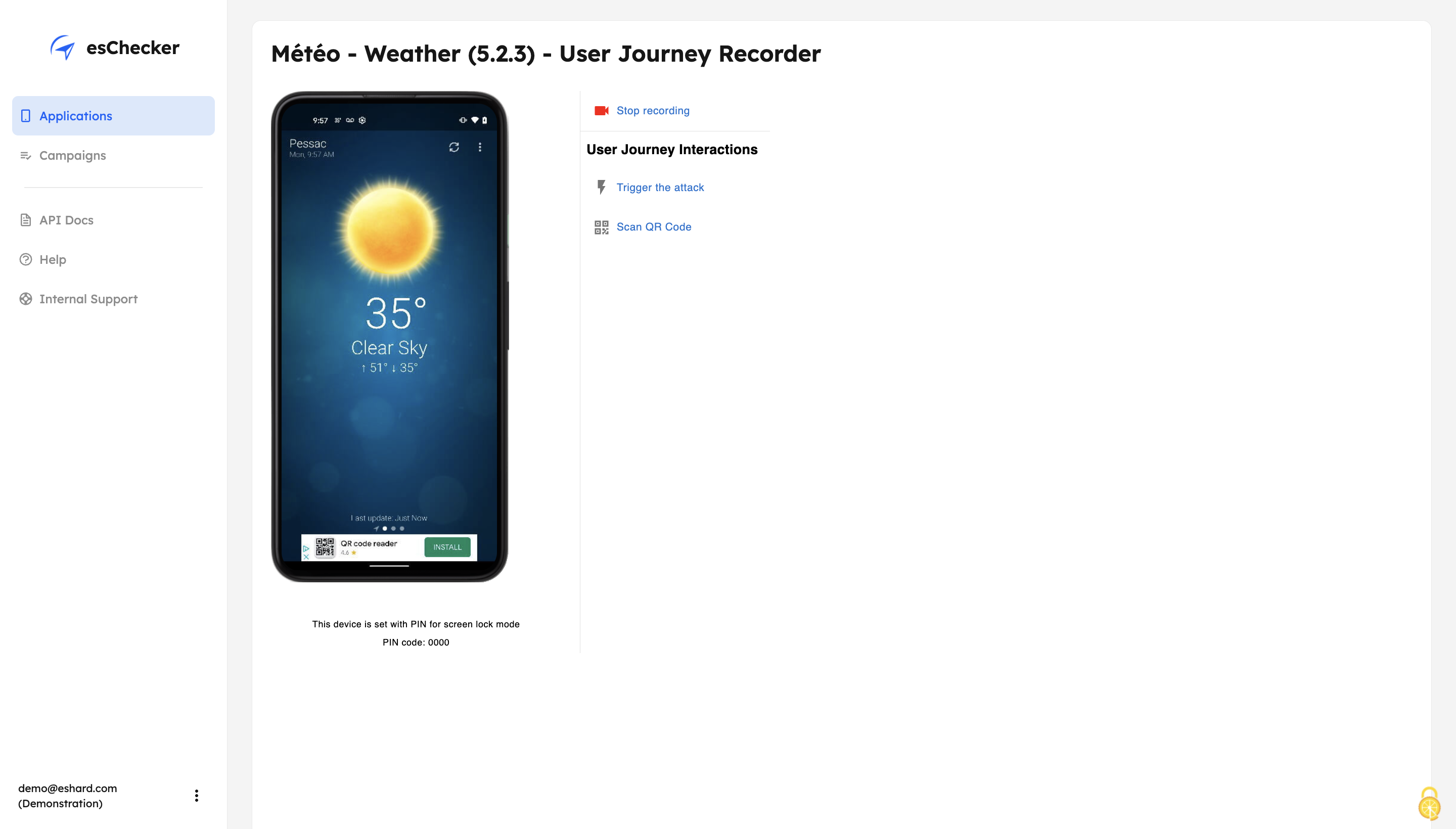
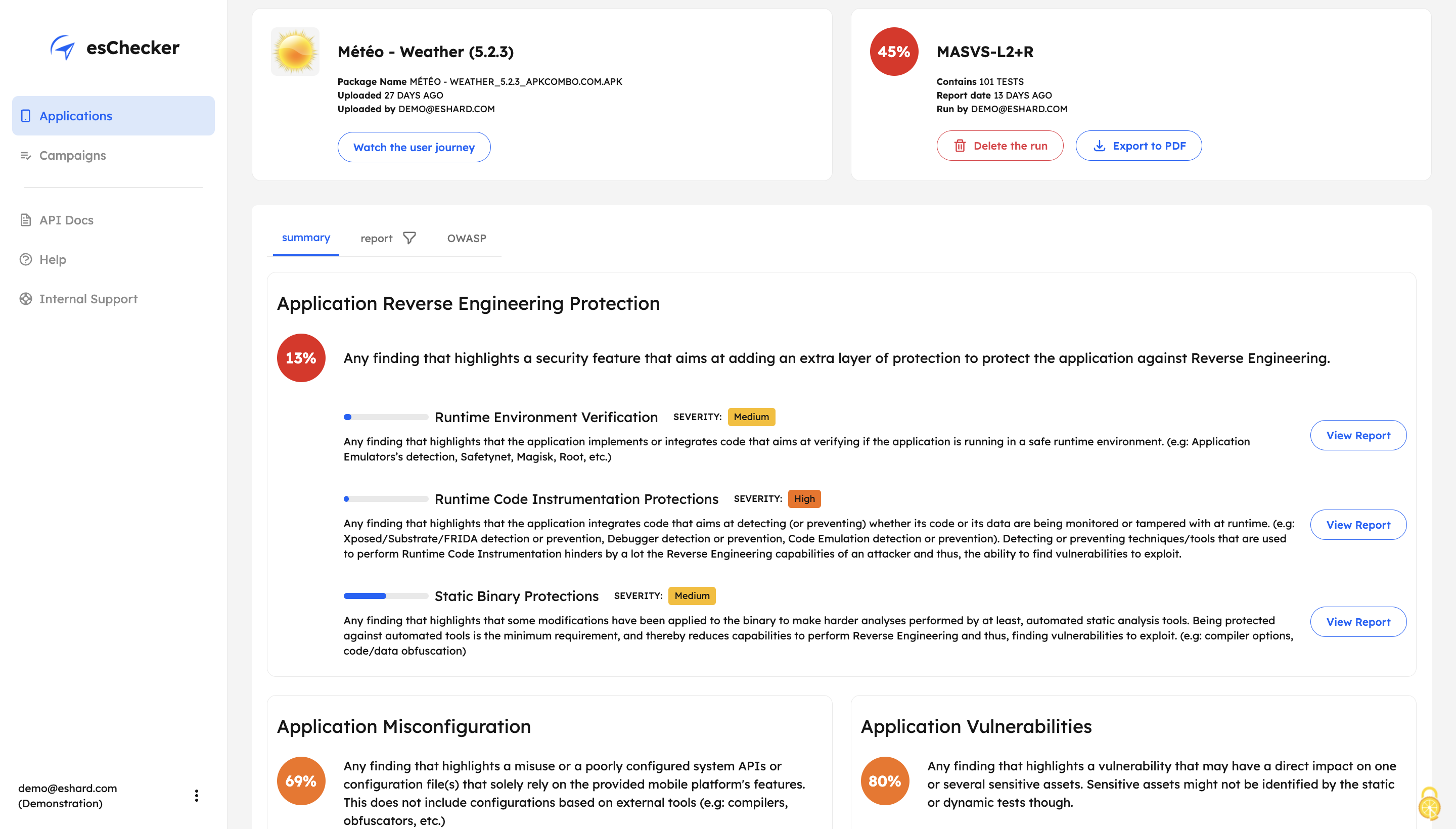
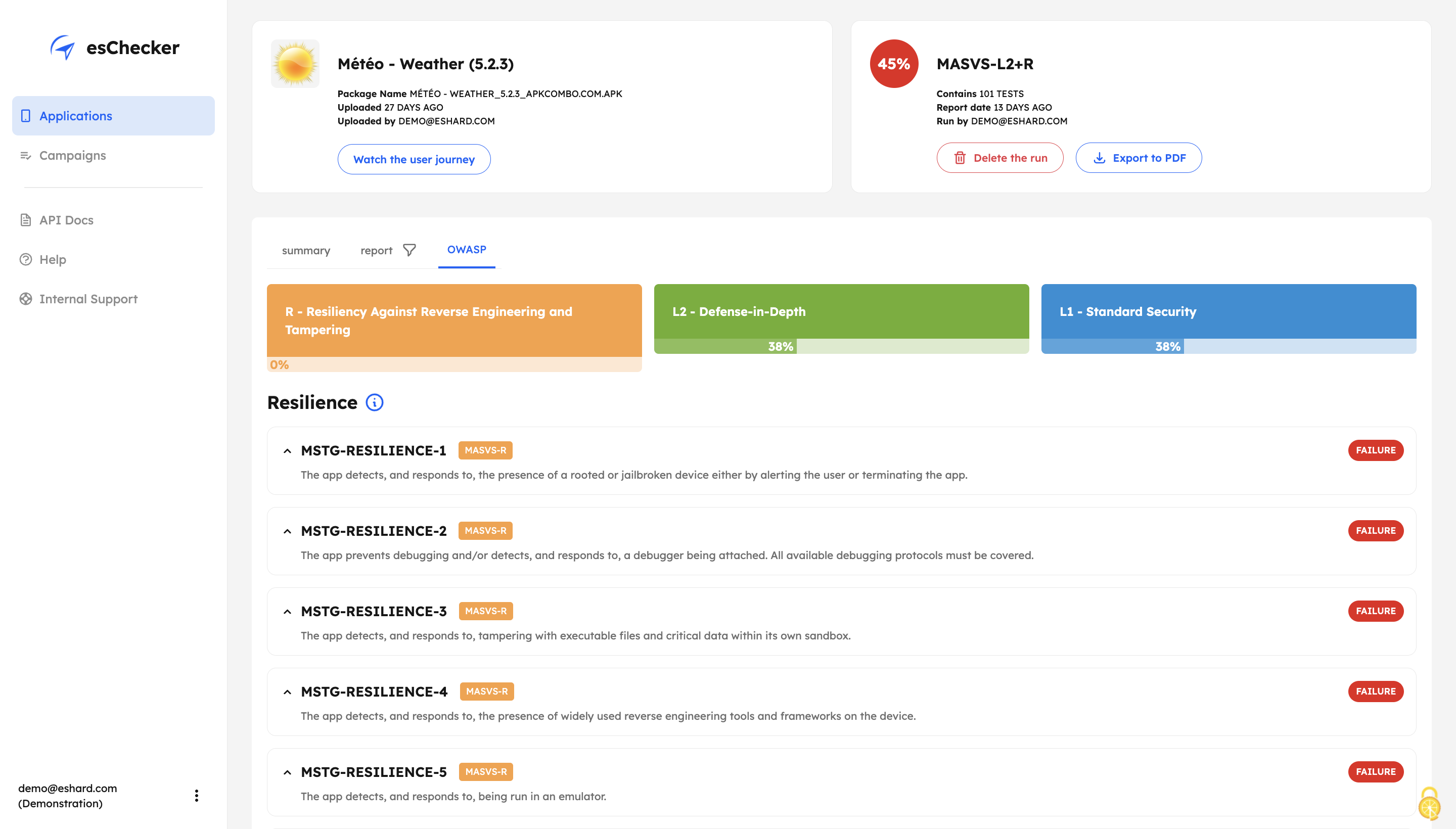
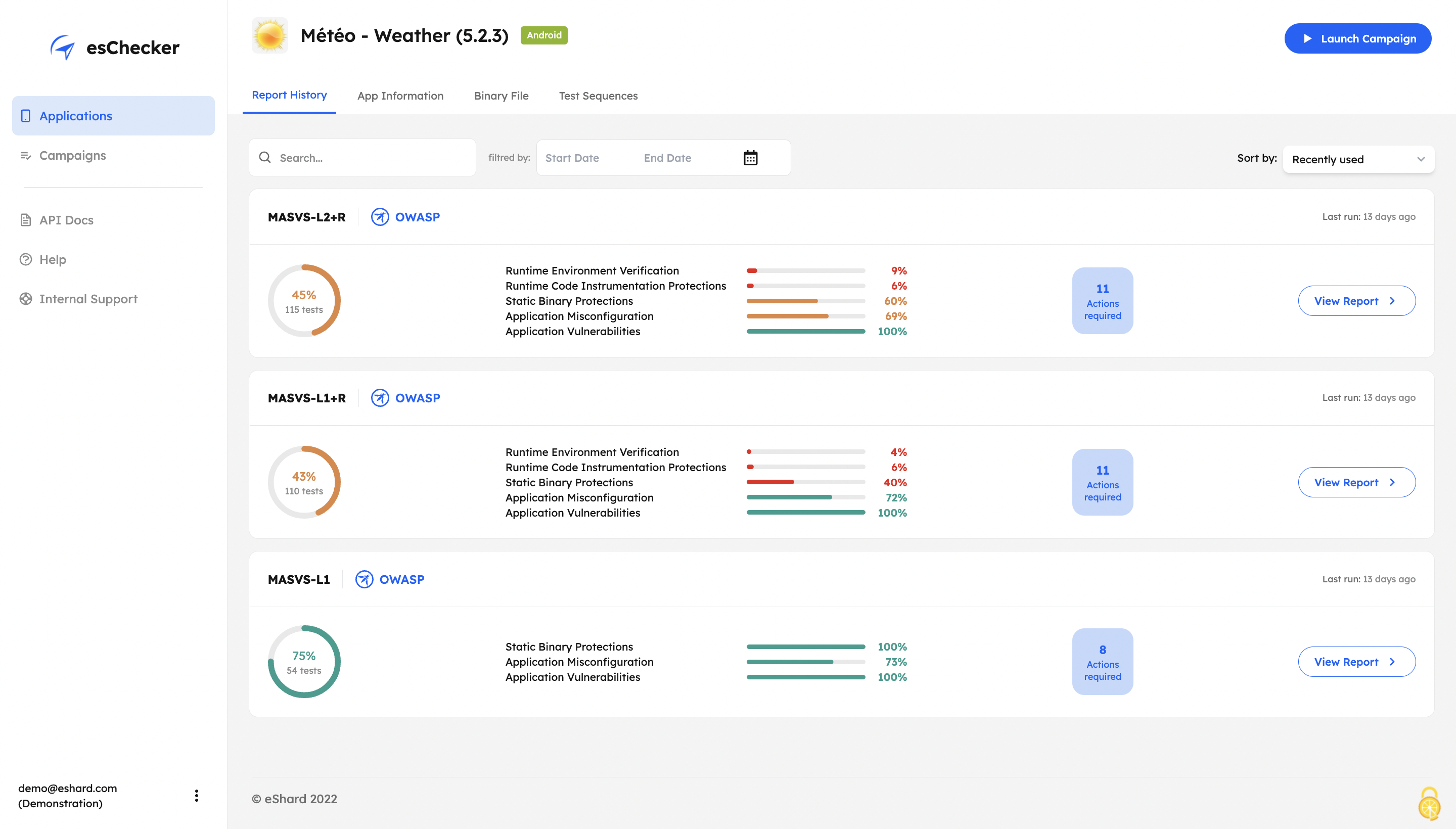
1 / 5
Screenshot of esChecker offers default preset campaigns, according to OWASP standards: MASVS L2+R, MASVS L2, MASVS L1+R and MASVS L1. Users can also choose to create custom campaign to match internal security policies.
Technical Details
| Deployment Types | SaaS |
|---|---|
| Mobile Application | No |
| Supported Languages | English, Spanish, Portuguese, French |
FAQs
What are esChecker's top competitors?
Pradeo and NowSecure are common alternatives for esChecker.