
TrustRadius: an HG Insights company

Help Desk Migration

Score9.6 out of 10

9 Reviews and Ratings

What is Help Desk Migration?

Help Desk Migration is a tool used to transfer data from one platform to another securely, accurately, and with no downtime.

Read more details.

Categories & Use Cases

Media

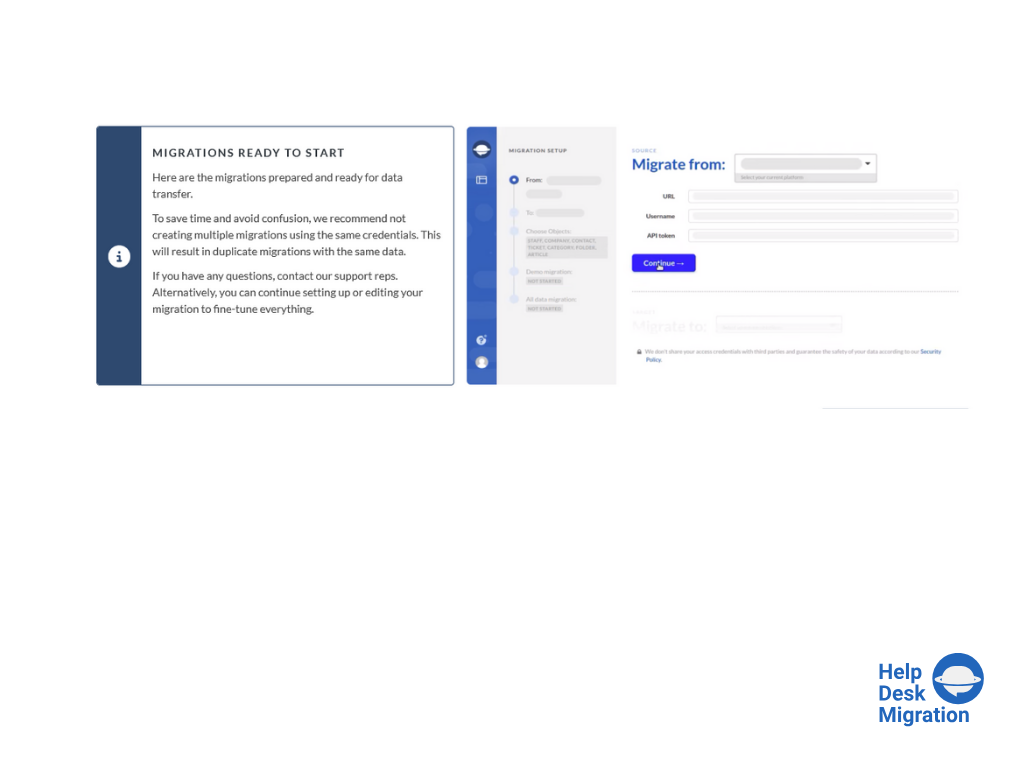
Screenshot of selecting the source and target platforms.
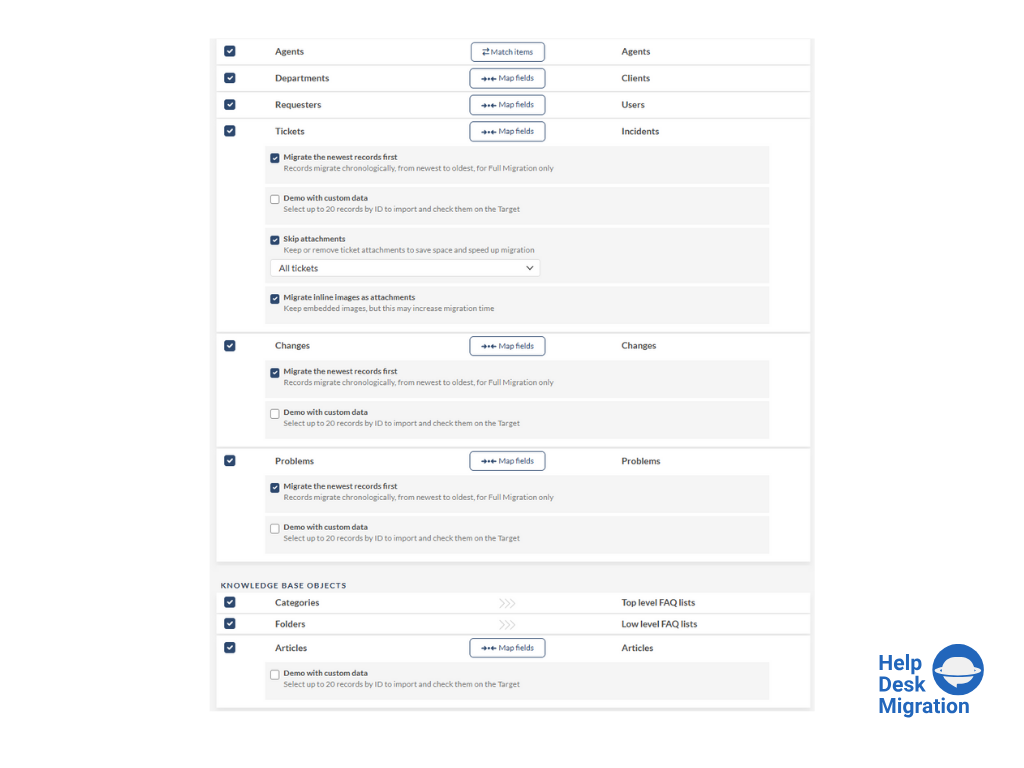
Screenshot of mapping data for an accurate migration process.
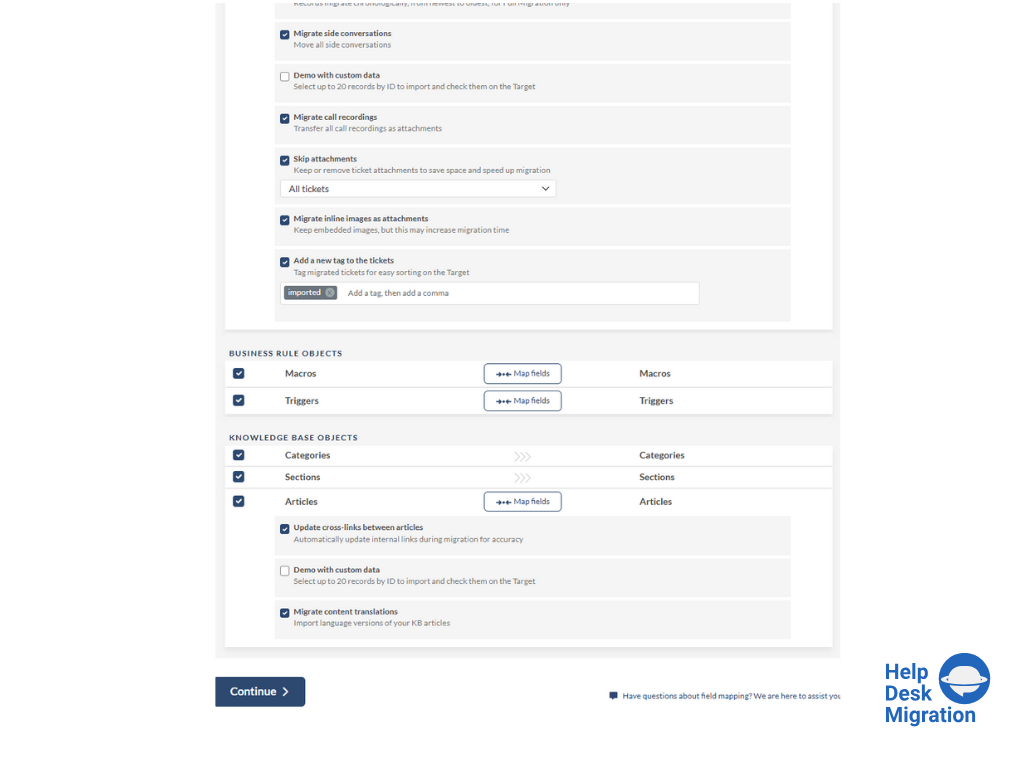
Screenshot of running the Demo Migration, which includes transferring 20 tickets and 20 articles.
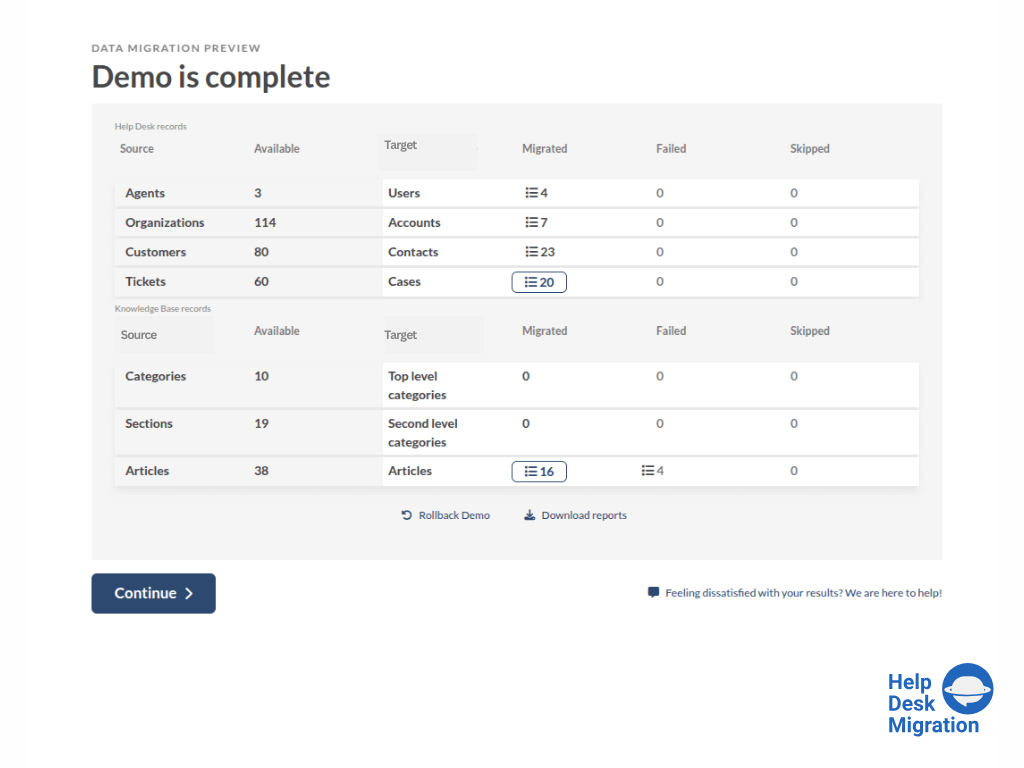
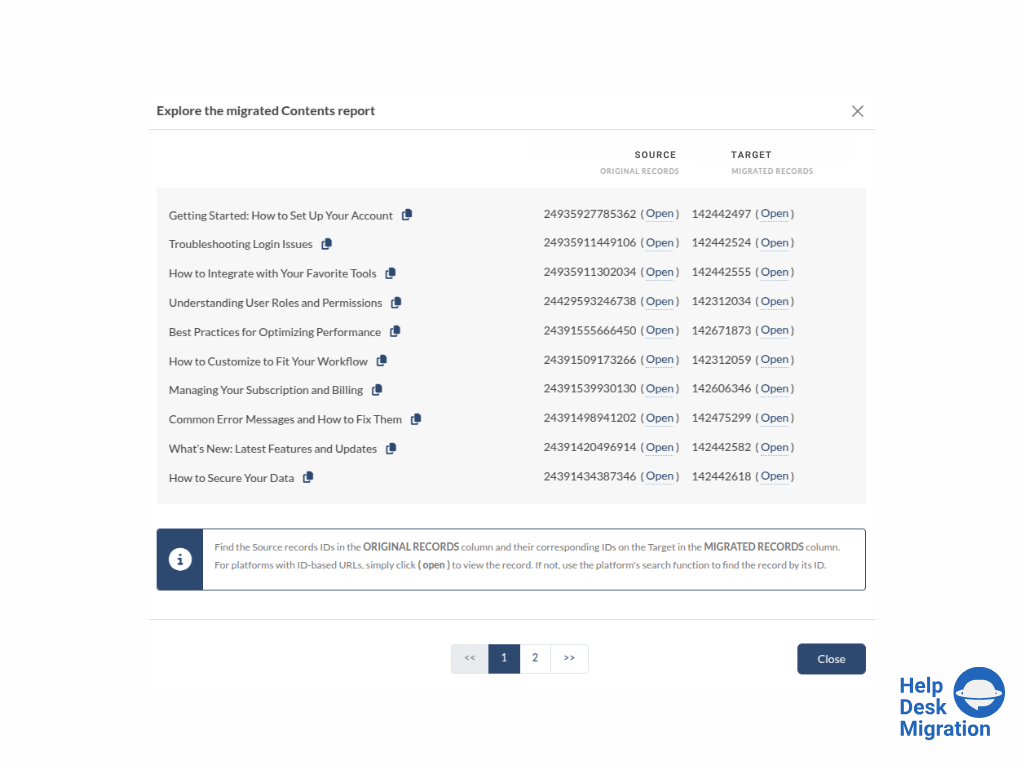
Screenshot of reviewing the demo migration results.
Screenshot of adjusting the mapping and refining the data migration path.
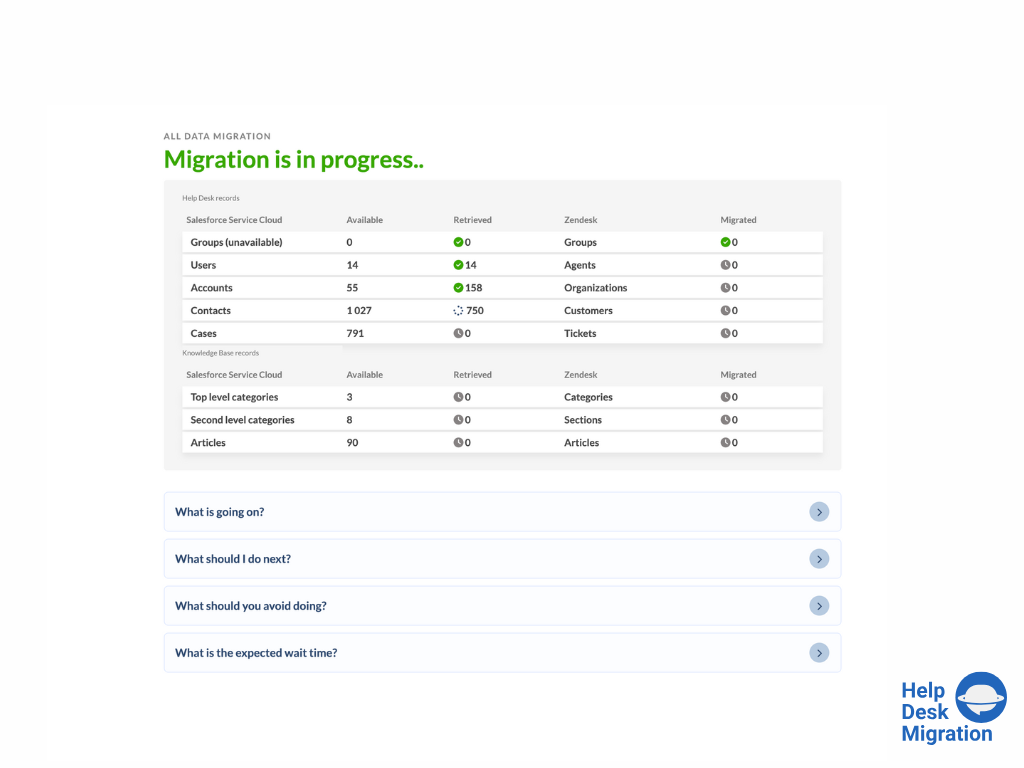
Screenshot of the migration progress — duration depends on the number of records being migrated.
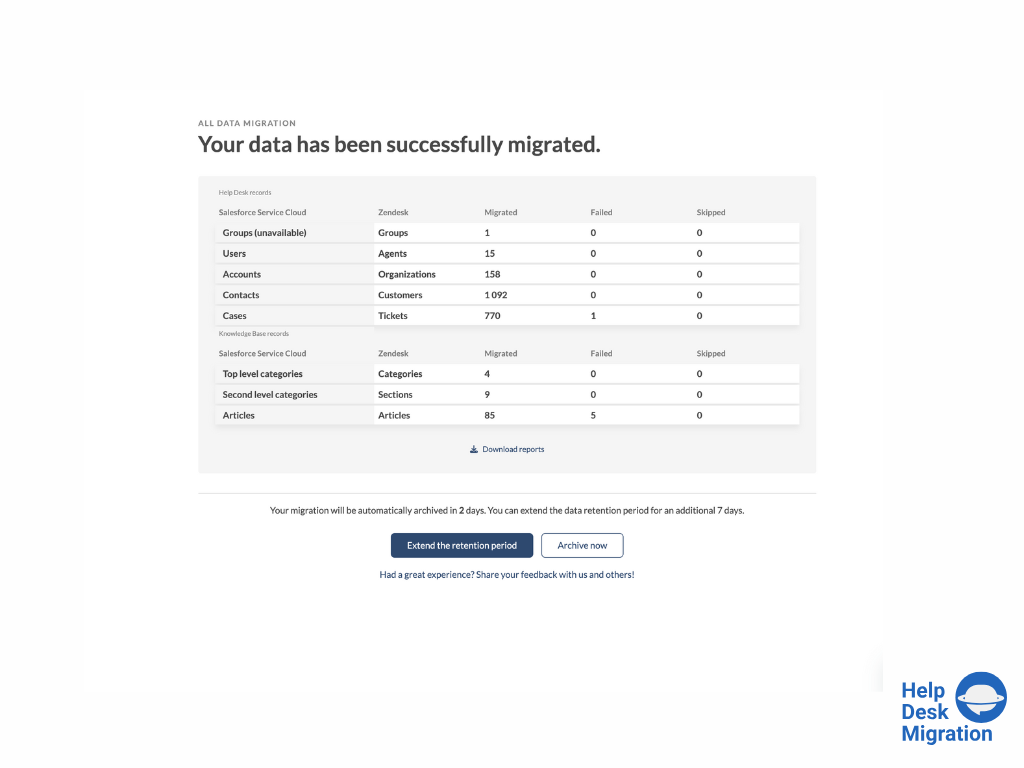
Screenshot of full data migration

1 / 7

Screenshot of selecting the source and target platforms.

Pros

  • Facilitates data transfer and consolidation across diverse help desk platforms
  • Intuitive user interface and straightforward setup for complex migrations
  • Demo migration feature allows preview and validation of data

Cons

  • Field mapping descriptions can be confusing or less intuitive
  • Frequent need for support assistance to clarify field mapping scenarios
  • Limited in-app guidance for complex mapping

Great value for all levels of Support Data ETL projects

Use Cases and Deployment Scope

With my work mainly revolving around post M&A integration projects, migrating and consolidating systems and data is a critical component for the successful integration of multiple orgs into 1 cohesive company.

I have used Relokia's Help Desk Migration service multiple times and they have been instrumental in helping me with the complex ETL process of tickets, KBs and client data.

Pros

  • Ticket migration
  • Clients Data Mapping
  • Migration setup and validation
  • Interaction with the team

Cons

  • Ability to adjust historical data dates out of the box

Return on Investment

  • Low cost (compared to most competitors and vendor PS teams)
  • High Speed delivery (in soe projects within 1 week we were live)
  • ETL ease (no duplicates, super low error rate and automated mapping)

Usability

Great Service

Use Cases and Deployment Scope

I was tasked with migrating our ~26,000 tickets and contacts data in Hubspot to Freshdesk and had a week to do it.

Pros

  • Excellent response times from their customer support
  • A free demo that lets you migrate about 20 tickets
  • Available to work on weekends
  • An intuitive UI for mapping fields between platforms

Cons

  • Once the demo was over, it was hard to navigate to the Full migration options without accidentally running the demo again.

Return on Investment

  • We avoided losing all of our legacy ticket data.

Usability

Complex Migration Made Simple.

Use Cases and Deployment Scope

We were looking for a partner to migrate our Zendesk data to Odoo Helpdesk, and Help Desk Migration was up to the challenge. They custom-built the Odoo integration with their platform, making the migration seamless. After logging in to both platforms and verifying our accounts, the data migration was automatic. We had over 25,000 tickets and needed complex filtering, and Help Desk Migration made that easy!

Pros

  • Communication - proactive emails informing you of where you are in the process.
  • Comprehensive UI - provides step-by-step instructions on authenticating and setting up the platform, making it easy to get started.
  • Mapping - the process was incredibly easy, from predefined maps to adding custom fields; each step was simple.

Cons

  • Some fields could use better descriptions, but overall, everything is well labeled and documented, and the team is readily available for any questions.

Return on Investment

  • Data Continuity - keeping our customer data intact as the business evolves through platforms.
  • Data Hygiene - proper mapping reduces duplicates and keeps our data clean and easy to read.

Usability

Quick and Easy Migration even with special requests

Use Cases and Deployment Scope

We migrated from Jira Service Management and Jira Software Projects in a Jira Cloud Instance to a HaloPSA Cloud Instance.

With the help of Help Desk Migration the migration was very smooth and al special requests were implemented via customization. The migration was fast, reliable and ofcource successfull.

Pros

  • Default Mapping Features resolved already 80% of our needs
  • Customization from the Help Desk Migration resolved our special needs
  • Reporting and visibility of the migration
  • Data Quality after migration
  • ease of use

Cons

  • 2FA Authentication to the Help Desk Migration Portal would be very nice as the software is handling critical data.
  • Billing is run externaly and requires communication via mail

Return on Investment

  • The required manpower was significantly lower than in previous migrations
  • The migration of data was a small task in the context of the whole project
  • No special knowledge of the data structures between the tools was required

Usability

Other Software Used

HaloPSA, n8n, Atlassian Jira

Super Easy Migration

Use Cases and Deployment Scope

We used Help Desk Migration to migrate from Zoho Desk to FreshService in 2026.
It saved manually emailing tickets from the old system to the new, and meant conversation history, fields and attachments could all be carried over with ease.

Pros

  • Powerful solution
  • Quick responses to queries
  • Flexibility - for example moving only open tickets
  • Configurability - mapping fields and values

Cons

  • The interface wasn't the easiest to navigate

Return on Investment

  • Speedy migration, saving time and effort
  • The product represented good value for money

Usability