

Clear Cloud Infrastructure Visibility and Troubleshooting

Use Cases and Deployment Scope
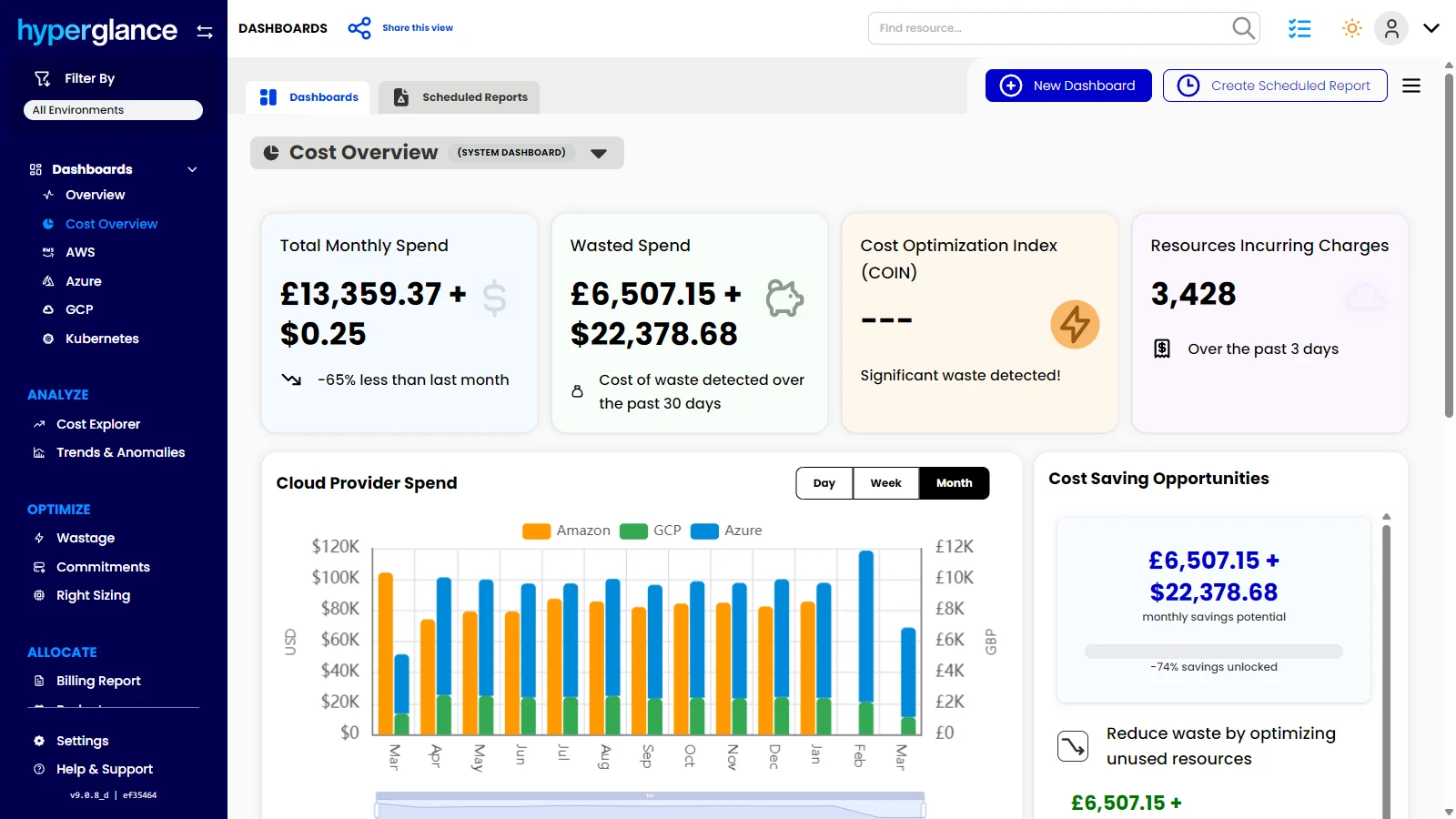
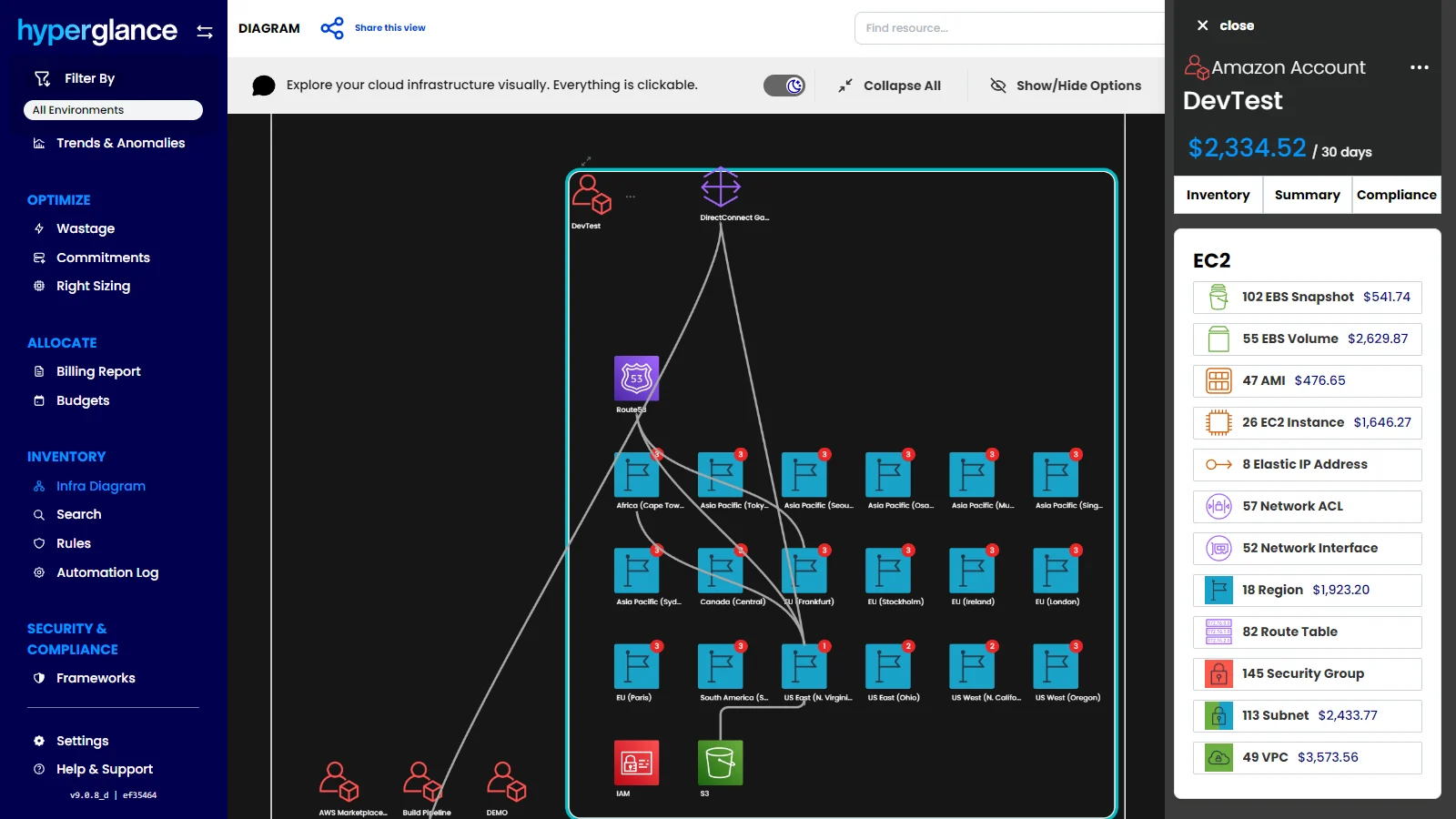
We use Hyperglance to enable the best possible oversight of our cloud environment and provide the most comprehensive and accessible understanding of the connections within it. The biggest business challenge that Hyperglance helps us address is ensuring maximum ease of overview of the cloud environment, as well as the relationships between its various components.
Pros
- Website and system monitoring. By using Hyperglance for monitoring the systems that underpin our real estate business, we can be assured that if our website or any other critical system faces an issue, we have an immediate insight into the possible associated resources that may be impacted.
- Infrastructure review. Finally, we also find the use of Hyperglance essential during a business infrastructure audit.
- Troubleshooting. The use of the Hyperglance would be critical in case of nay malfunctions of the systems or tools.
Cons
- Simpler Interface. Some sections in the program could be less technical for non-technical team members to understand.
- Better Search. An options for more refined search would be beneficial in the program in order to locate relevant documents concerning our property website efficiently.
- Custom Reports. More report options catering towards a simple, business-based report would be preferable to have in the program.
- Better Alerts. Alerts could indicate more information on the discrepancy and what to look for.
Return on Investment
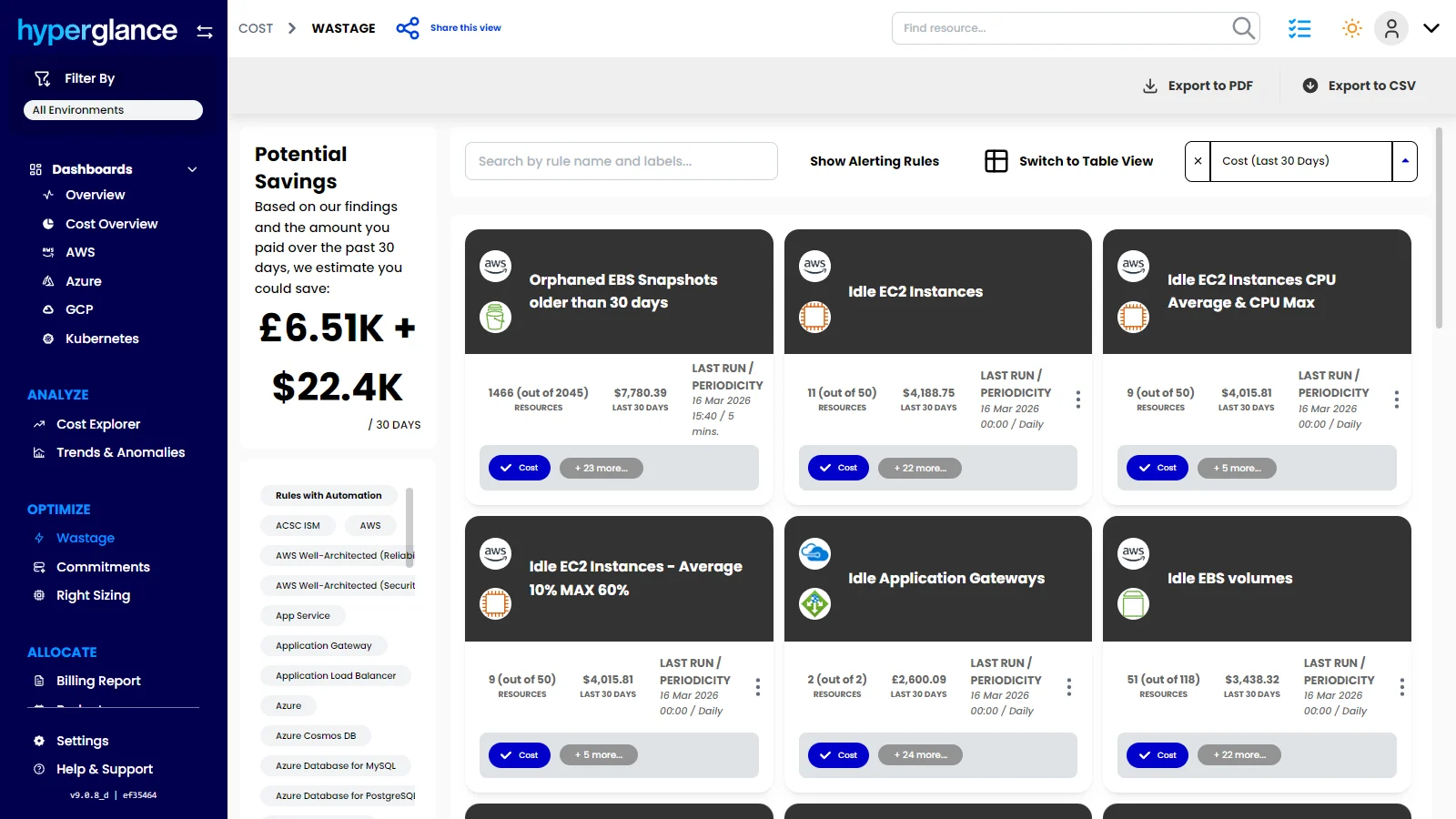
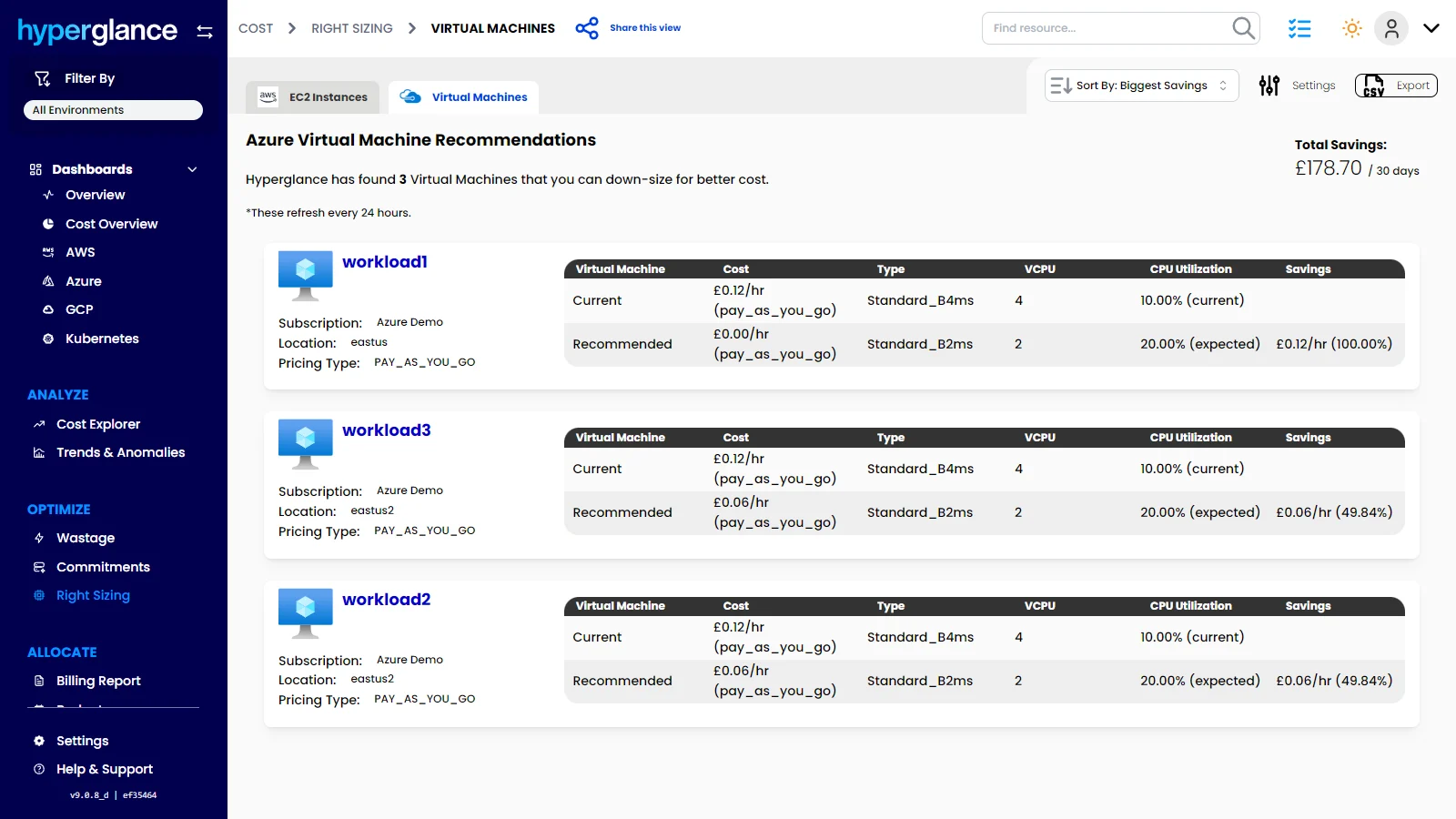
- Time Saving: The tools is currently saving- time spent on independent checks of different clouds in our real estate system.
- Better Understanding: In addition, we gain a better understanding of the technology we use for our property listings and customer inquiries.
- Faster Troubleshooting: Second, by providing a better overview of the relevant resources, the tool helps us troubleshoot the problems that occur in the system quicker than before.
Usability
Alternatives Considered
AWS Managed Services
Other Software Used
ChatGPT, Canva, GitHub Copilot, WordPress, Google Workspace, Social Media Management Tool